To clean your smartphone safely, start by gathering a microfiber cloth and a gentle cleaning solution like diluted isopropyl alcohol or water-based mix. Power off your device, unplug cables, and remove any case or accessories. Wipe the screen gently in circular motions, avoiding excessive moisture, and clean edges and ports carefully with soft tools or compressed air. Dry everything thoroughly before reassembling. For detailed tips on preserving your device’s condition, continue with the full guidance.
Key Takeaways
- Power off and unplug your device before cleaning to prevent damage or data loss.
- Use a microfiber cloth dampened with a gentle, safe cleaning solution; avoid spraying liquids directly on the phone.
- Carefully clean ports, edges, and crevices with compressed air or a soft brush to remove dust and debris.
- Avoid abrasive materials and harsh chemicals to prevent scratches and damaging coatings.
- Dry the device thoroughly and reassemble accessories only after ensuring it’s completely dry.
Gather the Right Cleaning Supplies
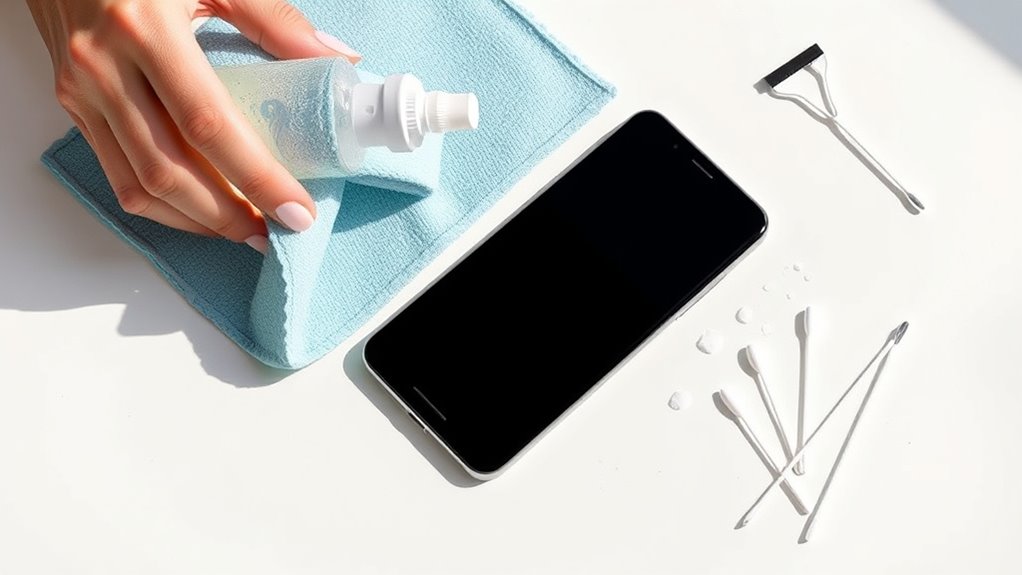
Before you start cleaning your smartphone, collecting the right supplies is vital. You’ll want a microfiber cloth for effective screen cleaning without scratches. Avoid paper towels or rough fabrics that can damage your screen’s coating. Consider a gentle cleaning solution, like a mixture of water and isopropyl alcohol, to disinfect and remove dust buildup. For dust removal, a soft brush or compressed air can help clear debris from around buttons and ports without pushing dirt further inside. Keep a small spray bottle handy for applying the cleaning solution lightly to the cloth, never directly on the device. Having these supplies ready guarantees you can clean your smartphone safely, effectively removing dust and smudges without risking damage. Proper preparation makes the entire cleaning process smoother and more efficient. Additionally, understanding the color accuracy of your device can help you assess whether your screen needs more targeted cleaning or calibration to restore optimal visual quality. Being aware of your device’s screen coating can also guide you in choosing the most suitable cleaning methods and products. Regularly checking your device’s dust accumulation can prevent long-term buildup that might affect functionality and can be mitigated by using appropriate cleaning techniques to maintain your device’s longevity.
Power Down and Unplug Your Device
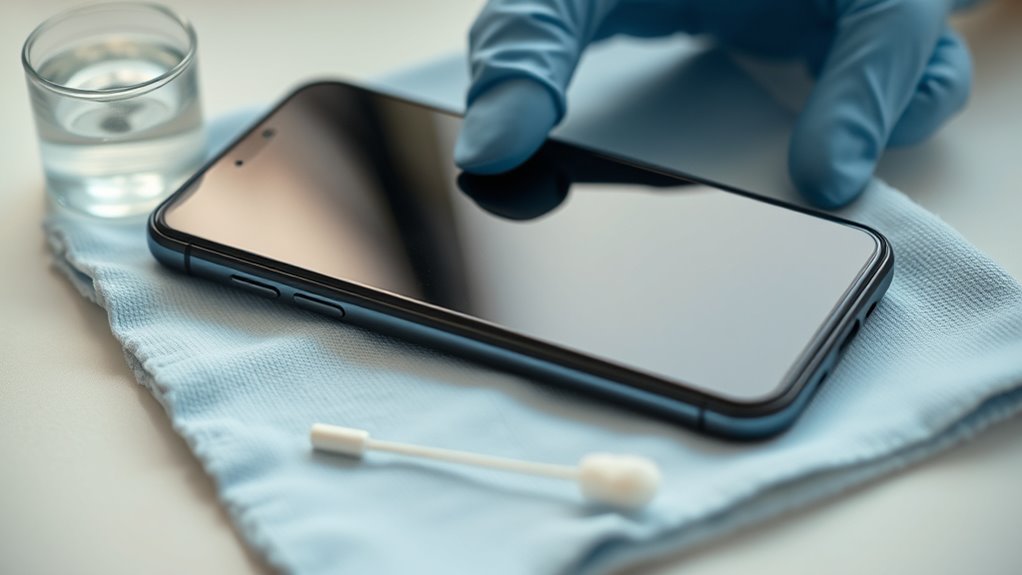
Before cleaning, turn off your smartphone to prevent any accidental taps or damage. Unplug all charging cables and remove external accessories like cases or screen protectors. This makes sure your device is completely powered down and safe to handle during cleaning. Additionally, ensure your device is protected against data protection regulations by handling it carefully during the process. Incorporating privacy considerations ensures that user data remains secure throughout the cleaning process. To further safeguard your device, consider implementing secure data practices when handling sensitive information during cleaning or maintenance, which also helps maintain compliance with privacy policies. Proper handling during cleaning aligns with safe electrical practices to prevent damage or data breaches.
Turn Off Device
To guarantee safe and effective cleaning, you should always turn off your device and unplug it from any power source. Power down your smartphone completely to prevent accidental touches or screen activation during cleaning. Unplug the device to eliminate any remaining electrical risk and ensure it’s fully powered off. Turning off your phone also helps protect internal components from moisture or cleaning solutions that could cause damage. Before you start cleaning, press and hold the power button, then select the shutdown option. Once powered down, unplug your device from any charger or power source. This simple step minimizes the risk of short circuits, data corruption, or accidental activation, making your cleaning process safer and more efficient. Additionally, understanding the electrical safety principles can help prevent potential harm during maintenance and Proper cleaning techniques are essential to avoid damaging delicate parts of your device. Incorporating device safety precautions into your cleaning routine ensures you protect your smartphone’s longevity and performance.
Unplug Charging Cables
Once your device is powered down, it’s essential to unplug all charging cables. Removing these cables prevents accidental damage to the charging port during cleaning and reduces the risk of electrical shorts. Carefully disconnect each cable, inspecting the port for dust, lint, or debris that could interfere with charging or cable maintenance. Keeping the charging port clean helps guarantee ideal connection and prevents potential damage. Proper cable maintenance extends their lifespan and maintains efficient charging. After unplugging, store your cables in a safe, dry place to prevent damage. Ensuring the use of appropriate cleaning methods for your device and cables helps prevent damage and maintain functionality. Additionally, consulting ventilation considerations can help prevent moisture buildup that might affect your device’s internal components. Regularly checking dust accumulation can also help avoid performance issues caused by debris inside the ports. Also, be mindful of electrical safety tips to prevent any unintended hazards during cleaning. Taking these steps ensures your device remains in good condition and ready for thorough cleaning without risking harm to its internal components.
Remove External Accessories
Since your device is powered down, it’s important to remove all external accessories such as cases, screen protectors, and external mounts. Removing these items helps prevent accidental damage during cleaning and guarantees you don’t disturb any screen protection you’ve applied. Detaching external accessories reduces the risk of external damage caused by cleaning liquids or moisture seeping into ports or seams. It also allows you to clean every surface thoroughly without obstruction. Be gentle when removing screen protectors to avoid damaging the screen or causing scratches. Taking off cases and mounts makes it easier to wipe down the entire device safely. Always handle accessories carefully to prevent any damage, and set them aside in a safe place until your device is completely clean and dry. Additionally, ensuring your smartphone has a lightweight design can make the cleaning process more manageable. Keeping your device well-maintained ensures easier cleaning and reduces the risk of damage during the process. Proper cleaning techniques also involve understanding the material composition of your device to avoid using harmful cleaning agents. Regularly inspecting your device for damage or wear can help identify issues early and prevent further harm during cleaning. Being aware of your device’s design features can also help you clean more effectively and safely.
Remove the Case and Accessories

Remove the case and any accessories before you start cleaning your smartphone, as this prevents damage and gives you access to all surfaces. Carefully detach external lenses and remove the screen protector, if applicable, to avoid trapping dust or debris. Removing these parts also makes cleaning easier and more effective. Use the table below for a quick guide:
| Step | What to Do | Tips |
|---|---|---|
| Remove the case | Gently take off the protective cover | Check for dust inside |
| Detach external lenses | Carefully unscrew or unclip | Keep lenses safe |
| Remove screen protector | Peel off slowly from edges | Avoid scratching |
| Check for debris | Inspect for dirt in ports and edges | Use compressed air |
| Final inspection | Ensure all accessories are detached | Prepare for cleaning |
Additionally, understanding proper cleaning techniques can help prevent damage and extend your device’s lifespan. Regularly inspecting your device for dust accumulation can also improve its overall performance and longevity. Incorporating recommended cleaning tools can further ensure your smartphone stays in optimal condition. Also, being aware of water resistance features can help you avoid accidental damage during cleaning.
Use a Microfiber Cloth for Screen Wiping

When wiping your screen, use a microfiber cloth with a gentle touch to avoid scratches. Steer clear of abrasive materials that could damage the surface, and make wiping a regular part of your maintenance routine. Keeping these practices in mind helps guarantee your screen stays clean and in good condition.
Gentle Wiping Technique
Using a microfiber cloth is the best way to gently clean your smartphone screen without causing scratches or damage. When performing a gentle wiping, avoid pressing too hard—let the soft cloth do the work. Move in smooth, circular motions to lift dirt without scratching the surface. Always start from the center and work outward to prevent spreading debris. Keep the cloth clean and dry; if necessary, dampen it slightly with a mixture of water and a mild cleaner. Remember, gentle wiping is key to maintaining your screen’s clarity and longevity.
- Use a soft, lint-free microfiber cloth for maximum safety
- Wipe in gentle, circular motions to avoid streaks
- Keep the cloth clean and slightly damp for stubborn spots
Avoid Abrasive Materials
To prevent scratches and damage, it’s essential to avoid abrasive materials when cleaning your smartphone screen. Using rough or gritty substances can cause tiny scratches that impair visibility and weaken the screen’s protective coating. Instead, opt for a microfiber cloth, which is gentle yet effective at removing fingerprints and smudges. Microfiber cloths are designed to trap dirt and oils without scratching the surface, making them ideal for damage prevention. Steer clear of paper towels, tissues, or any cloth with rough fibers, as these can create micro-abrasions over time. By choosing the right materials, you protect your device’s integrity and keep the screen clear and responsive. Proper cleaning habits ensure your smartphone remains in top condition without risking unnecessary damage.
Regular Maintenance Schedule
Establishing a regular maintenance schedule guarantees your smartphone stays clean and performs at its best. Using a microfiber cloth for screen wiping is essential for effective dust removal and screen disinfecting without causing damage. Incorporate daily or weekly cleaning routines to prevent buildup of dirt and germs.
To keep your screen pristine, consider these tips:
- Wipe the screen gently with a microfiber cloth to remove dust and smudges.
- Use light, circular motions to avoid scratching the surface.
- Regularly disinfect the screen with appropriate cleaning solutions to eliminate germs.
This routine helps maintain clarity, prevents scratches, and ensures your device remains hygienic. Making screen disinfecting and dust removal part of your schedule extends your smartphone’s lifespan and keeps it looking new.
Apply a Safe Cleaning Solution
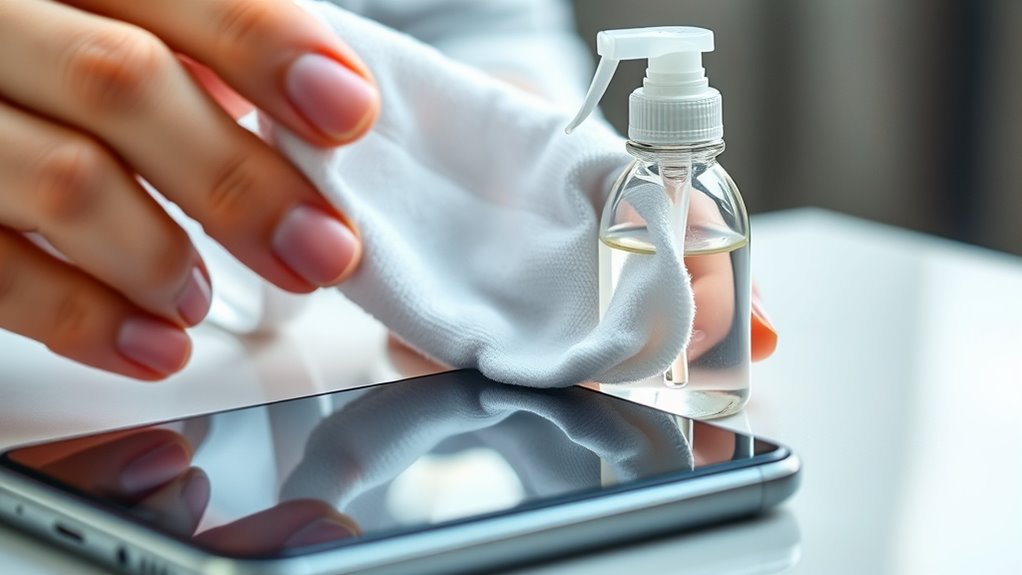
Before applying any cleaning solution, make sure it’s safe for your smartphone’s materials. Use only safe cleaning solutions designed for electronics, avoiding harsh chemicals that can damage screens or coatings. Natural disinfectants, like diluted isopropyl alcohol (at least 70%) or a mixture of water and a small amount of white vinegar, are effective and gentle options. Never spray liquid directly onto your device; instead, lightly dampen a microfiber cloth with the solution. This prevents excess moisture from seeping into openings. Always check manufacturer guidelines for compatible cleaning agents. By choosing the right, safe cleaning solutions, you protect your device while ensuring it stays germ-free and spotless. Remember, gentle and proper application is key to maintaining your smartphone’s longevity.
Clean the Phone’s Edges and Corners Carefully

Since dirt and grime tend to accumulate in the edges and corners of your phone, it’s important to clean these areas carefully. Proper edge cleaning and corner detailing prevent debris buildup that can affect performance or cause damage. Use a soft, slightly damp cloth or a cotton swab to gently reach into tight spaces. Be cautious not to apply too much pressure, which could push dirt further in or damage the phone. Focus on removing dust and grime from crevices without saturating any openings. For thorough corner detailing, consider using a toothpick wrapped in a microfiber cloth to loosen stubborn dirt. Regularly inspecting and cleaning these hard-to-reach areas helps keep your phone spotless and functioning smoothly. Remember, gentle care is key for effective cleaning.
Dry and Reassemble Your Smartphone

After carefully cleaning the edges and corners, it’s time to dry your smartphone thoroughly. Use a soft, lint-free cloth to gently remove any remaining moisture, paying close attention to the screen and ports. For screen disinfecting, verify you wipe gently without applying too much pressure. This helps eliminate germs without damaging your display. Next, perform dust removal by using compressed air or a soft brush to clear out debris from crevices and speaker grills. Make sure no moisture or dust remains before reassembling. Once everything is dry and clean, carefully reattach any covers or accessories you removed earlier. Handle your smartphone gently during reassembly to avoid accidental damage. Proper drying and reassembly ensure your device stays clean, functional, and ready for everyday use.
Maintain Regular Cleaning Habits
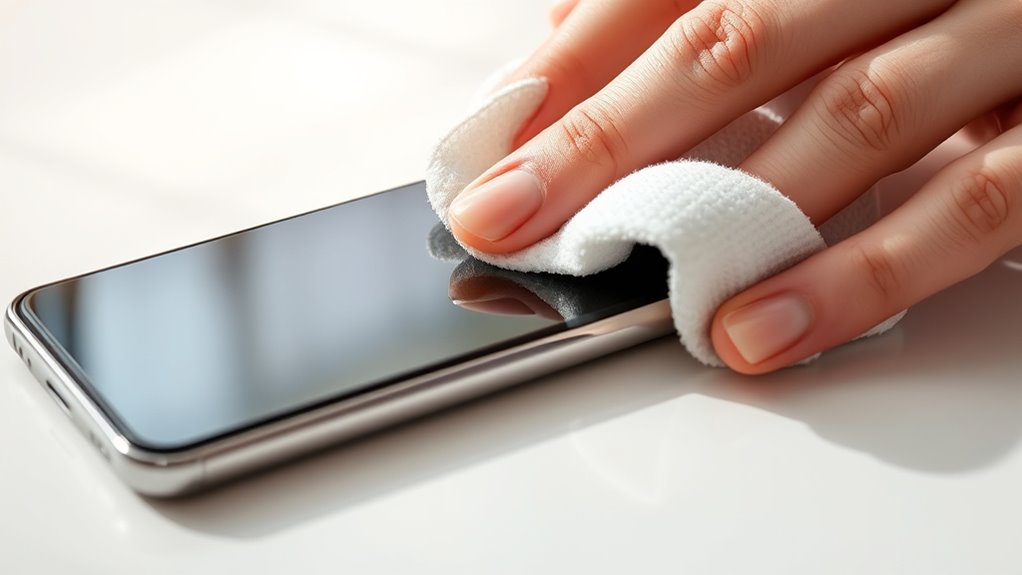
Maintaining regular cleaning habits is essential to keep your smartphone hygienic and in good working condition. Consistently practicing screen sanitization helps prevent germs from spreading and keeps your device looking new. Dust prevention is equally important; dust and debris can accumulate and impact performance. To stay on top of cleaning, consider these habits:
Regular cleaning keeps your smartphone hygienic, looking new, and functioning properly.
- Wipe your screen daily with a microfiber cloth to prevent dust buildup.
- Use disinfectant wipes weekly to sanitize the screen and surface areas.
- Store your phone in a clean case or pouch to reduce exposure to dust and dirt.
These simple routines will help you maintain a cleaner device, prolong its lifespan, and ensure peak functionality. Regular cleaning isn’t just about hygiene; it also protects your investment.
Frequently Asked Questions
Can I Use Household Cleaning Products to Sanitize My Smartphone?
You shouldn’t use household chemicals to sanitize your smartphone because they can damage the device’s screen and coatings. Instead, use disinfectant wipes with at least 70% isopropyl alcohol or a soft microfiber cloth dampened with a small amount of alcohol-based cleaner. Avoid harsh cleaning tools or chemicals, as these can scratch or harm your phone. Always follow manufacturer instructions to keep your device safe and clean.
How Often Should I Clean My Smartphone for Optimal Hygiene?
You should clean your smartphone daily to keep screen fingerprints and dust removal under control. Regular cleaning helps prevent bacteria buildup and maintains ideal hygiene. Use a soft, slightly damp microfiber cloth to gently wipe the screen, avoiding harsh chemicals. This routine keeps your device looking clear and fresh, reducing germs and dust, so it stays in top condition and ready for use whenever you need it.
Is It Safe to Clean My Phone With Water?
Cleaning your phone with water is like walking a tightrope—you’re risking water damage if you’re not careful. It’s generally not safe to clean your device with liquids, especially direct water, as it can seep into openings and cause internal damage. Instead, use a slightly damp microfiber cloth or a specialized cleaning wipe. Avoid excessive moisture to prevent water damage and keep your phone functioning smoothly.
What Should I Do if My Phone Gets Damaged During Cleaning?
If your phone gets damaged during cleaning, stop using it immediately. You should seek emergency repair to prevent further harm. Avoid trying DIY fixes that could worsen the damage. Instead, contact a professional service specializing in smartphone repairs. They have the tools and expertise to assess and fix the issue safely. Acting quickly guarantees your device gets the proper care it needs, increasing the chances of a full recovery.
Are There Specific Cleaning Methods for Different Smartphone Brands?
Did you know that over 90% of smartphone users clean their devices incorrectly? For brand-specific cleaning, always check your phone’s manual or manufacturer’s website for guidelines. Some brands, like Apple or Samsung, have screen coating considerations; using harsh chemicals can damage these coatings. Use a soft, lint-free cloth and mild cleaners suited for your device to guarantee safe, effective cleaning without voiding warranties.
Conclusion
Think of your smartphone like a garden; regular cleaning keeps it thriving. I once overlooked mine, and dust built up like weeds choking the life out of the plants. Now, with simple habits, I’ve kept my device sparkling and functioning smoothly. Just like tending a garden, consistent care prevents bigger problems down the line. So, make cleaning a routine, and your phone will stay fresh, clear, and ready to serve you for years to come.