


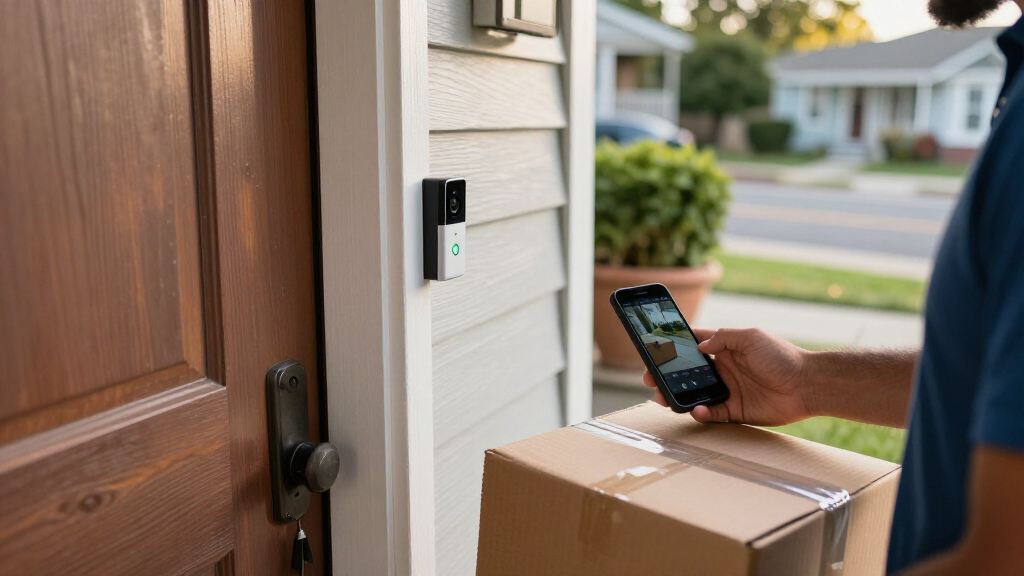
Compare 13 wireless video doorbells with package detection. Find the best pick for your home security needs in 2027 with our detailed buying guide.
The Latest
13 Best Wireless Video Doorbells With Package Detection In 2027
Kindle Paperwhite Bundle Review: A Holiday Reading Companion

A practical holiday review of the 16GB Jade Kindle Paperwhite Bundle, with its cover and adapter, including strengths, trade-offs and who it suits.
Can You Make AI Writing Less Work To Read? Six Patterns To Tackle

An October 2026 preprint compares 14 language models with human writing and identifies six patterns that may make AI text harder to process.
Find Your Way Through AI Voice Cloning Software With 12 Guides
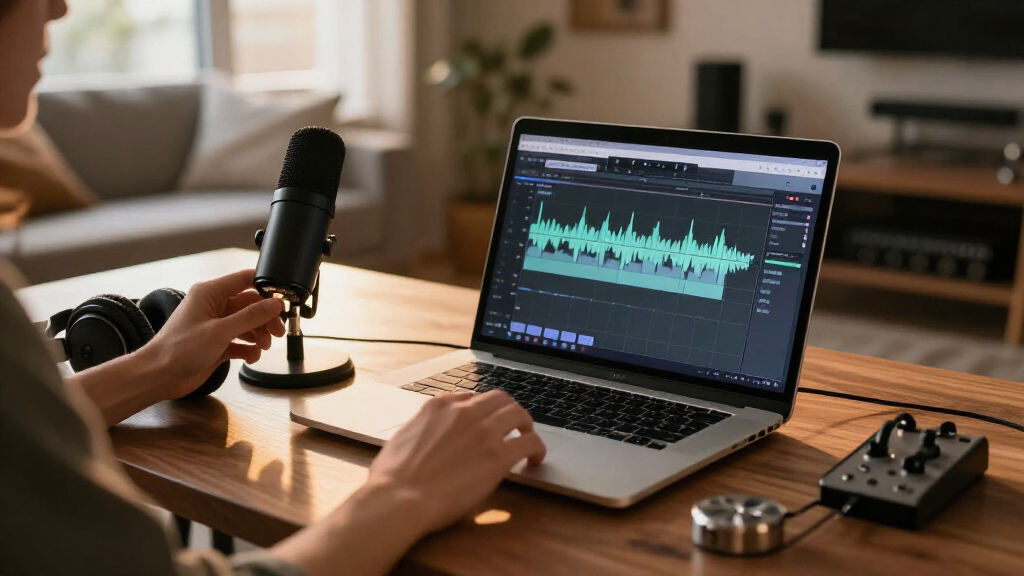
A comparison of 12 books and guides for learning AI voice cloning, from hosted ElevenLabs workflows to Python-based local projects.
Can Academic Communities Help Shape How We Understand AI?
OpenAI has published a page about working with academic communities, but available details do not identify participants, activities or results.
14 Best Smart Halloween Doorbell Cameras for Trick-or-Treat Night in 2027

Discover the best smart Halloween doorbell cameras for 2027. Compare features, night vision, and AI detection to find the right fit for your spooky season security.
15 Best Portable Power Stations for Home Backup and Travel in 2027
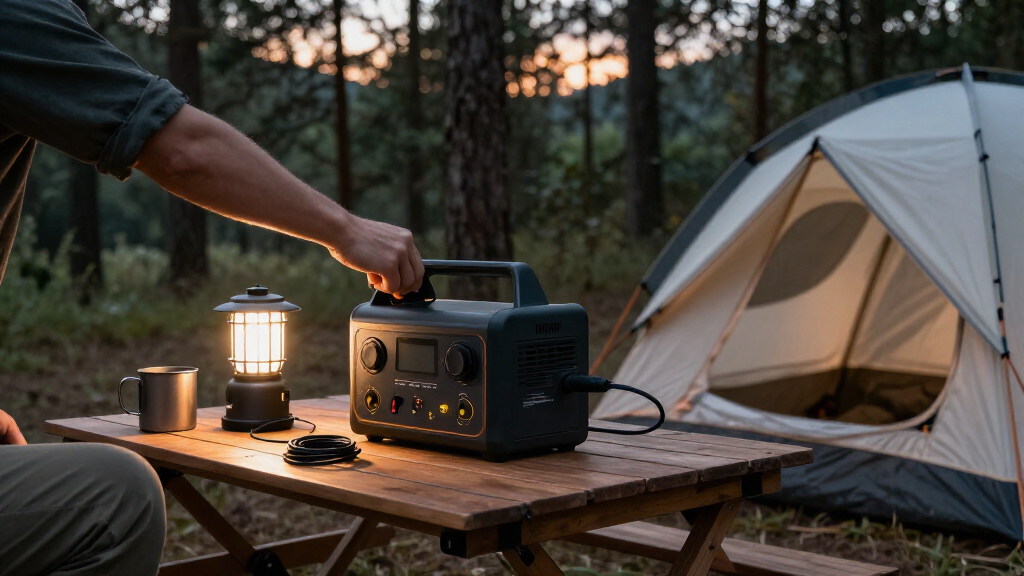
Compare 15 portable power stations by capacity, output, portability, and use case to find the right fit for backup power, camping, or everyday needs.
Anthropic Flags Potential AI Risks In Filing To Go Public
Anthropic’s preliminary IPO filing warns its AI could pose catastrophic risks and details rapid growth, large commitments and limited shareholder control.
What It Takes For Big Tech To Pay For AI
Microsoft offers voluntary severance to about 60,000 employees as Meta plans up to $95 billion in stock offerings amid rising AI infrastructure costs.
Should Companies Bring AI In-House? IBM’s CEO On The Bet
IBM CEO Arvind Krishna says open-weight AI can approach leading models at lower cost. Benchmarks and infrastructure costs show the trade-offs.