
If your gaming chair hurts, poor ergonomics are likely the cause. Without proper lumbar support, adjustable features, and a design that promotes good posture, you can experience pain, discomfort, and long-term health issues during long gaming sessions. Slouching or leaning forward often happens when your chair isn’t tailored to your body. Understanding these essential ergonomic features can help you find relief and enjoy gaming comfortably—if you keep exploring, you’ll uncover how to improve your setup.
Key Takeaways
- Poor lumbar support can cause lower back pain and muscle strain during extended gaming sessions.
- Lack of adjustability in height, armrests, or recline forces poor posture, leading to discomfort.
- Inadequate ergonomic features prevent natural spinal alignment, increasing fatigue and musculoskeletal issues.
- Non-responsive or complicated adjustment mechanisms discourage proper seating posture over time.
- Insufficient design elements like headrests or breathable materials reduce overall comfort and focus.

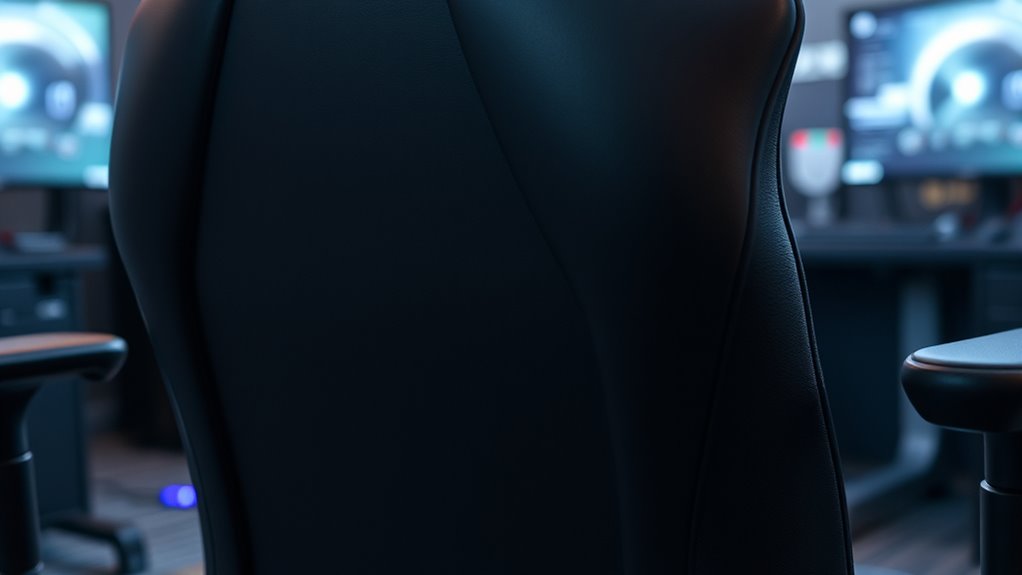
Gaming chair ergonomics is essential for maintaining comfort and preventing health issues during long gaming sessions. When you sit for hours, your body relies on the chair’s design to support your spine, neck, and hips. If your gaming chair lacks proper lumbar support, you risk developing lower back pain, muscle strain, and poor posture. Lumbar support isn’t just a feature; it’s a necessity that helps maintain the natural curve of your lower back, reducing stress and fatigue. Without it, you might find yourself slouching or leaning forward, which puts unnecessary pressure on your spine and can lead to chronic discomfort over time.
Adjustability features are equally important because every gamer’s body is different. A good gaming chair should allow you to customize height, armrest position, recline angle, and lumbar support. When you can modify your chair easily, you’re more likely to find a position that fits your body perfectly, reducing strain on your neck, shoulders, and back. Proper height adjustment ensures your feet stay flat on the ground, promoting better circulation and reducing pressure on your legs. Adjustable armrests prevent your shoulders from hunching forward, which can cause tension and pain. Reclinable backrests let you shift your posture periodically, giving your muscles a break and preventing stiffness. Additionally, ergonomic design features help support natural body alignment, further enhancing comfort and reducing fatigue.
Customize your gaming chair with adjustable height, armrests, recline, and lumbar support for ultimate comfort and reduced strain.
To maximize comfort and health benefits, look for a gaming chair with intuitive, smooth adjustment controls. If you struggle to find the right position or have to fight with stiff mechanisms, you’re less likely to use those features regularly, defeating their purpose. A chair with reliable adjustability allows you to fine-tune your seating position quickly, helping you stay comfortable during marathon gaming sessions. Remember, the goal isn’t just to find a seat that feels good at first but one that supports your body over hours of play without causing discomfort or health issues.
In addition to lumbar support and adjustability, consider how the overall design of the chair influences ergonomics. Features like a headrest, breathable material, and a stable base contribute to a healthier gaming experience. But without proper lumbar support and the ability to adapt the chair to your specific needs, even the best design can fall short. Prioritizing these ergonomic essentials ensures you stay comfortable, focused, and free from pain, no matter how long your gaming marathon lasts.
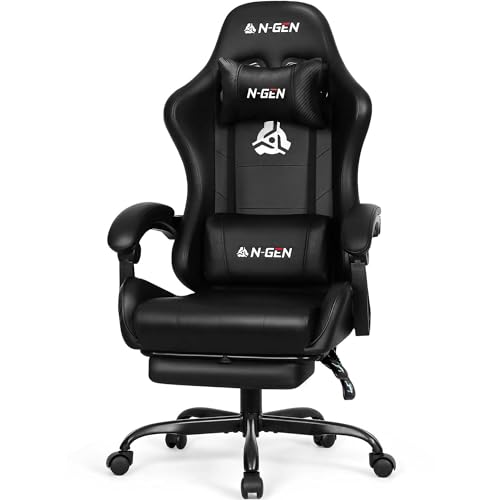
N-GEN GAMING Video Gaming Chair with Footrest Lumbar Support for Home Office High Back Recliner Height Adjustable Ergonomic Comfy Leather Computer Desk Chair (Carbon Black)
Racing Style for Long Sessions – High-back gaming chair with ergonomic racing design, ideal for long hours at…
As an affiliate, we earn on qualifying purchases.
As an affiliate, we earn on qualifying purchases.
Frequently Asked Questions
How Often Should I Adjust My Gaming Chair for Optimal Comfort?
You should adjust your gaming chair as needed, ideally every 30 to 60 minutes, to maintain peak comfort. Frequent adjustments help you stay aware of your posture and prevent strain. Pay attention to how you feel; if you notice discomfort or slouching, make small tweaks to your seat height, backrest, or armrests. Staying posture-aware and making regular adjustments ensures you remain comfortable and reduce the risk of pain during long gaming sessions.
Can Poor Posture While Gaming Cause Long-Term Health Issues?
Ignoring poor posture while gaming can cause long-term health issues, like back pain that feels like a relentless beast. Poor posture correction leads to spine misalignment, muscle strain, and chronic discomfort. Over time, this can even result in permanent damage. You need to prioritize proper ergonomics, sit correctly, and take regular breaks to protect your back and avoid serious health consequences. Your body will thank you later.
What Are Signs My Gaming Chair Is Ergonomically Incorrect?
You’ll notice your gaming chair is ergonomically incorrect if you experience discomfort or pain during long sessions. Signs include poor posture awareness, such as slouching or leaning forward, and a lack of lumbar support. Check your cushion quality—if it feels flat or unsupportive, your chair isn’t providing proper comfort. Adjust the height and backrest to improve posture awareness, and consider upgrading the cushion for better ergonomic support.
Are There Specific Materials That Improve Ergonomic Support?
Did you know that 65% of gamers experience discomfort from poor chair materials? Memory foam offers excellent ergonomic support by contouring to your body, reducing pressure points. Breathable mesh keeps you cool during long sessions, preventing sweat buildup and discomfort. Combining these materials guarantees maximum ergonomic support, enhancing your gaming experience and reducing strain. Choosing a chair with memory foam and breathable mesh can make a significant difference in comfort and posture.
How Do I Choose a Gaming Chair Suited for Different Body Types?
You should choose a gaming chair that matches your body measurement and offers extensive chair adjustability. Look for adjustable seat height, armrests, and lumbar support to customize the fit. Measure your height, weight, and leg length to find a chair that supports your posture comfortably. A well-adjusted chair aligns with your body, reducing strain and improving comfort during long gaming sessions.

Gaming Chair with Footrest, Ergonomic 330lbs Leather Mesh Chair, Massage Lumbar Support, Adjustable Height & Headrest Pillow, Breathable Seat for Office, Home, Streaming, Long Gaming Sessions, Black
Ergonomic Gaming Chair with Massage Lumbar for Back Pain Relief: Long hours of gaming or office work often…
As an affiliate, we earn on qualifying purchases.
As an affiliate, we earn on qualifying purchases.
Conclusion
If you think a gaming chair isn’t worth the investment, think again. Prioritizing good ergonomics might feel like an extra step, but it’s essential for your comfort and health during long gaming sessions. Imagine finishing a game without that nagging back pain or stiff neck—that’s what proper support can do. Don’t settle for discomfort; upgrade your chair and experience the difference. Your body will thank you for it, game after game.

GTPLAYER Gaming Chair with Foot Rest & Pocket Spring Cushion, Breathable Fabric for Home Office Desk, Ergonomic High Back Computer Chair with Headrest & Lumbar Support, Black
Cloud-like Comfort with Pocket Springs: Inserted the individually pocketed springs into seat cushion. Each spring flexibly adjusts based…
As an affiliate, we earn on qualifying purchases.
As an affiliate, we earn on qualifying purchases.

N-GEN GAMING Video Gaming Chair with Footrest Lumbar Support for Home Office High Back Recliner Height Adjustable Ergonomic Comfy Leather Computer Desk Chair (Black)
Racing Style for Long Sessions – High-back gaming chair with ergonomic racing design, ideal for long hours at…
As an affiliate, we earn on qualifying purchases.
As an affiliate, we earn on qualifying purchases.