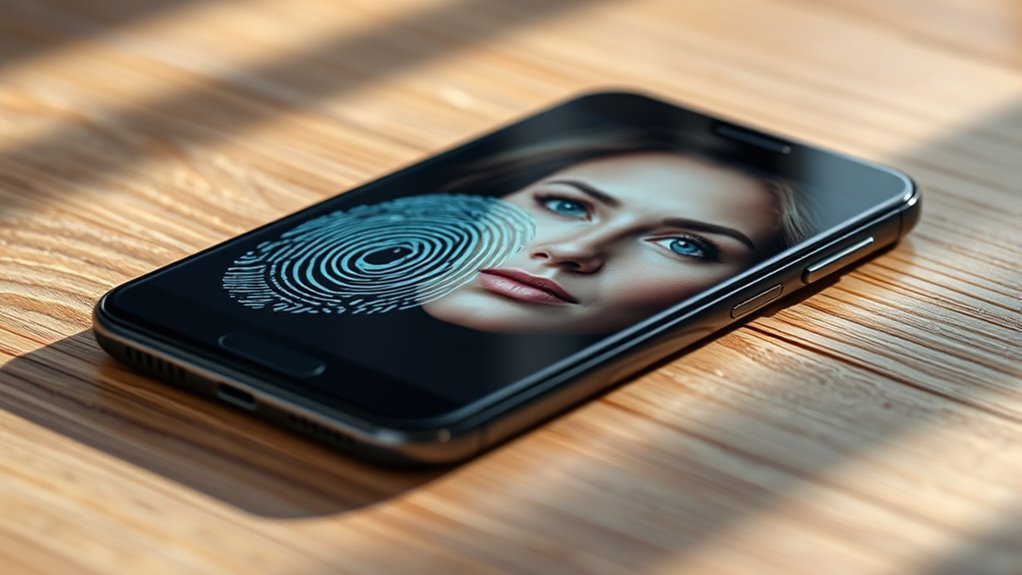
Fingerprint scanners tend to be more secure and reliable for accessing your phone because they uniquely capture your ridges and patterns, making them harder to mimic. Facial recognition can be convenient but is often less accurate, especially in poor lighting or with accessories like glasses or masks. If you want better security, fingerprint sensors are generally the safer choice, though exploring the details can help you make the best decision for your needs.
Key Takeaways
- Fingerprint sensors generally offer higher biometric accuracy and are less susceptible to environmental factors.
- Facial recognition’s security can be affected by lighting, accessories, and masks, making it potentially less reliable.
- Advanced facial tech like 3D sensing or infrared improves security but may still be vulnerable to sophisticated spoofing.
- Fingerprint authentication is less prone to false acceptance and better at resisting mimicry.
- Combining both methods enhances overall device security and user convenience.
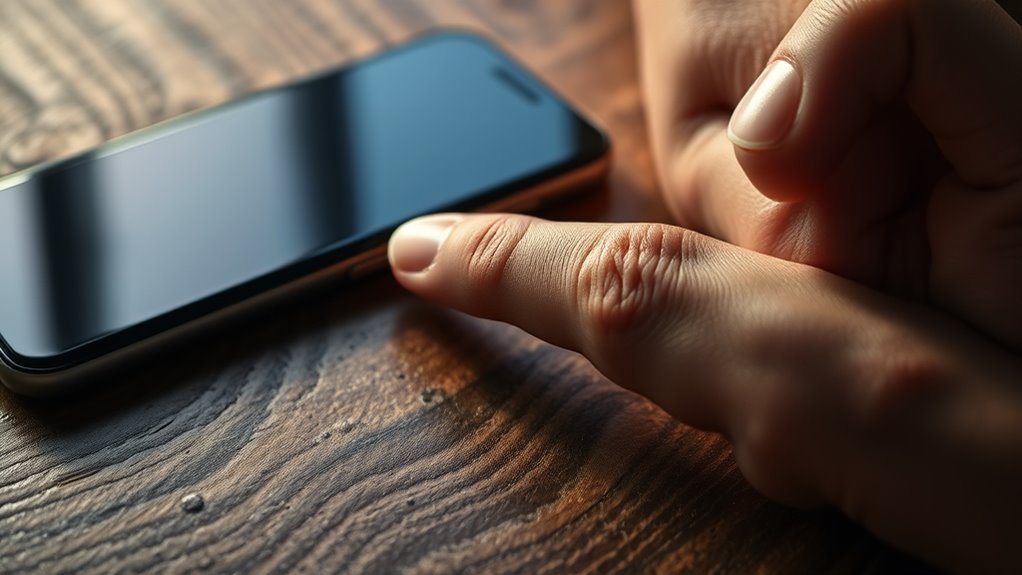
When it comes to securing your smartphone, fingerprint and face unlock are two of the most popular methods, each offering unique advantages. Both are designed to provide quick access while keeping unauthorized users out, but they differ considerably in biometric accuracy and user convenience. Your choice depends on what you value more—security, ease of use, or a balance of both.
Fingerprint unlocking relies on biometric accuracy, which has improved considerably over the years. Your fingerprint scanner captures the unique ridges and patterns of your fingerprint, making it a highly reliable method for authentication. This method generally offers a high success rate, especially with modern sensors that can read through moisture, dirt, or slight injuries. It’s quick to set up and provides a tactile feel—simply place your finger on the sensor, and your phone unlocks. Because it’s based on a physical trait, it’s less susceptible to mimicking than facial recognition, making it more secure in many situations. Plus, many users find fingerprint sensors more convenient because they can unlock their phones in various scenarios—like when their hands are dirty or wearing gloves—without needing to look at the device. Biometric accuracy has significantly advanced, making fingerprint sensors a dependable choice.
Fingerprint scanning offers high accuracy, quick setup, and reliable security even with moisture or dirt.
On the other hand, face unlock offers considerable user convenience, especially in situations where using your hands might be inconvenient or unhygienic. By using advanced facial recognition algorithms, your phone captures your facial features in real time, allowing for a hands-free unlocking experience. This method is often faster when your phone is on the table or in your pocket—just glance at it, and it opens. However, biometric accuracy can vary depending on lighting conditions, camera quality, and your facial changes over time. For instance, glasses, hats, or masks can sometimes interfere with facial recognition, leading to failed attempts. While some newer systems incorporate 3D sensing or infrared technology to improve accuracy and security, face unlock still generally has a slightly higher false acceptance rate compared to fingerprint sensors.
Ultimately, it’s about balancing security with user convenience. Fingerprint sensors tend to provide a more consistent security level, especially with biometric accuracy that’s hard to deceive. Meanwhile, face unlock offers a seamless, hands-free experience, though it might not be as reliable in every environment. Many users prefer using both methods—setting their fingerprint as the primary unlock and keeping face recognition as a quick backup. It’s a smart way to enjoy the best of both worlds, ensuring your device remains accessible and secure, no matter the situation.

USB Fingerprint Reader for Windows 10/11 ONLY, Windows Hello Fingerprint Scanner for PC Login, Match-in-Sensor Security, Plug & Play, 4ft Extension Cable (Not for Mac/Linux) (Black)
Windows Hello–Based Fingerprint Login: Designed exclusively for Windows Hello on Windows 10/11 PCs. Unlock your computer with a…
As an affiliate, we earn on qualifying purchases.
As an affiliate, we earn on qualifying purchases.
Frequently Asked Questions
Can Both Methods Be Bypassed With Advanced Technology?
Yes, both methods can be bypassed with advanced spoofing or biometric hacking. Skilled attackers use sophisticated techniques like 3D printing facial features or fake fingerprints to fool your device’s sensors. While face unlock can be deceived with high-quality images or masks, fingerprint sensors might be tricked with lifted prints or molds. So, neither method is completely foolproof against advanced spoofing or biometric hacking, making security a continuous challenge.
Which Method Is Faster to Unlock Your Device?
Like Hermes delivering messages swiftly, face unlock generally offers a speed comparison that’s faster than fingerprint sensors. You’ll find it more convenient, especially when your hands are full or in a rush. Face recognition often unlocks your device almost instantly, providing a seamless user experience. While fingerprint scanning is precise, face unlock’s quickness makes it ideal for those prioritizing rapid access with minimal effort.
Do Environmental Factors Affect Face or Fingerprint Recognition?
Environmental factors do affect face and fingerprint recognition. Poor lighting conditions, like low light or glare, can hinder face access, making it less reliable. Weather impact, such as rain or extreme cold, can make fingerprint sensors less effective if your fingers are wet, cold, or dirty. You might find face recognition struggles outdoors at night or in bright sunlight, while fingerprints can be harder to scan when your skin is damaged or sweaty.
Are There Privacy Concerns With Storing Biometric Data?
Yes, there are privacy concerns with storing biometric data. You risk biometric hacking if someone gains access to your stored data, which can be difficult to change like passwords. That’s why many devices use data encryption to protect your biometric info. Still, it’s essential to trust the device’s security measures and understand how your data is stored and managed to prevent potential misuse or breaches.
How Do These Methods Perform for Users With Disabilities?
If you have disabilities, both fingerprint and face unlock can face accessibility challenges. Fingerprint sensors may struggle with limited dexterity or skin conditions, while face recognition might be hindered by visual impairments or facial differences. To accommodate disabilities, look for phones with alternative security options like PINs or voice commands. Ensuring your device offers disability accommodations makes opening easier and more secure for you.
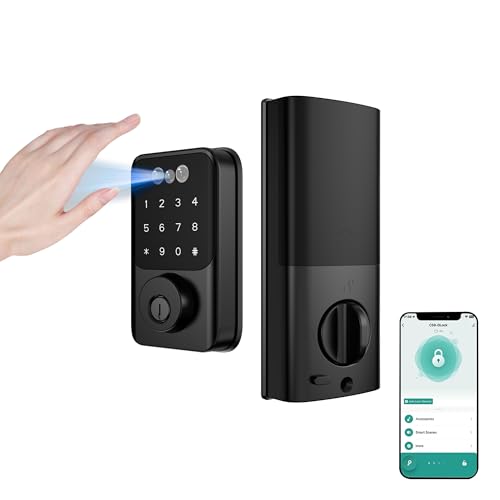
Mr Bryant Xu Super Black Smart Lock with Palm Vein Recognition – Smart Lock, Facial Recognition & Fingerprint Keyless Entry Door Lock, Built-in Wi-Fi Deadbolt – Keyless Entry Door Lock for Front Door
[Advanced Biometric Security Keyless Entry Door Lock] Vein recognition biometric door lock doorbell camera uses unique internal blood…
As an affiliate, we earn on qualifying purchases.
As an affiliate, we earn on qualifying purchases.
Conclusion
In the battle of fingerprint versus face unlock, you hold the key to your phone’s security. Think of your fingerprint as a unique fingerprint in a vast library—impossible for others to replicate—while face unlock is like a friendly wave that anyone can mimic. If security’s your top priority, fingerprint scanning offers a more dependable lock. Ultimately, choose what feels right, but remember: your phone’s security is only as strong as the lock you choose.

Unlocked Phones, K55 Ultra Smartphone, 5G Android 14 Cell Phone, 12GB+512GB Unlocked Phone with 5000mAh Battery, 6.8" HD+ Screen, 48MP+108MP Camera, Face ID/Dual SIM/WiFi/Bluetooth
Elite Processing Power: A cutting-edge chipset combined with generous memory keeps the device snappy under heavy apps and…
As an affiliate, we earn on qualifying purchases.
As an affiliate, we earn on qualifying purchases.

ExAchat C25 Ultra 5G Unlocked Smartphone, 8GB+256GB, Android 14, Built in Pen, 8000mAh Long Battery Life Smartphone, 6.9" HD Screen Unlocked Cell Phone, 72MP+108MP Dual Camera/Dual SIM (Green)
Snapdragon 8 Gen4 processor: with Snapdragon 8 Gen4 deca-core CPU and 8GB+256GB storage combo, it is easy to…
As an affiliate, we earn on qualifying purchases.
As an affiliate, we earn on qualifying purchases.