To help your voice assistant better understand you, start by customizing its settings for your speech patterns. Use personalized voice training and select clear wake words. Adjust volume and speed, and set up multiple user profiles if needed. Enable accessibility features like visual cues or louder responses, especially for hearing impairments. Regular updates and practicing commands improve accuracy. Keep exploring these options to make your experience even smoother and more reliable.
Key Takeaways
- Customize voice recognition by training the assistant with the user’s speech and accents.
- Use clear, simple commands and avoid background noise for better understanding.
- Adjust device settings to optimize wake words, volume, and speech speed for individual needs.
- Enable accessibility features like visual cues, magnification, and adjustable speech options.
- Regularly update software and provide voice training to improve recognition accuracy over time.
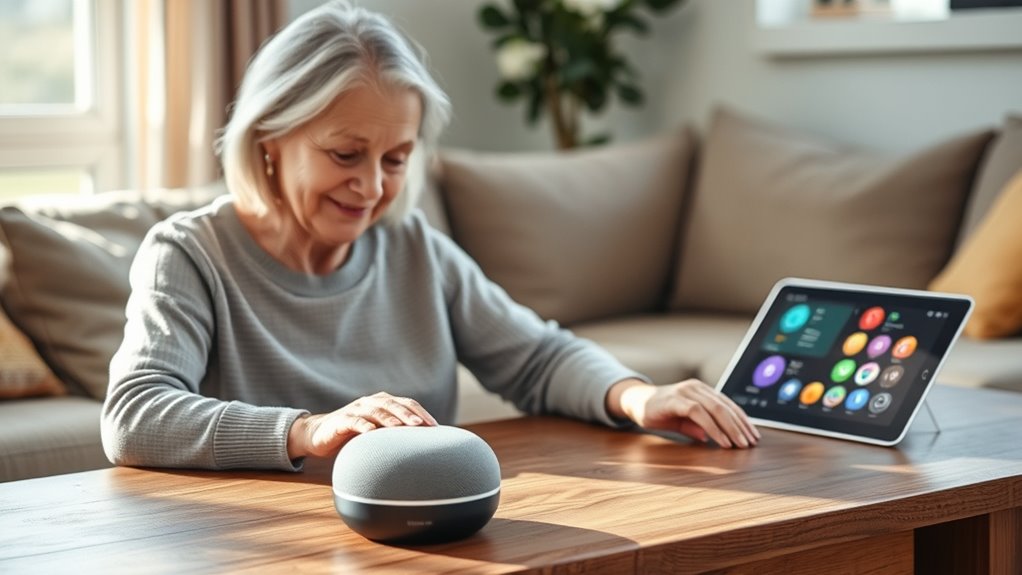
Have you ever wondered how technology can make life easier and more connected for seniors? One of the most impactful ways is through voice assistants, which allow you to control devices hands-free and access information effortlessly. But to truly benefit from this technology, voice command optimization is essential. Many seniors find that initial voice commands don’t always work as smoothly as they’d like, leading to frustration. That’s where improving voice recognition accuracy comes into play. By tailoring voice command systems to better understand different speech patterns, accents, and speech impediments, you can make interactions more seamless. Regularly updating the voice assistant’s software and training it with your voice can significantly enhance its responsiveness.
Additionally, accessibility features are vital for making voice assistants more usable for seniors with varying needs. These features include adjustable speech speed, louder volume options, and visual cues like text displays that complement voice responses. For example, if you have difficulty hearing, increasing the volume or enabling visual notifications ensures you don’t miss important alerts or instructions. Many devices also offer options to simplify commands or create custom shortcuts, which reduce the effort needed to perform common tasks. This customization can help seniors feel more confident and independent when steering through technology.
It’s also beneficial to explore the settings of your voice assistant to optimize its performance. For instance, enabling wake words that are easy to pronounce or customizing the wake phrase can make voice activation more reliable. Some devices allow you to set up multiple voice profiles, so family members or caregivers can use their voices to interact with the system without confusion. Additionally, integrating accessibility features like screen readers or magnification tools can enhance the overall user experience. These tools work in tandem with voice commands, ensuring that even users with visual or motor challenges can operate devices comfortably. Understanding vetted privacy policies and how they impact your data can help you make informed decisions about sharing information with voice assistants.
Frequently Asked Questions
How Can Seniors Customize Voice Assistant Settings for Better Understanding?
You can customize your voice assistant by exploring personalization options, such as adjusting speech recognition sensitivity and language preferences. Make sure to review and set privacy settings to control data sharing, which can improve understanding. Regularly update the device and practice clear, consistent commands. These steps help your voice assistant better recognize your voice and preferences, making interactions smoother and more accurate for you.
What Are the Common Challenges Seniors Face With Voice Recognition Accuracy?
You might find that background noise and speech clarity are common challenges when using voice assistants. Noise can interfere with the device’s ability to hear you clearly, while unclear speech can lead to misunderstandings. To improve accuracy, speak slowly and clearly, reduce background sounds, and consider using voice training features. These steps help your voice assistant better recognize your commands, making your experience smoother and more reliable.
How Do Different Accents Affect Voice Assistant Comprehension for Seniors?
Accents can be a tricky puzzle for voice assistants, often causing misunderstandings. Think of it as trying to tune a radio station; the more your accent differs, the harder it is to get clear reception. To improve this, accent adaptation and language training are key. These methods help voice assistants recognize diverse accents, making communication smoother. By embracing these solutions, you’ll find your device understands you better, no matter your accent.
Are There Specific Voice Assistants Designed for Senior Users?
Yes, there are senior-friendly devices designed specifically for you. These voice assistants often feature customization options, allowing you to adjust speech recognition settings for better understanding. They’re built with large buttons, simple interfaces, and clear instructions to suit your needs. By choosing these devices, you can enjoy easier communication and smarter assistance, making technology more accessible and helpful in your daily routine.
How Can Caregivers Help Improve Voice Command Effectiveness for Seniors?
You can improve voice command effectiveness for seniors by gently guiding them through the technology, boosting their literacy and confidence. Encourage clear, slow speech and minimize background noise. Address privacy concerns openly to build trust, emphasizing that voice assistants protect their data. By understanding their comfort levels and patiently practicing commands, you help seniors feel more independent and secure, making voice technology a helpful, accessible tool in their daily lives.
Conclusion
As you embrace these tech innovations, remember that voice assistants are like bridges connecting you to a world of independence and companionship. When they understand you better, they become more than just tools—they symbolize a gateway to confidence and connection. Keep advocating for clearer communication, and watch how technology transforms your everyday life into a journey of empowerment. Your voice matters, and with each improvement, you’re opening doors to a brighter, more connected future.