To extend your wireless earbuds’ battery life, practice proper charging habits like unplugging once full and avoiding extreme temperatures. Manage settings by disabling unnecessary features and using energy-efficient codecs. Keep your earbuds and charging case clean and stored in cool, dry places. Use battery-saving modes if available and develop daily routines that prevent overuse. Following these tips can considerably boost battery longevity—discover more ways to keep your earbuds performing at their best.
Key Takeaways
- Keep earbuds charged between 20-80% and avoid overcharging to reduce battery stress.
- Use energy-efficient Bluetooth codecs and disable unnecessary features like active noise cancellation.
- Store earbuds in a cool, dry place and prevent exposure to extreme temperatures or moisture.
- Regularly update firmware to benefit from improved power management features.
- Turn off Bluetooth or disconnect when not in use to conserve battery life.
Optimize Earbud Settings for Better Battery Efficiency
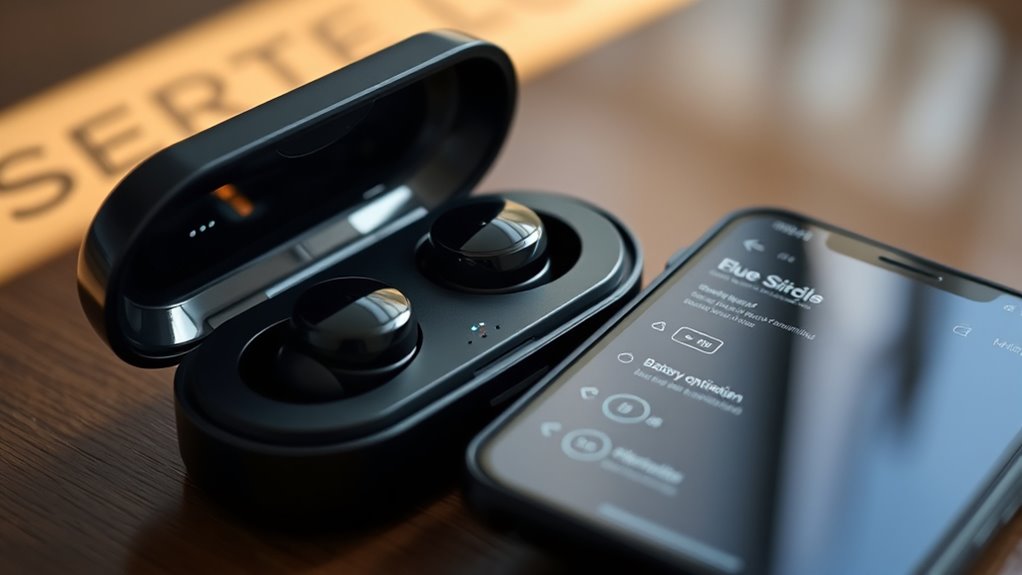
To extend your wireless earbuds’ battery life, start by adjusting their settings for peak efficiency. First, select the most power-efficient audio codecs available, like AAC or SBC, instead of high-bitrate options that consume more energy. Check if your earbuds support firmware updates, and install the latest versions to improve energy management and optimize performance. Updated firmware can enhance how your earbuds handle audio processing, reducing power drain. Additionally, disable features you don’t need, such as active noise cancellation or equalizer settings, to conserve battery. Regularly reviewing and adjusting these settings ensures your earbuds operate efficiently, prolonging battery life during daily use. Staying current with firmware updates and choosing the right audio codecs make a noticeable difference in maintaining longer listening periods. Choosing the right codecs can significantly impact overall power consumption and battery longevity. Keep in mind that battery optimization techniques vary depending on the device, so consulting your earbuds’ user manual can provide tailored advice for best results. Being aware of power management features can further help you extend your earbuds’ usage time. Additionally, enabling automatic power-off features when your earbuds are idle can help conserve battery during periods of non-use. Implementing these energy-saving strategies can lead to a marked improvement in your earbuds’ overall battery life.
Manage Connection and Usage for Extended Power
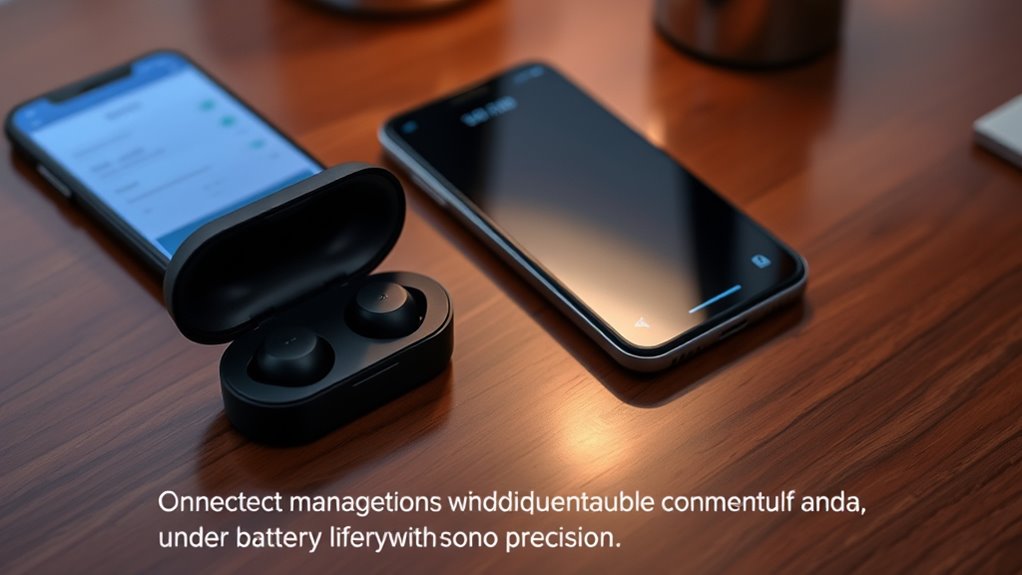
Managing how your earbuds connect and are used can considerably extend their battery life. To do this effectively, optimize Bluetooth codecs by selecting energy-efficient options like AAC or SBC instead of high-bitrate codecs. Keep your firmware updated, as manufacturers often improve power management with updates. When not in use, disconnect or turn off Bluetooth to prevent unnecessary drain. Avoid keeping your earbuds connected to multiple devices simultaneously, which can increase power consumption. Use the earbuds with one device at a time to conserve energy. Additionally, disable features like active noise cancellation if not needed, as they can drain the battery faster. Regularly checking and applying firmware updates ensures your earbuds run at peak efficiency, helping you enjoy longer listening sessions. Being aware of power management features can further optimize battery longevity and performance. Also, enabling automatic power off when idle can prevent unnecessary battery drain over extended periods. Monitoring battery health can help you identify when your earbuds need maintenance or replacement to maintain optimal performance. Implementing these battery-saving settings can provide significant benefits and extend the overall lifespan of your earbuds. Incorporating energy-efficient usage habits can further maximize your earbuds’ battery life over time.
Keep Your Earbuds and Charging Case in Top Condition

Keeping your earbuds and charging case in top condition is essential for maximizing battery life and guaranteeing reliable performance. Regular cleaning routines help prevent dirt, earwax, and debris from affecting the charging contacts and sensors, which can hinder charging efficiency. Use a soft, dry cloth or a gentle brush to clean the earbuds and case periodically. Additionally, keep firmware updates up to date; manufacturers often release updates that improve battery management and overall device stability. Updating firmware ensures your earbuds operate with the latest optimizations, reducing power drain and extending battery longevity. Proper maintenance practices can also help identify potential issues early before they impact battery health. Free floating helps maintain optimal airflow and prevents overheating, which can also impact battery health. Avoid exposing your earbuds and case to extreme temperatures or moisture, which can damage internal components. Maintaining good battery health through proper care and updates can significantly prolong your device’s usability. Regularly inspecting your device for signs of wear and tear also supports longevity and prevents unexpected failures. By maintaining a clean device and staying current with firmware updates, you support excellent battery health and longevity.
Use Battery-Saving Features and Accessories
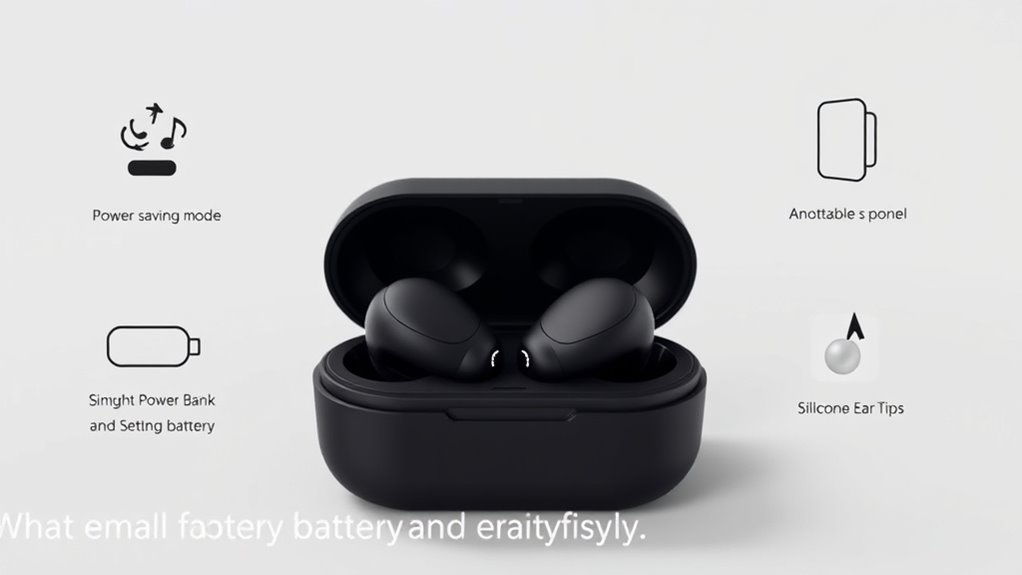
Activating battery-saving features on your earbuds and using compatible accessories can substantially extend their playback time. Many earbuds offer options like automatic power-off, low-power mode, or disabling unnecessary features to conserve energy. Keeping firmware up-to-date guarantees you benefit from the latest power management improvements. Establish custom charging routines to avoid overcharging and optimize battery health. Additionally, using high-quality, compatible accessories can prevent power drain caused by poor connections. Consider the following tips:
Activate battery-saving features, keep firmware updated, and use quality accessories to maximize your earbuds’ playback time.
- Enable power-saving modes in your earbuds’ settings
- Keep firmware updated regularly
- Develop custom charging routines for longevity
- Use certified, compatible charging accessories
- Avoid leaving earbuds in extreme temperatures
- Be aware of battery health management features, which help maintain optimal battery performance over time. For example, some devices include smart charging options that limit charging cycles to prolong battery lifespan. Regularly inspecting your device’s battery status can also help identify early signs of degradation and prevent unexpected power issues. Additionally, understanding charge cycle concepts can guide you in maintaining overall battery longevity.
Furthermore, understanding the AI-driven discoveries in technology can lead to more innovative ways to optimize device performance and longevity.
These steps help maximize battery efficiency and extend overall usage.
Adopt Daily Habits to Preserve Battery Life
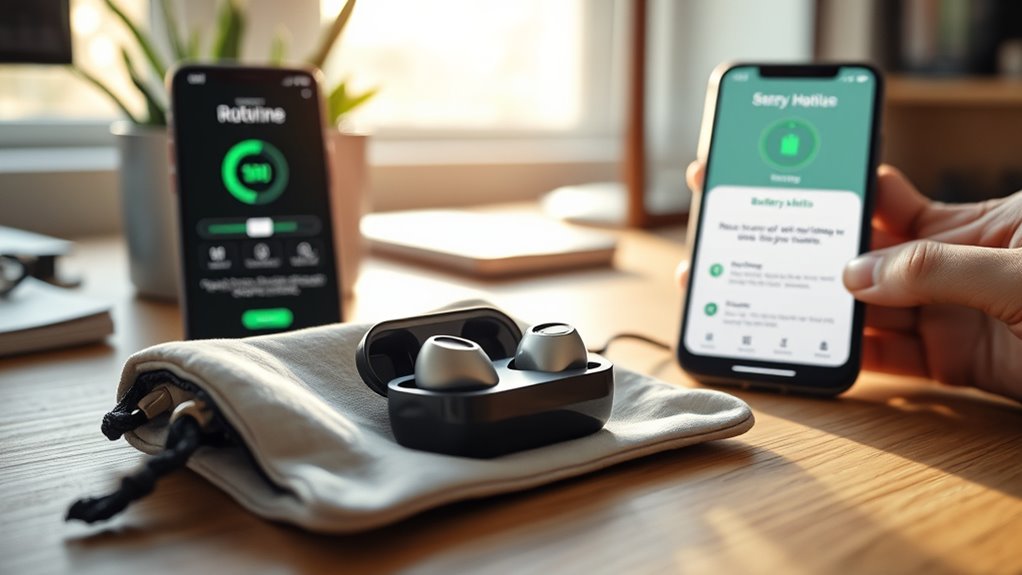
Incorporating simple daily habits can considerably extend your wireless earbuds’ battery life. Regularly cleaning your case prevents dust and debris from affecting charging contacts, ensuring efficient power transfer. Keep your firmware updated; manufacturers often release updates that optimize battery performance. Always store your earbuds in a cool, dry place, avoiding extreme temperatures that can degrade the battery. Additionally, check for firmware updates to fix bugs and improve power management. Being aware of the best rated vacuum cleaners can also help you maintain a tidy environment that supports your device longevity. Maintaining proper device storage conditions helps prevent battery deterioration over time, especially when considering battery health management practices.
Frequently Asked Questions
How Do I Know When My Earbuds Need a Replacement Battery?
You’ll know your earbuds need a replacement battery when the battery indicator shows markedly reduced capacity or if they frequently cut out despite a full charge. Pay attention to your usage patterns—if they don’t last as long as they used to or require frequent recharging, it’s a sign. Over time, batteries degrade, and replacing the battery can restore your earbuds’ performance and longevity.
Are Third-Party Charging Cases Safe for My Earbuds’ Battery?
You can use third-party charging cases, but they come with risks. They might not be as safe as manufacturer-approved accessories and could affect your earbuds’ battery life or void your warranty. It’s a gamble, so weigh the potential savings against possible damage or warranty issues. To keep your earbuds in top shape, stick with trusted, certified accessories, and avoid cutting corners that could end up costing you more in the long run.
Can Firmware Updates Improve Battery Performance?
Firmware updates can improve your earbuds’ battery performance through firmware optimization and enhanced battery management. When you install the latest updates, your device’s software becomes more efficient, reducing power drain and extending battery life. Manufacturers often include improvements that better regulate charging cycles and optimize power consumption. Keep your earbuds’ firmware current to benefit from these enhancements, ensuring your earbuds last longer on a single charge and perform reliably over time.
Do Earbud Models Differ Significantly in Battery Longevity?
Yes, earbud models differ markedly in battery longevity. You’ll notice variations in battery capacity, which directly impact how long your earbuds last between charges. Additionally, charging cycles influence battery health; frequent charging can reduce capacity over time. To maximize longevity, avoid excessive charging and choose models with higher battery capacity. This way, you get more usage per charge, ensuring your earbuds stay powered longer during daily activities.
What Is the Ideal Storage Temperature for Maintaining Battery Health?
You might think you can store your earbuds anywhere, but ideal storage conditions matter. Keep your earbuds at a temperature between 32°F and 77°F (0°C to 25°C) for battery health. Proper temperature regulation prevents capacity loss and extends lifespan. Avoid extreme heat or cold, as these can degrade the battery quickly. Maintaining perfect storage temperature ensures your earbuds stay charged longer and perform reliably when you need them most.
Conclusion
By following these tips, you’re well on your way to maximizing your earbuds’ battery life. But what if there’s a secret trick that could push your device even further? Stay tuned, because the next step might just surprise you—and change the way you use your earbuds forever. Don’t underestimate the power of small habits; they could make all the difference when you need your music or calls the most. Are you ready to unleash the full potential?