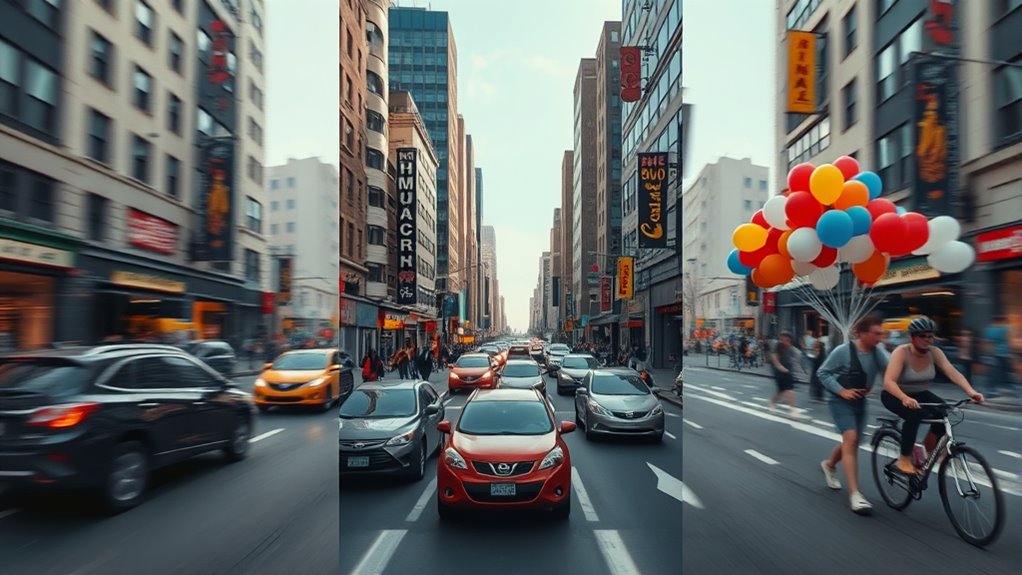

If you’re choosing between 24, 30, and 60 fps, think about how each impacts your experience. 24 fps offers a cinematic, film-like look but can feel less smooth in fast scenes. 30 fps provides a slightly smoother flow, ideal for casual viewing. 60 fps delivers the most fluid motion, great for gaming and fast-paced content, but requires more powerful hardware. For a clear understanding of these options and their best uses, you’ll find helpful insights below.
Key Takeaways
- 24 fps offers a cinematic, film-like quality, while 30 fps provides a marginally smoother experience for general viewing.
- 60 fps delivers the smoothest motion, ideal for fast-paced gaming and action scenes, reducing motion sickness.
- Higher frame rates demand more powerful hardware but improve responsiveness and reduce lag during gameplay.
- Lower frame rates are less taxing on hardware but may cause choppier motion and less natural movement.
- Choose frame rates based on your viewing purpose: cinematic, casual, or high-speed gaming for optimal comfort and performance.
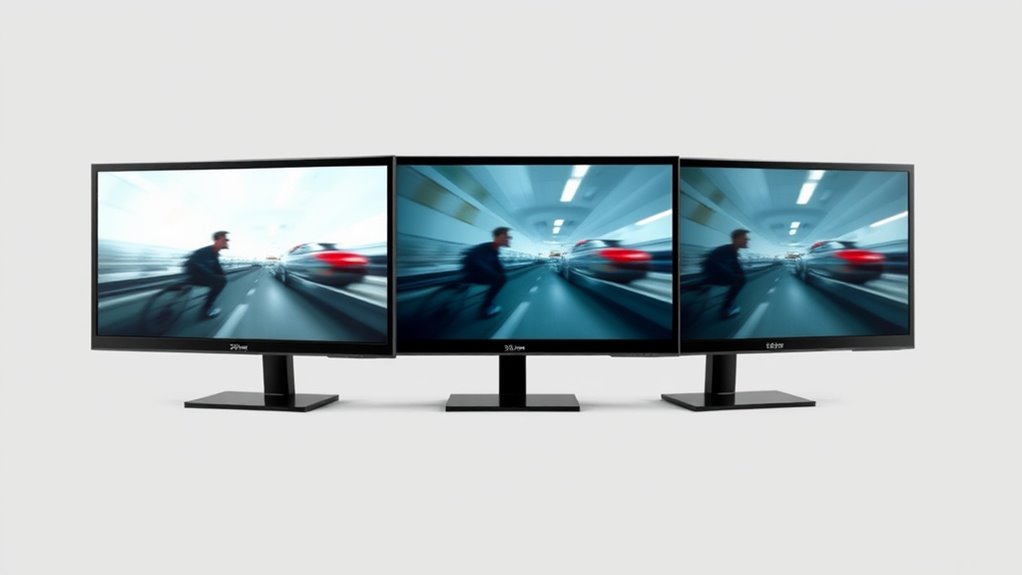
Choosing the right frame rate can considerably impact your viewing or gaming experience, as it determines how smoothly motion appears on screen. When you pick a low frame rate, movements may seem choppy or stuttered, which can lead to discomfort or even motion sickness for some viewers. Conversely, higher frame rates deliver smoother visuals and can enhance your overall experience, especially during fast-paced scenes or gameplay. If you’re sensitive to motion sickness, opting for a higher frame rate, like 60 fps, can help reduce nausea by providing more fluid motion that feels natural to your eyes. On the other hand, a lower frame rate, such as 24 fps, might not trigger motion sickness as often but can make fast movements appear less natural or jarring.
In gaming, frame rate plays a crucial role in performance and responsiveness. A higher frame rate, like 60 fps, means your game updates more frequently, resulting in smoother animations and quicker reactions. This is especially vital in competitive gaming, where every millisecond counts and delays can mean losing a match. When your game runs at a lower frame rate, you might notice lag or delayed responses, which can hamper your gaming performance. Additionally, a higher frame rate can give you better control, making it easier to track moving targets or anticipate enemy actions. If you’re aiming for precision and quick reflexes, 60 fps is generally the sweet spot. However, keep in mind that achieving higher frame rates requires more powerful hardware and can demand more from your system, potentially leading to overheating or increased noise from cooling fans.
Choosing the appropriate frame rate isn’t just about hardware capability; it’s about personal comfort and the type of experience you want. For cinematic viewing, 24 fps is standard because it gives a film-like quality, but many prefer 30 fps for casual viewing, as it feels slightly smoother. For gaming or fast action videos, 60 fps makes a noticeable difference in fluidity and responsiveness. If you’re prone to motion sickness, you might want to stick with lower frame rates in movies but opt for higher rates in games to minimize discomfort. Ultimately, understanding these differences helps you tailor your setup to your preferences, balancing visual quality with comfort and performance. Frame rate technology continues to evolve, offering even better options for immersive experiences.
Frequently Asked Questions
How Do Frame Rates Affect Motion Blur in Videos?
Higher frame rates reduce motion blur in videos, making fast-moving objects look sharper and clearer. When frame rates are lower, motion blur increases, causing streaks that can make motion appear less smooth. Frame interpolation can artificially increase frame rates, smoothing out motion but sometimes creating a ghosting effect. You’ll notice less motion blur with higher frame rates or when using frame interpolation, resulting in crisper, more fluid videos.
What Is the Best Frame Rate for Slow-Motion Footage?
Imagine capturing a whisper of time—your best bet for slow-motion footage is around 120 fps or higher. This frame rate acts like a magic wand, revealing every subtle movement with clarity. Using slow motion techniques with high frame rates allows smooth, detailed playback. When converting frame rates, you preserve quality and avoid choppiness. So, shoot at 120 fps or more for silky, mesmerizing slow motion that feels like time standing still.
Can Changing Frame Rates Improve Gaming Performance?
Changing frame rates can improve gaming performance if you use frame rate conversion wisely. Adjusting your settings to match your gaming hardware guarantees smoother gameplay and reduces lag or stuttering. For example, lowering the frame rate might help older hardware run games more fluidly, while higher frame rates can maximize the capabilities of advanced systems. Always optimize based on your hardware specs for the best gaming experience.
How Do Frame Rates Impact Video Editing and Post-Production?
Frame rates directly influence your video editing and post-production process. Higher frame rates provide smoother sequences, making frame rate conversion easier and more seamless. When you convert frames, it preserves motion clarity, but low frame rates might cause choppy playback. Frame interpolation helps fill in missing frames, creating fluid footage. By understanding these techniques, you improve editing precision, producing polished, professional videos that captivate viewers with crisp, consistent motion.
Are Higher Frame Rates Always Better for Streaming?
Higher frame rates aren’t always better for streaming because they can cause issues with frame rate conversion and compatibility with standard frame rate standards. If your content is shot at a high frame rate, viewers with different devices may experience choppiness or lag. It’s best to select a frame rate that aligns with common standards, like 24, 30, or 60 fps, to guarantee smooth playback across all platforms.
Conclusion
Understanding frame rates helps you choose the right one for your needs. Did you know that movies traditionally use 24 fps for a cinematic look, while fast-paced action scenes often go up to 60 fps for smoother motion? By knowing these differences, you can better appreciate the visual experience, whether you’re watching films or gaming. So, next time you watch or play, remember: the right frame rate makes all the difference in how you see the action unfold.