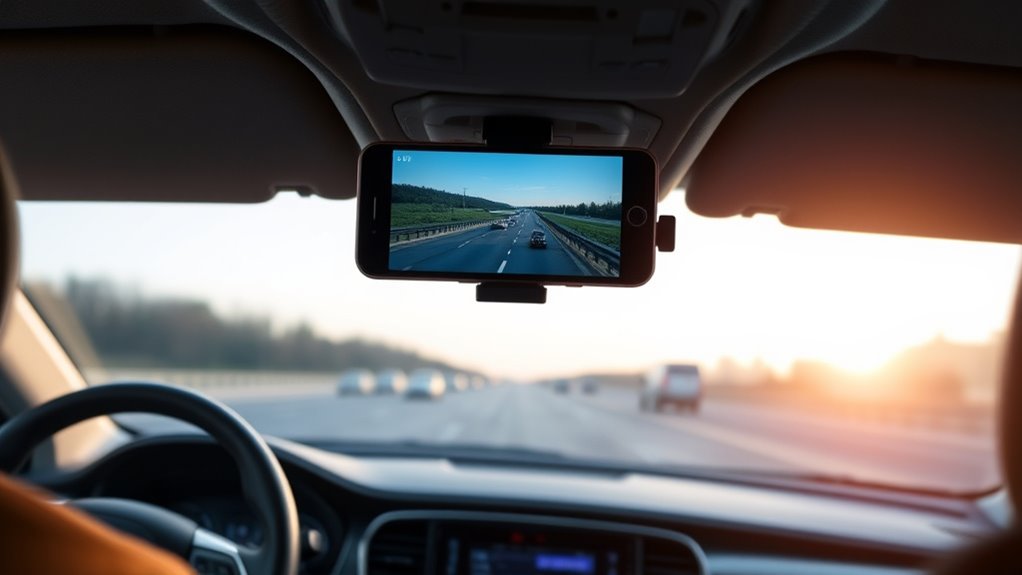

Using your phone as a dash cam is a cost-effective and convenient option that requires no extra hardware. It’s easy to set up and flexible, making it perfect for casual use. However, you’ll need to manage storage carefully, as high-quality footage can quickly fill your device. Privacy concerns and environmental factors can affect recording quality and security. If you want to explore ways to maximize these benefits, there’s more to contemplate.
Key Takeaways
- Utilizes existing devices, making it an affordable and convenient alternative to dedicated dash cams.
- Privacy and security concerns arise from continuous recording and potential unauthorized access to footage.
- Limited storage space requires regular management, such as deleting files or expanding storage with SD cards.
- Recording quality can be affected by environmental factors like weather, wind, and lighting conditions.
- Overall, it’s a cost-effective, flexible solution that demands careful attention to privacy, storage, and environmental setup.
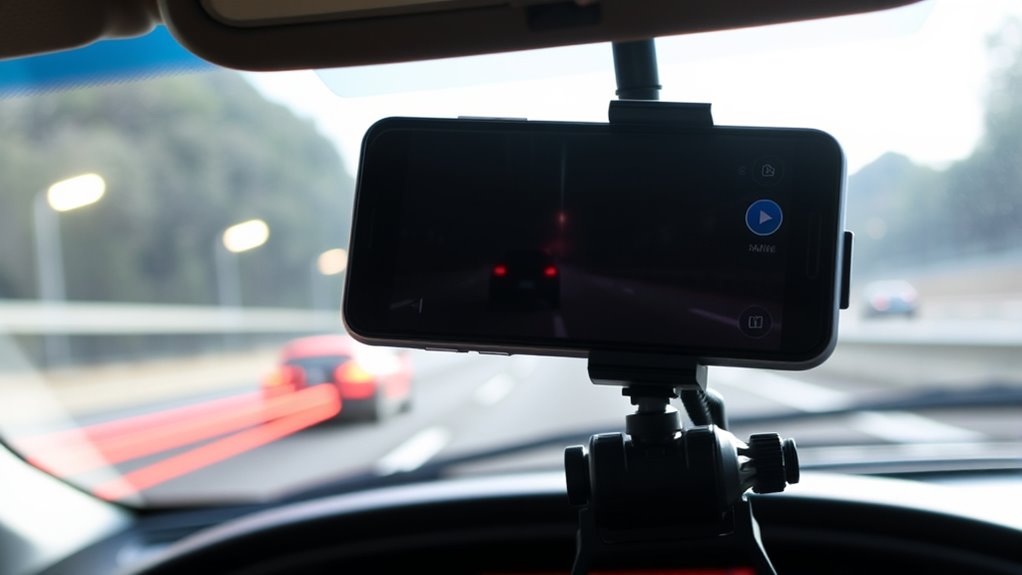
Using your phone as a dash cam is a smart and cost-effective way to record your drives without investing in expensive equipment. It’s convenient because you likely already have a device with a camera, and setting it up is straightforward. However, you should be aware of some important factors, especially around privacy concerns and storage capacity. When your phone functions as a dash cam, it continuously records footage, which raises questions about how that data is stored, accessed, and protected. If you’re concerned about privacy, you’ll want to make sure that your recordings aren’t accessible to others, especially if you share your device with family or colleagues. Additionally, some apps or setups might store footage on cloud services, which could pose security risks if not properly protected. It’s essential to review privacy settings and understand where your videos are stored to prevent any potential misuse or unauthorized access.
Another critical aspect is storage capacity. Recording high-quality video consumes a significant amount of space, and most phones have limited storage. If you don’t regularly transfer or delete footage, you risk running out of space, which could cause your dash cam app to stop recording or overwrite important clips. To manage this, you might consider increasing your phone’s storage with an SD card (if supported) or setting up automatic delete features to keep your storage from filling up. Keep in mind that longer drives will generate more footage, so planning for adequate storage is essential. Also, check whether your chosen app allows you to customize recording settings, like resolution or frame rate, to balance quality and storage needs. Be aware that wave and wind conditions can also affect recording quality, especially in outdoor environments.
Using your phone as a dash cam offers flexibility and affordability, but it’s not without its challenges. Privacy concerns are real, especially if your recordings contain sensitive information or if your device isn’t properly secured. Be cautious about where and how you store your videos, and consider encrypting files or using password protection. Similarly, be mindful of your phone’s storage capacity; regularly reviewing and managing your recordings will prevent losing valuable footage or experiencing disruptions. Overall, with some planning and care, you can effectively turn your phone into a reliable dash cam, saving money while capturing important moments on the road. Just remember to stay aware of these potential pitfalls, and you’ll be able to enjoy the benefits without unnecessary worry.
Frequently Asked Questions
Can I Use My Phone as a Dash Cam While Charging Simultaneously?
Yes, you can use your phone as a dash cam while charging simultaneously. Just be mindful of power consumption, which increases when recording and charging at the same time. To keep it steady, choose the right mounting options, like a suction mount or dashboard holder. This setup allows continuous recording without draining your phone’s battery, but make certain your power source is reliable and cables are neatly secured to avoid distractions while driving.
How Does Weather Affect Phone Dash Cam Functionality?
Weather conditions are like a storm cloud over your phone dash cam’s performance. Rain, snow, or extreme cold can fog up your lens, distort images, and even cause hardware issues. Hot temperatures can overheat your device, leading to crashes or damage. To keep your camera functioning smoothly, protect your phone from harsh weather, use a weatherproof case, and regularly check for fog or water inside the lens.
What Storage Capacity Do I Need for Extended Recording?
You’ll want at least 128GB of storage for extended recording, especially if you use high video resolution settings like 1080p or 4K. Higher resolution videos take up more space, so you’ll need more capacity. Keep in mind, recording for long periods can drain your phone’s battery quickly, so consider a power bank to maintain battery life. Regularly transfer videos to other devices to free up space and avoid interruptions.
Are There Legal Restrictions on Recording With a Phone Dash Cam?
You might think recording with your phone is a free-for-all, but legal restrictions are serious. Privacy concerns and consent requirements are huge—recording someone without their permission can land you in hot water. Laws vary by location, so you must check local regulations. Ignoring these rules could turn your dash cam footage into a legal nightmare. Always get consent if needed, and respect privacy to avoid trouble.
How Do I Secure My Phone From Theft When Used as a Dash Cam?
To prevent phone theft when using it as a dash cam, you should secure your device with theft prevention measures. Use a sturdy mount to keep it in place, and consider installing a lock screen or disabling access when you’re parked. Keep your phone in a hidden or less obvious spot, and avoid leaving valuables in plain sight. These steps help minimize phone theft risks and protect your device during use.
Conclusion
While turning your phone into a dash cam offers convenience and cost savings, it’s important to weigh the subtle trade-offs. Your phone’s gentle reliance on its everyday functions might sometimes leave you wishing for a little extra reassurance. Consider this setup as a helpful companion—ready to lend a hand when needed, but not always the most steadfast guard. Ultimately, balancing its gentle charm with other safety measures will keep your journey smooth and worry-free.