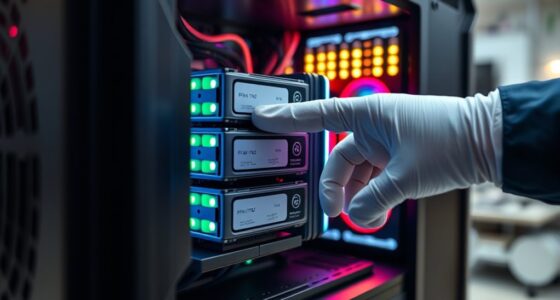
Choosing between building or buying a PC depends on what you value most. If you want a customized, upgradeable system that can save you money long-term and you’re comfortable with the effort, building is the way to go. But if you prioritize convenience and a quick setup, buying a pre-built offers simplicity. Consider your budget, technical skills, and future plans—if you keep exploring, you’ll find the best option that fits your needs.
Key Takeaways
- Building a PC offers customization and upgrade options tailored to your specific needs, while pre-builts prioritize convenience.
- DIY builds can be more cost-effective long-term but require technical knowledge and initial effort.
- Pre-built systems provide quick setup and warranties, making them ideal for those seeking simplicity.
- Upgradability is generally better with custom builds due to flexible components and larger case space.
- Choose based on your budget, technical skill, desire for customization, and whether you value convenience over flexibility.
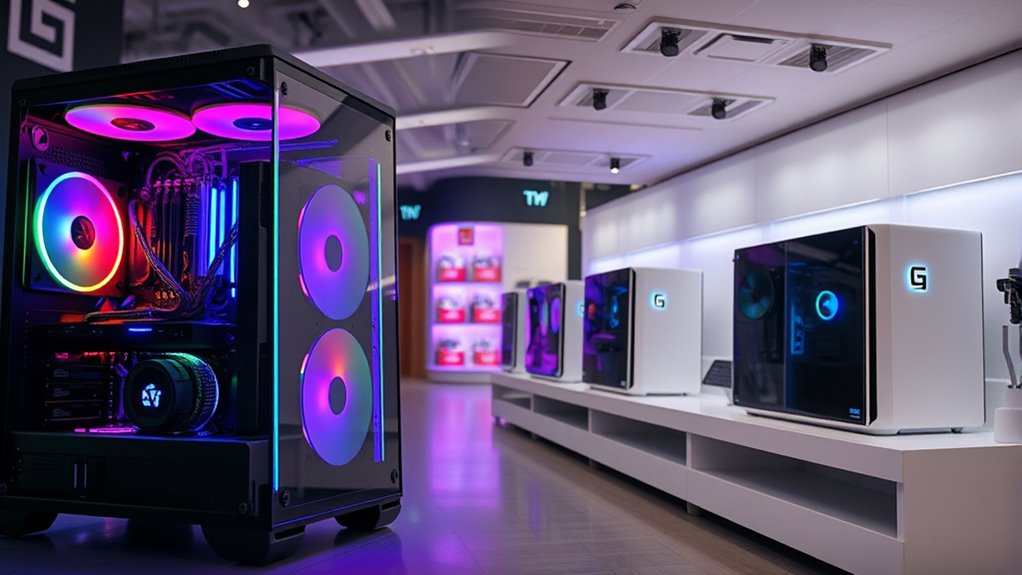
Deciding whether to build or buy a PC can feel overwhelming, but understanding your priorities makes the choice clearer. If you’re focused on cost efficiency, buying a pre-built system might seem more appealing since you can often find models that fit your budget and come with warranties. However, building your own PC can sometimes save you money in the long run because you select only the components you need, avoiding unnecessary features or bloatware. Plus, when you build, you have the flexibility to choose parts that fit your specific performance goals, giving you better control over your budget. If you’re comfortable doing some research and assembling the parts yourself, you might find that building offers a more cost-effective solution, especially if you can reuse parts from previous builds or buy components on sale.
Another critical factor to consider is upgrade potential. When you buy a pre-built PC, the upgrade options can be limited, depending on how tightly integrated the components are. Some models have proprietary parts or limited space inside the case, which can make future upgrades more difficult or expensive. Conversely, building your own PC allows you to choose a case with ample room for upgrades, better cooling options, and a motherboard that supports multiple RAM sticks, additional storage, or newer graphics cards down the line. This flexibility means your system can evolve with your needs, whether you’re into gaming, content creation, or other demanding tasks. If you anticipate needing to upgrade components regularly or want a system that can adapt over time, building your own PC offers significant advantages.
Cost efficiency and upgrade potential are intertwined in this decision. Building a PC often requires more upfront effort and a higher initial investment, but it can pay off by extending your system’s lifespan and reducing future upgrade costs. Buying a pre-built might seem simpler and quicker, but it can limit your ability to customize and expand, potentially leading to additional expenses if you need to replace the entire system sooner. Moreover, choosing gaming-oriented components like high-refresh-rate monitors and advanced GPUs can further enhance your experience. Ultimately, your choice depends on how important these factors are to you. If you value having a tailored system that can grow with your needs and want to maximize cost efficiency, building your own PC is likely the better route. If convenience and a straightforward purchase are your priorities, buying a pre-built could be more suitable.
Frequently Asked Questions
How Long Does It Typically Take to Build a Custom PC?
Building a custom PC typically takes about 3 to 6 hours, depending on your assembly time and component selection. If you’re experienced, you might finish faster, around 2-3 hours, as you’re familiar with the process. Beginners may need more time to carefully install each component and troubleshoot. Planning ahead and having all parts ready helps streamline the assembly time, making the build smoother and quicker.
What Are the Warranty Differences Between Custom-Built and Pre-Built PCS?
You’ll find that warranty policies for pre-built PCs often cover the entire system with a single warranty, making repair services straightforward. Custom-built PCs usually come with separate warranties for individual components, which can mean dealing with multiple providers for repairs. This might be more complex, but it allows you to replace or upgrade parts easily. Consider your comfort with handling repairs and the coverage offered when choosing between the two options.
Can I Upgrade a Pre-Built PC Easily in the Future?
Think of your pre-built PC as a well-crafted ship. You can upgrade it, but steering through upgrade options and compatibility concerns is like steering through tricky waters. Some models have limited upgrade options, making future enhancements more difficult. Others are designed with easier access to components, simplifying upgrades. Check the motherboard and power supply compatibility first, so you don’t hit unexpected obstacles. With careful planning, you can keep your ship seaworthy for years.
How Do the Power Consumption and Energy Efficiency Compare?
Your choice impacts power efficiency and energy consumption considerably. Building a PC lets you select high-efficiency components, reducing energy use, while pre-built systems might prioritize cost over energy savings. Custom builds often have better power efficiency because you control parts like power supplies and cooling. However, pre-builts can be less efficient if they use generic components. Overall, a custom build typically offers lower energy consumption and better energy efficiency, helping you save on electricity bills.
What Are the Environmental Impacts of Building Versus Buying?
Building your own PC often has a smaller environmental footprint because you can choose energy-efficient parts, promote sustainable manufacturing, and reuse or recycle electronics components. Buying pre-built models may contribute more to electronic waste if outdated or inefficient. By building, you support recycling electronics and reduce waste. Plus, you can select eco-friendly materials and optimize energy use, making your choice better for the environment overall.
Conclusion
So, now you’re faced with choosing between building and buying your PC. Think about what matters most—cost, customization, or convenience. Do you want to craft a machine tailored just for you, or prefer a ready-to-use setup without the hassle? Ultimately, it’s about your priorities. Which path feels right—creating your perfect system or saving time with a prebuilt? The choice is yours—both roads lead to a powerful, capable PC.