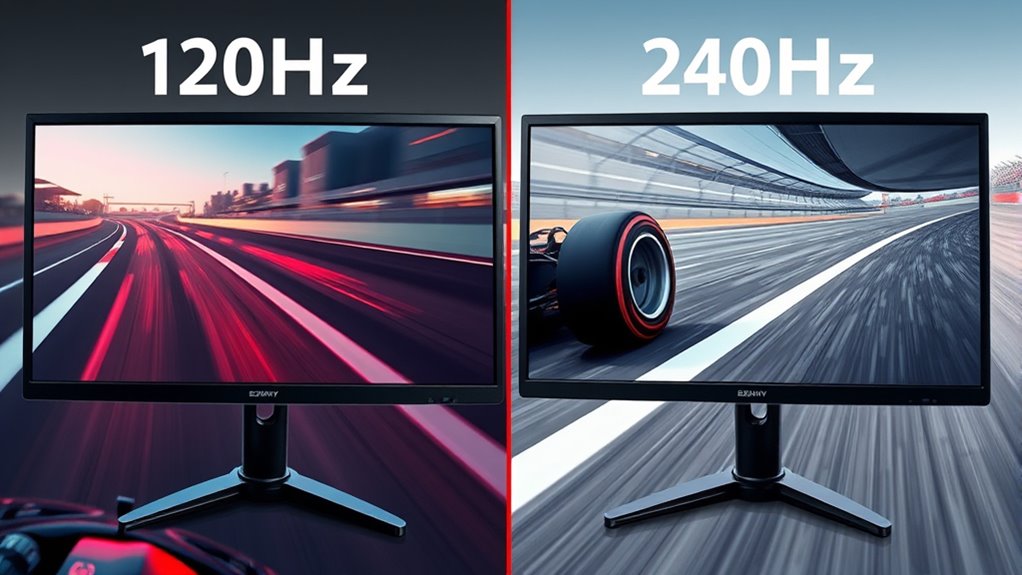

Choosing between 120Hz and 240Hz depends on how you use your device. If you’re into fast-paced gaming or want smoother motion and quicker responsiveness, 240Hz is the top choice—but it costs more and drains power faster. For casual gaming or daily tasks, 120Hz offers great clarity without stretching your budget. To make the best decision, consider your priorities and options — more details ahead can help clarify your needs.
Key Takeaways
- 240Hz offers smoother motion and faster response times, ideal for competitive gaming and fast-paced scenes.
- 120Hz provides significant improvements over standard displays, suitable for casual gaming and daily tasks.
- Higher refresh rates reduce motion blur and ghosting, enhancing clarity during rapid movements.
- The benefit of 240Hz is most noticeable in fast-action games, where responsiveness impacts performance.
- Compatibility and hardware support are crucial; not all devices can fully leverage 240Hz refresh rates.
Understanding Refresh Rate Differences and Their Impact
While the refresh rate might seem like a technical detail, it considerably affects your viewing experience. Many refresh rate myths circulate, leading people to believe higher rates always mean better quality. In reality, a higher refresh rate reduces screen flicker, making motion smoother and less tiring for your eyes. The difference between 120Hz and 240Hz isn’t just about numbers; it impacts how fluidly images display, especially during fast-paced scenes. Some assume that a higher refresh rate eliminates all visual issues, but that’s not true. Factors like screen flicker can still occur if the display isn’t properly calibrated. Additionally, the refresh rate can influence the perceived sharpness and clarity of fast-moving images. Understanding these differences helps you make smarter choices, ensuring you get the right balance of performance and visual comfort.
The Role of Refresh Rates in Gaming Performance
Refresh rates play a significant role in gaming performance, directly affecting how smooth and responsive your gameplay feels. Higher refresh rates reduce motion blur and input lag, giving you a competitive edge in fast-paced games. However, some refresh rate myths suggest that higher rates automatically improve color accuracy, which isn’t true; refresh rate mainly impacts motion clarity, not color reproduction. When choosing between 120Hz and 240Hz, consider how much you prioritize responsiveness over other factors like visual fidelity. While higher refresh rates can enhance your overall gaming experience, they won’t fix issues related to color accuracy or graphic quality. Understanding this helps you make better decisions about your display, ensuring your gaming setup matches your expectations without falling for refresh rate myths. Additionally, selecting European cloud servers that prioritize energy efficiency can support sustainable gaming and streaming setups, reducing environmental impact. Moreover, understanding the influence of refresh rate on motion clarity helps you optimize your gaming experience based on your gameplay style. For instance, monitor specifications such as response time and input lag also play crucial roles in your overall gaming performance. Furthermore, being aware of market trends can help you choose the right hardware upgrades to maximize your gaming potential. Incorporating knowledge about display technology can also guide you in making more informed choices for your gaming setup.
Visual Clarity and Motion Smoothness in Daily Use
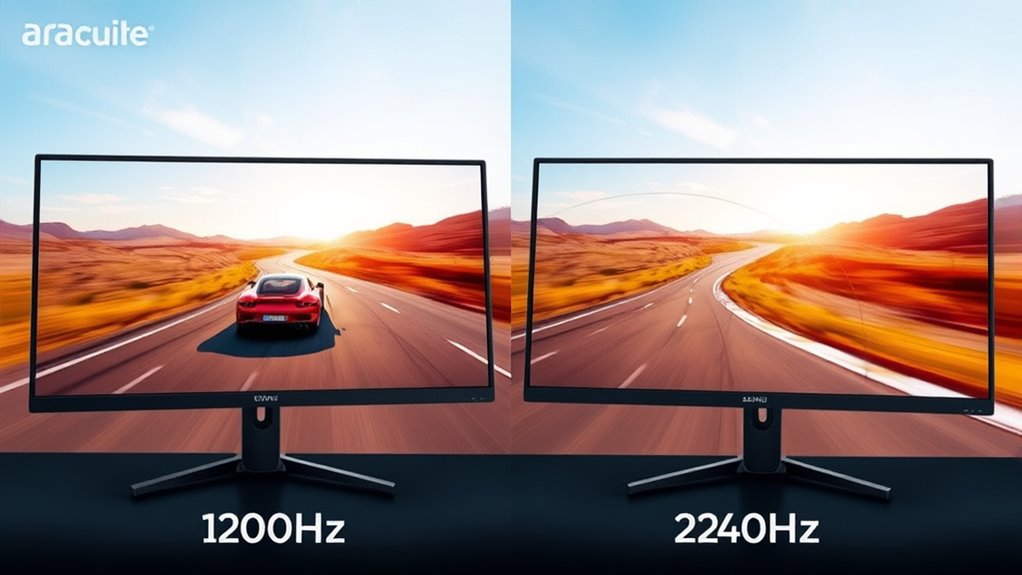
Higher refresh rates like 120Hz and 240Hz deliver noticeably smoother motion and clearer visuals during daily activities such as browsing, streaming, and scrolling through content. You’ll notice improved motion clarity, making fast-paced scenes and shifts appear more natural. This enhancement also benefits color accuracy, as faster refresh rates reduce blurring and ghosting effects, resulting in sharper images. However, higher refresh rates tend to increase power consumption, which can impact battery life on portable devices. Despite this, the visual improvements make everyday tasks feel more fluid and responsive, especially when scrolling through websites or exploring apps. Additionally, understanding the visual experience associated with high refresh rates can help you make more informed choices. It’s important to consider how power consumption may affect your device’s battery life when opting for higher refresh rates. Recognizing the trade-offs involved can guide you toward the best balance between performance and battery efficiency. Overall, choosing a higher refresh rate enhances your visual experience, balancing motion smoothness and clarity with the trade-off of slightly increased energy use. As technology advances, adaptive refresh rate features are becoming more common, helping to mitigate some of the power concerns while maintaining visual benefits. Incorporating energy-efficient display tech can further optimize this balance for prolonged usage.
Hardware Requirements and Compatibility Considerations
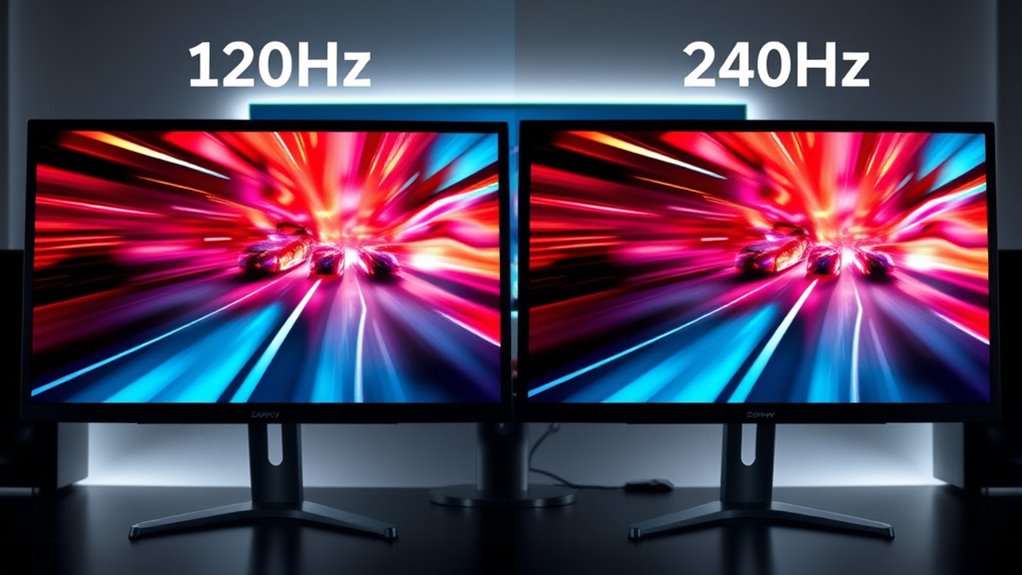
Upgrading to a 120Hz or 240Hz display requires checking your device’s hardware capabilities and ensuring compatibility. Your graphics card must support the higher refresh rates and deliver sufficient bandwidth for smooth performance. Additionally, verify that your monitor calibration settings are *suitable* to maintain color accuracy, especially if you work with color-sensitive tasks like gaming or content creation. Some older GPUs may struggle to output the full refresh rate or handle the increased data transfer, so updating your drivers might be necessary. Compatibility isn’t just about the monitor—your cables matter too, with HDMI 2.0 or DisplayPort 1.4 often required for *excellent* performance. Ensuring all components align guarantees you’ll get the best visual clarity without flickering or color inconsistencies. Being aware of graphics card capabilities and data transfer rates can help prevent issues with unsupported refresh rates or performance bottlenecks. Additionally, checking monitor compatibility ensures your setup can truly leverage the high refresh rates for optimal display quality. It’s also important to consider hardware requirements to avoid potential bottlenecks that could limit your experience. In some cases, adjusting display settings can further optimize performance and image quality.
Making the Right Choice Based on Your Needs and Budget
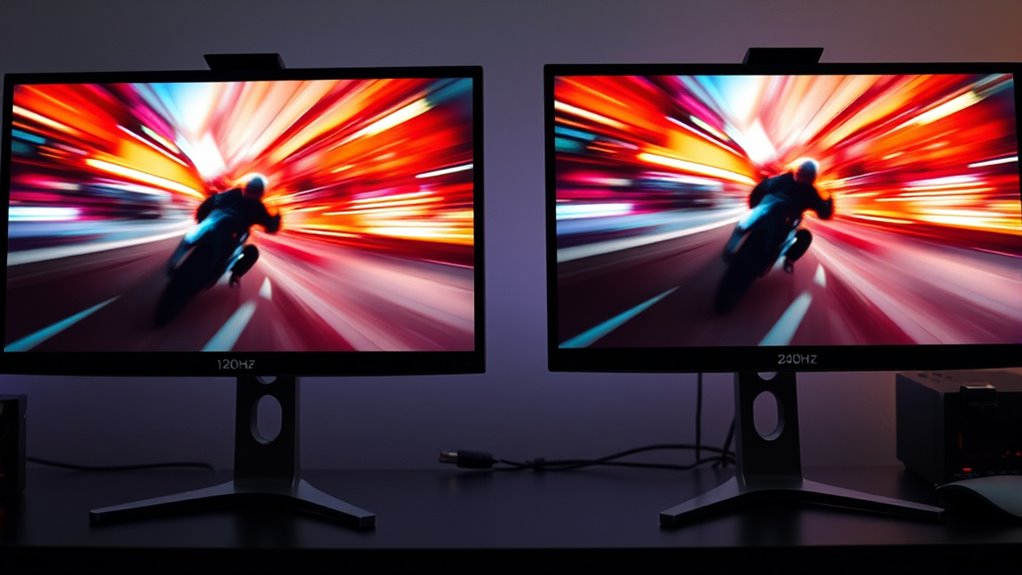
Choosing between a 120Hz and 240Hz display depends largely on your specific needs and budget. If you prioritize smooth gameplay and fast response times, a 240Hz monitor can give you a competitive edge, but it often comes at a higher cost and increased power consumption. For casual gaming or general use, 120Hz offers excellent motion clarity without breaking the bank. Pay attention to color accuracy if you do photo editing or content creation, as higher refresh rates don’t necessarily improve it. Also, consider power consumption; 240Hz displays typically use more energy, which could be a concern if you’re sensitive to power costs or want a more eco-friendly setup. Additionally, as AI technology continues to evolve, newer monitors may integrate AI-driven features for better performance and customization. Understanding refresh rate and how it impacts your visual experience can help you make a more informed decision. Ultimately, match the refresh rate to your gaming intensity, work needs, and budget constraints.
Frequently Asked Questions
How Does Refresh Rate Affect Battery Life on Portable Devices?
A higher refresh rate increases battery consumption because your device updates the display more frequently, which uses more power. If you’re gaming or watching fast-paced videos, the power efficiency drops since the screen demands more energy to deliver smoother visuals. To conserve battery life, you might want to lower the refresh rate when high performance isn’t necessary. Adjusting this setting helps balance visual quality with better power efficiency.
Can a Higher Refresh Rate Improve Video Editing and Content Creation?
A higher refresh rate can improve your video editing and content creation experience by providing smoother motion and reducing motion blur, especially during fast-paced scenes. It also helps you see real-time updates more clearly, enhancing color accuracy and detail. Just guarantee your hardware is compatible with the higher refresh rate, or you might face issues like screen tearing or lag. Upgrading your monitor can make a noticeable difference in your workflow.
What Is the Impact of Refresh Rate on Virtual Reality Experiences?
You might think a higher refresh rate isn’t vital for VR, but it greatly impacts immersion and reduces motion sickness. When your VR headset has a faster refresh rate, movements appear smoother, making the experience more natural and comfortable. This increased immersion quality helps prevent dizziness and discomfort, especially during fast-paced actions. So, upgrading to a high refresh rate headset can transform your virtual reality adventures into more enjoyable, seamless experiences.
Are There Any Health Concerns Associated With High Refresh Rate Displays?
High refresh rate displays can cause eye strain if you spend long periods looking at them, especially if the brightness is high. Some people also worry about sleep disruption because bright screens emit blue light that can interfere with your sleep patterns. To minimize these effects, take regular breaks, reduce screen brightness, and consider using blue light filters, so your eyes stay comfortable and your sleep isn’t affected.
How Do Refresh Rates Influence the Effectiveness of Adaptive Sync Technologies?
Higher refresh rates enhance adaptive sync‘s effectiveness by providing smoother, more consistent frame delivery. When your display refreshes more often, adaptive sync can better match your GPU’s frame rate, reducing screen tearing and stuttering. Additionally, increased refresh rates help with flicker reduction, making gameplay and viewing more comfortable. So, choosing a higher refresh rate improves adaptive sync performance, creating a seamless, flicker-free experience that feels more responsive and immersive.
Conclusion
Choosing between 120Hz and 240Hz is like selecting the right gear for your journey—you’ll want what matches your pace and destination. If you’re a competitive gamer chasing every millisecond, 240Hz can give you that edge, while casual users might find 120Hz perfectly smooth. Remember, your eyes and your budget are the compass. Ultimately, it’s about finding the perfect harmony between performance and practicality, so your experience feels as seamless as a flowing river.