
To start streaming your gameplay, first choose the platform that fits your goals—Twitch for real-time interaction or YouTube for discoverability. Set up your essential hardware like a good microphone, webcam, and reliable internet. Install streaming software such as OBS Studio or Streamlabs OBS, then customize your channel’s look with overlays and branding. Plan your content schedule and engage actively with viewers. Continuing will reveal more tips to help you grow and succeed as a streamer.
Key Takeaways
- Choose between Twitch or YouTube based on your content goals and audience engagement preferences.
- Install and configure streaming software like OBS Studio or Streamlabs OBS for professional-quality broadcasts.
- Set up essential hardware, including a good microphone, webcam, and reliable internet connection.
- Customize your channel with branding, overlays, and optimized stream settings for visual appeal.
- Plan your content schedule and actively engage with viewers to grow your streaming presence.
Choosing the Right Streaming Platform
Choosing the right streaming platform is a crucial step in starting your gameplay streams. Your choice impacts how well you engage your audience and manage your content schedule. Platforms like Twitch and YouTube offer different features that cater to various streaming styles. Consider where your target viewers are most active, and think about how each platform supports audience engagement through chat features and interactive tools. Additionally, assess how easily you can schedule content, promote your streams, and grow your channel over time. Your decision should align with your goals, whether it’s building a community or reaching a wider audience. Picking the right platform sets the foundation for consistent streaming and meaningful interaction, making it easier to succeed in your streaming journey. Understanding the importance of audience engagement and leveraging interactive tools can help you choose a platform that best supports your growth and connection with viewers. Moreover, evaluating the security and privacy features of each platform can help protect your content and personal information as you build your presence online. Taking into account the platform’s features related to content management and moderation can also enhance your streaming experience. Being aware of content restrictions and community guidelines is essential to maintain a positive streaming environment.
Setting Up Your Streaming Equipment
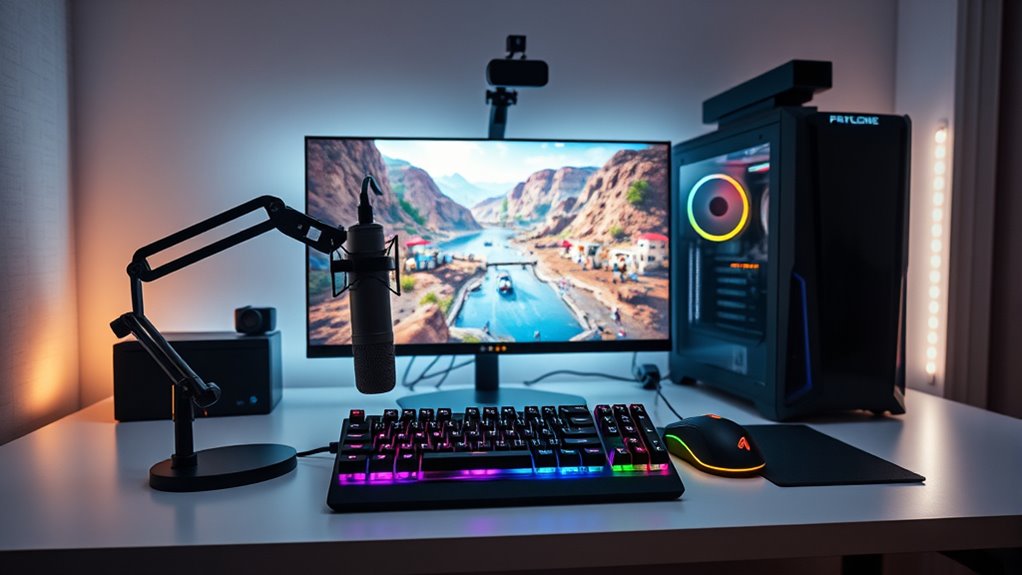
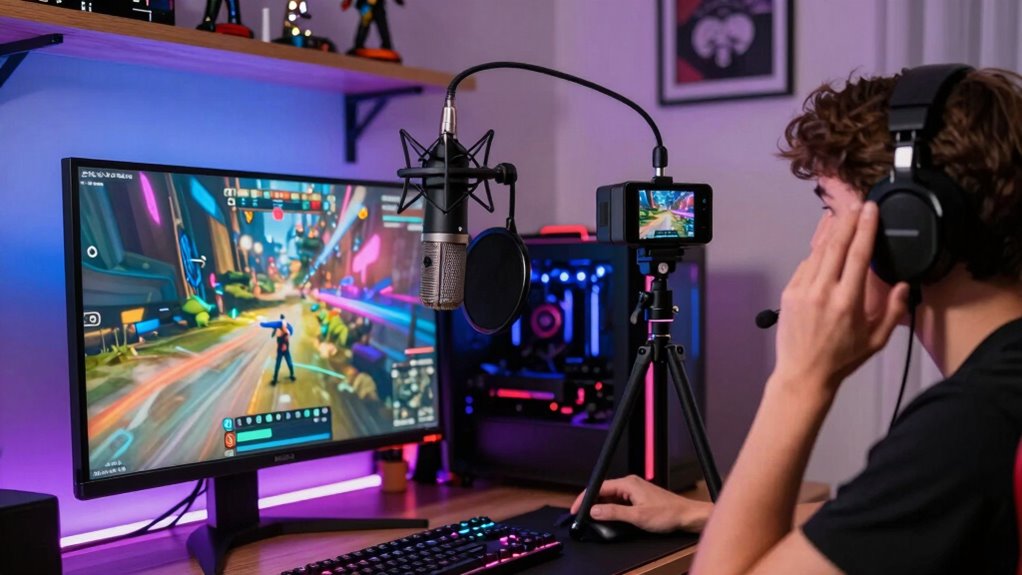
To start streaming smoothly, you need the right hardware like a good microphone, webcam, and a reliable PC or console. Choosing the best software helps you manage your stream easily and professionally. Plus, a strong internet connection guarantees your broadcast stays clear and uninterrupted. Considering Free Floating ideas for your background or environment can also enhance the visual appeal of your stream, especially when incorporating modern kitchen technology elements that add a unique touch to your setup. Ensuring your streaming environment is well-organized and optimized can make a significant difference in viewer engagement and overall quality. Additionally, optimizing your home theater setup can improve your overall streaming experience by providing better lighting, acoustics, and visual appeal. Incorporating smart home technology to automate lighting and sound can further enhance your streaming ambiance and create a more professional look.
Essential Hardware Components
Setting up your streaming equipment begins with selecting the right hardware components that guarantee smooth and high-quality gameplay broadcasts. A good microphone is essential; prioritize microphone quality to assure clear audio that engages viewers and reduces background noise. Investing in a reliable microphone will make your voice sound professional and consistent. Additionally, a proper lighting setup enhances your on-camera presence, making your face clearly visible and reducing shadows. Good lighting doesn’t have to be expensive—use soft, diffused lights positioned to evenly illuminate your face. Along with a sturdy webcam, these hardware elements create a polished and inviting stream. Focusing on sound quality is crucial to ensure your audience enjoys a clear and immersive experience. Remember that audio equipment plays a vital role in delivering crisp sound, so choose your microphone and accessories carefully. Prioritizing streaming hardware ensures you build a solid foundation for your setup and deliver a more professional, engaging experience to your audience. For optimal results, consider upgrading your components over time as your channel grows, especially as you learn more about home‑care techniques that can help maintain your equipment’s performance.
Optimal Software Choices
Selecting the right streaming software is essential for delivering smooth, professional broadcasts. You need software compatible with your operating system and hardware, ensuring seamless integration with your setup. Popular options like OBS Studio, Streamlabs OBS, and XSplit offer robust features and easy customization. Pay attention to encoding options; hardware encoding reduces CPU load, while software encoding offers more flexibility. Choose software that supports your preferred streaming platform and provides adjustable settings so you can optimize stream quality. Compatibility issues can cause lag or crashes, so verify that your software works well with your hardware. By selecting the right software with suitable encoding options, you set a solid foundation for a reliable and high-quality streaming experience.
Setting Up Internet Connection
A stable and fast internet connection is crucial for delivering high-quality live streams without interruptions. Your internet speed directly impacts your stream’s clarity and smoothness, so aim for at least 5 Mbps upload speed for decent quality. If you’re using Wi-Fi, confirm your Wi-Fi stability is reliable; weak signals can cause buffering and lag. Position your router close to your streaming setup or consider wired Ethernet connections for the best stability. Avoid multiple devices hogging bandwidth during streaming, and restart your router if you notice drops in performance. Testing your internet speed before going live helps ensure you meet the necessary requirements. A solid, consistent connection keeps viewers engaged and prevents frustrating disruptions during your gameplay broadcasts.
Creating and Customizing Your Channel
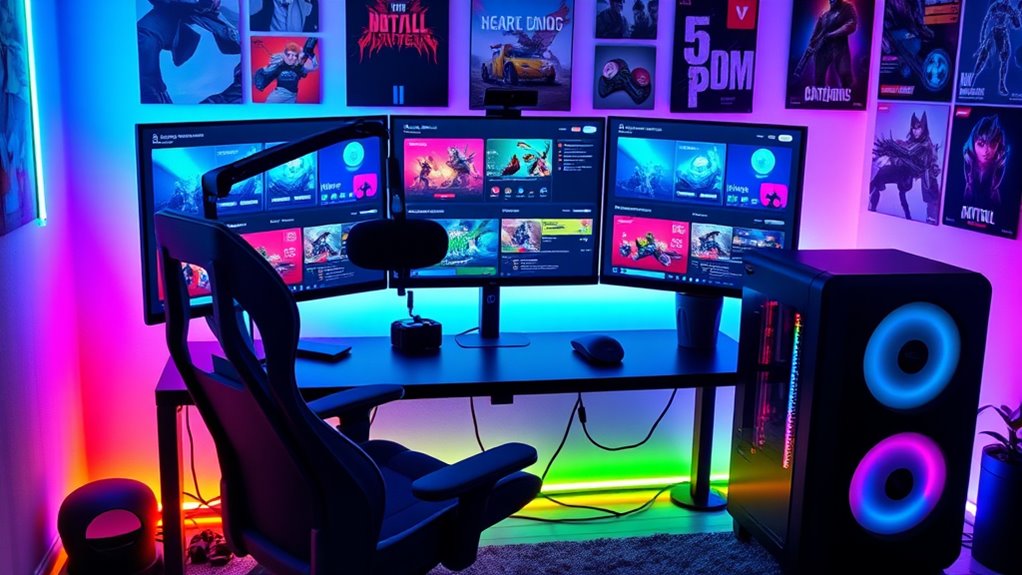
Have you ever wondered how to make your streaming channel stand out from the crowd? Creating and customizing your channel is essential for establishing your identity. Start with strong channel branding by choosing a memorable name, logo, and consistent color scheme. Your overlay design should reflect your personality and gaming style, making your stream visually appealing and professional. Use overlays to display your webcam, recent followers, and chat, adding a dynamic touch. Custom graphics and banners help viewers recognize your channel immediately. Keep your layout clean and organized to avoid clutter. Remember, the goal is to create a unique atmosphere that invites viewers to stay. Well-designed branding and overlays set your channel apart and build a recognizable online presence. Incorporating visual branding elements can further enhance your channel’s professional appearance and viewer engagement.
Installing and Configuring Streaming Software
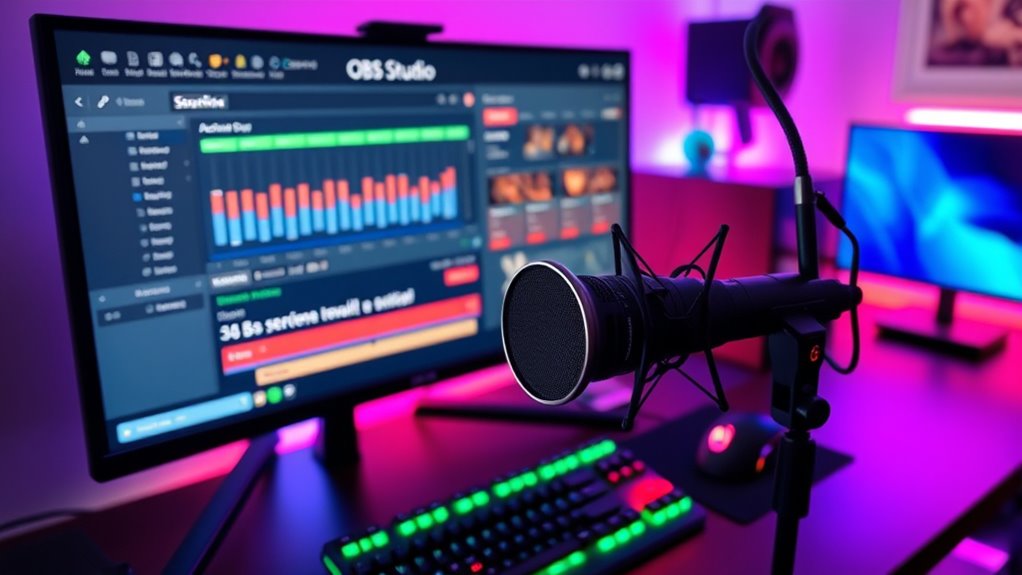
To get started, you need to choose a streaming platform that fits your goals. Next, you’ll install the streaming software and set it up on your device. Finally, you’ll customize your stream settings to guarantee a smooth and professional broadcast.
Choosing Streaming Platforms
Choosing the right streaming platform is essential for reaching your target audience and delivering a smooth viewing experience. Whether you pick Twitch or YouTube, it impacts your ability to implement monetization strategies and build a community. Consider where your potential viewers are most active and which platform offers features aligned with your goals. Twitch is great for real-time engagement and viewer interaction, while YouTube excels at content longevity and discoverability. Both platforms support monetization options like ads, subscriptions, and donations, but each has unique community-building tools. Your choice will influence how you grow your channel and connect with viewers, so think about your content style, audience preferences, and long-term goals. Selecting the right platform sets the foundation for your streaming success.
Installing Streaming Software
Getting started with streaming requires installing and configuring the right software to broadcast your gameplay smoothly. Popular options like OBS Studio or Streamlabs OBS are user-friendly choices for beginners. Once installed, you can set up overlay customization to personalize your stream’s appearance, making it more engaging for viewers. These streaming programs also offer stream analytics tools, allowing you to monitor viewer engagement, stream quality, and performance metrics in real time. Adjusting settings guarantees your broadcast runs seamlessly and looks professional. Take time to familiarize yourself with the software’s interface and features, so you can make the most of overlay options and analytics. Proper setup at this stage helps create a polished stream that attracts and retains viewers, setting a strong foundation for your streaming journey.
Configuring Stream Settings
Once you’ve installed your streaming software, the next crucial step is configuring your stream settings to guarantee smooth and professional broadcasts. Start by adjusting your audio quality to ensure clear sound without lag. Next, optimize your video bitrate for sharp visuals and minimal buffering. Then, customize your overlay design to create a visually appealing setup that reflects your brand. Finally, set your scene transitions and chat overlays to keep viewers engaged. These steps help you deliver a seamless experience, balancing quality and performance. Remember, clear audio and a clean overlay design make your stream more attractive and accessible, encouraging viewers to stay longer. Taking the time to fine-tune these settings sets a solid foundation for successful streaming.
Preparing Your Content and Schedule
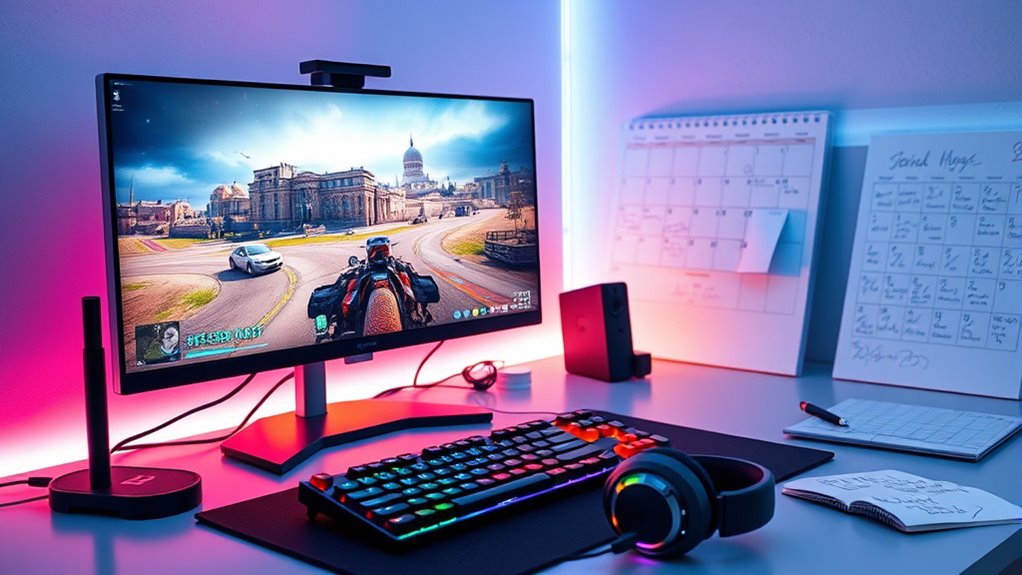
Before you hit the stream button, it’s essential to plan your content and establish a consistent schedule. Content planning helps you decide what games or topics to stream, ensuring your streams stay focused and engaging. Think about your strengths and what your audience might enjoy. Consistency scheduling is key to building a loyal viewer base; pick specific days and times to stream and stick to them. This predictability helps viewers know when to tune in, boosting your chances of growing your channel. Create a simple content calendar to organize upcoming streams and ideas. By maintaining a clear plan and regular schedule, you’ll make streaming more manageable, enjoyable, and appealing to your audience. Incorporating content planning strategies can further optimize your streaming success.
Engaging With Your Audience

Engaging with your audience transforms viewers into a community, making your streams more interactive and memorable. To boost audience interaction and chat engagement, try these strategies:
Connecting with viewers builds a lively, memorable community.
- Ask open-ended questions to encourage responses.
- Respond promptly to chat messages to show you’re listening.
- Use polls or quick games to involve viewers actively.
- Acknowledge new followers and donators to foster connection.
Tips for Growing Your Streaming Presence
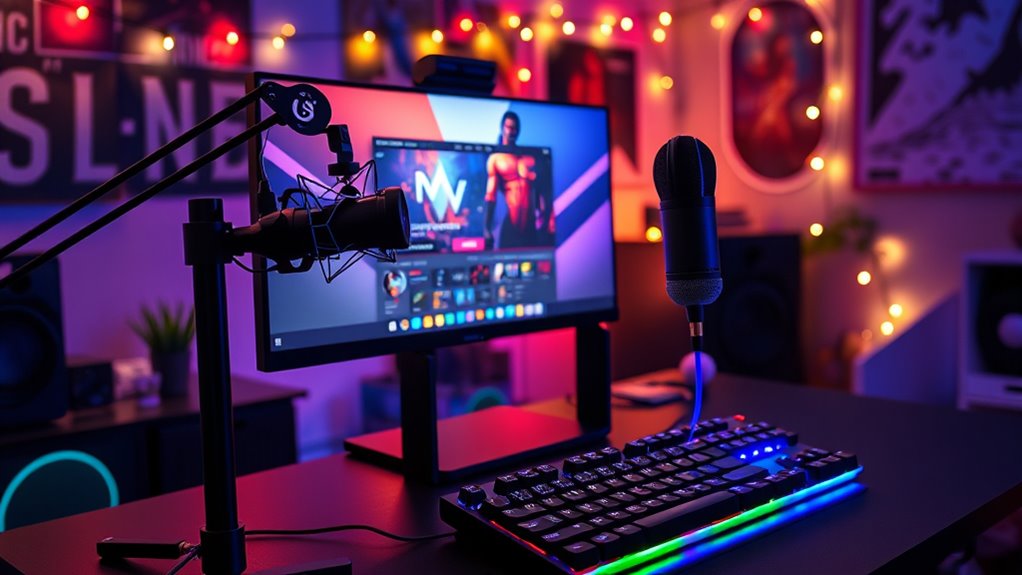
To grow your streaming presence, focus on creating consistent and high-quality content that resonates with your target audience. Develop effective branding strategies, such as a memorable logo, catchy overlays, and a clear channel identity, to make your stream recognizable. Emphasize content diversity by mixing gameplay with Q&A sessions, tutorials, or chat interactions; this keeps viewers engaged and encourages repeat visits. Regular streaming schedules help build trust and loyalty. Engage actively with your audience through chat and social media to foster a community vibe. Collaborate with other streamers to expand your reach. By maintaining quality, consistency, and authentic branding, you’ll attract more viewers and create a thriving streaming presence.
Frequently Asked Questions
How Do I Monetize My Streams Effectively?
To monetize your streams effectively, focus on building an engaged audience first. Use donation strategies like encouraging viewers to donate during exciting moments and offering perks for donations. Seek sponsorship opportunities by showcasing your unique content and growing your follower base. Consistently interact with your viewers and produce high-quality content to attract sponsors. Remember, authenticity and regular engagement are key to increasing your earning potential on platforms like Twitch and YouTube.
What Are Common Technical Issues New Streamers Face?
You’ll often face technical issues like poor audio quality or unreliable internet connectivity. To fix this, check your microphone and headset for clear sound and adjust your audio settings if needed. Make certain your internet connection is stable and has enough upload speed for streaming smoothly. Running speed tests regularly helps identify issues early. Being proactive with these fixes keeps your stream professional and engaging for viewers.
How Can I Handle Negative Comments or Harassment?
When facing negative comments or harassment, stay calm and don’t engage. Use cyberbullying prevention tools like filtering and blocking to protect yourself. Focus on positive community building by encouraging respectful chat and highlighting supportive viewers. Setting clear rules and moderating your chat helps create a welcoming environment, making it easier to handle negativity and foster a positive, engaging space for your audience.
What Legal Considerations Should I Be Aware Of?
Imagine streaming your gameplay and suddenly facing a copyright strike. You should guarantee copyright compliance by avoiding copyrighted music and content without permission. Also, be aware of privacy concerns—never share personal information or footage involving others without consent. Always read platform policies to stay compliant with legal considerations, and consider consulting a legal expert if you’re unsure. Staying informed helps protect your channel and keeps your streaming experience safe.
How Do I Collaborate With Other Streamers?
To collaborate with other streamers, reach out through social media or streamer networking platforms, and propose joint streams or events. Be mindful of collaborative challenges like scheduling conflicts and differing content styles. Maintain open communication, share ideas, and build genuine relationships to foster successful partnerships. Collaborations boost your visibility, help grow your community, and make streaming more fun. Keep a collaborative mindset, stay respectful, and enjoy creating content together.
Conclusion
Remember, Rome wasn’t built in a day. Stay consistent, keep improving, and engage genuinely with your viewers. As long as you’re passionate and persistent, your streaming journey will grow stronger over time. Don’t be discouraged by setbacks—every streamer starts somewhere. With patience and dedication, you’ll turn your passion into a thriving community. So gear up, stay motivated, and enjoy the process—your streaming success is just around the corner!