Understanding file permissions unlocks control over your data—discover how read, write, and execute rights can safeguard or share your files effectively.
Browsing Category
Laptops & Computers
17 posts
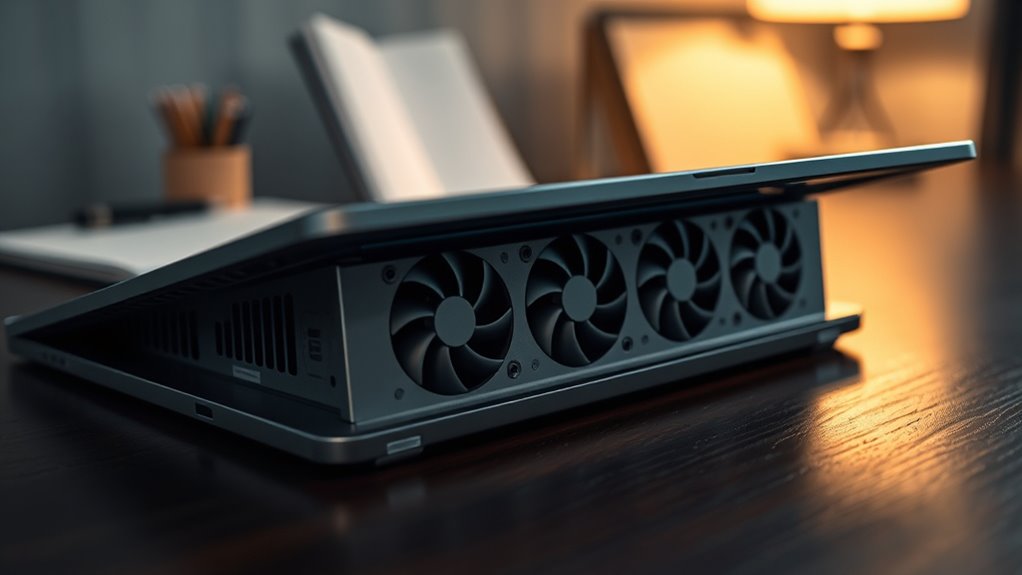
Laptop Fans Loud? Quiet Them Safely
Absolutely, learn how to safely quiet loud laptop fans and restore optimal performance today.
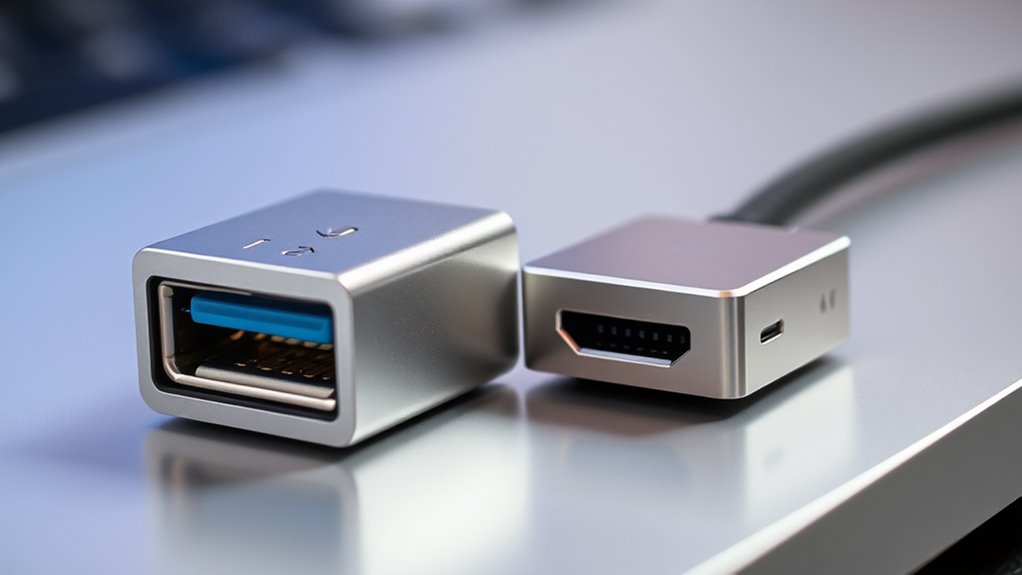
USB4 Vs Thunderbolt: What’s Compatible With What
USB4 and Thunderbolt both use USB-C ports and offer high-speed data transfer,…
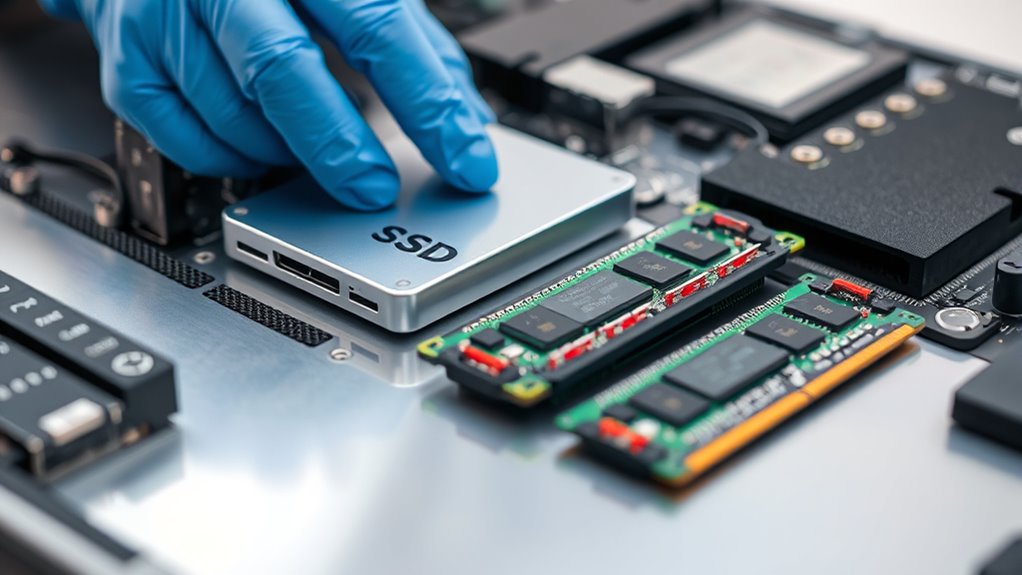
Upgrade SSD or RAM? The Order That Makes Sense
Inevitably, choosing whether to upgrade your SSD or RAM first can significantly impact your system’s performance—discover which upgrade order makes the most sense.
Virtual Desktops on Windows and Macos: Productivity Power‑Ups
I’m here to show you how virtual desktops on Windows and macOS can transform your workflow—discover the ultimate productivity power-ups today.
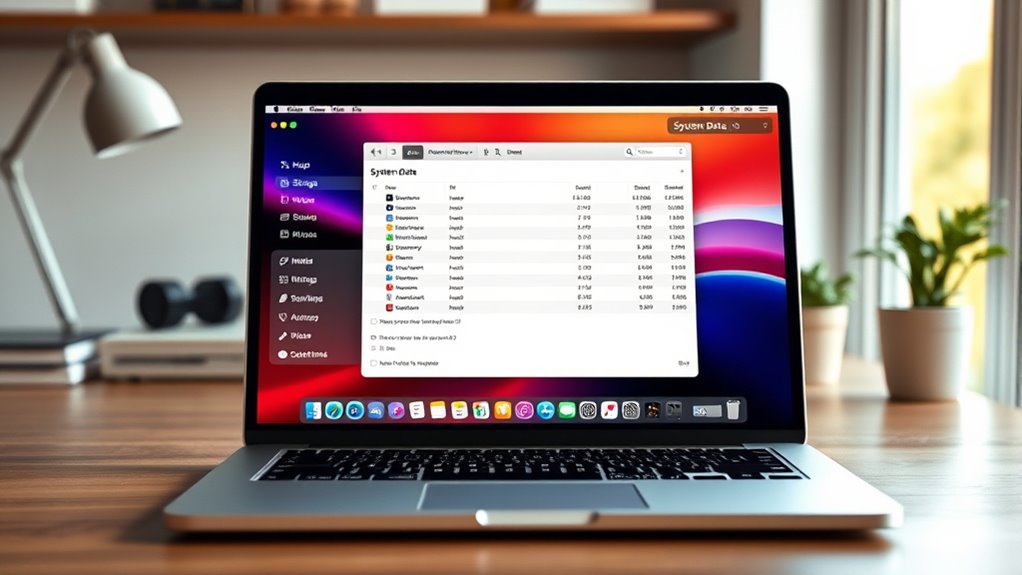
Macos ‘system Data’ Eating Space? Here’s How to Trim It
Losing valuable storage to ‘System Data’ on your Mac? Learn how to identify and trim it effectively to free up space and boost performance.
Clean Install Vs Reset: the Right Way to Refresh Windows
Meta description: “Many users wonder whether a clean install or reset is best for refreshing Windows—discover which method suits your needs and why it matters.
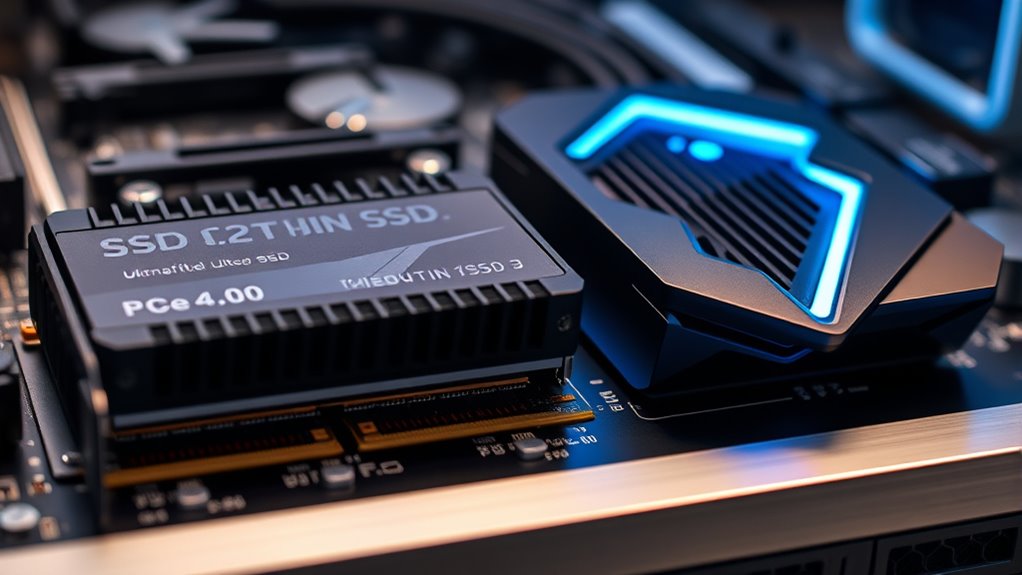
PCIE 4.0 Vs 5.0 SSDS: Real‑World Differences
Find out how PCIe 4.0 and 5.0 SSDs differ in real-world performance, costs, and thermal management—discover which is right for your needs.
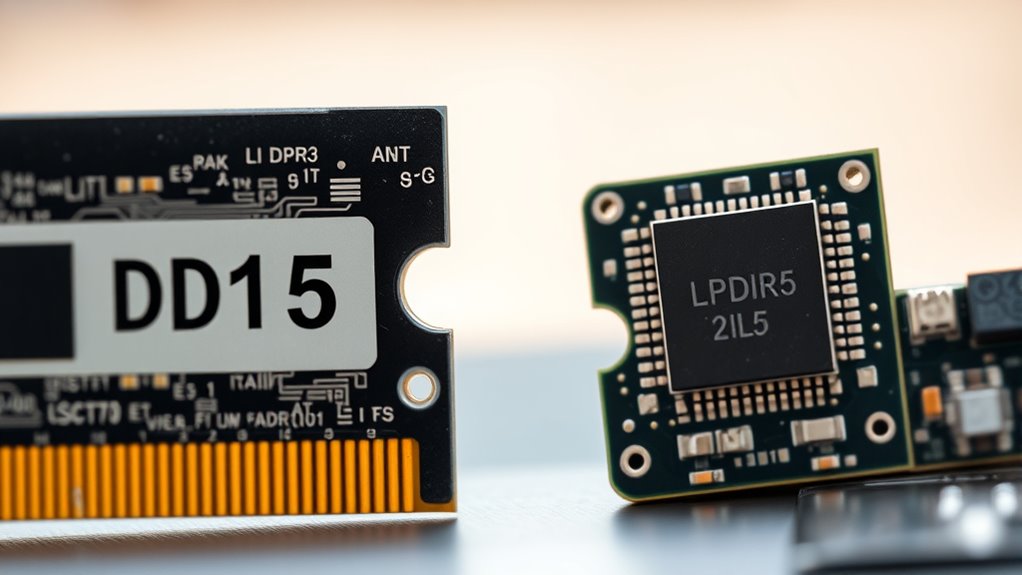
DDR5 Vs LPDDR5: Which Memory Matters for Laptops
If you’re choosing memory for a laptop, LPDDR5 is usually the better…
Integrated Vs Dedicated Graphics: What You Actually Need
If you mostly use your computer for casual browsing, streaming, or office…