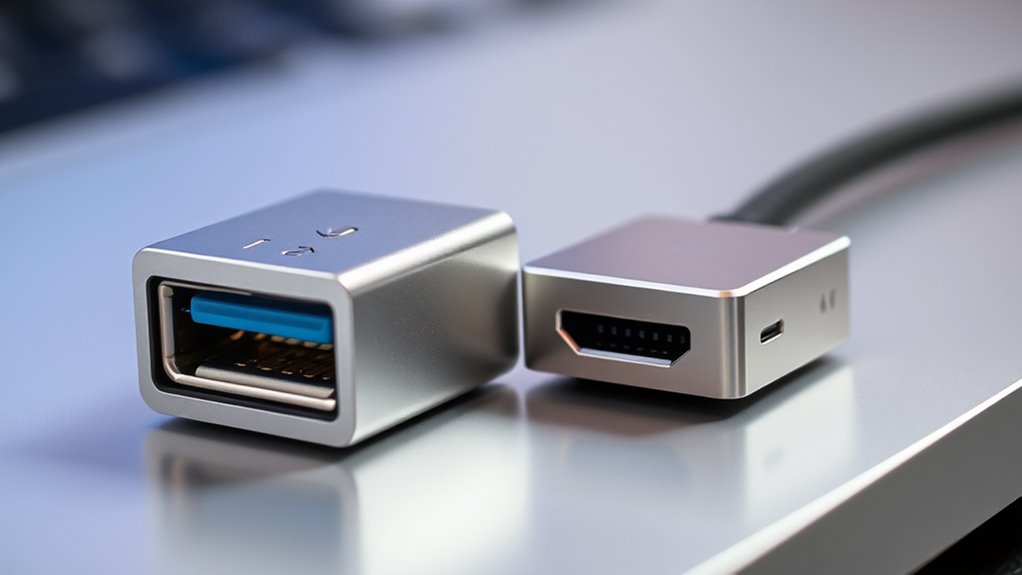

USB4 and Thunderbolt both use USB-C ports and offer high-speed data transfer, but compatibility depends on the device and cable specifications. USB4 is widely compatible with many devices like smartphones, tablets, and external drives, though not all cables support full performance. Thunderbolt 3 and 4 provide consistent, high-end performance but are more specialized and often require compatible hardware. To fully understand which devices and accessories work best for you, explore the details further.
Key Takeaways
- USB4 is compatible with USB-C devices, smartphones, tablets, and external drives, while Thunderbolt 3 and 4 also use USB-C but require device verification.
- Both USB4 and Thunderbolt support transfer speeds up to 40 Gbps, but Thunderbolt devices tend to have more consistent performance.
- USB4 cables vary in quality; not all support maximum speeds, whereas Thunderbolt cables are designed for reliable high-speed performance.
- Thunderbolt supports daisy-chaining multiple high-end peripherals, making it suitable for professional workflows, while USB4 is more broadly compatible.
- Compatibility with newer devices is increasing for USB4, but Thunderbolt remains optimal for demanding multimedia and high-performance setups.
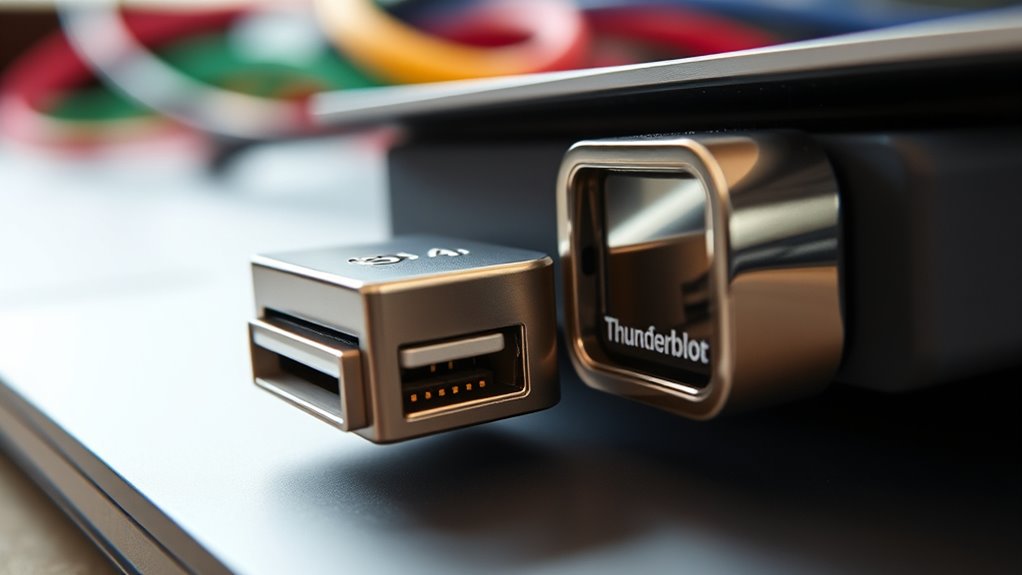
When choosing between USB4 and Thunderbolt, understanding their differences can help you make an informed decision. One of the key factors to weigh is device compatibility. USB4 is built on the widely adopted USB-C standard, which means it’s compatible with a broad range of devices, including smartphones, tablets, external drives, and peripherals. Its universal nature makes it easier to find cables and accessories that work seamlessly across different brands and types of hardware. Thunderbolt, especially Thunderbolt 3 and 4, also uses the USB-C connector but is primarily designed for high-performance computing environments. While many Thunderbolt devices can connect to USB-C ports, not all USB-C ports support Thunderbolt functionality. This means that for Thunderbolt, you need to verify that your device’s port explicitly supports Thunderbolt standards to ensure full compatibility. Additionally, the contrast ratio of a display or device can significantly impact the visual experience, especially in high-precision tasks or immersive media viewing. Transfer speeds are another critical aspect that distinguishes these technologies. USB4 offers impressive speeds of up to 40 Gbps, matching Thunderbolt 3 and Thunderbolt 4. However, achieving these speeds depends on both the device and the cable being used. Not all USB4 cables are created equal; some may only support lower speeds, so you need to check specifications carefully. Thunderbolt 3 and 4 also deliver transfer speeds up to 40 Gbps, but Thunderbolt’s performance is more consistently reliable because it’s a more tightly controlled standard. This consistency makes Thunderbolt particularly appealing for professionals who need rapid data transfer for large files, such as video editing or high-resolution photo workflows. While USB4 provides excellent transfer speeds and broad compatibility, Thunderbolt’s strength lies in its optimized performance for high-end peripherals and daisy-chaining multiple devices. If you’re working with demanding multimedia tasks or professional-grade hardware, Thunderbolt’s robust ecosystem and guaranteed speeds offer a distinct advantage. Conversely, if you’re looking for versatility and widespread device support, USB4 might be the better choice, especially since many newer devices now include USB4 ports.
Frequently Asked Questions
Can I Connect a Thunderbolt Device to a USB4 Port?
Yes, you can connect a Thunderbolt device to a USB4 port, thanks to the improved adapter compatibility and port versatility of USB4. USB4 is designed to support Thunderbolt 3 devices, so using a compatible Thunderbolt 3 or 4 adapter allows seamless connection. Just guarantee your device and adapter are compatible, and you’ll enjoy fast data transfer and versatile connectivity without issues.
Are All Thunderbolt 3 Cables Compatible With USB4 Devices?
Not all Thunderbolt 3 cables are compatible with USB4 devices. Cable compatibility depends on whether the cable supports Thunderbolt 3’s high data transfer rates and power delivery standards. For proper device interoperability, make sure you use a Thunderbolt 3 cable certified for Thunderbolt or USB4. Using incompatible cables can limit performance or prevent connections altogether. Always check the cable specifications to verify it meets the requirements for your device.
Does USB4 Support Daisy-Chaining Multiple Devices?
Yes, USB4 supports daisy chaining multiple devices, but there are limitations to take into account. Daisy chaining with USB4 is possible, yet it’s limited by device compatibility and bandwidth constraints. You might encounter daisy chaining limitations if your devices don’t fully support USB4 features or aren’t designed for multiple device connections. To guarantee smooth operation, check each device’s compatibility and understand that performance may degrade with more devices linked in a chain.
Is Thunderbolt Faster Than USB4 for External Displays?
Yes, Thunderbolt is faster than USB4 for external displays, especially at higher display resolutions. Thunderbolt 4 offers a maximum data transfer rate of 40 Gbps, which supports 8K displays or multiple 4K displays simultaneously. In contrast, USB4’s speed can reach up to 40 Gbps but often depends on the device and cable quality. This means Thunderbolt provides a more consistent and higher-performance experience for demanding external display setups.
Are There Any Security Differences Between USB4 and Thunderbolt?
Imagine you’re in a sci-fi flick—Thunderbolt offers stronger security with better encryption standards, so your data transfer security stays tight. USB4, while still secure, may not have the same advanced protections, making it slightly more vulnerable. You should consider this if data privacy matters to you. Overall, Thunderbolt‘s security features give it an edge, especially for sensitive information, but both are generally safe for everyday use.
Conclusion
Ultimately, choosing between USB4 and Thunderbolt depends on your needs. Both offer fast data transfer and versatile compatibility, but Thunderbolt often provides slightly higher performance and more advanced features. Do you really need that extra speed or should you prioritize broader device compatibility? Consider what matters most for your setup. Either way, you’re getting a powerful connection standard that keeps your devices future-ready. So, are you ready to upgrade to the best connection for your tech?