
Many common router placement myths can actually weaken your Wi-Fi signal. For example, placing your router high isn’t always better if obstacles block the signal, and central placement doesn’t guarantee good coverage if walls and furniture interfere. Believing that distance alone is the main issue or that closing doors improves Wi-Fi can mislead you. If you want to learn how to optimize your setup effectively, you’ll find helpful tips ahead.
Key Takeaways
- Elevating a router doesn’t always improve coverage; obstacles and interference often have a bigger impact.
- Proper antenna orientation and balanced placement help maximize signal direction and strength.
- Central router placement alone doesn’t guarantee good coverage; consider obstacles, height, and environment.
- Walls, furniture, and appliances significantly weaken Wi-Fi signals, creating dead zones regardless of router position.
- Minimizing barriers like closed doors and thick walls enhances signal clarity and reduces dead spots.
The Myth That Routers Must Be Placed High Up
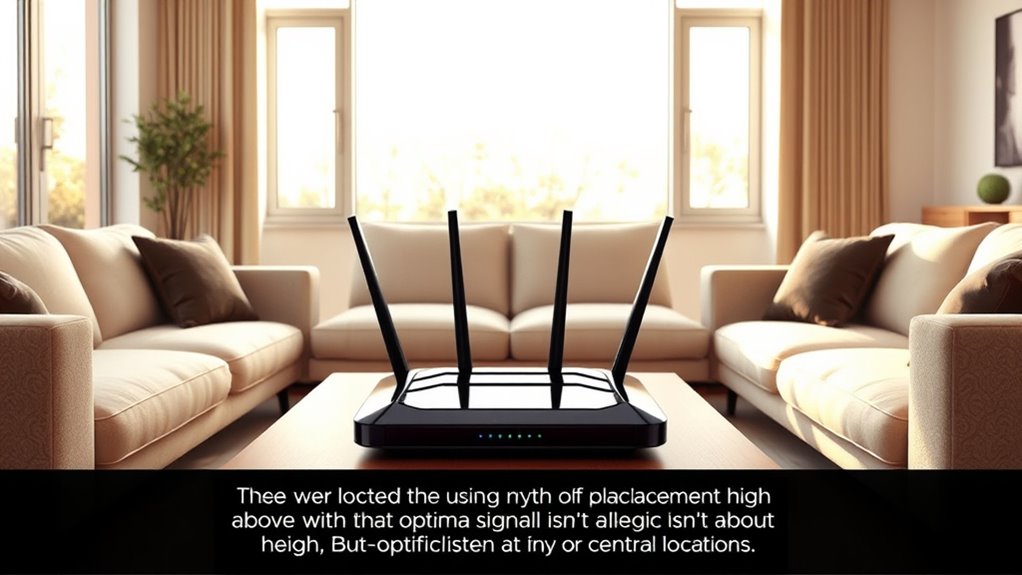
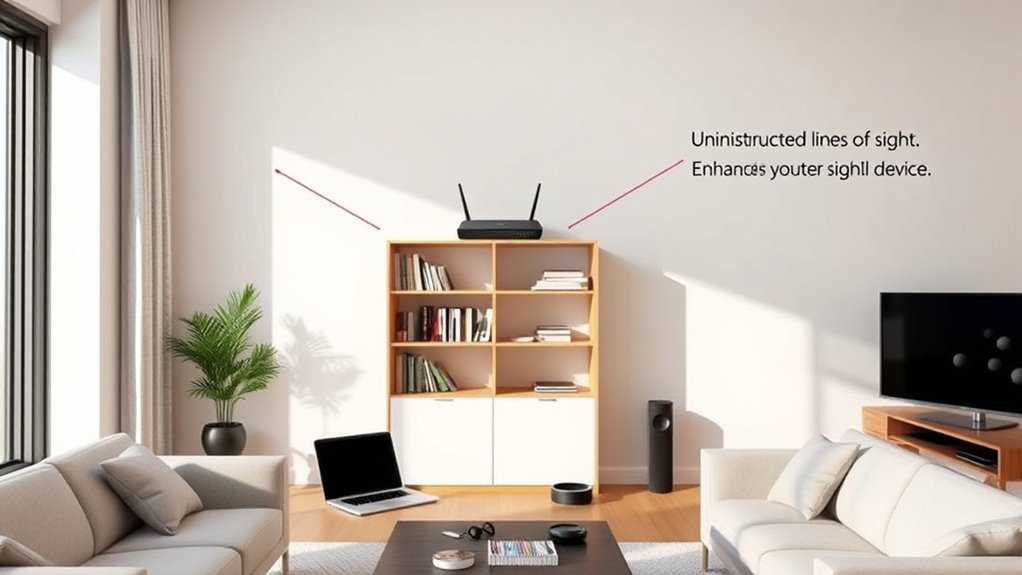
Many people believe that placing a router high on a wall or shelf guarantees better coverage, but this isn’t always true. This idea stems from elevation myths and height misconceptions, which suggest that higher placement always improves signal strength. In reality, elevating your router can sometimes help, but it’s not a guaranteed fix. Walls, furniture, and other obstacles can block signals regardless of height. Additionally, placing a router too high might cause signals to drift away from your devices rather than toward them. The key is to find a balanced spot that minimizes obstructions and allows the signal to spread evenly. Proper placement considers multiple factors, not just elevation. A balanced placement helps optimize coverage and signal quality across your space. Remember, factors like signal interference and the presence of obstacles are just as important as height when it comes to effective router placement. For best results, understanding radio frequency propagation can guide you toward more effective placement strategies. Recognizing how signal strength varies with different environments can help you make better placement decisions.
Believing Distance Alone Determines Signal Strength
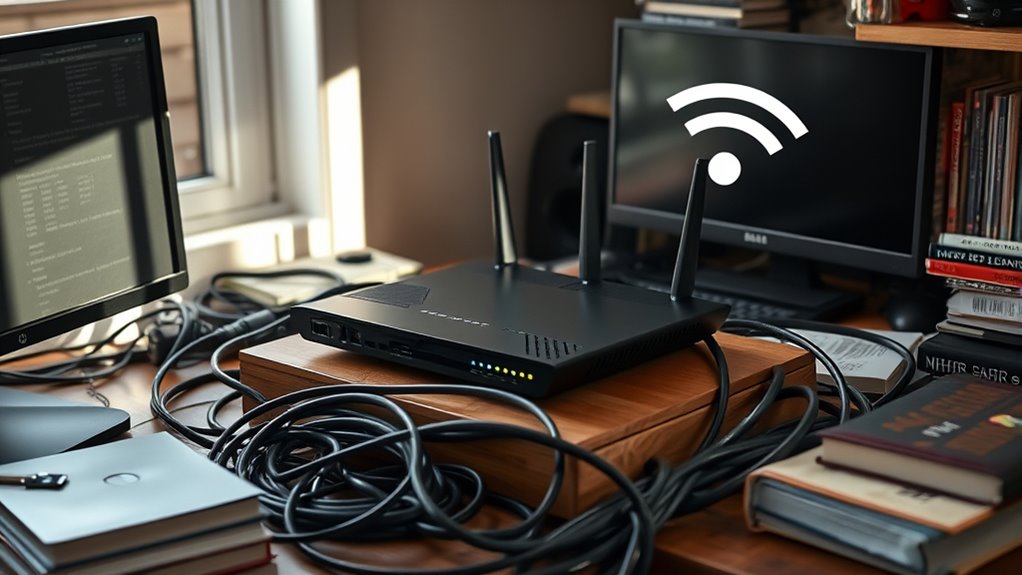
It’s a common misconception that the farther you are from your router, the weaker the signal will be. While distance does cause signal decay, it’s not the only factor at play. Interference sources like cordless phones, microwaves, and neighboring Wi-Fi networks can disrupt your connection regardless of proximity. These interference sources create obstacles that weaken the signal more than distance alone. Additionally, walls, furniture, and other obstacles can cause signal reflection and absorption, compounding the effects of distance. Modern Wi-Fi technology can help mitigate some of these issues by using smarter routing and frequency management. Relying solely on proximity to gauge signal strength ignores these other factors. To improve your Wi-Fi, consider both distance and interference sources, and optimize your router placement accordingly. A strategic placement minimizes interference and ensures a stronger, more reliable connection across your space. Understanding Interference sources is crucial for effective Wi-Fi optimization and maintaining a stable connection. Moreover, utilizing smart routing features can dynamically adjust signals to improve coverage and reduce dead zones. Additionally, choosing routers with dual-band frequency capabilities can help avoid congestion and enhance performance. Being aware of environmental obstacles like thick walls or metal objects can also significantly impact signal quality.
Assuming Central Placement Is Always Best
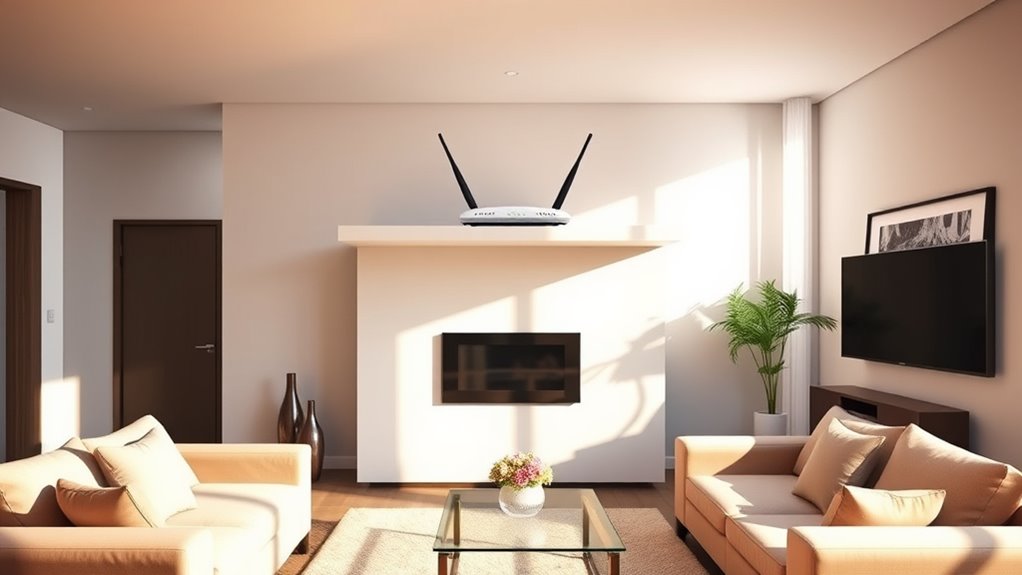
Placing your router in the center of your home isn’t always the best choice, especially if furniture or walls block the signal. Obstructions can weaken coverage more than distance, no matter where the router sits. Sometimes, a slightly off-center spot can provide better coverage for your entire space. Additionally, understanding signal propagation can help you optimize placement for the best performance. Recognizing how interference sources affect wireless signals can further improve your network’s reliability. Being aware of signal attenuation can also help you select the optimal location to minimize loss. Considering environmental factors such as metal objects or appliances can further enhance your network’s effectiveness. Knowing the physical environment around your router can make a significant difference in your Wi-Fi quality.
Obstructed Signal Path
Although it’s common to assume that placing your router in the center of your home guarantees ideal coverage, an obstructed signal path can undermine this strategy. Walls, furniture, and appliances create barriers that weaken your Wi-Fi signal, leading to dead zones. Wireless interference from devices like cordless phones or microwaves can also disrupt the signal, making placement even trickier. Additionally, router height matters—placing it too low or behind objects can diminish signal strength. To improve coverage, elevate your router on a shelf or mount it higher on the wall, reducing physical obstructions. Keep it away from thick walls and metal objects that block signals. Proper router placement is essential for optimal performance; addressing these obstacles will ensure a clearer signal path and better overall Wi-Fi performance throughout your home. Optimizing wireless interference sources can significantly enhance your connection quality as well. Ensure your router is positioned to minimize signal degradation caused by common household objects, which can be mitigated by understanding signal propagation principles.
Overlooking Coverage Areas
Many assume that positioning your router in the center of your home automatically provides ideal coverage, but this isn’t always the case. The router height plays a vital role; placing it too low or too high can weaken the signal. Additionally, overlooking coverage areas means you might have dead spots in rooms that aren’t directly in line with the router’s position. Walls, furniture, and appliances serve as signal obstacles, blocking or weakening Wi-Fi signals in certain zones. Instead of sticking to the myth that central placement solves everything, consider elevating your router to a higher spot and mapping out your coverage. This way, you’ll identify areas that need better signal strength and avoid blind spots, ensuring your entire home gets reliable Wi-Fi. For optimal performance, regularly test your Wi-Fi signal strength across different zones to identify and address weak spots effectively. Understanding signal obstacles can help you make smarter placement decisions and improve overall connectivity, especially when considering router placement best practices. Additionally, being aware of interference from other devices can further optimize your Wi-Fi setup. Proper placement, combined with knowledge of home layout, can significantly enhance your Wi-Fi experience.
The Idea That Walls and Furniture Significantly Block Wi-Fi
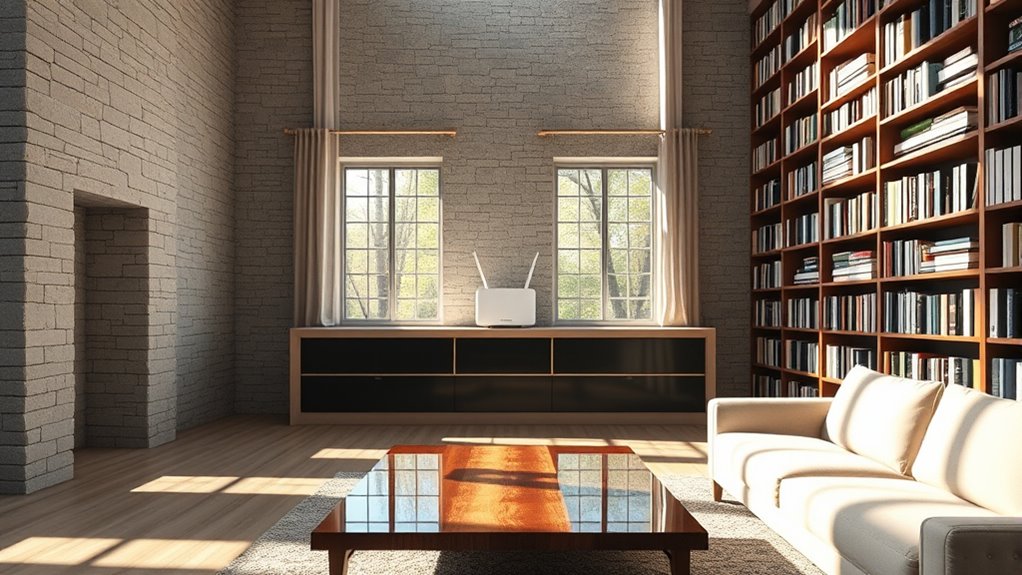
Many assume that walls and furniture drastically weaken Wi-Fi signals, but that’s not always true. While dense materials like concrete can cause signal loss, lighter barriers have minimal impact. Understanding which materials truly attenuate your signal helps you optimize your router placement more effectively.
Signal Attenuation by Barriers
A common misconception is that walls and furniture drastically weaken Wi-Fi signals. In reality, their impact is often overstated. To minimize attenuation, consider these factors:
- Proper antenna orientation boosts signal strength. Keep antennas vertical for better coverage.
- Adjust your router height. Placing it higher reduces barriers and improves line-of-sight.
- Avoid placing the router behind large furniture or inside cabinets, which can cause unnecessary signal loss.
While barriers do attenuate signals, their effect varies. Walls with dense materials are more problematic, but simple furniture and drywall typically cause minimal issues. Focus on optimizing antenna positioning and router height to ensure a clearer, stronger signal throughout your space.
Impact of Dense Materials
While dense materials like concrete and brick can weaken Wi-Fi signals, their impact is often less severe than most people believe. Material interference and signal absorption do reduce signal strength, but modern routers often overcome these obstacles. Thick walls and furniture may cause some degradation, yet the signal usually remains usable with proper placement. To visualize this:
| Material Type | Effect on Signal |
|---|---|
| Concrete Walls | Moderate absorption |
| Brick Walls | Slight to moderate interference |
| Wooden Furniture | Minimal impact |
| Metal Objects | Significant interference |
| Glass Partitions | Little to no effect |
Understanding this can help you avoid unnecessary router repositioning, focusing instead on strategic placement for ideal coverage.
Thinking That Closing Doors Improves Wi-Fi Performance
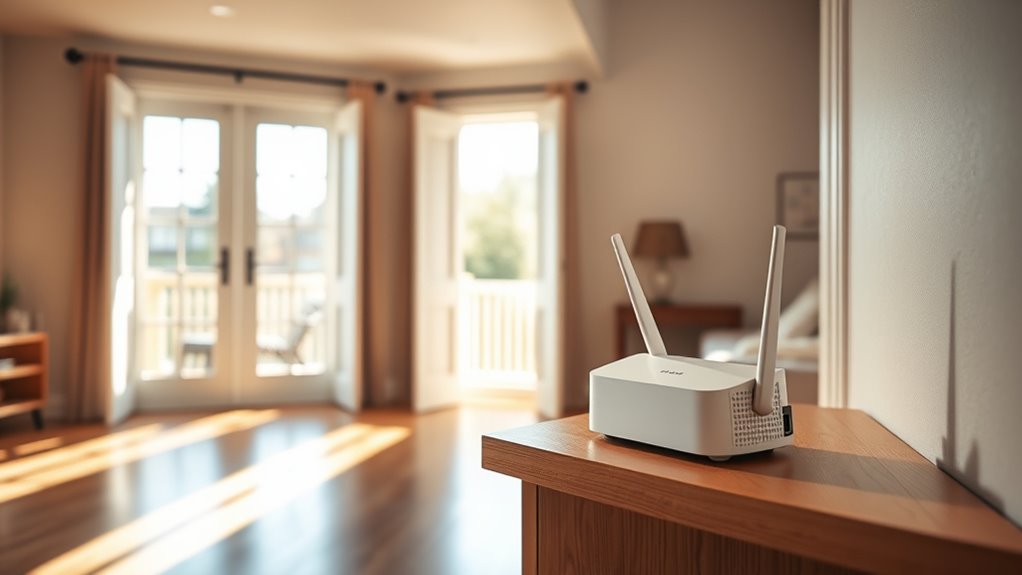
You might think that closing doors in your home helps Wi-Fi signals stay focused and improve performance, but in reality, it can have the opposite effect. Door closure and room separation can block or weaken signals, creating dead zones. When doors are closed, Wi-Fi waves have to navigate additional barriers, reducing coverage.
Here are three reasons to keep doors open:
- Unobstructed Signal Flow: Open doors allow Wi-Fi signals to travel freely between rooms.
- Better Room Coverage: Keeping doors open minimizes dead spots caused by room separation.
- Enhanced Network Strength: Less physical barrier means a stronger, more reliable connection throughout your home.
Avoid assuming that room separation with closed doors benefits your Wi-Fi; instead, keep doors open for ideal performance.
The Misconception That More Devices Always Slow Down Your Wi-Fi
Many people assume that adding more devices to their Wi-Fi network automatically slows down their internet speed, but that’s not always true. Device congestion occurs when too many devices try to use the same network simultaneously, leading to bandwidth sharing issues. However, modern routers can handle multiple devices efficiently if they’re designed for it. The key is managing bandwidth sharing, ensuring no single device hogs all the resources. Upgrading to a router with better capacity or using quality of service (QoS) settings can prioritize important devices or applications. Remember, it’s not the number of devices alone that causes slowdowns; how they share the bandwidth matters more. Proper network management prevents congestion and keeps your Wi-Fi running smoothly, even with many connected devices.
Frequently Asked Questions
Can a Router’s Color or Design Affect Its Signal Strength?
Your router’s color or design doesn’t affect its signal strength. While router aesthetics and color options matter for matching your decor, they don’t influence performance. Signal issues are usually caused by placement, interference, or outdated hardware. So, choose a router that looks good in your space, but don’t worry about its color options impacting your Wi-Fi. Focus on ideal placement and quality hardware to boost your connection instead.
Do Certain Router Brands Perform Better Regardless of Placement?
A good rule of thumb is that a reliable brand often delivers better performance consistency, regardless of placement. While no brand guarantees perfect signals everywhere, you tend to get better reliability and fewer drops with top-tier brands like ASUS or Netgear. Think of it as trusting a well-built bridge—solid brands usually offer more dependable performance, making your Wi-Fi experience smoother no matter where you put your router.
How Does Router Firmware Update Influence Wi-Fi Performance?
Firmware updates markedly boost your Wi-Fi performance by fixing bugs and improving stability. When you update your router’s firmware, you often get performance improvements that enhance speed, range, and security. Keep your firmware current to guarantee ideal operation, prevent potential issues, and get the latest features. Regular updates make a noticeable difference in your Wi-Fi experience, helping you enjoy faster, more reliable internet connections at home or work.
Is It Beneficial to Use Wi-Fi Extenders or Mesh Networks?
Using Wi-Fi extenders or a mesh network can truly enhance your connection, especially in larger spaces. Proper extender placement guarantees better coverage without dead spots, while mesh networks offer seamless, reliable coverage across multiple devices. Mesh networks provide the added benefit of easy management and scalability. If you’re aiming for a stronger, more consistent signal, these options can be very beneficial, making your online experience smoother and more enjoyable.
Can Interference From Household Electronics Impact Wi-Fi Signals?
Yes, household electronics can interfere with your Wi-Fi signals due to electromagnetic interference. Devices like microwaves, cordless phones, and baby monitors emit signals that disrupt Wi-Fi, especially if placed close to your router or device. To minimize this, keep electronics away from your router and choose a central location for better signal strength. Reducing electromagnetic interference helps guarantee a more stable and faster Wi-Fi connection for you.
Conclusion
Don’t let these myths trap your Wi-Fi in a maze of false hopes. Imagine your signal as a gentle stream flowing smoothly when you place your router wisely—avoiding the myth of height, centrality, or walls blocking its path. Break free from misconceptions, keep your devices humming, and watch your connection become a clear, steady flow. With the right placement, your Wi-Fi can finally reach every corner like sunlight through an open window.