Smart Home & IoT The Internet of Things Explained: How Everyday Objects Became Smart The Internet of Things (IoT) connects everyday objects like thermostats, fitness trackers,… GadgetFee TeamMarch 3, 2026 View Post
Smart Home & IoT Home Wi-Fi Security 101: How to Lock Down Your Network Fascinating home Wi-Fi security tips can help protect your network—learn how to lock down your Wi-Fi today to keep unwanted intruders out. GadgetFee TeamMarch 2, 2026 View Post
Smart Home & IoT Connected Appliances: Is a “Smart” Washer or Fridge Really Worth It? Investigate whether a smart washer or fridge truly adds value to your home and discover if the convenience justifies the investment. GadgetFee TeamMarch 2, 2026 View Post
Smart Home & IoT Upgrade Your Living Room: Simple Smart Tech for a Home Theater Experience Knowing how to easily upgrade your living room with smart tech can transform your entertainment, and here’s why you should keep reading. GadgetFee TeamMarch 2, 2026 View Post
Smart Home & IoT Smart Hub or No Hub? Do You Really Need a Home Automation Hub Anymore? Discover whether a home automation hub is essential today or if your smart devices can operate seamlessly without one. GadgetFee TeamMarch 1, 2026 View Post
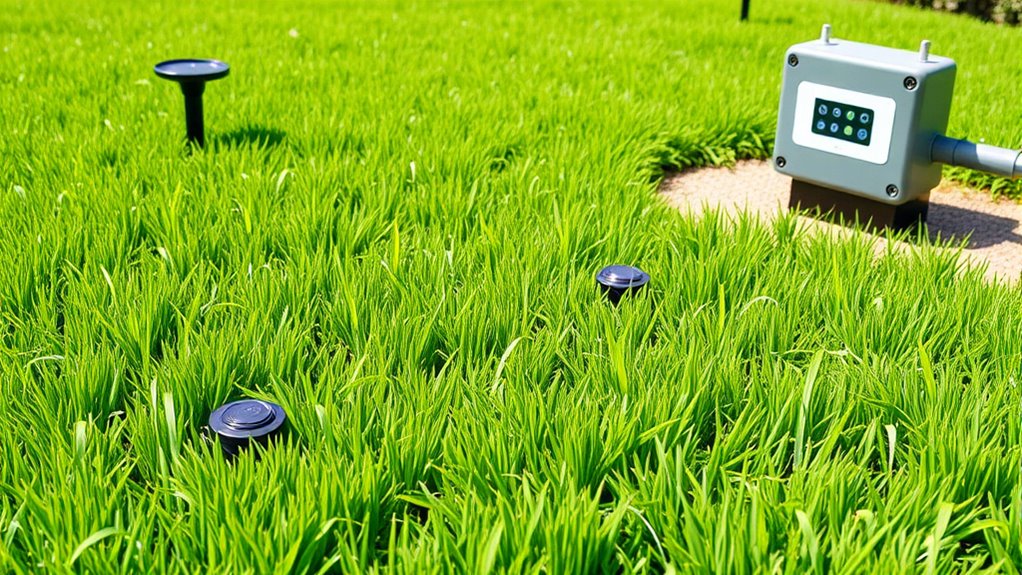
Smart Home & IoT Automate Your Garden: Smart Sprinklers and Sensors for a Greener Lawn Discover how smart sprinklers and sensors can transform your garden into an eco-friendly oasis, but the key to perfect watering lies in… GadgetFee TeamMarch 1, 2026 View Post
Smart Home & IoT Smart Fridges and Talking Microwaves: Cool Tech or Pointless Gimmick? Smart fridges and talking microwaves offer innovative features that could transform your kitchen—discover whether they’re truly worth the investment or just a passing trend. GadgetFee TeamMarch 1, 2026 View Post
Smart Home & IoT Mesh Wi-Fi 101: How to Eliminate Dead Zones in Your Home The key to eliminating dead zones with mesh Wi-Fi starts here—discover how strategic placement and setup can transform your home’s connectivity. GadgetFee TeamFebruary 28, 2026 View Post
Smart Home & IoT One Brand or Mix and Match? Choosing Your Smart Home Ecosystem When deciding between a single brand or mixing devices for your smart home, understanding the pros and cons can help you make the best choice. GadgetFee TeamFebruary 28, 2026 View Post
Smart Home & IoT When Smart Devices Go Dumb: How to Stay in Control During Internet Outages An overlooked aspect of smart home security is how to maintain control when internet outages occur, and here’s what you need to know. GadgetFee TeamFebruary 27, 2026 View Post