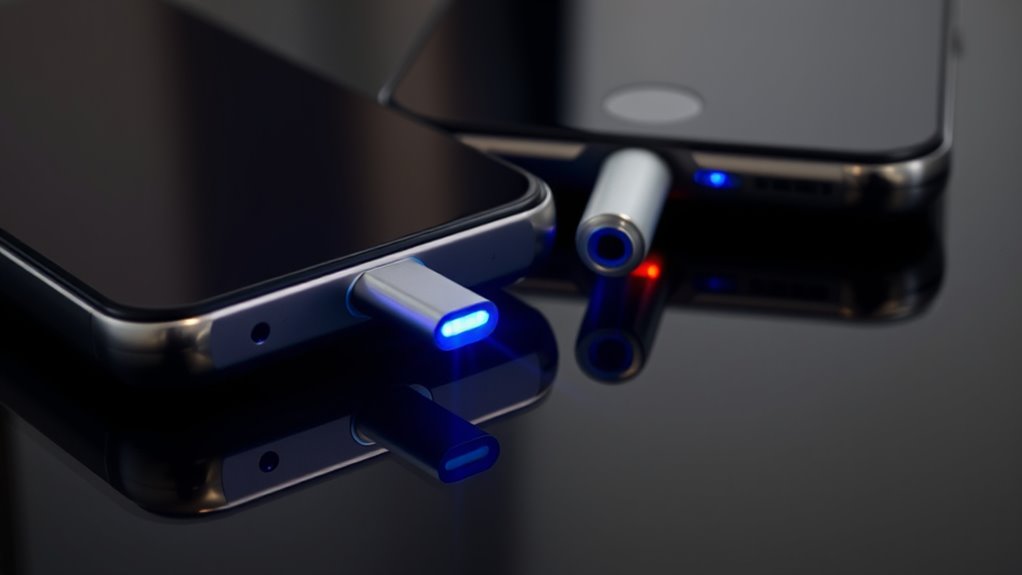
Not all USB ports deliver the same charging speed because they support different Power Delivery profiles that set voltage and current levels. Devices communicate with chargers to negotiate the highest safe power, enabling faster charging when both support higher profiles. Ports, cables, and devices need to be compatible with these profiles for maximum speed. If you want to learn more about how profile support impacts charging performance, keep exploring the details behind USB Power Delivery.
Key Takeaways
- Higher USB Power Delivery profiles support increased voltage and current for faster charging.
- Devices and ports negotiate profiles to determine the optimal power level for quick charging.
- Compatible cables and chargers enable negotiation of high-power profiles, leading to faster charge times.
- Not all ports or cables support the same profiles, limiting achievable charging speeds.
- Recognizing and matching device, cable, and port profiles ensures maximum, safe charging performance.
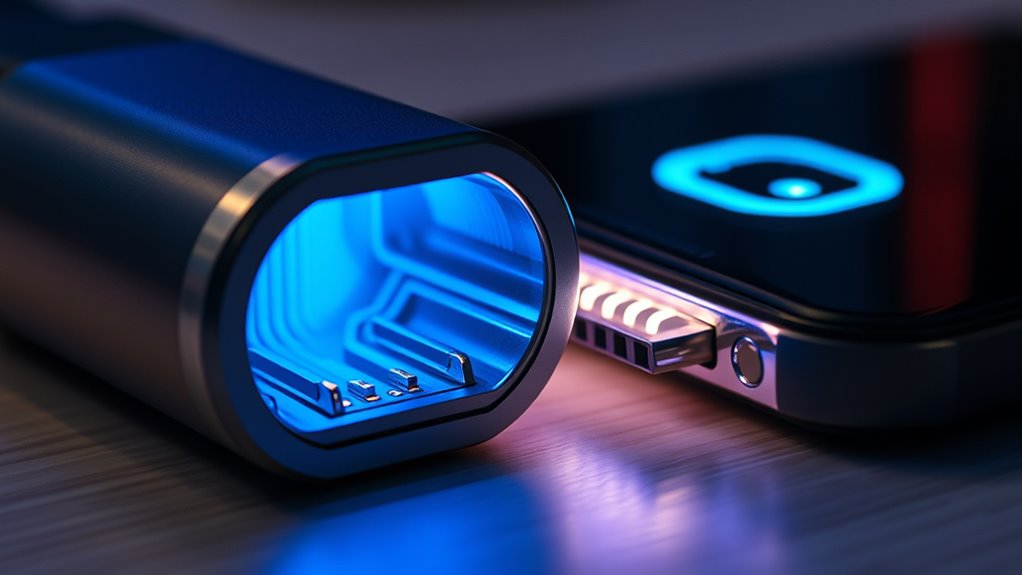
USB Power Delivery profiles define the different voltage and current combinations that devices can negotiate to optimize charging and power delivery. When you plug in your device, the port and the device communicate to determine the best way to supply power, based on their capabilities. This negotiation process guarantees that your device charges efficiently while maintaining safety. The key to faster charging often lies in understanding these profiles and how they relate to fast charging standards and device compatibility. Not all USB ports or cables can deliver the same power levels, so recognizing which profiles support higher voltage and current is essential if you’re aiming to cut down your charging time. Understanding these profiles helps you identify the ports that are capable of delivering fast charge. Many modern smartphones and laptops support USB Power Delivery profiles that enable higher voltage and current levels, but only if the charger, cable, and device are compatible. For example, a USB-C port with Power Delivery support can negotiate a profile that supplies 100W, allowing compatible laptops or tablets to charge quickly. Conversely, using a non-compliant cable or an unsupported device might restrict the power flow to standard levels, resulting in slower charging. Thus, to maximize charging speeds, you need to guarantee your device supports the desired fast charging profiles and that your accessories are compatible with those profiles. Ultimately, the faster charging experience you seek depends on the interplay of these profiles, standards, and compatibility. Recognizing which USB Power Delivery profiles your devices and chargers support helps you make smarter choices about your cables and ports. When all elements align, your device can negotiate the highest safe power level available, resulting in quicker charges. So, next time you’re shopping for a charger or cable, pay attention to the supported fast charging standards and guarantee your device is compatible with the profiles that deliver the fastest power transfer. This way, you’ll enjoy the benefits of efficient and speedy charging every time.
Frequently Asked Questions
Can I Use a Lower-Profile Port for Fast Charging?
You can’t rely on a lower-profile port for fast charging because charger compatibility and port limitations matter. Lower-profile ports typically lack the necessary power output or support for fast charging standards like USB Power Delivery. Using a port not designed for high wattage may result in slower charging or no fast charging at all. Always check your device and port specifications to guarantee compatibility for ideal charging speed.
Do All USB-C Cables Support Power Delivery Profiles?
Surprisingly, not all USB-C cables support power delivery profiles, despite their sleek appearance. You might assume any cable will do, but cable compatibility varies widely. Many cables have profile limitations, meaning they can’t handle fast charging or high wattages. Always check the specifications before plugging in; otherwise, you risk slow charging or even damaging your device. Don’t be fooled by looks—cables matter more than you think.
How Do I Identify a High-Speed Charging Port?
You can identify a high-speed charging port by checking its labeling or manual, which often indicates fast charging capabilities. Confirm your cable quality is high, as lower-quality cables may not support fast charging even if the port does. Compatibility also matters; use cables and devices designed for high-speed charging to maximize efficiency. Look for ports that support standards like USB Power Delivery or Qualcomm Quick Charge for the fastest results.
Are Power Delivery Profiles Compatible With All Devices?
Power delivery profiles aren’t compatible with all devices because of remote device compatibility and different charging protocol standards. When you connect a device, it must support the specific power delivery profile to charge efficiently. If your device doesn’t meet these standards, it might charge slowly or not at all. Always verify your device’s support for USB Power Delivery profiles to ensure fast, safe charging with compatible ports.
Can Software Updates Improve Charging Speeds?
Yes, software updates can improve your device’s charging performance. Developers often release updates that optimize power management, fix bugs, or enhance compatibility with fast-charging standards. Updating your device guarantees it utilizes the latest charging protocols, potentially increasing speed and efficiency. Don’t overlook this simple step—installing the latest software can make a noticeable difference in how quickly your device charges, saving you time and frustration.
Conclusion
So, next time you plug in your device and it charges in a flash, thank those USB Power Delivery profiles! Without them, you’d still be waiting forever, stuck in the dark ages of slow charging. These profiles are like secret charging ninjas, making your devices go from zero to hero faster than you can say “fully charged.” Embrace the power, because your gadgets deserve lightning-fast juice—no more turtle-paced charging for you!