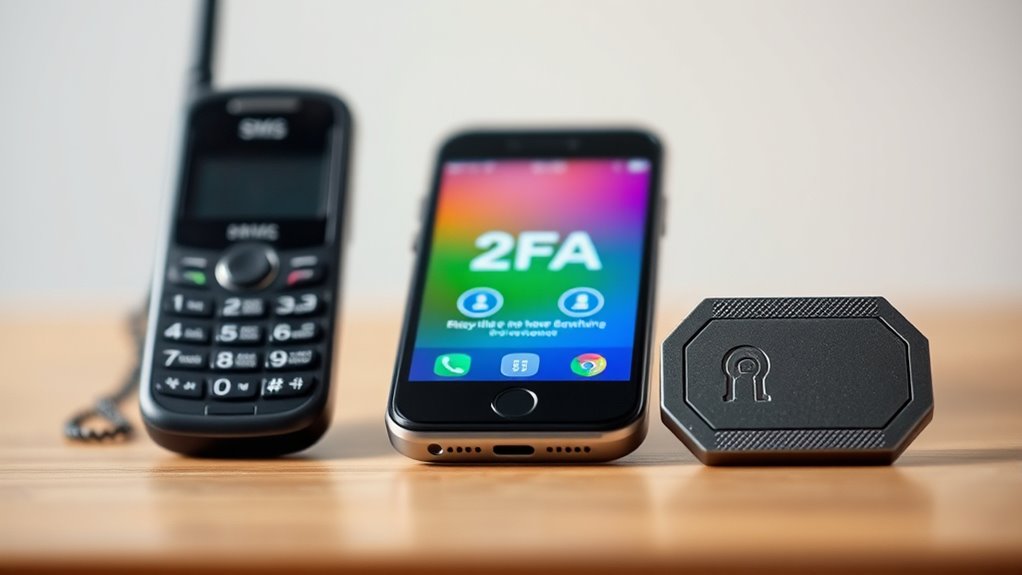

When choosing between SMS, app-based, and hardware key 2FA, consider your security needs and convenience. SMS is easy but vulnerable to interception and SIM swapping. App-based codes are more secure and work offline, offering a good balance. Hardware keys provide the highest security, especially for sensitive accounts, but are less convenient if lost. Understanding this hierarchy helps you select the best option—continue exploring to find the perfect balance for your protection.
Key Takeaways
- Hardware keys offer the highest security, immune to phishing and malware, ideal for sensitive accounts.
- Authenticator apps provide a strong balance of security and convenience, reducing network-based vulnerabilities.
- SMS 2FA is easiest to set up but vulnerable to interception, SIM swapping, and SS7 attacks.
- The security hierarchy prioritizes hardware keys, then app-based authenticators, followed by SMS.
- Combining methods, like app + biometrics, enhances security while maintaining user ease.
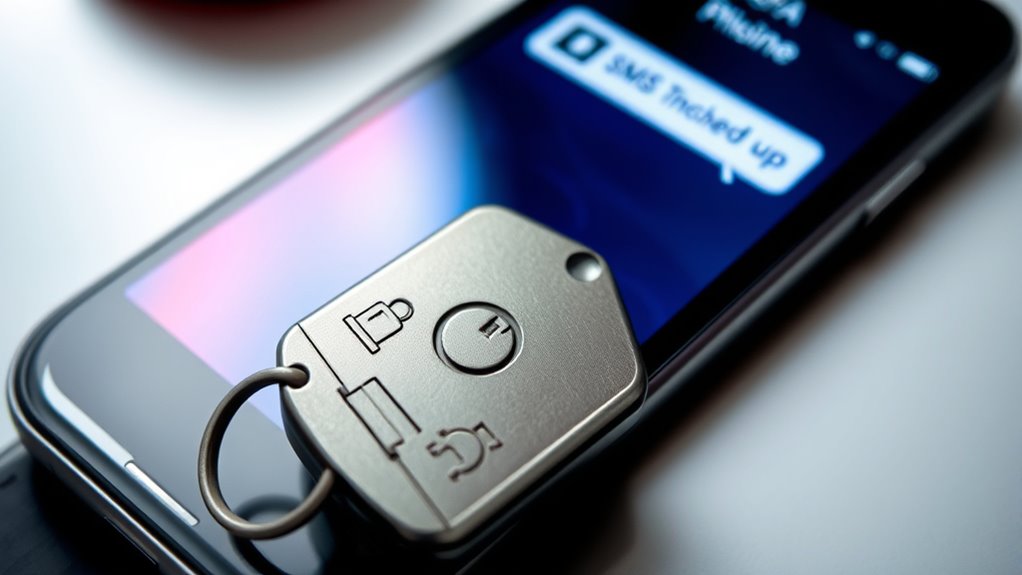
Are you wondering how to better protect your online accounts? The answer often lies in choosing the right two-factor authentication (2FA) method. Among the options—SMS codes, authenticator apps, and hardware keys—understanding their strengths and weaknesses can help you make smarter security decisions. While each adds a layer of protection, they vary greatly in reliability and convenience.
SMS-based 2FA is the most common and easiest to set up. You receive a code via text message whenever you log in, making it accessible and straightforward. However, it’s also the most vulnerable to security risks. Hackers can intercept SMS messages through SIM swapping or exploits like SS7 vulnerabilities, which can compromise your accounts without your knowledge. That’s why, despite its convenience, relying solely on SMS isn’t the most secure choice. Additionally, some platforms now support biometric options, such as fingerprint or facial recognition, which can be integrated into app-based authentication, providing a seamless and secure experience. These biometric options are generally safer than SMS because they rely on unique physical traits, making impersonation harder. Still, they’re not entirely foolproof, as biometric data can sometimes be spoofed or stolen, posing security risks.
SMS 2FA is easy but vulnerable to interception and SIM swapping, making it less secure than other methods.
Authenticator apps, like Google Authenticator or Authy, generate time-based one-time passwords (TOTPs) directly on your device. They’re more secure than SMS because they don’t depend on your phone number or network, reducing the risk of interception. Plus, they work even without an internet connection. Many apps also offer biometric options for easier access, such as fingerprint or face release, adding convenience without sacrificing security. Still, these apps aren’t immune to security risks—if your device gets compromised or if you lose access to the app, recovering your accounts can become complicated. That’s why safeguarding your device and using strong device security are essential.
Hardware keys, like YubiKey, represent the highest level of security among 2FA options. They use physical devices that you plug into your computer or connect via NFC or Bluetooth to authenticate. Hardware keys are immune to phishing attacks and malware that target login credentials because they require physical possession. They’re especially recommended for sensitive accounts like banking or corporate access. While they may seem less convenient, especially if you forget or lose the device, their security benefits outweigh this inconvenience for many users. They eliminate many security risks associated with software-based options and provide peace of mind in an increasingly hostile online environment.
In the end, your choice depends on your security needs and convenience preferences. For most users, combining app-based authentication with biometric options offers a good balance. But if you’re after maximum security, especially for sensitive accounts, hardware keys are the smartest move. Understanding the hierarchy helps you weigh the security risks and benefits of each method, ensuring your online presence stays protected against evolving threats.
Frequently Asked Questions
How Do Hardware Keys Protect Against Phishing Attacks?
Hardware keys protect against phishing attacks by using hardware encryption to verify your identity. When you log in, the key communicates directly with the website, ensuring that sensitive data isn’t intercepted. This process makes it highly phishing-resistant because even if you’re tricked into visiting a fake site, the hardware key won’t authenticate unless it’s connected to the legitimate one. It’s a strong, physical security layer that keeps your accounts safe.
Can Sms-Based 2FA Be Bypassed by SIM Swapping?
Yes, SMS-based 2FA can be bypassed by a SIM swap because it exploits network vulnerability. When someone performs a SIM swap, they can receive your 2FA codes, making your accounts vulnerable. While SMS feels convenient, it’s less secure than app-based or hardware key methods. To stay protected, consider switching to apps or hardware keys, which are less susceptible to social engineering and network vulnerabilities.
What Are the Costs Associated With Hardware Security Keys?
Hardware security keys typically involve upfront costs, including manufacturing expenses and shipping. You should consider the cost implications, especially if deploying them at scale, as prices can range from $20 to $50 per device. While they offer high security, these expenses might be a barrier for some users or organizations. However, their durability and strong protection often justify the investment, especially for sensitive accounts.
How Does App-Based 2FA Work Without Internet Access?
Think of your app-based 2FA as a secret vault, opening offline authentication when you’re disconnected. Without internet access, the app generates time-based one-time passwords (TOTPs), like a hidden clockwork, ensuring security. You can also use backup codes, stored safely, to access accounts if the app’s unavailable. This layered approach keeps your data protected, even when you’re offline, giving you peace of mind in any situation.
Are Biometric Methods Considered Part of 2FA?
Biometric methods are generally considered part of 2FA when they’re used alongside another authentication factor. Biometric authentication, like fingerprint security, verifies your identity based on unique physical traits. Since it provides a distinct layer of security, it adds an extra safeguard beyond passwords or PINs. Using fingerprint security or facial recognition as a second factor enhances your account protection, making it more difficult for unauthorized users to gain access.
Conclusion
Choosing the right 2FA method depends on your needs, but remember, not all that glitters is gold. SMS offers convenience, apps strike a balance between security and usability, while hardware keys provide top-tier protection. Don’t put all your eggs in one basket—diversify your security measures. Ultimately, the safest route is to go for the strongest method you can manage, because when it comes to security, a chain is only as strong as its weakest link.