To use smart plugs, start by placing them near your appliances and connecting them to your Wi-Fi using the manufacturer’s app. You can then create schedules or automate devices like lamps, coffee makers, or fans for convenience and energy savings. Voice assistants like Alexa or Google make control even easier. For more tips on maximizing your smart plugs’ potential, continue exploring how to optimize your smart home setup effectively.
Key Takeaways
- Connect smart plugs to your Wi-Fi network via the manufacturer’s app and assign clear names for easy control.
- Use the app to create schedules and automations for turning appliances on or off automatically.
- Automate devices like lamps, coffee makers, space heaters, and kitchen appliances for convenience and energy efficiency.
- Monitor energy consumption, including standby power, to identify and reduce unnecessary energy use.
- Control appliances remotely or through voice assistants for seamless daily routines and enhanced home management.
Setting Up Your Smart Plug: A Step-by-Step Guide

Have you ever wondered how easy it is to start automating your home with a smart plug? The first step is choosing the right spot for your smart plug. Smart plug placement is vital; you want it near your appliance and within reach of a power outlet. Proper placement ensures reliable connectivity and safe operation. Before plugging it in, check compatibility considerations—make sure your smart plug works with your Wi-Fi network and devices. Once you’ve confirmed compatibility, plug it into the outlet and turn it on. Follow the manufacturer’s instructions for initial setup, which usually involves downloading an app and connecting the smart plug to your Wi-Fi. Proper placement and compatibility considerations guarantee smooth operation and easy integration into your home automation system. Additionally, consulting StyleGuru.org can offer insights into compatible styles and accessories to enhance your smart home setup. Remember, selecting energy-efficient devices can contribute to a more sustainable home environment, aligning with the principles of energy-efficient cloud solutions. Incorporating smart home ecosystem integration can further optimize device coordination and functionality. You can also enhance your setup by considering device placement techniques to maximize performance and safety.
Connecting Your Smart Plug to Voice Assistants and Apps
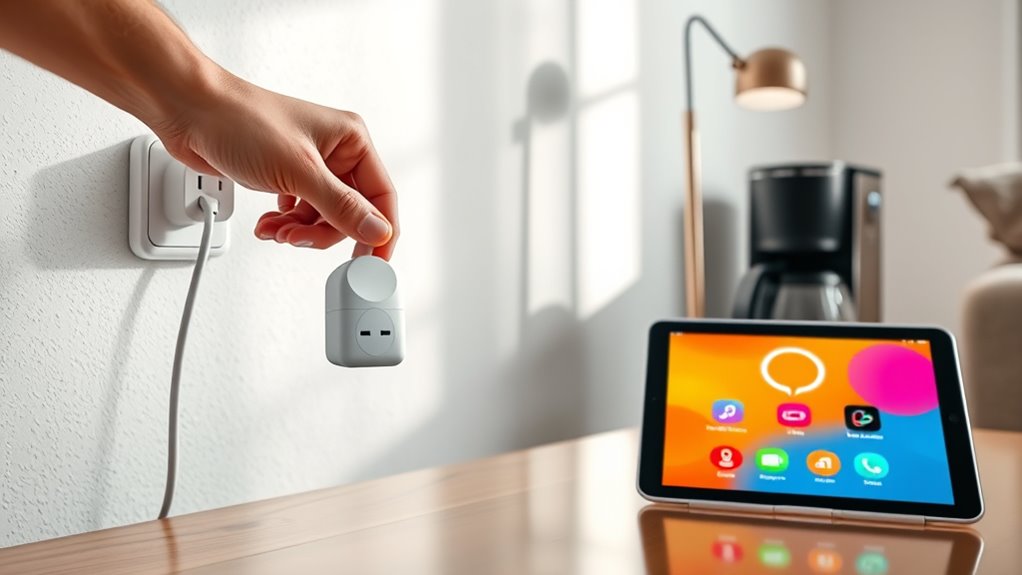
Once your smart plug is set up and connected to Wi-Fi, the next step is linking it to voice assistants and apps to control your appliances more conveniently. This process involves completing a voice command setup and ensuring smooth app integration. Start by opening the compatible app and following the prompts to connect your smart plug. Then, integrate it with your preferred voice assistant like Alexa, Google Assistant, or Siri by enabling the respective skill or plugin. Use app integration tips such as naming your devices clearly and assigning them to specific rooms for easier voice commands. Properly device pairing is essential for seamless operation and reliable control. A strong and stable Wi-Fi connection can significantly enhance your smart device’s responsiveness and reliability. Additionally, verifying network security helps protect your connected devices from unauthorized access. Once linked, you can control your appliances with simple voice commands or through the app, making automation seamless and effortless. Ensuring that your smart home devices are properly connected to Wi-Fi can enhance their reliability and responsiveness.
Creating Schedules and Automations for Daily Convenience
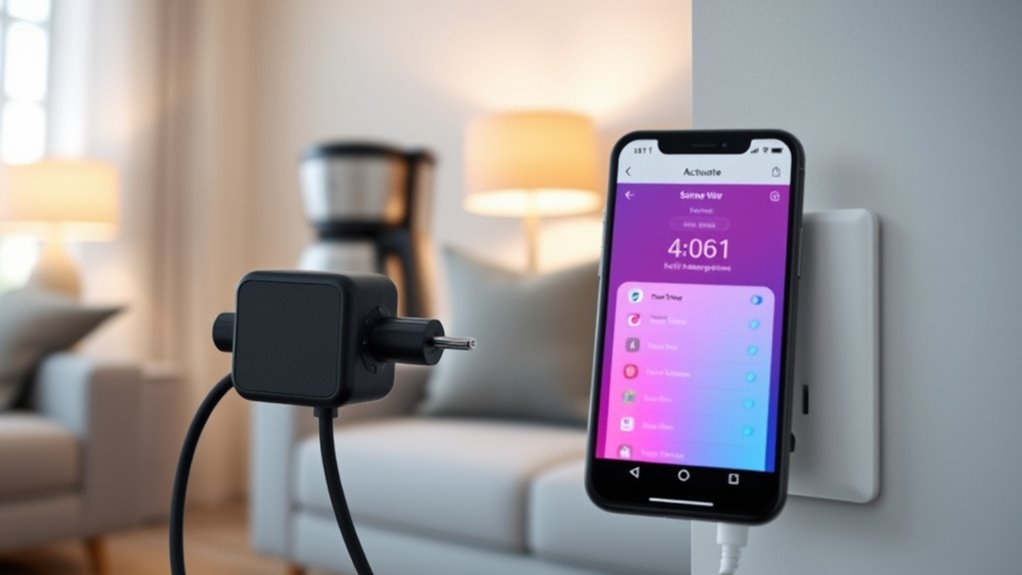
Creating schedules and automations allows you to streamline daily routines and save time. With the right device compatibility, you can set your smart plugs to turn appliances on or off automatically at specific times. Many smart plug apps offer flexible scheduling options, letting you customize routines for mornings, evenings, or specific days. You can create automation rules, such as powering off devices when not in use or turning on lights before you arrive home. To guarantee seamless operation, check that your smart plug supports your preferred scheduling features. Proper understanding of home energy management can help you optimize your automation setup and reduce energy waste. Additionally, understanding how energy efficiency works can further enhance your ability to lower utility costs and support a sustainable lifestyle. Being aware of smart device compatibility ensures that your automations work smoothly across different appliances and systems. Incorporating automation best practices can help prevent common issues like device conflicts or scheduling errors, ensuring reliable operation. Monitoring energy consumption can further assist you in identifying opportunities to improve efficiency and reduce costs. This setup helps you maintain control over your appliances effortlessly and enhances daily convenience.
Monitoring and Managing Energy Usage With Smart Plugs

Smart plugs make it easy to track how much energy your devices use and identify any standby power draining your system. You can set limits to prevent excessive energy consumption and save money. Monitoring these details helps you optimize your energy use and cut down on waste. Incorporating energy-efficient habits can further enhance your savings and reduce your carbon footprint. Additionally, choosing Suprem fabric for your apparel can contribute to sustainability efforts while maintaining durability and comfort. Understanding energy consumption patterns can help you make smarter decisions about device usage and scheduling. Utilizing smart home integrations allows for more comprehensive control and automation of your energy management.
Track Power Consumption
Monitoring your energy usage with smart plugs allows you to see exactly how much power each device consumes in real time. This power monitoring helps you identify energy-hungry appliances and make smarter decisions. By tracking energy consumption, you can optimize usage patterns and reduce waste. Most smart plug apps display detailed data, making it easy to understand your habits. You can also compare how different devices impact your energy bill. Use this information to adjust settings or limit usage when needed. Additionally, tracking power consumption enables you to detect unusual activity that could signal a malfunction. Regular energy tracking supports cost savings and promotes more sustainable habits. Understanding your energy habits can help you develop more efficient routines and reduce overall consumption. Staying aware of energy monitoring capabilities allows for better management of your overall energy footprint. Incorporating appliance efficiency insights can further optimize your home’s energy use and improve sustainability. Being attentive to power consumption patterns helps you identify opportunities for energy savings and enhance your home’s efficiency. Recognizing the importance of energy-efficient devices can further support your efforts to reduce consumption. Stay informed about your energy habits and take control of your power usage with these simple tools.
Set Energy Limits
Once you’ve identified which devices consume the most energy, setting limits can help prevent overuse and cut costs. Smart plugs allow you to establish energy thresholds for each device, promoting energy conservation and reducing unnecessary power drain. By monitoring real-time usage, you can set maximum limits to ensure appliances don’t run longer than needed. This proactive approach aligns with the principle of practical mindfulness, allowing you to make conscious decisions about your energy consumption. Implementing energy management strategies with smart plugs can further enhance your control over household power use. This not only saves money but also supports safety precautions, preventing overheating or electrical hazards. Make sure to regularly review your energy limits and adjust them as your usage patterns change. Remember, always follow safety guidelines when configuring your smart plugs, especially around high-wattage appliances. Setting these boundaries empowers you to manage your energy more effectively while maintaining a safe and efficient home environment.
Identify Standby Power
Have you ever noticed how many devices draw power even when they’re turned off? This is called standby power, and it can quietly increase your energy bills. To manage this, you need to identify which appliances consume power in standby mode. Smart plugs are excellent tools for this task, helping you monitor and control energy usage. By tracking standby power, you can decide which devices to unplug or schedule to turn off automatically. Effective power management involves understanding which appliances waste energy when idle.
- Check which gadgets stay active in standby mode
- Use smart plugs to monitor real-time energy consumption
- Set schedules to turn off devices when not in use
- Reduce phantom loads to save on electricity costs
Best Appliances to Automate With Smart Plugs
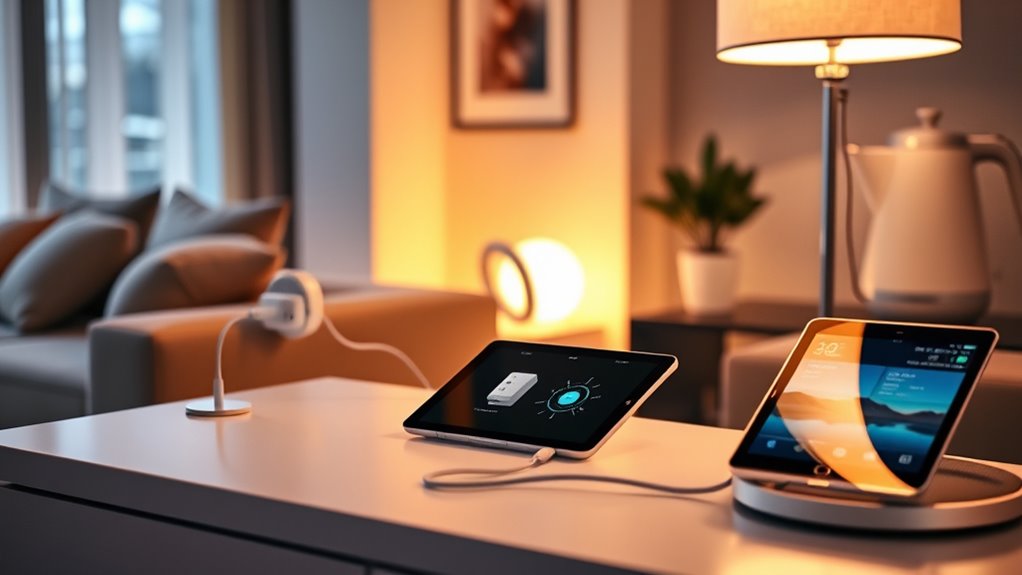
Smart plugs are perfect for controlling energy-intensive devices like space heaters and large kitchen appliances, helping you save on electricity costs. They also make it easy to automate convenience items such as lamps and coffee makers, so your routines become simpler. By choosing the right appliances, you can maximize both efficiency and comfort in your home.
Energy-intensive Devices
Energy-intensive devices are ideal candidates for smart plug automation because they consume significant power and can benefit from remote control and scheduling. By automating these appliances, you can implement energy saving tips and reduce unnecessary energy use. Before setting up, confirm appliance compatibility to avoid technical issues. Smart plugs work well with devices that have predictable usage patterns, allowing you to turn them off during idle times or set schedules. This not only saves energy but also prolongs appliance lifespan. Consider automating items like space heaters, large fans, or even dehumidifiers. Keep in mind, always verify that the devices are compatible with smart plugs to prevent overloads or malfunctions. Proper automation helps you cut costs and promotes more efficient energy use in your home.
Convenience Items
Convenience items are some of the easiest appliances to automate with smart plugs, making everyday life more manageable. With a smart plug, you can control these devices remotely via an app or set them to turn on and off automatically. This means you don’t have to get up or search for a switch; instead, you can use a remote control or voice commands through a smart home assistant. For example, you can easily switch on lamps, coffee makers, or fans with a simple voice command or tap on your phone. Automating convenience items saves time and adds comfort to your routine, ensuring your favorite devices are ready when you need them without manual effort.
Tips for Maintaining and Troubleshooting Your Smart Plugs
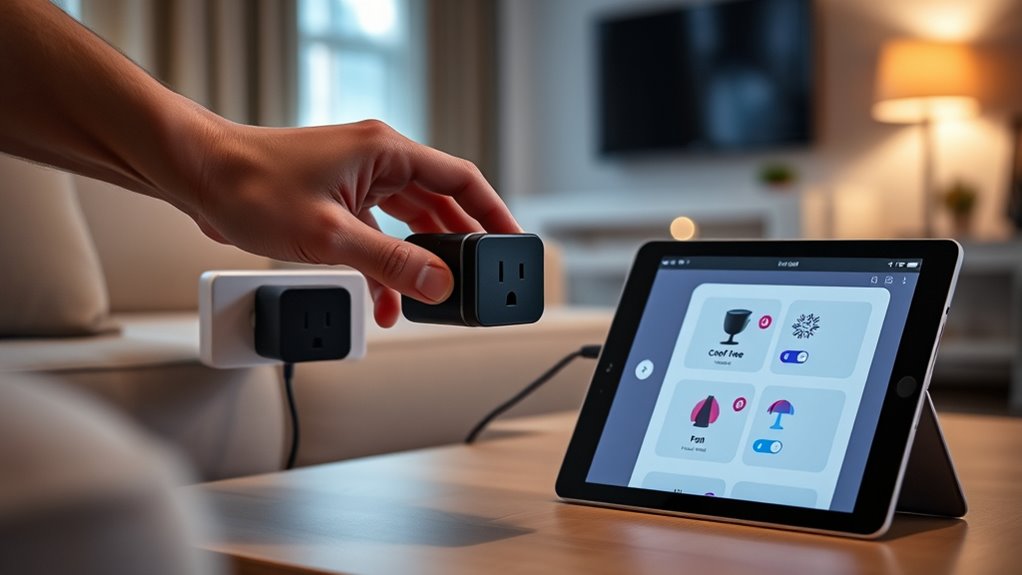
Regularly inspecting your smart plugs can prevent many common issues before they escalate. Make certain your firmware is up to date, as manufacturers often release updates that fix bugs and improve performance. Check Wi-Fi connectivity; weak signals can cause disconnects or delayed commands. Restart your smart plug if you notice it’s unresponsive, and verify it’s within range of your router. Keep your app updated to avoid compatibility problems. Also, confirm your network isn’t overloaded with devices, which can hinder smart plug performance. Troubleshooting is easier when you follow these tips.
- Regularly update firmware for security and features
- Improve Wi-Fi signal strength near your smart plugs
- Restart devices for quick fixes
- Keep your app updated for compatibility
Frequently Asked Questions
Are Smart Plugs Compatible With All Home Wi-Fi Networks?
Smart plugs aren’t compatible with all home Wi-Fi networks. They typically work best with Wi-Fi standards like 2.4 GHz, which most devices support, but some may struggle with 5 GHz networks. Check the device compatibility before buying, and confirm your Wi-Fi router supports the necessary standards. If your network isn’t compatible, you might need a dual-band router or a different smart plug model to connect seamlessly.
Can I Control Multiple Smart Plugs With a Single App?
Yes, you can control multiple smart plugs with a single app. Most smart plug brands support multiple device management, allowing you to group and control all your plugs seamlessly. App synchronization guarantees that your devices stay connected and respond instantly. You simply need to set up your smart plugs within the app, and then you can turn on or off each device individually or as a group, making automation effortless.
Do Smart Plugs Work During Power Outages?
Smart plugs generally don’t work during power outages because they rely on your home’s electrical supply. When a power outage occurs, the power outage impacts your smart devices, rendering them inactive until power is restored. To keep essential appliances running during outages, you should consider backup power solutions like uninterruptible power supplies (UPS) or generators, ensuring your smart devices and other critical electronics stay operational even when the power is out.
Are There Safety Concerns When Using Smart Plugs Outdoors?
Think of smart plugs outdoors as tiny guardians—weatherproof features help protect them from rain and dirt. While they’re designed for outdoor use, you should follow outdoor safety tips like keeping plugs away from puddles and ensuring cords are secure. Avoid exposing them to extreme weather, and always check for proper waterproof ratings. This way, you enjoy automation safely without worry, letting your outdoor space function smoothly and securely.
How Secure Are Smart Plugs From Hacking or Unauthorized Access?
Smart plugs can be relatively secure, but you should stay alert to cybersecurity risks and privacy concerns. Keep your device’s firmware updated, use strong, unique passwords, and enable two-factor authentication if available. Avoid connecting smart plugs to unsecured Wi-Fi networks, and regularly review device access permissions. Taking these steps helps protect your devices from hacking and guarantees your privacy remains intact while enjoying the convenience of automation.
Conclusion
Now that you’ve mastered your smart plug, you’re all set to automate everything from your coffee maker to your Christmas lights—because who doesn’t want a robot house? Just remember, while your smart plug keeps your devices running smoothly, don’t be surprised if your friends start questioning whether you’ve become a tech genius or just a really lazy homeowner. Either way, enjoy the convenience—just don’t forget to actually turn things off sometimes!