
To fix camera false alerts without missing important activity, you should fine-tune your detection zones to focus on key areas and lower sensitivity settings gradually until you find a balance between catching real events and reducing noise. Regularly update your camera’s firmware, calibrate sensors, and utilize smart detection features that distinguish between genuine activity and environmental triggers like shadows or weather. Proper placement and environmental adjustments are essential—you’ll discover more effective tips as you explore these strategies further.
Key Takeaways
- Fine-tune motion detection zones and sensitivity settings to focus on critical areas and reduce environmental noise triggers.
- Use smart detection features to differentiate between genuine activity and irrelevant movement or lighting changes.
- Properly position cameras at high vantage points, avoiding reflective surfaces and glare to minimize false alerts.
- Regularly update firmware, calibrate sensors, and maintain hardware to ensure accurate detection and system reliability.
- Incorporate environmental controls like lighting and weather considerations, and perform routine tests to verify alert accuracy.
Top picks for "camera false alert"
Open Amazon search results for this keyword.
As an affiliate, we earn on qualifying purchases.
Adjust Motion Detection Zones for Precision
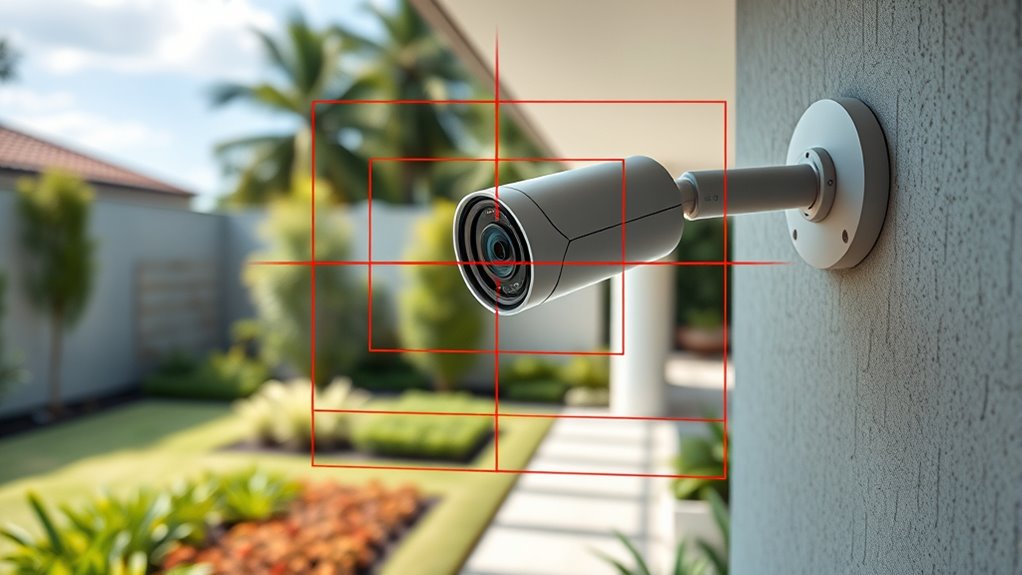
To reduce false alerts, you should fine-tune your camera’s motion detection zones. Proper camera placement is essential—you want to position your camera where it captures the important areas without too much background. Avoid pointing it directly at busy streets or bright reflective surfaces, as inconsistent lighting conditions can trigger unnecessary alerts. Adjust the detection zones within your camera’s settings to focus only on critical areas, excluding regions prone to movement or glare. Keep in mind that lighting conditions change throughout the day; shadows or sunlight can cause false triggers. By carefully selecting your camera’s placement and refining the detection zones, you improve accuracy and minimize false alerts, ensuring your security system responds only to genuine activity. Additionally, understanding the effects of lighting conditions can help you choose optimal camera settings for different times of day. For example, some cameras offer adaptive exposure features that automatically adjust to changing light, further reducing false alarms. Properly configuring motion sensitivity settings can also make a significant difference in filtering out minor or irrelevant movements.
Set Appropriate Sensitivity Levels
To reduce false alerts, you need to adjust the sensitivity settings on your camera. Start by lowering the sensitivity and then test to see if the alerts become more accurate. Keep fine-tuning the levels until you find the right balance between detection and false alarms. Additionally, understanding the concept of Free Floating can help in optimizing your camera placement to minimize unnecessary triggers. Proper calibration of the camera’s color accuracy ensures more reliable detection and reduces false positives. Regular inspections and adjustments, similar to automotive maintenance, can ensure your camera system remains effective over time. Considering environmental factors such as dust, moisture, and lighting conditions can also help in maintaining optimal camera performance and reducing false alerts. Monitoring piercing care and hygiene can also help in maintaining your camera’s environment, especially if it is installed in areas sensitive to dust or moisture.
Adjust Sensitivity Settings
Adjusting the sensitivity settings on your camera is crucial for reducing false alerts. If sensitivity is too high, your camera may trigger on minor movements or changing lighting conditions, leading to unnecessary alerts. Conversely, setting it too low might cause you to miss real events. To find the right balance, consider your camera angle and lighting conditions. Properly adjusting sensitivity helps your camera distinguish between genuine activity and background noise. Additionally, understanding filter maintenance can help ensure your camera setup is tailored to environments where pilots or aviation enthusiasts might be present, avoiding false triggers caused by reflective surfaces or movement. Regularly reviewing sensor calibration can further improve detection accuracy by aligning the camera’s response to specific environmental factors.
Test for Accuracy
Testing your camera’s sensitivity settings is essential to guarantee it accurately detects genuine activity without false alerts. Start by reviewing your camera placement to confirm it covers the right areas without focusing on irrelevant backgrounds. Adjust the sensitivity levels based on your environment, considering light conditions that can affect detection accuracy. Bright sunlight or shadows may require lower sensitivity, while dim lighting might need higher settings. Walk through the monitored area during different times of the day to see if the camera triggers correctly. Make small adjustments and observe how the camera responds to actual movement versus false alarms. This process helps you set appropriate sensitivity levels, making sure you catch important activity without being overwhelmed by false alerts caused by lighting changes or improper placement. Additionally, evaluating your camera’s settings ensures the system remains effective and reliable over time. Proper camera calibration can further improve detection accuracy and reduce false positives. Regularly updating your camera’s firmware can also enhance performance and address potential software bugs that might cause false alerts. Incorporating environmental considerations into your setup can optimize detection and minimize false triggers. Performing systematic testing periodically can help maintain optimal sensitivity and detection reliability.
Utilize Smart Detection Features

Utilizing smart detection features can markedly reduce false alerts by helping your camera distinguish between important events and irrelevant movements. These features analyze motion patterns, sounds, or shapes to filter out unnecessary alerts. To maximize their effectiveness, focus on proper camera placement and lighting conditions. Well-placed cameras avoid areas with frequent non-threatening movement, like trees swaying or passing cars. Good lighting ensures smart detection algorithms perform accurately, preventing misidentification caused by shadows or poor visibility. Additionally, selecting systems with advanced detection technology can further enhance accuracy and reduce false alarms.
Regularly Update Firmware and Software
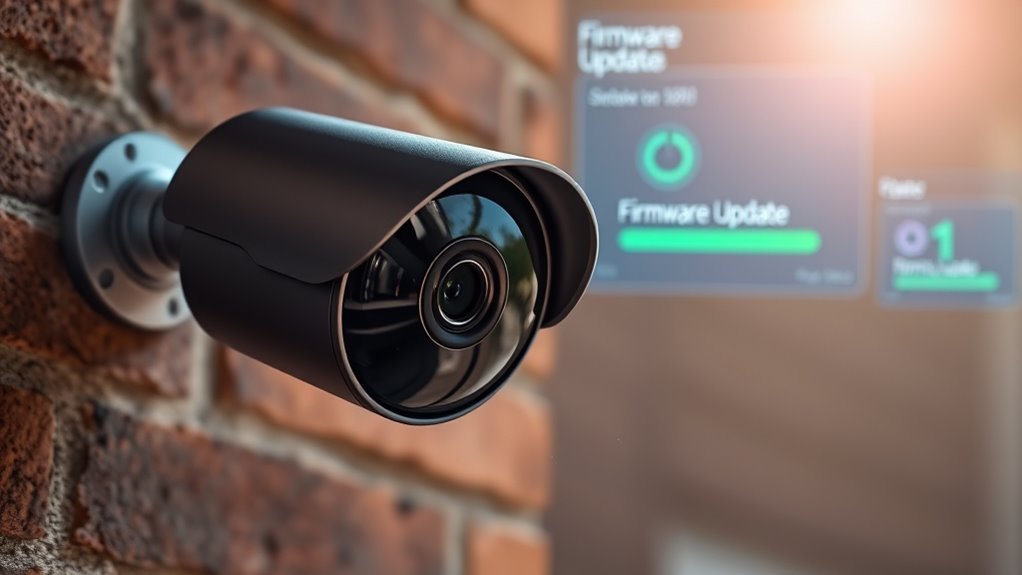
Regularly updating your camera’s firmware and software guarantees you have the latest features and security patches, which can directly improve alert accuracy and device performance. Updates often include improvements that optimize how your camera handles different lighting conditions, reducing false alarms caused by shadows or glare. Additionally, firmware updates can enhance the camera’s ability to interpret its placement better, making it more resilient to environmental changes. Ensuring your camera’s placement is ideal is important, but keeping its software current guarantees it adapts to new challenges and fixes bugs that may cause false alerts. Firmware and software updates also typically include improvements that enhance the camera’s capacity to distinguish between genuine motion and irrelevant movements, further reducing false alerts. Making sure your device’s security patches are up to date helps protect against vulnerabilities that could compromise its accuracy and performance. Make it a habit to check for updates regularly, so your system stays reliable and responsive, providing alerts only for the important events. Regular maintenance of your device helps ensure its ongoing accuracy and effectiveness.
Review and Fine-Tune Alert Settings
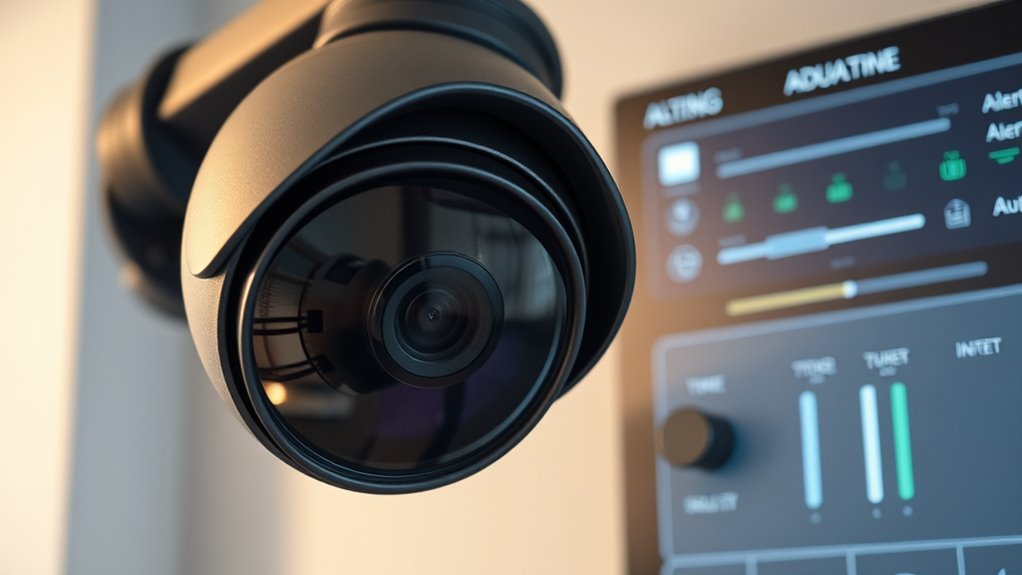
After updating your camera’s firmware and software, reviewing and fine-tuning the alert settings can further reduce false alarms. Adjusting sensitivity levels helps account for lighting conditions and weather impacts that might trigger unnecessary alerts. For example, bright sunlight or shadows can cause false detections, so setting appropriate sensitivity helps minimize these issues. Similarly, weather changes like rain or fog can impact detection accuracy; fine-tuning settings ensures alerts are only triggered by genuine activity. Incorporating reliable hardware can also improve detection accuracy and reduce false positives in your surveillance system. Additionally, understanding sensor calibration can enhance overall detection precision by properly adjusting the camera’s sensors to environmental conditions.
Implement Additional Security Measures
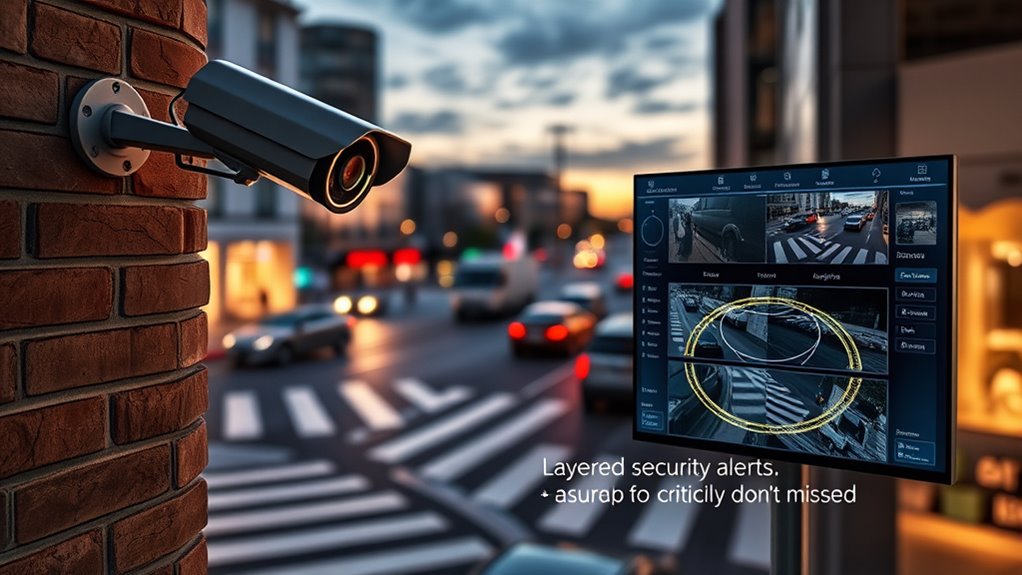
To enhance your camera system’s security, implementing additional measures can provide an extra layer of protection against intruders and false alerts. One effective step is to upgrade your cameras with night vision capabilities, guaranteeing clear footage even in low light conditions. Proper camera placement is vital; position cameras high and at strategic angles to cover vulnerable entry points while minimizing blind spots. Adjusting night vision settings helps prevent false alerts caused by reflections or shadows at night. Consider adding motion-activated lighting or alarms that trigger alongside your cameras for added deterrence. Regularly inspecting and repositioning cameras as needed guarantees maximum coverage. These measures collectively improve your system’s reliability and reduce false alerts, helping you stay alert to real threats without missing important activity.
Frequently Asked Questions
How Can I Differentiate Between False Alerts and Real Threats?
To differentiate between false alerts and real threats, start by adjusting your camera’s motion detection settings to reduce false triggers. Use alert customization features to filter notifications based on specific zones or object types. Pay attention to the alerts you receive, and if an alert seems suspicious, review the footage directly. Regularly tweak your settings, so you catch genuine threats while minimizing unnecessary notifications.
What Are Common Causes of False Alerts in Security Cameras?
False alerts in security cameras often happen due to motion detection errors caused by changing lighting conditions, such as sunlight, shadows, or reflections. You might also experience false alarms from moving branches, pets, or insects triggering the sensor. To reduce these, adjust your camera’s sensitivity settings, enable motion zones to focus on critical areas, and make certain proper lighting. Regularly reviewing and updating your camera’s placement helps prevent unnecessary alerts.
Can Environmental Factors Affect Camera Alert Accuracy?
Weather interference and lighting conditions can definitely impact your camera’s alert accuracy. Rain, snow, or fog might cause false alarms by triggering motion detection, while poor or changing light levels can confuse sensors, making them miss real threats. You can reduce these issues by adjusting camera sensitivity, installing shields or curtains, and choosing cameras with advanced weather and light compensation features. This way, you stay alert without missing the vital moments.
How Do I Reset Alerts After False Notifications?
To reset alerts after false notifications, start by reviewing your camera’s notification settings and adjust the motion detection sensitivity to reduce unnecessary alerts. Disable and then re-enable notifications to refresh the system. You can also clear recent alerts in the app to reset the alert history. Make sure environmental factors aren’t triggering false alerts, and test your adjustments to guarantee you’re only getting notifications for the important stuff.
Are There Specific Camera Brands Better at Minimizing False Alerts?
Think of your camera as a vigilant guard—some brands excel at reducing false alerts through superior motion detection and precise camera calibration. Brands like Arlo, Ring, and Nest are known for their advanced algorithms that distinguish between real threats and harmless movements. By choosing these, you guarantee your security system stays alert on what matters most, without barking at shadows. So, pick wisely, and let your camera be your trustworthy sentinel.
Conclusion
By following these tips, you’ll master the art of reducing false alerts without missing vital activity. Fine-tuning your camera settings is like a well-placed brushstroke in a masterpiece—ensuring clarity and precision. Remember, even in this age of instant connectivity, patience and regular updates remain essential. So stay vigilant, adjust wisely, and let your security system work for you—because in the grand scheme, it’s better to be safe than sorry, even if it takes a bit of time.