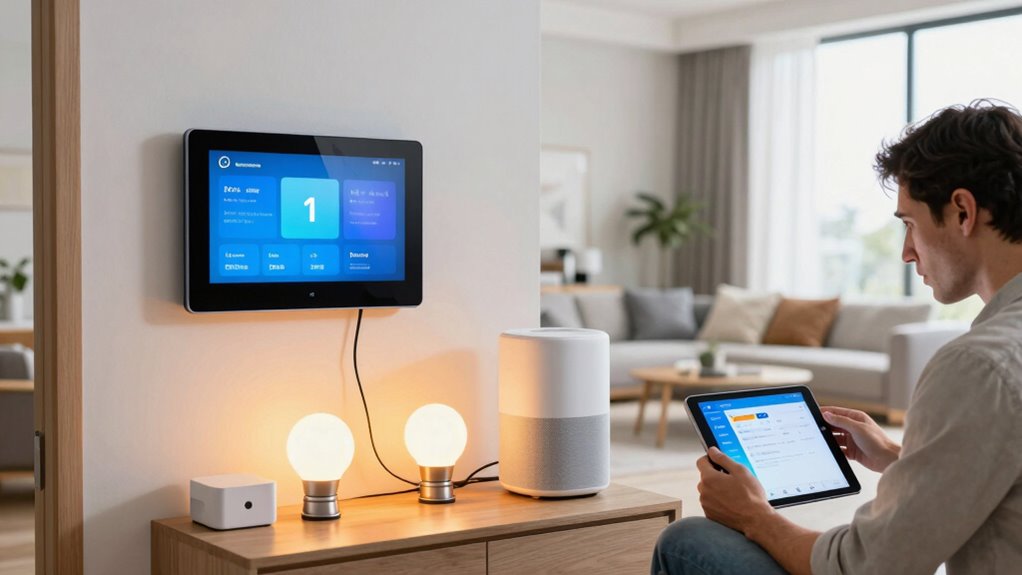

Many beginners make mistakes like skipping research on device compatibility, which can cause communication issues later. Overlooking network security—like weak passwords or outdated firmware—risk breaches. Poor device placement can lead to weak signals or disconnections. Choosing cheap devices without evaluating quality or future-proofing can cause problems down the line. Also, not planning for expansion limits your system’s growth. Keep these mistakes in mind to build a smarter, more reliable home—there’s more to learn to avoid these pitfalls.
Key Takeaways
- Ensure device compatibility with your hub, protocols, and voice assistants to prevent communication issues.
- Secure your network with strong encryption, updated firmware, and guest networks to protect smart devices.
- Properly place devices and hubs to optimize signal strength and minimize connectivity problems.
- Choose reputable brands with future-proof features and support for updates to avoid obsolescence.
- Plan for scalability by selecting systems that support easy expansion and future technology integration.
Skipping Research on Device Compatibility

Before purchasing smart home devices, you should thoroughly research their compatibility with your existing setup. Failing to do so can lead to frustration and wasted money. Device compatibility is vital for seamless smart home integration, ensuring all gadgets work together smoothly. Check if new devices support the same protocols, like Zigbee or Z-Wave, and verify they are compatible with your hub or voice assistant. Some devices may require specific apps or firmware updates to function correctly. Ignoring these details can result in devices that don’t communicate properly or are incompatible altogether. Taking time to confirm compatibility upfront saves you headaches later and helps your smart home operate efficiently. Always read product specifications and reviews to ensure your new devices will integrate seamlessly with your current system. Device compatibility is the cornerstone of a reliable and user-friendly smart home. Additionally, understanding the ecosystem of your devices helps prevent interoperability issues that could disrupt your setup. Being aware of the technology standards involved can further streamline the integration process and reduce potential conflicts. Moreover, researching interoperability considerations can help you select devices that work well together from the start. Checking these factors in advance can also save you from potential firmware update issues down the line.
Overlooking Network Security Measures
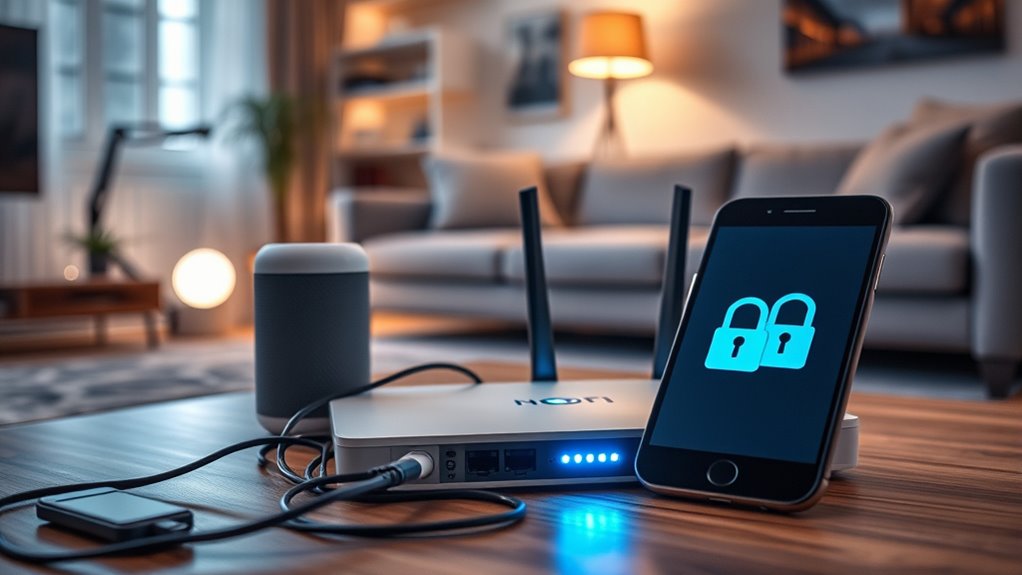
Overlooking network security measures can leave your smart home vulnerable to hacking and unauthorized access. To protect your devices, ensure your Wi-Fi uses strong network encryption, such as WPA3, to secure data transmission. Regularly update your router’s firmware to patch security flaws. Good password management is essential—use unique, complex passwords for your Wi-Fi and smart device accounts, and avoid reusing them across platforms. Change default passwords on devices immediately after setup. Enable two-factor authentication where available. Keep your network private by hiding your SSID and limiting device access through MAC filtering. Additionally, understanding network encryption protocols is vital for choosing the most secure connection options. Being aware of encryption standards can help you select the best security features for your network. Educating yourself about cybersecurity best practices can further enhance your smart home’s defenses. Familiarizing yourself with security vulnerabilities related to IoT devices can help you identify and mitigate potential risks proactively. For extra protection, consider setting up a dedicated guest network to isolate IoT devices from your main devices, reducing potential attack vectors. By taking these steps, you reduce the risk of malicious attacks and keep your smart home safe and secure from intruders.
Underestimating the Importance of Proper Placement
Proper placement of your smart devices is essential for ideal performance and security. Incorrect device placement can weaken signal strength, causing devices to lag or disconnect frequently. For example, placing a hub too far from your Wi-Fi router reduces its ability to communicate effectively, leading to inconsistent operation. Think about signal strength when positioning devices—avoid putting smart cameras behind furniture or in corners with obstructions. Keep devices in open areas and centrally located to ensure strong, reliable connections. Proper placement also helps prevent security vulnerabilities, as devices with weak signals can be easier targets for interference or hacking. Taking the time to optimize device placement guarantees your smart home functions smoothly and securely, saving you headaches and troubleshooting down the line. Additionally, understanding the importance of reliable power sources ensures your smart devices remain operational during outages or power fluctuations. Considering interference sources, such as other electronic devices, can further improve device performance and stability. Being aware of signal interference, from nearby electronics or thick walls, can help you better position your devices for optimal connectivity, and exploring device compatibility can enhance overall network reliability.
Choosing the Cheapest or Most Popular Devices Without Evaluation

Choosing the cheapest or most popular smart devices without doing your research can lead to problems down the line. While a device might seem appealing due to low cost or trending status, it may lack durability or have poor brand reputation, resulting in short lifespan or compatibility issues. To visualize, consider this comparison:
| Device Type | Durability | Brand Reputation |
|---|---|---|
| Budget Sensor | Fragile, prone to breakage | Unknown, questionable support |
| Popular Hub | Lasts years with care | Trusted, well-reviewed |
| Cheap Camera | Short lifespan, unreliable | Lesser-known, inconsistent updates |
| Premium Lock | Sturdy, long-lasting | Reputable and reliable |
| Discounted Bulb | Fades quickly, malfunctions | No support or warranty |
Choosing wisely saves money and frustration, ensuring your smart home remains reliable and durable. Additionally, evaluating product compatibility and user reviews can help prevent future issues. Moreover, understanding the features and specifications of devices can ensure seamless integration within your existing system. Failing to consider long-term support may lead to difficulties if updates or repairs are needed later. Being aware of potential software updates and security considerations is also crucial for maintaining device functionality over time. Incorporating proper device evaluation into your decision-making process can help you avoid costly mistakes and optimize your smart home setup.
Failing to Plan for Future Expansion
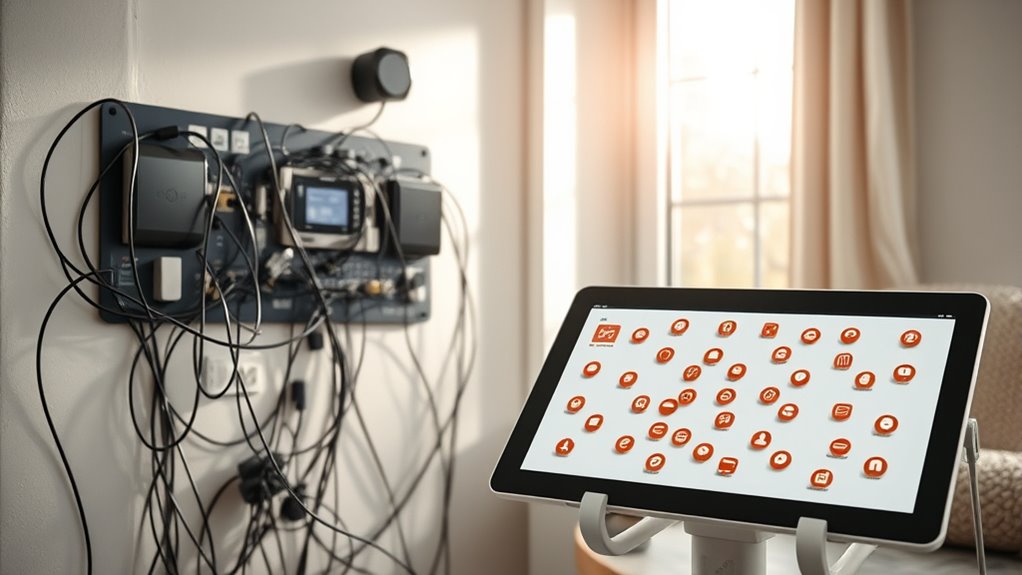
Failing to plan for future expansion can leave your smart home feeling limited or incompatible as your needs grow. Without considering scaling challenges, you might find it difficult to add new devices or features later on. Proper upgrade planning guarantees your system can handle additional sensors, cameras, or smart appliances without costly rewiring or replacements. By choosing a central hub or ecosystem that supports easy integration, you’ll save time and money down the line. Think ahead about how your smart home might evolve—whether you want to add more rooms, enhance security, or improve automation. Failing to do so can result in a fragmented setup or the need for future reconfigurations, complicating your smart home journey. Planning now helps ensure your system scales smoothly with your needs. Additionally, understanding Youngster Choice and similar emerging technologies can help inform your future upgrades for better compatibility and performance, especially as interoperability becomes increasingly important in smart home ecosystems. It’s wise to consider support for expansion options when selecting your smart home devices to ensure seamless growth, and taking into account the future-proofing features can help safeguard your investment. Recognizing the importance of scalability in system design can prevent costly upgrades later and ensure your smart home remains adaptable over time.
Frequently Asked Questions
How Do I Ensure My Smart Devices Work Seamlessly Together?
To make certain your smart devices work seamlessly together, focus on device compatibility first. Check that each device supports your chosen ecosystem, like Alexa or Google Assistant. Use routine automation to connect devices, making them respond cohesively. Regularly update device firmware and app software to prevent glitches. Organize your devices logically and avoid overloading your network, so everything communicates smoothly and enhances your smart home experience.
What Are the Best Practices for Securing My Smart Home Network?
You should prioritize safeguarding your smart home network by using strong encryption protocols like WPA3 and regularly updating your device firmware. Limit user access by creating unique, strong passwords for each device and avoid sharing them unnecessarily. Enable two-factor authentication where possible, and monitor device activity frequently. These practices help protect your network from unauthorized access and ensure your smart devices stay safe and functional.
How Can I Optimize Device Placement for Maximum Efficiency?
To optimize device placement for maximum efficiency, focus on sensor placement in high-traffic or frequently used areas to guarantee accurate data collection. Position smart lighting to maximize coverage, avoiding obstructions that can cause shadows or uneven lighting. Keep devices central and accessible to prevent signal interference, and test different placements to find the best layout. Proper sensor placement and lighting optimization enhance your smart home’s responsiveness and energy efficiency.
Should I Prioritize Device Cost or Features When Choosing Smart Home Gadgets?
Think of choosing smart gadgets like assembling a team—prioritize features that match your needs, then consider cost. You shouldn’t compromise on device compatibility or settle for lesser-known brands with shaky reputations. For example, I once bought a cheap smart bulb that kept disconnecting, ruining the experience. Investing in reputable brands with solid features pays off, ensuring your smart home runs smoothly and reliably.
How Can I Future-Proof My Smart Home System for Upgrades?
To future-proof your smart home, focus on devices supporting common wireless standards like Wi-Fi 6 and Zigbee, ensuring better upgrade compatibility. Choose brands that prioritize software updates and modular designs, so you can easily add new gadgets later. Avoid locking into proprietary systems, and consider hubs or controllers that support multiple protocols. This way, your system stays flexible and adaptable as technology evolves.
Conclusion
Avoid these common mistakes, or your smart home dreams could turn into a chaotic, tech-tangled nightmare! Imagine spending a fortune on devices that refuse to talk to each other, or opening your front door to a cyber intruder because you skipped security. Don’t let poor placement or impulsive choices turn your smart home into a clunky disaster zone. Play it smart from the start, and you’ll have a seamless, futuristic paradise instead of a frustrating tech nightmare!