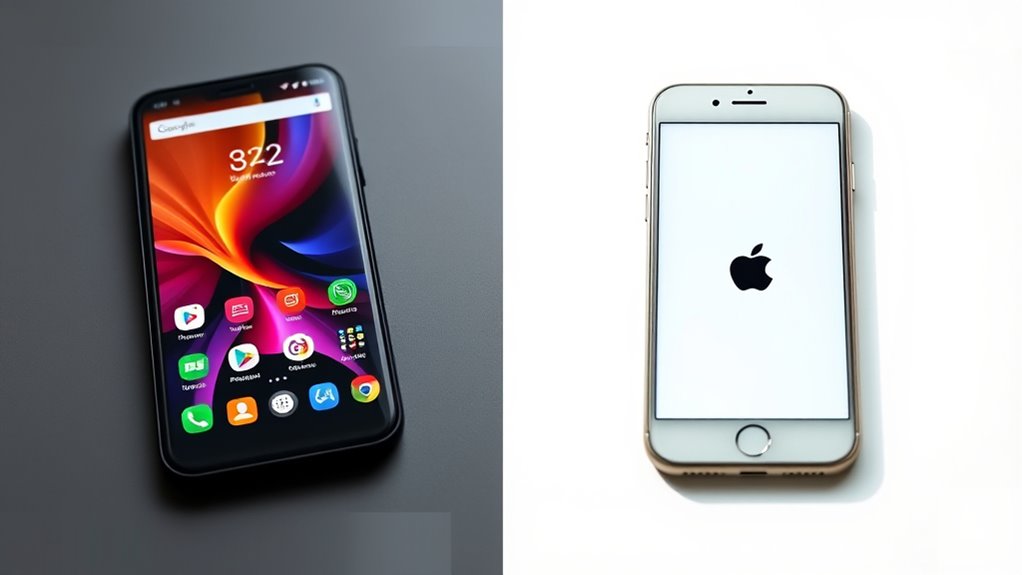
Choosing between Android and iPhone depends on what you value most. Android offers more customization, a wide range of hardware options, and broader app store access, while iPhone provides a simple interface, consistent updates, and seamless integration within Apple’s ecosystem. Security is solid on both, but iPhones tend to support devices longer. If you’re curious about how these differences impact your experience and which suits your needs best, keep exploring further.
Key Takeaways
- Android offers extensive customization options, while iPhone prioritizes a simple, uniform user interface.
- Android provides a wider variety of devices and hardware choices compared to the more uniform iPhone lineup.
- iPhones generally receive faster, more consistent software updates, extending device longevity.
- Android supports broader accessory compatibility and integration with diverse platforms and smart devices.
- Price ranges vary widely; Android offers more budget-friendly options, whereas iPhones tend to be premium-priced.
Operating System and User Interface

When comparing Android and iPhone, the operating system and user interface are key factors that shape your experience. Android offers a flexible, customizable interface with gesture controls that feel intuitive once you get used to them. You can easily swipe, pinch, or tap to navigate through apps and menus, making your interactions smooth. iPhone’s iOS emphasizes simplicity and consistency, with a clean layout and straightforward gesture controls like swiping and tapping that are easy to learn. Both devices feature voice assistants—Google Assistant on Android and Siri on iPhone—that help you perform tasks hands-free. While gesture controls on Android can be more extensive, Siri’s integration with iOS creates a seamless experience. Additionally, the role of user interface design influences how comfortable and efficient your device usage feels, making it an important consideration in your choice. Your choice depends on whether you prefer customization or a straightforward, uniform interface. Furthermore, the ease of learning for new users can vary depending on the familiarity with each platform’s design principles, which can be affected by the user interface consistency.
Customization and Personalization Options

Android devices excel in customization and personalization, giving you the freedom to tailor your phone’s appearance and functionality to your preferences. You can set dynamic wallpapers that change throughout the day, creating a lively and engaging home screen. Widget customization also allows you to organize information exactly how you want, making your device more functional and suited to your needs. Whether you want a minimalist look or a vibrant, interactive interface, Android offers endless options. Additionally, features like Free Floating apps enhance multitasking capabilities, adding to the device’s versatility. With the ability to modify system settings, users can further personalize their experience beyond basic customization options. Understanding the field‑of‑view and how it can be adjusted helps users optimize their device for different tasks, making the experience even more tailored. Moreover, user interface customization options enable users to change icons, themes, and layouts, providing a truly unique device experience. Exploring customization tools further empowers users to create a smartphone that reflects their individual style and needs.
App Store Ecosystem and Availability
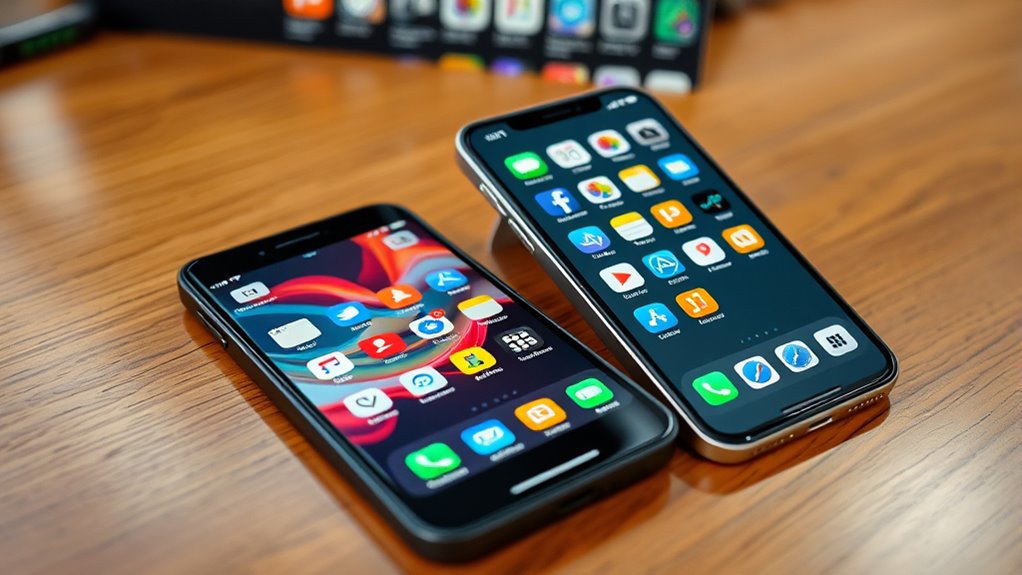
The app store ecosystem plays a crucial role in shaping your smartphone experience, offering different options and restrictions depending on your device. On Android, you benefit from greater app store diversity, with access to multiple sources like Google Play and third-party app stores. This variety gives you more flexibility to find niche or unofficial apps. In contrast, the iPhone’s App Store is more controlled, with a strict app approval process that ensures security and quality. While this limits the number of available apps, it also reduces the risk of malware or malicious software. Your choice affects how easily you can access new apps and updates, shaping your overall user experience. Understanding these differences helps you navigate app availability and security considerations on each platform.
Hardware Variety and Design Choices
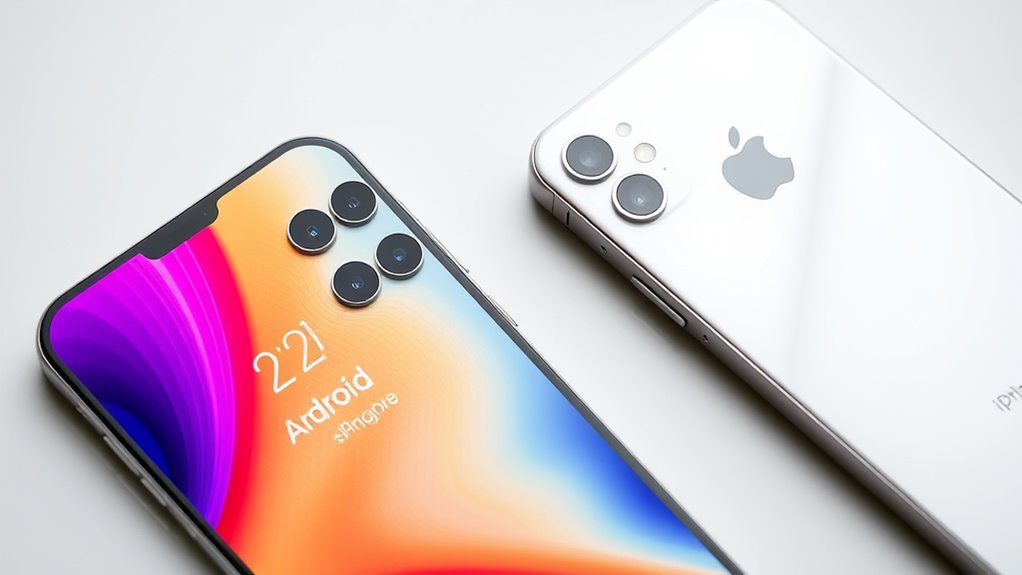
You have a wide range of hardware options to choose from, with Android devices offering more variety in design and features. This means you can find phones with different screen sizes, materials, and innovative form factors, allowing you to select a device that fits your style and needs. Android phones often feature diverse camera setups, giving you options for higher camera quality or specialized lenses. Additionally, hardware durability varies across brands and models, so you can choose a device built with sturdy materials or water-resistant features. This variety guarantees you’re not limited to a single design or feature set, unlike iPhones, which have a more uniform look. Overall, Android’s hardware options give you more freedom to select a device tailored precisely to your preferences, especially as market diversity continues to grow and hardware innovation expands. Exploring reconditioned batteries and other components can also enhance your device’s lifespan and performance, offering cost-effective upgrades and eco-friendly choices. Furthermore, customizable hardware features allow for a personalized user experience that can adapt to evolving technology trends.
Software Updates and Support

You’ll notice that iPhones typically get updates more quickly and consistently than Android devices. This means your device stays current longer and remains secure over time. However, Android phones often have a broader range of device compatibility, which can affect how long they receive support. Additionally, regular software updates can enhance device performance and security, ensuring a better user experience over the lifespan of your phone. The update rollout process can vary significantly between manufacturers and models, influencing how promptly users receive the latest features and patches. Moreover, the software update infrastructure for iOS is centralized, allowing for more uniform and faster distribution of updates across all compatible devices. This centralized approach helps reduce fragmentation, making it easier for users to stay up-to-date. Furthermore, the support duration for updates can differ, impacting long-term device usability.
Update Frequency and Timing
When it comes to update frequency and timing, Android and iPhone differ considerably. Android devices typically follow varied update schedules, with manufacturers and carriers controlling the update rollout, which can cause delays. Some devices may get updates quickly, while others wait months or even skip updates altogether. In contrast, iPhones receive regular, timely updates directly from Apple, ensuring most devices get the latest iOS version simultaneously. Apple’s streamlined update process means you’re less likely to experience delays or fragmentation. This consistent update rollout enhances security and adds new features promptly. If you prioritize prompt updates and minimal fragmentation, iPhone’s update schedule offers a clear advantage. Android’s flexibility allows for customization but can mean inconsistent update timing depending on your device’s brand and model. Update management tools also help users track and optimize their device update status. Additionally, the update support duration varies by device, with Apple providing longer-term support compared to many Android manufacturers.
Device Compatibility and Longevity
Device compatibility and longevity largely depend on how well a device receives software updates over time. With iPhones, you typically get longer-lasting device compatibility because Apple provides software updates to devices for 5+ years. In contrast, Android devices vary widely; some manufacturers only support updates for 2-3 years. To maximize device longevity, consider these factors:
- Update Frequency: iPhones receive regular updates, ensuring compatibility with new apps and security patches.
- Support Duration: Apple supports older devices longer, extending device lifespan.
- Manufacturer Policies: Android support varies; choosing models from brands with good update policies helps maintain device compatibility over time.
- Cryptid Influence: The perception of device reliability and longevity can be influenced by cryptid sightings or folklore, affecting consumer trust and brand reputation.
- Software Update Policy Transparency: Knowing the software update policy of a manufacturer can help consumers make informed decisions about device longevity.
Understanding these differences helps you pick a device that stays relevant longer, ensuring better device longevity.
Integration With Other Devices and Services

Android and iPhone differ markedly in how they integrate with other devices and services. If you value smart home integration, Android offers broader compatibility with a variety of platforms and devices, giving you more flexibility. You can control smart appliances, lights, and security systems seamlessly through apps and voice commands. On the other hand, iPhone provides a more streamlined experience within the Apple ecosystem, ensuring smooth integration with Apple HomeKit-enabled devices. Wearable device compatibility is also a key difference; Android supports a wider range of smartwatches and fitness trackers, giving you more options. Meanwhile, iPhone works best with Apple’s own wearables like the Apple Watch, offering tight integration but limited choices outside Apple’s lineup. Your choice depends on which ecosystem aligns better with your existing devices and preferences. Additionally, connected fitness technology plays a role in how seamlessly these devices work together, especially if you’re integrating your smartphone with home fitness equipment and wellness apps. It’s also worth noting that market share and user base influence the level of support and innovation available within each ecosystem. Furthermore, Android’s open-source nature allows for more customization and third-party integrations, which can enhance your overall experience.
Price Range and Budget Options
No matter your budget, you’ll find options that suit your needs, from affordable Android phones to budget-friendly iPhones. If you’re looking for premium features, both brands also offer high-end devices in their price ranges. This variety guarantees you can select a device that balances performance and cost effectively.
Affordable Options for All
Finding an affordable smartphone that meets your needs is easier than ever, thanks to a wide range of options available for every budget. Whether you’re looking for a budget-friendly option or an affordable flagship model, you’ll find something that fits your financial plan. Here are some great choices:
- Entry-level Android phones with solid features at a low price.
- Mid-range devices offering a balance of performance and affordability.
- Affordable flagship models that deliver premium features without the premium price tag.
These options make it possible for anyone to own a quality device without overspending. Both Android and iPhone brands now provide budget-friendly options suited for various needs, ensuring that everyone can enjoy modern technology without breaking the bank.
Premium Device Price Range
Premium devices typically come with higher price tags, but you can still find models that offer excellent value without overspending. Premium pricing often reflects device exclusivity, giving you access to the latest features, superior build quality, and enhanced performance. For Android, flagship models like Samsung Galaxy S series or Pixel devices fall into this range, often priced above $800. iPhones, especially the latest Pro models, usually start around $999 and can go much higher. While these prices might seem steep, they’re justified by the premium materials and advanced technology they offer. If you’re seeking a device that stands out and provides top-tier features, investing in this range makes sense. However, if budget is a concern, plenty of mid-range options still deliver great performance without the hefty price tag.
Security and Privacy Features
When it comes to security and privacy features, Android and iPhone take different approaches to protecting your data. Both prioritize biometric security and data encryption, but they implement these differently. Here’s what sets them apart:
- Android offers a variety of biometric options, like fingerprint sensors and facial recognition, which you can customize.
- iPhone emphasizes seamless biometric security with Face ID or Touch ID, tightly integrated with iOS for enhanced privacy.
- Data encryption on iPhones is end-to-end, ensuring your messages and calls stay private, while Android’s encryption varies by device and manufacturer.
Both platforms aim to keep your data safe, but iPhone’s closed ecosystem provides more consistent privacy controls, whereas Android’s flexibility offers more customization options.
Compatibility With Accessories and Peripherals
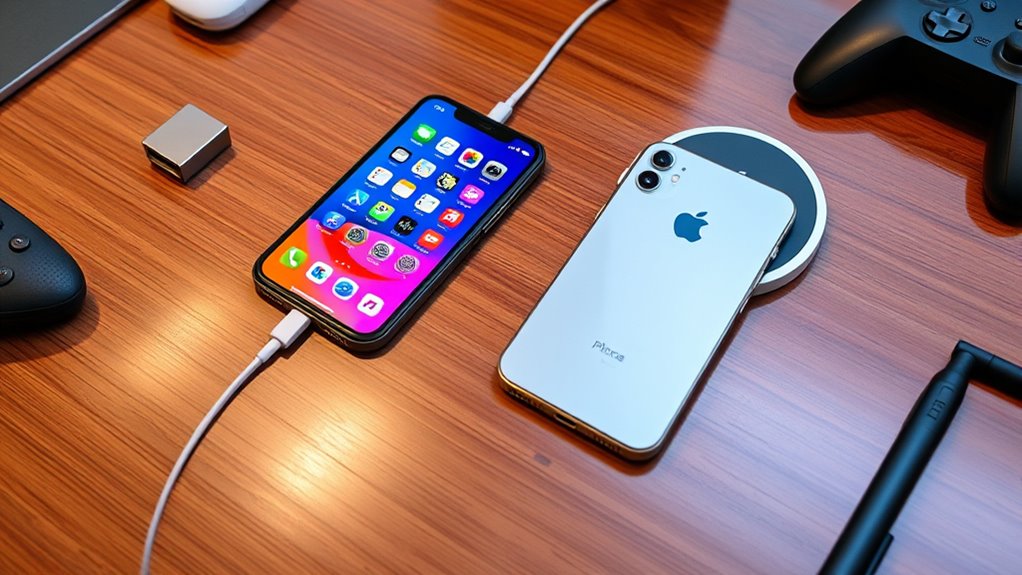
While both Android and iPhone support a wide range of accessories, Android devices generally offer greater compatibility with peripherals due to their open ecosystem. You’ll find it easier to connect third party accessories like external cameras, USB drives, and Bluetooth devices to Android phones. Android’s peripheral compatibility is enhanced by universal standards like USB-C, making it simpler to plug in peripherals without adapters. In contrast, iPhones have more restrictions, often requiring specific adapters or proprietary connections for accessories. This means you might face limitations or higher costs when trying to use third party accessories with an iPhone. If seamless peripheral compatibility and accessory flexibility are important to you, Android devices typically provide a broader, more versatile experience.
Frequently Asked Questions
How Do Android and Iphone Differ in Voice Assistant Capabilities?
You’ll notice that Android and iPhone differ in voice assistant capabilities. Android’s Google Assistant offers superior voice recognition and allows extensive command customization, making it easier to tailor your experience. Meanwhile, iPhone’s Siri provides solid voice recognition but has more limited command customization options. If you want a more personalized and responsive voice assistant, Android’s Google Assistant might suit you better. However, both devices help you stay hands-free and efficient.
Which Platform Offers Better Parental Controls and Child Safety Features?
You’ll find that Android offers more customizable parental controls, with about 81% of Android devices supporting extensive child safety features through apps like Google Family Link. iPhones also provide strong parental controls, including Screen Time and content restrictions. However, Android’s flexibility allows you to tailor controls precisely to your child’s needs, making it a better choice if you prioritize all-encompassing parental controls and child safety features for your family.
How Do Android and Iphone Handle Data Backup and Recovery?
You can back up your data on Android using cloud backups via Google Drive or locally on your device. iPhones use iCloud for cloud backups and allow local recovery through iTunes or Finder. To restore, simply select the backup option during setup or in settings. Both platforms prioritize data recovery, but Android offers more flexible options with local recovery, while iPhone relies more on cloud backups for seamless restoration.
What Are the Differences in Device Repair and Service Options?
You’ll find that Android devices offer a wider range of device repair and service options, often through third-party providers, which can be more flexible but vary in quality. iPhones typically have official service centers and authorized repair shops, ensuring consistent warranty coverage and quality. Apple’s warranty coverage is reliable, but repairs can be pricier. Consider your preferences for service options and warranty when choosing between the two.
How Do Android and Iphone Compare in Terms of Resale Value?
You’ll find iPhones generally hold their value better in the resale market, thanks to higher demand and lower device depreciation. Android phones tend to depreciate faster, making them less valuable when you sell or trade-in. If resale value matters to you, an iPhone might be the better choice, as it retains more of its original worth over time. Keep in mind, condition and model also influence resale outcomes markedly.
Conclusion
Whether you choose Android or iPhone, understanding their key differences helps you pick the right device. Did you know that over 72% of global smartphone users prefer iPhones for security features? By considering factors like customization, app availability, and budget, you can find a smartphone that fits your needs perfectly. Make an informed choice and enjoy a seamless mobile experience tailored just for you.