
Your smartphone uses AI to analyze your scene instantly, recognizing objects, backgrounds, and lighting conditions. It automatically adjusts focus, exposure, and color settings for perfect shots without manual tweaks. AI also stabilizes videos, enhances low-light images, and suggests better compositions with grid overlays. Plus, it creates beautiful background blur for portraits and refines details after capturing. If you’re curious about how these tricks come together, there’s more to discover behind the scenes.
Key Takeaways
- AI analyzes scenes instantly to adjust focus, exposure, and lighting, ensuring optimal photo quality without manual input.
- Real-time stabilization uses AI to steady images and videos, reducing blur from movement and external conditions.
- AI enhances low-light photos by increasing sensor sensitivity and combining exposures for clear, bright images.
- Scene recognition allows AI to tailor camera settings based on environment, like landscapes, night shots, or portraits.
- Post-capture, AI enables users to adjust background blur (bokeh) and refine focus for professional-looking portraits.
How AI Analyzes Your Scene in Real-Time
When you press the shutter button, AI immediately begins analyzing your scene in real-time. It uses scene segmentation to identify different elements like people, objects, and backgrounds, allowing the camera to comprehend the composition. Simultaneously, ambient light analysis evaluates the lighting conditions across various parts of the scene. This helps the AI determine the best exposure, ensuring highlights aren’t washed out and shadows retain detail. The process is swift and continuous, adjusting as you frame your shot. By understanding the scene’s structure and lighting, the AI can optimize focus, contrast, and brightness instantly. This seamless analysis results in sharper, more balanced photos without you needing to manually tweak settings. It’s a smart way your camera guarantees every shot looks its best, effortlessly. Additionally, European cloud infrastructure supports these advanced AI functionalities by providing the secure, reliable processing power needed for real-time image analysis. The integration of cloud computing enables these capabilities to operate smoothly and efficiently.
Automatic Adjustment of Camera Settings
Thanks to AI, your camera can automatically adjust its settings to capture the best shot without any manual input. It analyzes the scene in real-time, tweaking parameters like exposure, focus, and ISO for ideal results. Advanced lens coatings help reduce glare and enhance clarity, ensuring your photos stay sharp and vibrant. AI also manages battery optimization by adjusting camera functions to conserve power during longer shoots, so you don’t miss a moment. These intelligent adjustments happen seamlessly, giving you perfect photos with minimal effort. Additionally, color accuracy is improved through AI algorithms that optimize color reproduction for more true-to-life images. You no longer need to fiddle with settings or worry about lighting conditions—your smartphone’s AI handles it all, delivering consistently high-quality images in various environments. Moreover, scene recognition allows the camera to identify different scenarios, such as landscapes or portraits, and tailor the settings accordingly for optimal results. Incorporating real-time scene analysis further enhances the camera’s ability to adapt instantly to changing conditions, ensuring consistently stunning photos regardless of the environment. Furthermore, machine learning models enable your device to improve its adjustments over time by learning from previous shots, providing even better results with continued use.
Scene Recognition and Optimization
Building on AI’s ability to automatically adjust camera settings, scene recognition takes it a step further by identifying specific environments and tailoring the camera’s approach accordingly. With AI driven scene classification, your phone recognizes whether you’re capturing a landscape, portrait, or night scene. It then modifies settings for ideal results. Here’s what happens behind the scenes:
AI scene recognition automatically identifies environments and adjusts camera settings for stunning, professional-quality photos effortlessly.
- AI analyzes the scene to categorize it accurately.
- Contextual lighting adjustments brighten or darken the image based on the environment.
- The camera fine-tunes focus and exposure to enhance details, colors, and clarity.
- This process aligns with document management strategies, helping you organize and optimize your photos effortlessly. Additionally, scene recognition enhances photo organization, making it easier to find and sort images later. To further improve results, some phones utilize sensor technology to better interpret scene details. This process ensures each shot is optimized without manual input, giving you professional-quality photos effortlessly. Scene recognition makes your smartphone smarter, turning everyday photos into stunning images through intelligent adaptation and machine learning algorithms. Moreover, advancements in image processing continue to refine the accuracy and speed of scene detection, ensuring quick and precise adjustments for every shot.
AI-Powered Image Stabilization Techniques
AI-powered image stabilization uses real-time motion correction to keep your shots steady, even when you’re on the move. Adaptive stabilization algorithms analyze camera movements and adjust instantly to prevent blurry images. This technology guarantees your videos stay smooth and clear, no matter the situation. Wave and wind conditions can also be mitigated with advanced stabilization, ensuring optimal footage in outdoor environments. Additionally, some smartphones incorporate smart‑home integrations to enhance camera performance through connected devices. Incorporating Textile Line knowledge can further optimize your device settings for the best stabilization results.
Real-Time Motion Correction
Real-time motion correction has transformed how cameras stabilize images, especially in dynamic environments. It actively detects and compensates for hand movements or shakes, ensuring sharper photos. Here’s what it does:
- Uses your camera sensor to track shifts instantly, reducing blur.
- Applies AI algorithms to analyze motion patterns in real time.
- Optimizes image compression by adjusting data flow, maintaining quality without lag.
- Incorporates Free Floating principles to adapt to varying movement intensities seamlessly.
- It leverages motion prediction to anticipate and counteract rapid movements more effectively.
- This technology demonstrates how dynamic stabilization can enhance the quality of images captured in real-world scenarios.
- By continuously learning from movement data, it improves stabilization accuracy over time, providing a more reliable imaging experience.
- These advancements highlight the importance of AI-driven techniques in modern photography.
This process allows your device to stabilize footage on the fly, even during rapid movements. By intelligently adjusting for motion, it diminishes the need for post-processing. The system ensures that each frame remains clear, leveraging AI to predict and correct motion artifacts instantly. The result is smoother videos and crisp photos, making your shots look professional without extra effort.
Adaptive Stabilization Algorithms
Adaptive stabilization algorithms leverage advanced AI techniques to fine-tune image stabilization dynamically, ensuring your footage remains steady even in unpredictable conditions. By analyzing lens distortion and sensor calibration data in real-time, these algorithms correct subtle shifts and distortions that can cause shaky videos. They adapt quickly to your movements, compensating for abrupt motions or uneven surfaces, so your shots stay smooth. AI models continuously learn from your camera’s behavior, optimizing stabilization parameters on the fly. This process minimizes unwanted jitters and frame misalignments, delivering professional-quality footage without extra equipment. As a result, your videos look crisp and steady, even when you’re on the move or shooting in challenging environments. Adaptive stabilization truly empowers you to capture flawless moments effortlessly.
Enhancing Photos With Ai-Based Editing
Enhancing your photos with AI-based editing tools has become surprisingly simple and effective. These tools automatically improve your images in ways that once required complex software. For example, you can:
- Use AI noise reduction to eliminate graininess, even in low-light shots.
- Apply AI color grading to enhance or change the mood and tone of your photos instantly.
- Adjust sharpness and clarity with AI-powered auto-enhancements for a professional finish.
- Understanding affiliate marketing helps you make informed choices about the tools and platforms you use for editing and sharing your photos.
- Many AI editing features are integrated into popular smartphone apps, making advanced photo enhancement accessible to everyone.
- Leveraging automation in these tools ensures consistent and high-quality results with minimal effort. Additionally, understanding photo editing techniques can help you achieve more personalized and impactful images.
- Exploring AI-powered tools can further enhance your editing capabilities, giving you more control over your final images.
These features work behind the scenes, making your images look polished without much effort. With AI noise reduction, you get cleaner images, while AI color grading offers vibrant or subtle tones based on your preference. This automation saves time and guarantees your photos look their best every time.
Smart Suggestions for Better Composition

AI cameras offer smart suggestions like guiding your framing and providing automatic grid lines to improve your composition. These tools help you align subjects and create balanced shots effortlessly. Using these features, you can enhance your photos with precision and confidence.
Guiding Framing Techniques
Guiding framing techniques help you create more compelling and balanced photos by directing the viewer’s attention naturally. AI-powered cameras often suggest ways to improve your composition without cluttering your frame. Focus on these key methods:
- Rule of thirds – Imagine dividing your scene into nine parts; place key elements along these lines or at intersections to create visual interest.
- Leading lines – Use natural lines like roads, fences, or rivers to draw the eye toward your subject.
- Balancing elements – Position objects to balance your main subject, avoiding clutter and ensuring visual harmony.
These techniques leverage AI suggestions to help you frame shots effortlessly, making your photos more engaging and professionally composed.
Automatic Grid Lines
Automatic grid lines are a powerful tool that helps you compose better photos with minimal effort. They provide a grid overlay on your screen, acting as framing guides that assist in aligning your shot according to the rule of thirds or other compositional principles. When enabled, these framing guides make it easier to position subjects and horizon lines accurately, improving overall balance. Using the grid overlay, you can quickly evaluate symmetry and leading lines, ensuring your photo feels natural and engaging. Here’s how different grid options work:
| Grid Type | Best For | Effect |
|---|---|---|
| 3×3 grid | General composition | Balance and focus |
| Diagonal lines | Dynamic movement | Emphasize action |
| Golden ratio grid | Artistic shots | Harmonious proportions |
| Square grid | Close-ups and portraits | Centering subjects |
| Custom overlays | Creative experimentation | Unique framing guides |
Low-Light Photography Improvements
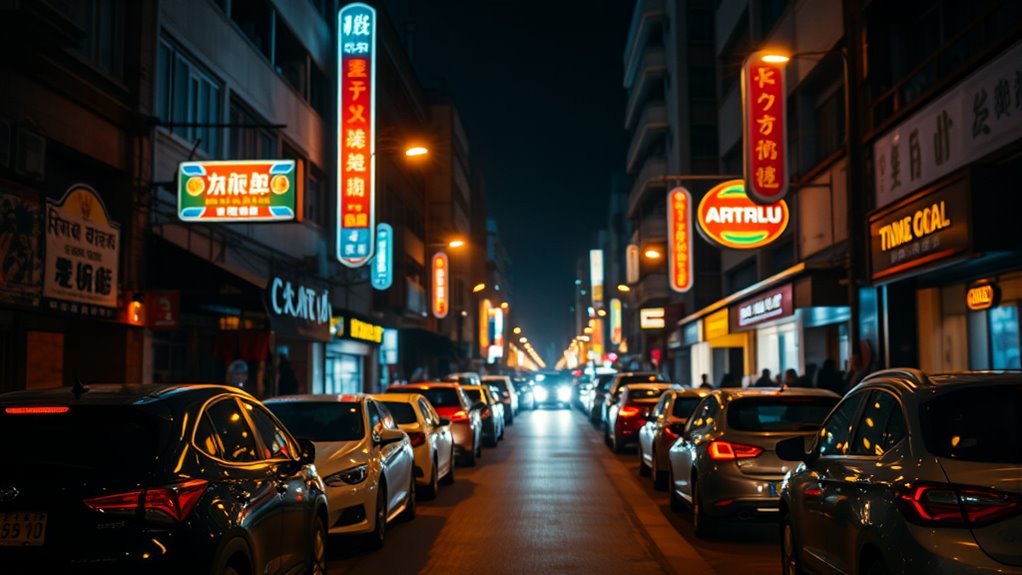
Have you ever struggled to capture clear photos in dim lighting? AI-powered cameras now markedly improve low-light photography. They do this by enhancing:
- Sensor sensitivity – AI adjusts the sensor’s sensitivity to light, capturing more detail without overexposing.
- Noise reduction – Advanced algorithms reduce graininess, producing cleaner images despite low light.
- Multiple exposures – AI combines several shots quickly, balancing brightness and detail for a sharper photo.
These improvements let you take brighter, clearer photos even in challenging conditions. By intelligently managing sensor sensitivity and applying noise reduction, your smartphone can produce professional-looking images without additional equipment. This seamless AI integration helps you capture moments in low light, ensuring your photos are bright, detailed, and true to life.
Portrait Mode and Depth Mapping With AI
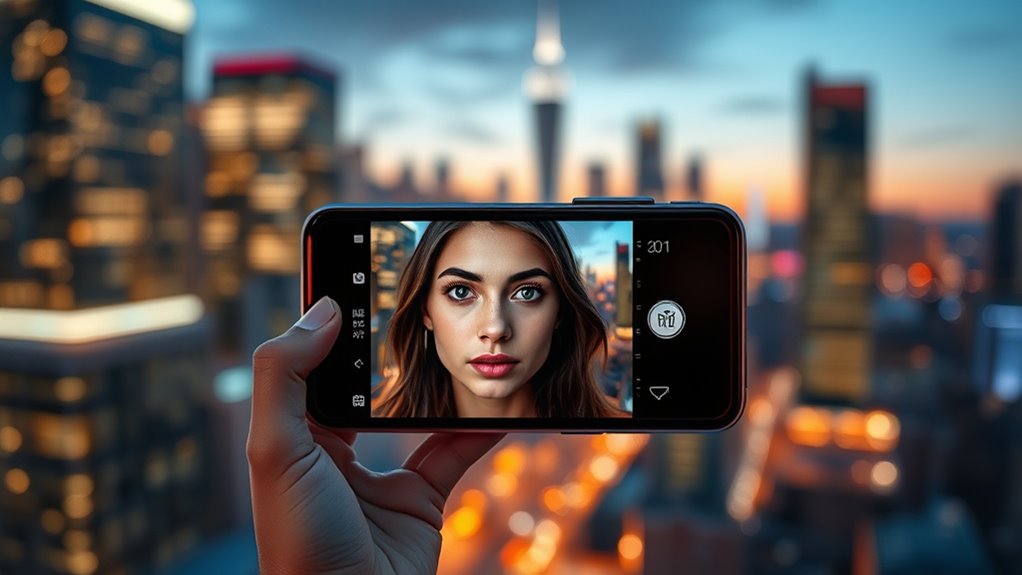
AI-powered cameras have taken portrait photography to the next level by leveraging sophisticated depth sensing technology. This allows your phone to create a realistic separation between the subject and background, producing a stunning bokeh effect. When you activate portrait mode, AI analyzes the scene, identifying edges and distances to generate a depth map. This depth map helps blur the background precisely, making your subject stand out sharply. You can even adjust the level of background blur after taking the photo. Here’s a quick look at how depth sensing and bokeh work together:
| Feature | How it works | Result |
|---|---|---|
| Depth sensing | Measures distances in scene | Accurate subject isolation |
| Bokeh effect | Blurs background selectively | Focus on main subject |
| Edge detection | Defines subject boundaries | Clean separation |
| Real-time AI | Adjusts focus instantly | Perfect shot every time |
| Customization | Modify blur after capture | Creative control |
Future Trends in AI Camera Technology

As AI camera technology continues to evolve, we can expect even more sophisticated features that enhance both photography and videography. Future trends will likely include:
- Augmented reality features that seamlessly blend digital objects with real-world scenes, making your photos more immersive.
- Computational zoom improvements that deliver clearer, high-quality close-ups without physical lens changes.
- Enhanced AI algorithms that intelligently optimize shots in real-time, adapting to lighting and movement instantly.
These advancements will make your smartphone camera smarter, more versatile, and capable of capturing moments with unprecedented clarity. You’ll be able to explore new creative horizons, engaging with augmented reality elements and achieving professional-grade zooms effortlessly. The future of AI camera technology promises a richer, more interactive photography experience.
Frequently Asked Questions
How Does AI Distinguish Between Different Objects in a Scene?
AI distinguishes between different objects in a scene through object recognition and scene segmentation. It analyzes the image to identify unique features like shapes, colors, and textures. Scene segmentation then divides the scene into regions, separating the main subjects from the background. By combining these techniques, your smartphone’s AI can accurately detect and focus on objects, resulting in clearer, more professional-looking photos.
Can AI Detect and Correct Lens Distortions Automatically?
Think of your smartphone as a vigilant artist, constantly adjusting its canvas. Yes, AI detects lens distortions like a keen eye spotting imperfections, then automatically applies lens correction to straighten lines and restore perspective. This distortion detection works behind the scenes, ensuring your photos look natural and true to life without you lifting a finger. It’s like having a skilled editor right in your pocket, perfecting each shot effortlessly.
How Does AI Improve Color Accuracy in Smartphone Photos?
AI improves color accuracy in your smartphone photos through advanced color calibration, ensuring true-to-life hues. It analyzes the scene and adjusts color tones for consistency, preventing oversaturation or dullness. Additionally, AI applies saturation enhancement selectively, making colors pop without looking unnatural. This smart processing results in vibrant, accurate images that reflect real-world colors, giving you professional-quality photos with minimal effort.
Are AI Enhancements Customizable for User Preferences?
They say “the proof of the pudding is in the eating,” and that’s true for AI enhancements. You can customize many AI features, tailoring user preferences and tweaking settings to suit your style. With intuitive customization options, you can control aspects like brightness, contrast, and filters. This way, your smartphone adapts to your needs, giving you a more personalized photo experience that feels just right every time.
What Privacy Considerations Exist With Ai-Driven Camera Features?
Privacy considerations with AI-driven camera features include concerns about data security and user consent. You should be aware that your images and data might be stored or shared, so it’s important to review app permissions and privacy settings. Always guarantee your device’s security measures are up to date, and give explicit consent when prompted. By staying informed and cautious, you protect your personal information while enjoying the benefits of AI-enhanced photography.
Conclusion
As you explore your smartphone’s AI camera tricks, remember that it’s like having a skilled photographer by your side, constantly learning and adapting. These innovations are transforming your photos into masterpieces, turning ordinary moments into extraordinary memories. With AI’s magic, your device becomes more than just a camera — it’s a partner in creativity. Embrace these advancements and see how every shot becomes a story worth telling, capturing life’s beauty with the precision of science and the art of imagination.