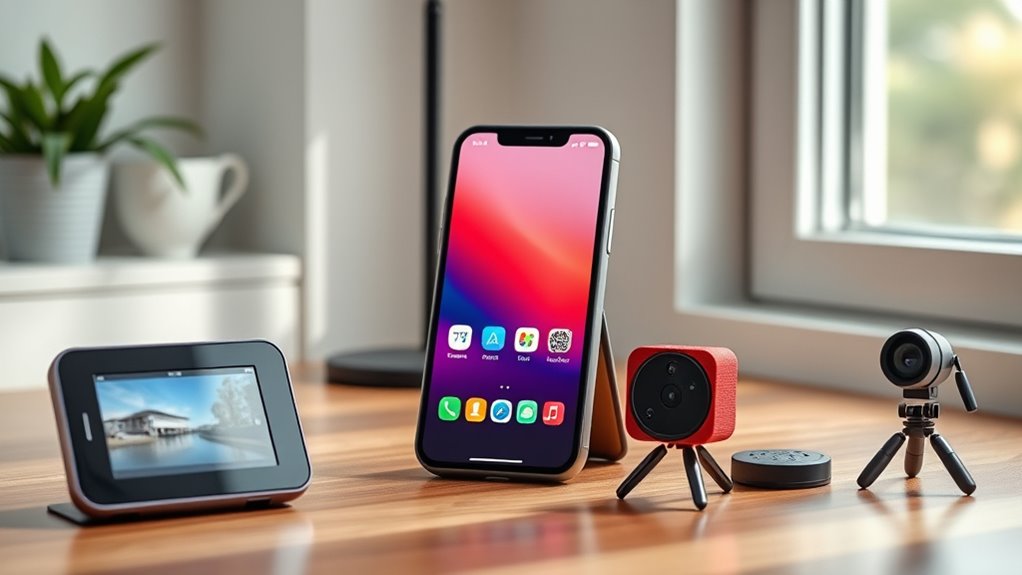

Instead of tossing your old smartphone, consider turning it into a security camera with motion detection, or use it as a dedicated media player for music and videos. You can also transform it into a digital photo frame or a portable gaming device to maximize its potential. Repurpose it as a remote control or a smart home hub to streamline your devices. Curious about more creative ideas? Keep exploring to unveil all the possibilities.
Key Takeaways
- Convert old smartphones into dedicated security cameras with motion detection and live streaming.
- Repurpose devices as universal remotes for smart TVs and home automation control.
- Use them as portable media players, digital photo frames, or gaming devices to extend their usefulness.
- Transform old phones into educational tools for learning coding, languages, or science apps.
- Employ them as remote controls for smart home devices, enhancing convenience and device management.
Turn It Into a Security Camera
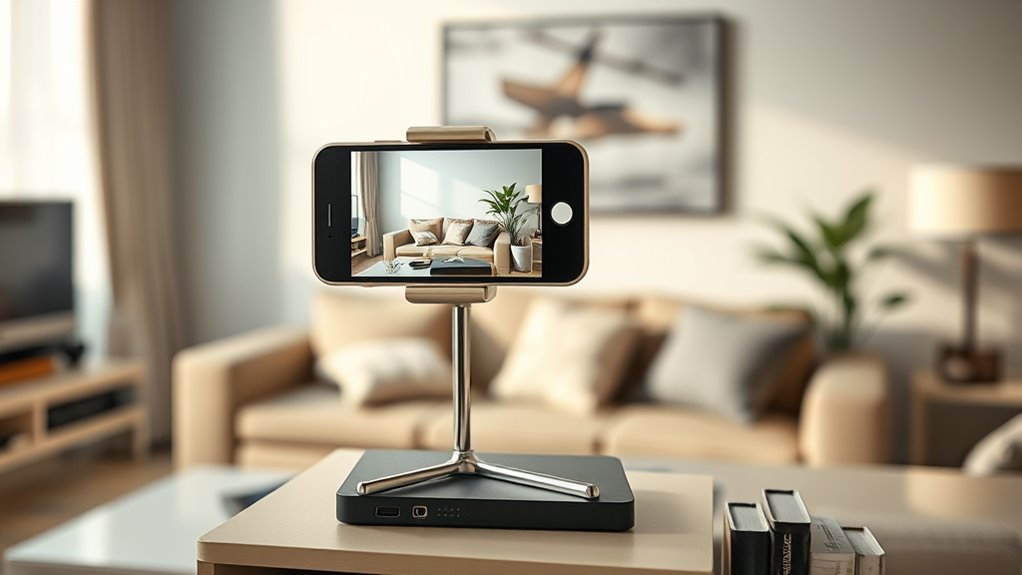
If you have an old smartphone gathering dust, turning it into a security camera is a smart way to repurpose it. Modern smartphones come equipped with features like motion detection, so you’ll be alerted when movement occurs. Plus, many have night vision capabilities, allowing you to monitor your space even in complete darkness. Simply install a security camera app that supports these features, position your phone in a strategic spot, and connect it to your Wi-Fi network. Once set up, you’ll receive real-time alerts and can view live footage from anywhere. This approach not only saves money but also extends the usefulness of your device. With motion detection and night vision, your old phone can effectively keep an eye on your home or office, providing peace of mind. Smart appliance integration can further enhance your home security system by allowing remote control and automation. Additionally, many security camera apps offer cloud storage options to ensure your footage is safely backed up. Incorporating local automation can help trigger alerts or routines based on detected activity, enriching your overall smart home security setup. A deeper understanding of contrast ratio can also help you optimize your camera placement for better image quality in various lighting conditions. Understanding device compatibility is key to ensuring your old smartphone integrates seamlessly with your existing smart home devices.
Use It as a Dedicated Media Player

After repurposing your old smartphone as a security camera, you can also turn it into a dedicated media player. Imagine having a device solely for your favorite music streaming and podcast listening. This way, you’ll enjoy endless entertainment without draining your main phone’s battery. Plus, it’s perfect for creating a dedicated space for audio, whether in your kitchen, bedroom, or workout area. Using your old smartphone as a media player keeps your audio experience simple and accessible, making your daily routines more enjoyable and less stressful. device optimization ensures your media player runs smoothly and efficiently, enhancing your overall experience. Additionally, leveraging simple systems can help you set up and maintain this dedicated device with confidence and ease. Understanding lease terms can also inspire ideas for repurposing old devices in practical ways, like creating dedicated media stations. Incorporating energy-efficient solutions into your setup aligns with sustainable practices and can reduce power consumption during extended use.
Transform It Into a Digital Photo Frame

Transforming your old smartphone into a digital photo frame is a simple way to keep your favorite memories on display. You can set it up to run a digital slideshow, showcasing your best moments effortlessly. Use a photo display app or built-in features to create a continuous loop of images. Position your device in a visible spot, like your desk or living room, to enjoy spontaneous nostalgia. To make it more engaging, consider organizing your photos into albums or themes. Here’s a quick overview:
| Photo Display Option | Features | Ideal Use |
|---|---|---|
| Slideshow Mode | Auto-rotates images | Daily background |
| Album Organization | Categorizes images | Themed displays |
| Cloud Sync | Updates photos remotely | Family or travel photos |
This setup provides a charming, personalized photo display that’s always ready to brighten your day. Additionally, proper photo management can help you keep your images organized and easily accessible for your digital frame. Incorporating cloud storage solutions can also ensure your photos are backed up and ready to update from anywhere. Using energy-efficient settings can help prolong your device’s lifespan and reduce power consumption while it displays your memories. Making use of device compatibility ensures your old smartphone seamlessly integrates with various apps and platforms for a smoother experience.
Convert It Into a Portable Gaming Device
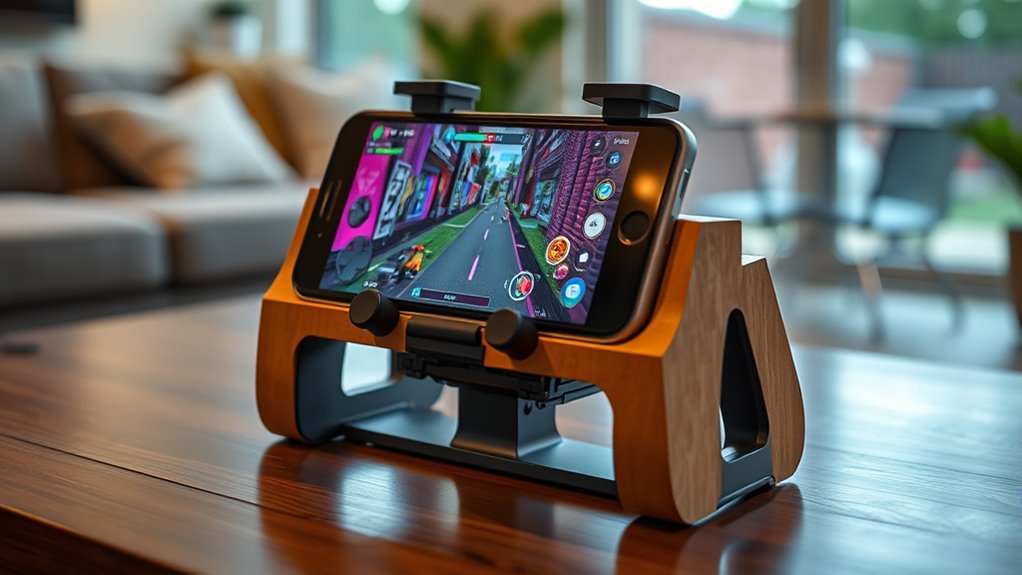
Turning your old smartphone into a portable gaming device is a practical way to give it a new purpose. With just a few tweaks, you can turn it into a hub for mobile entertainment on the go. Imagine having your favorite games at your fingertips, anytime you want, without draining your main device’s battery. This upgrade keeps your old phone alive and active, providing endless fun. Plus, it’s eco-friendly and cost-effective. You’ll love how easy it is to set up and how it transforms your device into a portable gaming powerhouse. To ensure safe and reliable operation, consider power management options that prevent overheating and battery damage during extended use. Additionally, understanding quality assessment can help you choose the best accessories and apps to enhance your gaming experience. Incorporating performance optimization techniques can further improve your device’s responsiveness and overall gaming performance. Regularly updating your device’s firmware can also help maintain optimal device performance, ensuring a smooth gaming experience over time. Moreover, utilizing energy efficiency strategies can extend your gaming sessions without sacrificing device longevity.
Repurpose It as a Remote Control

Have you ever wished you could control your TV or smart home devices more easily? Repurposing your old smartphone as a remote control is an excellent idea. It offers universal compatibility with most smart TVs and devices, reducing the need for multiple remotes. It also leverages connected‑cook workflows to streamline device management and improve your overall experience. To maximize efficiency, focus on battery optimization; disable unnecessary apps and features to extend battery life during use. Additionally, keeping your device’s software up-to-date can help maintain security and performance. Here’s a quick comparison:
| Feature | Benefits |
|---|---|
| Universal Compatibility | Works with various brands and devices |
| Battery Optimization | Ensures longer operation without frequent charging |
| Easy Setup | Simple app installation and pairing |
| Custom Controls | Personalize buttons for convenience |
This setup transforms your old device into an efficient, eco-friendly remote. Incorporating efficient habits like regular app management can further enhance your device’s longevity and performance.
Set It Up as a Smart Home Controller

Setting up your old smartphone as a smart home controller is straightforward and highly practical. With it, you can effortlessly manage your devices, enhance security, and enjoy seamless remote home automation. Imagine controlling lights, thermostats, and security cameras with simple voice command integration. Plus, having a dedicated device means you won’t need to juggle multiple apps or devices. Utilizing a smart home hub transforms your space into a connected and efficient environment. Here’s what you’ll love:
- Feel empowered by controlling your home with just your voice, making daily routines easier.
- Experience peace of mind knowing you can monitor and adjust your home remotely, anytime.
- Revel in the satisfaction of giving new life to your old device while making your home smarter.
- Understanding field‑of‑view and imaging‑scale can help you optimize your setup for better device placement and control.
- Exploring how digital asset management applies to smart home devices can enhance your setup’s security and functionality.
Transform your smartphone into a central hub for smarter living today.
Use It for Learning and Coding Projects
Your old smartphone can become a powerful tool for learning and coding. You can install educational apps, practice programming skills, or even set it up as a dedicated server. This way, your device continues to serve a useful purpose while sharpening your tech skills.
Install Educational Apps
Installing educational apps on your old smartphone opens up a world of learning and creativity. You can explore interactive tutorials that make complex concepts easier to grasp or delve into educational games that challenge your mind while having fun. These apps turn your device into a powerful learning tool, perfect for sharpening skills or trying new subjects. Imagine having quick access to resources that motivate you to learn daily. Plus, many apps are designed to inspire curiosity and foster problem-solving. Whether you’re learning a new language, coding, or studying science, your old phone becomes a portable classroom.
- Experience engaging lessons that adapt to your pace
- Challenge yourself with fun, brain-boosting games
- Access a vast library of knowledge at your fingertips
Practice Programming Skills
Once you’ve equipped your old smartphone with educational apps, it becomes a handy tool for practicing programming skills. You can explore app development by using lightweight IDEs and coding environments designed for mobile devices. These tools let you write, test, and debug code directly on your phone, making it easy to experiment with new concepts anywhere. Participating in coding challenges or solving programming puzzles helps sharpen your problem-solving skills and keeps you motivated. Your old smartphone can serve as a portable coding station, allowing you to work on projects during commutes or breaks. By consistently practicing and experimenting with new code, you improve your skills and build confidence in app development. This way, your old device becomes a powerful learning companion rather than just outdated hardware.
Use as a Dedicated Server
Using an old smartphone as a dedicated server offers an affordable and compact solution for learning and hosting small projects. You can set it up to run your own cloud storage or handle file sharing within your home network. Imagine having your personal server that’s always accessible, helping you learn server management and coding skills firsthand. Plus, it’s a great way to experiment with project hosting without investing in expensive hardware.
- Keep your files safe with your own cloud storage, accessible from anywhere
- Share files seamlessly with friends or family, bypassing third-party services
- Practice setting up web servers, databases, or automation scripts for real-world experience
Transform your old phone into a powerful learning tool, gaining skills and confidence along the way.
Frequently Asked Questions
How Can I Optimize My Old Smartphone’s Battery Life for Reuse?
To optimize your old smartphone’s battery life for reuse, start with a battery calibration by fully charging it to 100% and then draining it completely. Next, enable power saving settings like reducing screen brightness, turning off background apps, and disabling Wi-Fi or Bluetooth when not in use. These steps help extend your device’s battery life, ensuring it lasts longer and performs better during reuse.
What Security Measures Should I Take Before Repurposing My Device?
Before repurposing your device, you should prioritize security by enabling device encryption and setting up strong password protection. Make sure to back up important data, then perform a factory reset to erase all personal information. Double-check that encryption is active and that your password is complex. This way, you safeguard your data from unauthorized access and ensure your old smartphone is secure for its new purpose.
Can I Upgrade the Hardware of an Old Smartphone for Better Performance?
Did you know that most smartphones have integrated hardware components that can’t be upgraded? Typically, you can’t upgrade the hardware of an old smartphone for a performance boost, as components like the CPU, GPU, or RAM are soldered onto the motherboard. If you want better performance, consider optimizing your device with software updates or replacing it. A hardware upgrade isn’t usually feasible, but these alternatives can still extend your phone’s usability.
What Accessories or Mounts Are Recommended for DIY Projects?
For DIY projects, you’ll want versatile DIY mounting solutions like adjustable clamps, suction cups, or custom brackets that fit your smartphone securely. Consider repurposing old smartphone accessories or creating custom accessory ideas using materials like foam, plastic, or metal. These options let you adapt your phone for use as a camera, monitor, or smart home control. Always guarantee your DIY mounts are stable and safe to prevent damage during your creative projects.
How Do I Ensure My Data Is Completely Erased Before Repurposing?
Imagine your old phone as a vault that holds precious secrets. To guarantee your data is completely erased, start with a factory reset, wiping all personal info. Then, enable data encryption—think of it as locking away remaining traces. Finally, perform a secure erase if available. These steps guarantee your information stays private, giving you peace of mind as you repurpose your device confidently.
Conclusion
Don’t let your old smartphone go to waste. Turn it into a security camera, a media player, or a digital photo frame. Use it as a gaming device, a remote control, or a smart home hub. Even learn new skills or code with it. Recycling your device keeps it out of the landfill, saves you money, and gives it a new purpose. Embrace these ideas, breathe new life into your tech, and enjoy the possibilities.