
If you need fast data transfer, portability, and durability, an external SSD is your best choice, perfect for creative work, gaming, or frequent travel. For larger storage at a lower cost, especially if speed isn’t critical, an HDD offers budget-friendly options for backups and long-term storage. Consider your priorities like speed, capacity, and budget to pick the right device, and you’ll discover more about the differences and how to optimize your storage options.
Key Takeaways
- External SSDs offer faster transfer speeds, making them ideal for quick file access, gaming, and professional editing tasks.
- HDDs provide larger storage capacities at a lower cost, suitable for bulk backups and long-term data storage.
- External SSDs are lightweight, shock-resistant, and portable, perfect for frequent travelers and outdoor use.
- HDDs are more budget-friendly for large storage needs but tend to be bulkier and heavier.
- Choose SSDs for speed and durability; opt for HDDs when cost per gigabyte and high capacity are primary concerns.
Understanding the Core Differences Between SSDs and HDDs

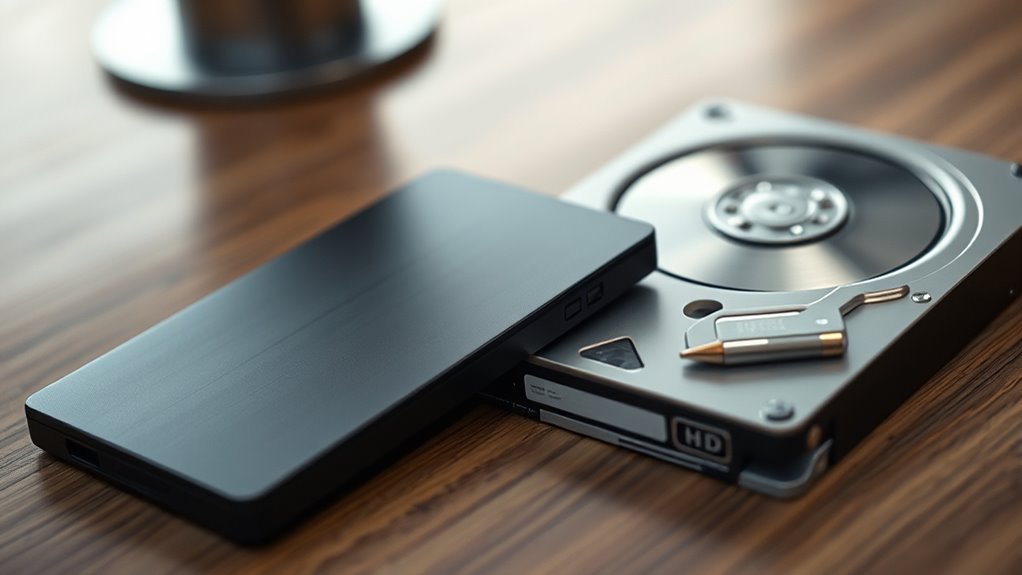
Solid State Drives (SSDs) and Hard Disk Drives (HDDs) serve the same purpose—storing your data—but they do so very differently. SSDs use flash memory with no moving parts, making them faster and more durable. HDDs rely on spinning disks and mechanical arms, which can be more vulnerable to physical damage. During manufacturing, SSDs incorporate advanced data encryption to protect your information from unauthorized access, a feature less common in traditional HDDs. The manufacturing process for SSDs involves placing memory chips onto circuit boards, allowing for compact, lightweight designs. In contrast, HDDs are assembled with precise mechanical components. These core differences influence not only performance but also security and durability, shaping how you choose between the two for your storage needs. Additionally, the technology used in SSDs impacts their ability to withstand physical shocks better than HDDs.
Performance and Speed: Which Drives Faster?

When comparing SSDs and HDDs in aspects of performance, speed becomes a defining factor. SSDs deliver markedly faster transfer speeds, which means you can open files, boot up your system, and transfer data in a fraction of the time compared to HDDs. Their superior read/write performance minimizes lag and delays, making them ideal for demanding tasks like video editing or gaming. HDDs rely on spinning disks and mechanical arms, limiting their speed and causing slower data access. If quick data retrieval and high-speed performance matter most to you, an SSD is the clear winner. Additionally, SSDs often feature vibration resistance, which enhances their durability and reliability in various environments. Moreover, SSDs are less affected by external factors such as shocks or drops, further improving their suitability for portable use. This resilience can help prevent damage from environmental stresses, ensuring your data remains safe and accessible over time. Using an SSD can also contribute to system responsiveness, providing a smoother overall user experience.
Storage Capacity and Cost-Effectiveness
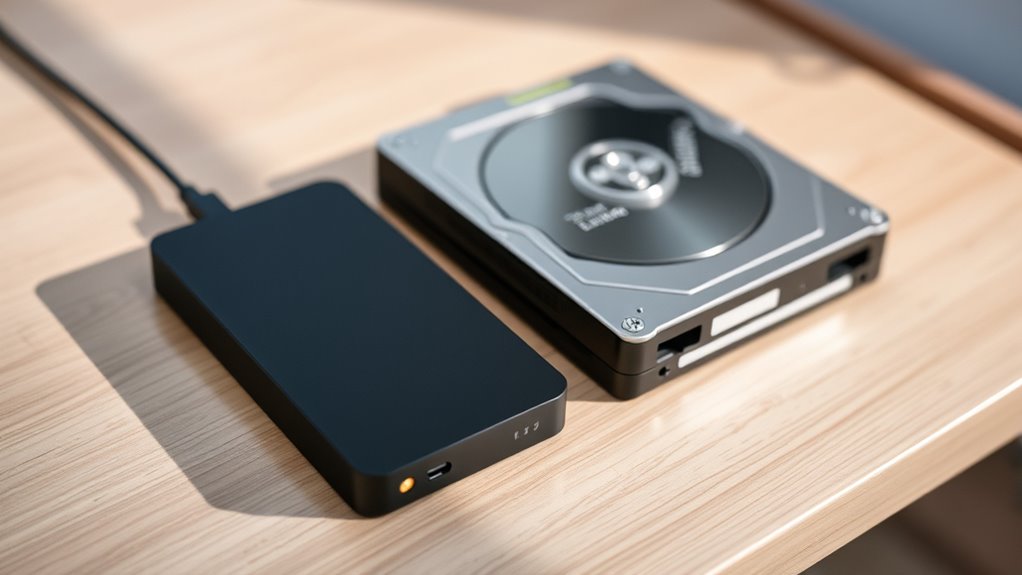
While SSDs generally offer faster performance, HDDs often provide greater storage capacity at a lower cost, making them a practical choice if you need large amounts of space without breaking the bank. HDDs tend to be more cost-effective per gigabyte, so you can store extensive files without overspending. Keep in mind, though, that data encryption on HDDs can add a layer of security, especially for sensitive information. Additionally, data recovery options are usually more accessible with HDDs, allowing you to retrieve lost files more easily. If you prioritize budget-friendly storage with ample space, HDDs are your best bet. However, consider your need for security and data recovery capabilities when choosing between the two. Proper piercing care and hygiene can also help prevent data loss or damage to your storage devices. Maintaining proper device maintenance can extend the lifespan of your drives and ensure data integrity over time. Implementing regular backups is crucial for safeguarding your data against unforeseen issues. Furthermore, choosing the right storage solution tailored to your specific needs can optimize your overall data management strategy.
Durability and Portability Factors

HDDs typically have a more rugged build, making them better suited for environments where durability is a concern. They often feature shock resistance due to their spinning disks and sturdy casings, which helps protect against drops and vibrations. When comparing size, HDDs are usually larger and heavier, reducing their portability for on-the-go use. In contrast, external SSDs are compact and lightweight, easily fitting into pockets or small bags, making them highly portable. Their lack of moving parts also enhances durability, as they’re less prone to damage from shocks or accidental drops. If you prioritize durability and portability, an external SSD offers a significant advantage, especially in mobile scenarios. Additionally, considering the storage capacity can help determine the best option for your needs. For users who require high-speed data transfer, external SSDs typically outperform HDDs, providing faster read/write speeds for demanding tasks. Moreover, durability is a key factor to consider when choosing between the two, especially for outdoor or active use. A shock resistance feature further amplifies the robustness of external SSDs, making them ideal for demanding environments. Incorporating local data management capabilities can also enhance security and control over your stored information.
Power Consumption and Noise Levels
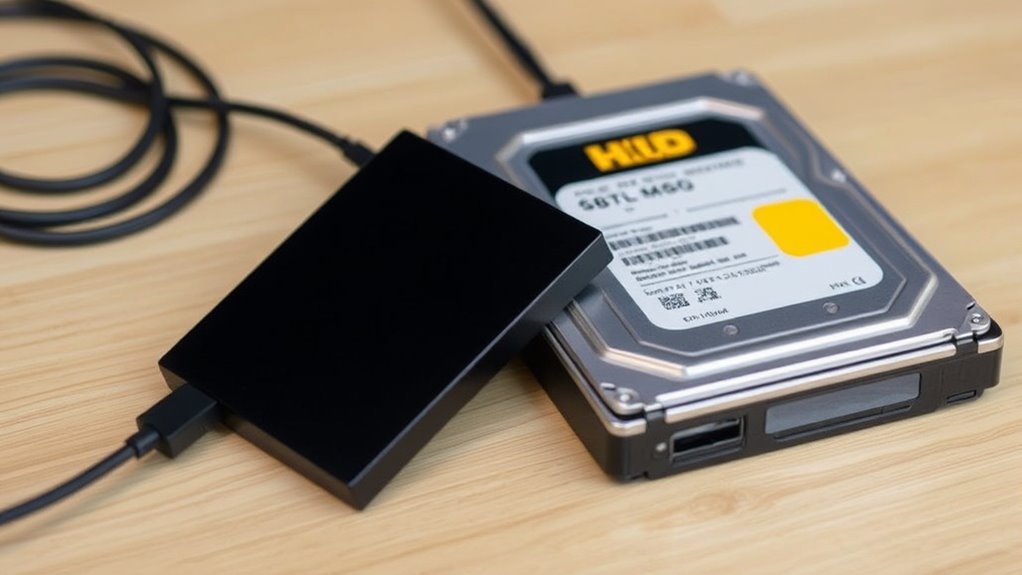
External SSDs generally consume less power and operate more quietly than traditional HDDs, making them ideal for portable use and energy-conscious setups. Their superior power efficiency means you get longer battery life and lower energy bills. Additionally, SSDs produce minimal noise emission, which keeps your workspace peaceful. This is especially beneficial if you work in quiet environments or frequently travel with your device. Moreover, their thermal management capabilities help prevent overheating, further enhancing their quiet operation and longevity. Furthermore, the advanced energy-saving features in SSDs contribute to their overall efficiency and reliability. The low power consumption also reduces heat generation, supporting the thermal management systems and ensuring consistent performance. Implementing power management settings can optimize their energy use even further, extending device lifespan and reducing environmental impact.
Compatibility and Connectivity Options
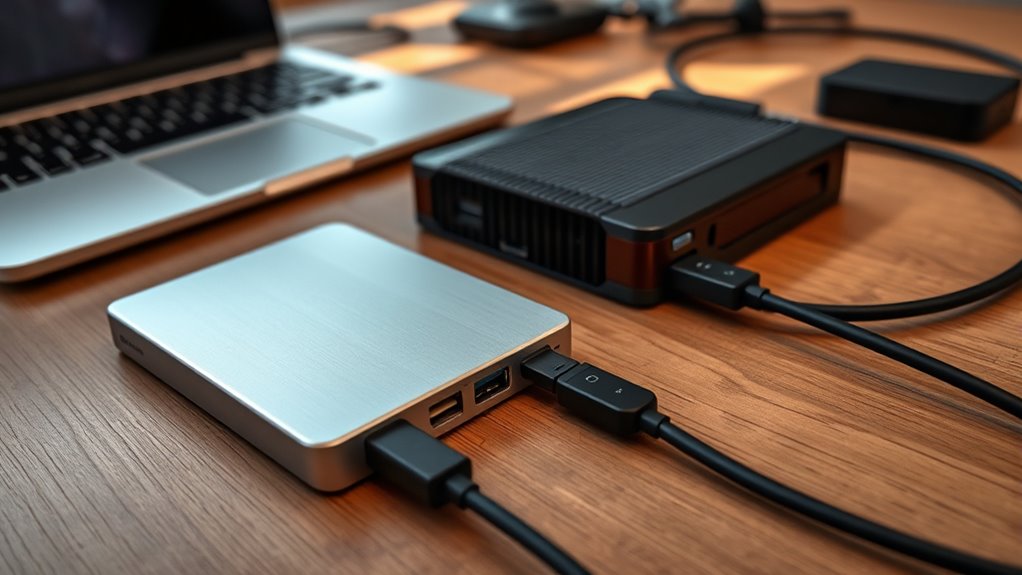
When choosing between an external SSD and HDD, you should consider the connection types available, such as USB, Thunderbolt, or USB-C, to guarantee compatibility with your devices. Keep in mind that port speed variations can affect data transfer rates, so matching your storage device to your computer’s ports is important. Compatibility with your existing devices and the speed of your connections will impact your overall experience and performance. Additionally, understanding Youngster Choice can help you make more informed decisions based on your specific needs and preferences. For optimal performance, assessing the transfer speed of your connection options can ensure your data moves efficiently without bottlenecks. Furthermore, recognizing the connection types used by different storage devices can help prevent compatibility issues and optimize data transfer efficiency. Being aware of port speed variations can also influence your choice, especially if you require high-speed data transfers for large files or frequent backups.
Connection Types Available
Understanding the connection types available is essential when choosing between an SSD and an HDD, as compatibility and connectivity options can substantially impact performance and ease of use. Your choice depends on available interface options on your device and the speeds you need. SSDs typically support faster connection types like USB 3.2, Thunderbolt, and USB-C, ensuring quick data transfer. HDDs often use USB 3.0 or older interfaces, which are sufficient for basic storage needs. Pay attention to these connection types to avoid compatibility issues.
- Ensure your device supports the interface options of your drive.
- Faster connection types mean quicker data transfers.
- Consider future-proofing with newer interface standards.
Compatibility With Devices
Choosing the right storage device depends heavily on its compatibility with your existing devices. Both external SSDs and HDDs vary in device compatibility and connection standards, so it’s essential to verify if they suit your setup. Some drives support USB-C, Thunderbolt, or older USB-A ports, affecting ease of connection. Here’s a quick comparison:
| Device Compatibility | Connection Standards |
|---|---|
| Many external HDDs | USB 3.0, USB 2.0 |
| External SSDs | USB-C, Thunderbolt 3/4 |
| Compatibility varies | Depends on device support |
Matching the device compatibility with your devices ensures seamless integration, avoiding connection issues and maximizing performance.
Port Speed Variations
Port speed variations substantially impact the performance and compatibility of external drives, influencing how quickly data transfers occur. The interface types determine the potential transfer speeds you can achieve. For example, USB 3.0 offers faster speeds than USB 2.0, while Thunderbolt and USB 3.1 or 3.2 provide even higher performance. Your device’s port compatibility is vital; using an incompatible interface limits transfer speeds and may cause connection issues.
- Confirm your device supports the drive’s interface type for peak performance
- Higher interface types generally deliver faster transfer speeds
- Check port versions before purchasing to avoid bottlenecks
Use Cases and Ideal Scenarios
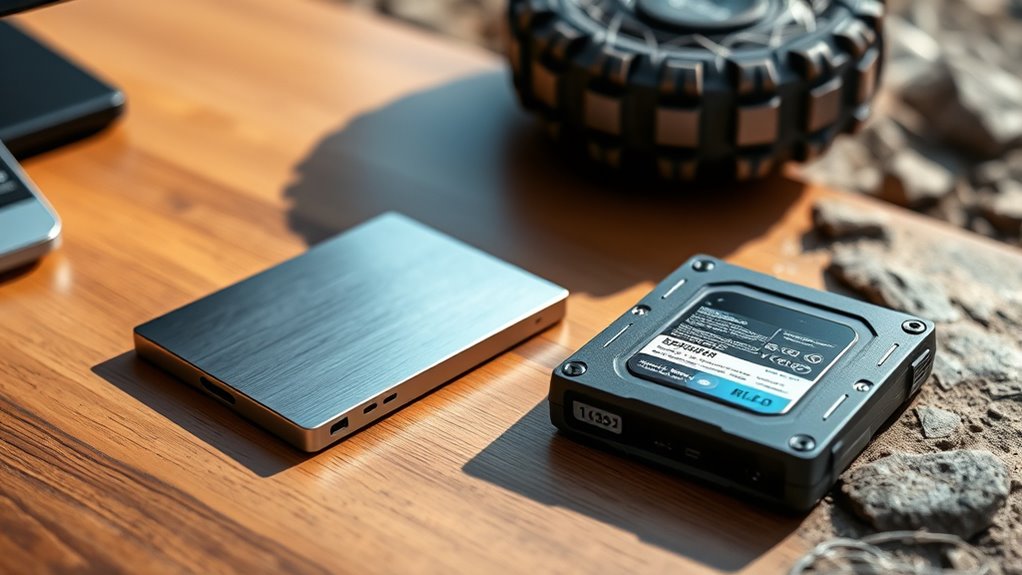
Whether you need portable data storage, gaming, or creative work, each option has its strengths. External SSDs offer faster speeds ideal for quick transfers and editing, while HDDs provide larger capacities at a lower cost. Consider your specific needs to choose the best fit for your use case.
Portable Data Storage
Portable data storage devices are essential tools for anyone who needs quick and reliable access to their files on the go. They’re perfect for backing up important data, transferring large files, or carrying presentations. An external SSD offers faster data access and is more durable, making it ideal for frequent travelers and professionals who need rapid performance. HDDs, with their larger capacity and lower cost, suit long-term storage and backup needs where speed isn’t critical. When using portable drives, consider implementing data encryption to protect sensitive information. For added security, pairing with cloud backup ensures your data remains safe even if the device is lost.
- Quick access for presentations or editing
- Secure data with encryption
- Reliable backups during travel
Gaming and Creative Work
For gaming and creative work, choosing the right storage device can considerably impact your performance and workflow. An external SSD offers faster load times, enabling you to launch games quickly and edit large files seamlessly. This speed reduces frustration during intensive tasks like rendering or 3D modeling. Additionally, SSDs often support data encryption, keeping your sensitive work files secure. When considering environmental impact, SSDs consume less power and have no moving parts, making them more eco-friendly over time. HDDs, while offering larger storage at a lower cost, may slow down your workflow with longer load times and are less efficient for demanding creative tasks. For portability and speed, an external SSD is ideal, especially if data security and environmental considerations matter to you.
Maintenance, Reliability, and Lifespan
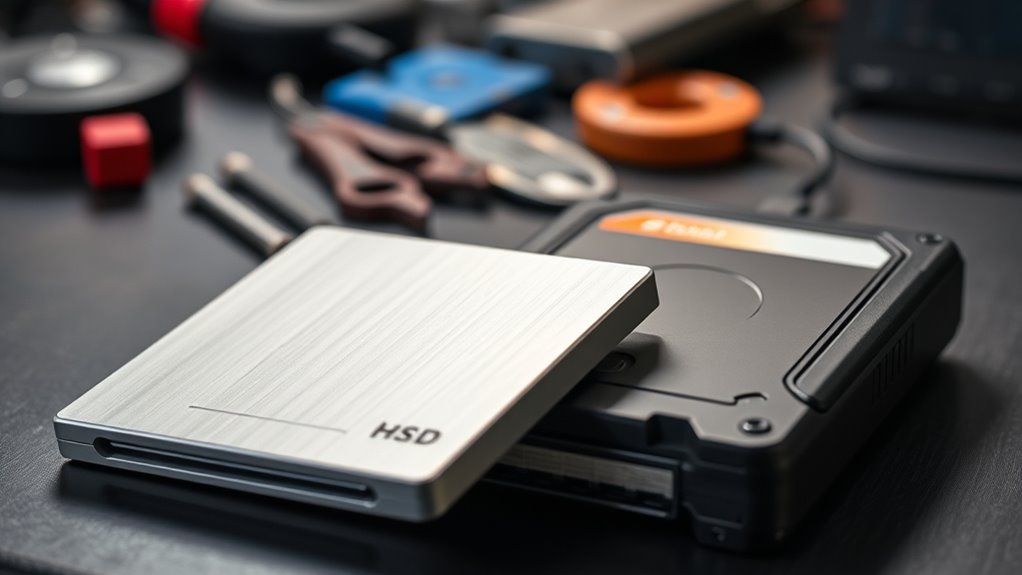
When it comes to maintenance, reliability, and lifespan, external SSDs generally require less upkeep than HDDs due to their lack of moving parts. SSDs are more durable and resistant to physical shocks, reducing the risk of data loss. They also tend to have a longer lifespan because they’re less prone to mechanical failure. Keep in mind, proper data encryption helps protect your files over time, especially if the device is portable. Additionally, warranty coverage varies and can influence your decision—many SSDs come with longer warranties that reflect their reliability.
- External SSDs are less susceptible to mechanical wear and tear
- Regular firmware updates can enhance lifespan and security
- Data encryption adds a layer of protection against data breaches
Making the Right Choice for Your Needs
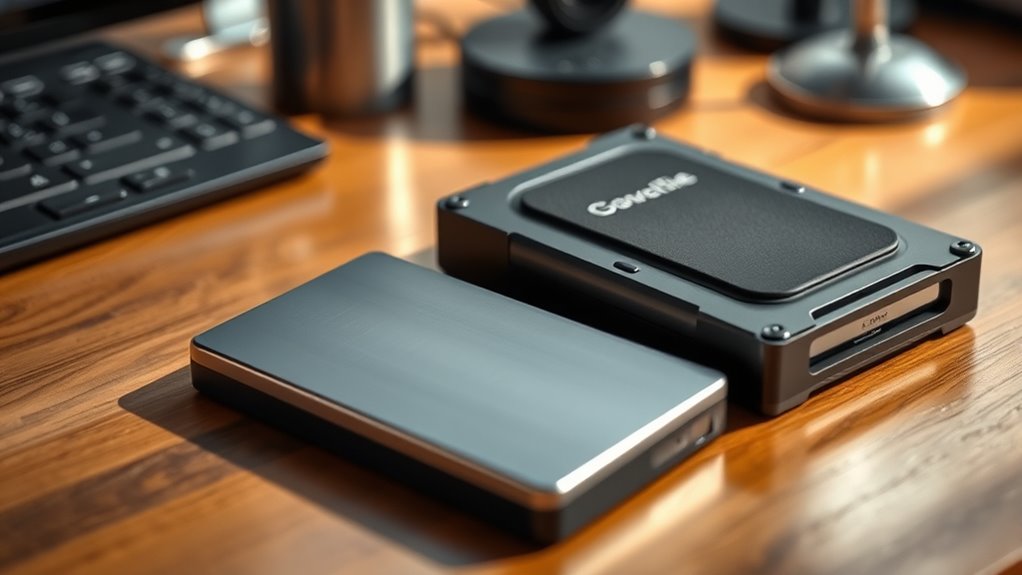
Choosing between an external SSD and an HDD depends on your specific needs and how you plan to use the device. If you prioritize speed and portability, an SSD is ideal, especially for tasks requiring quick data access. For budget-friendly, high-capacity storage, HDDs are a solid choice. Consider data encryption features if security matters; many SSDs offer built-in encryption, providing peace of mind for sensitive files. Warranty coverage is also vital—check if the manufacturer offers extended warranties for added protection. If you need durability and ongoing support, opt for a device with extensive warranty coverage. Ultimately, align your choice with your use case, whether it’s for daily backups, gaming, or professional work, to ensure you get the best value and performance.
Frequently Asked Questions
How Do SSDS and HDDS Perform in High-Temperature Environments?
You’ll find that SSDs handle high temperatures better than HDDs due to their higher temperature resilience. SSDs are less affected by heat because they have no moving parts, making heat dissipation easier. HDDs, with their spinning disks, are more sensitive to heat, which can cause data errors or drive failure. For high-temperature environments, choose an SSD to guarantee reliable performance and better heat management.
Are There Specific Brands Known for Better Reliability in External Drives?
You’ll find that brands like Samsung, Western Digital, and Seagate are known for better reliability in external drives, thanks to strong brand reputation and positive customer reviews. These companies prioritize durability and performance, making their products a smart choice if you want dependable storage. Always check recent reviews and warranties to guarantee you’re picking a drive that meets your needs and offers long-term reliability.
Can External SSDS and HDDS Be Easily Upgraded or Expanded Later?
Think of your external drive as a garden; some have expandable soil beds, while others are fixed in size. External SSDs often offer limited upgrade options, but HDDs usually provide better expansion flexibility with additional storage. If you want future-proofing and easy upgrades, choose an HDD with multiple ports or compartments. For simplicity and speed, an SSD might be enough, but remember, expansion options vary based on the drive’s design.
What Are the Security Features Available for External SSDS Versus HDDS?
You get robust security features with external SSDs and HDDs. Both often offer encryption features to protect your data, with SSDs typically providing hardware encryption for faster, more secure access. Physical security is also essential; many external drives include lock slots or rugged designs to prevent theft or damage. While SSDs tend to have more advanced encryption options, both types help keep your data safe from unauthorized access.
How Do Warranty Periods Typically Compare Between SSDS and HDDS?
You might think SSDs last longer, but warranty periods often favor HDDs with typical coverage of 3-5 years, while SSD warranties usually range from 3 to 5 years. The reliability differences stem from SSDs having no moving parts, reducing mechanical failure risks. However, manufacturers often back HDDs longer because their technology has a proven track record. So, check warranty details carefully before choosing, based on your reliability needs.
Conclusion
Choosing between an external SSD and HDD depends on your needs. If speed and durability matter most, an SSD offers up to 4 times faster performance and greater resilience. Remarkably, SSDs now make up over 50% of the portable storage market, reflecting their growing popularity. Consider your budget, storage needs, and use cases to pick the best fit. Whichever you choose, understanding these differences helps ensure you get the right drive for your tasks.