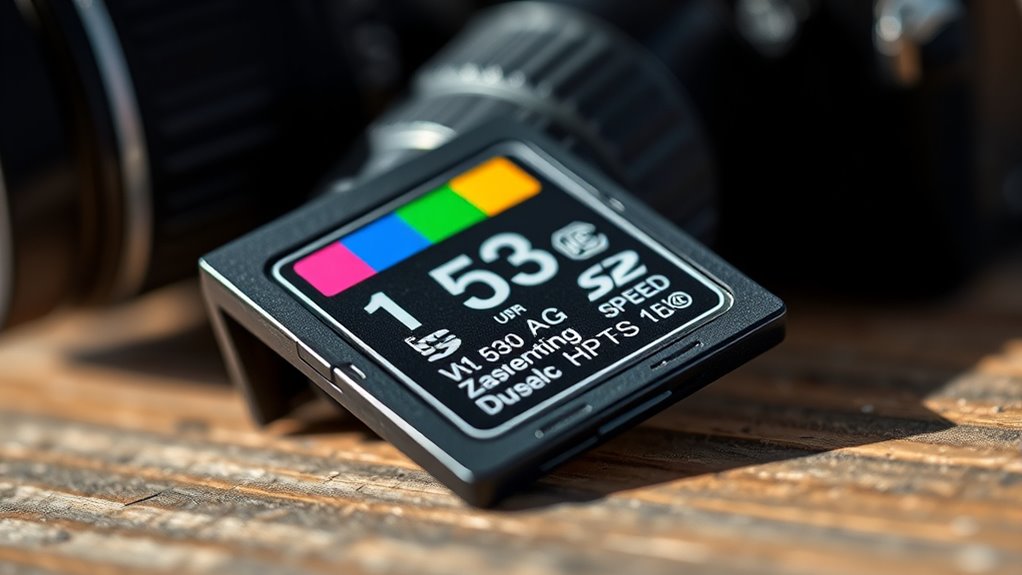

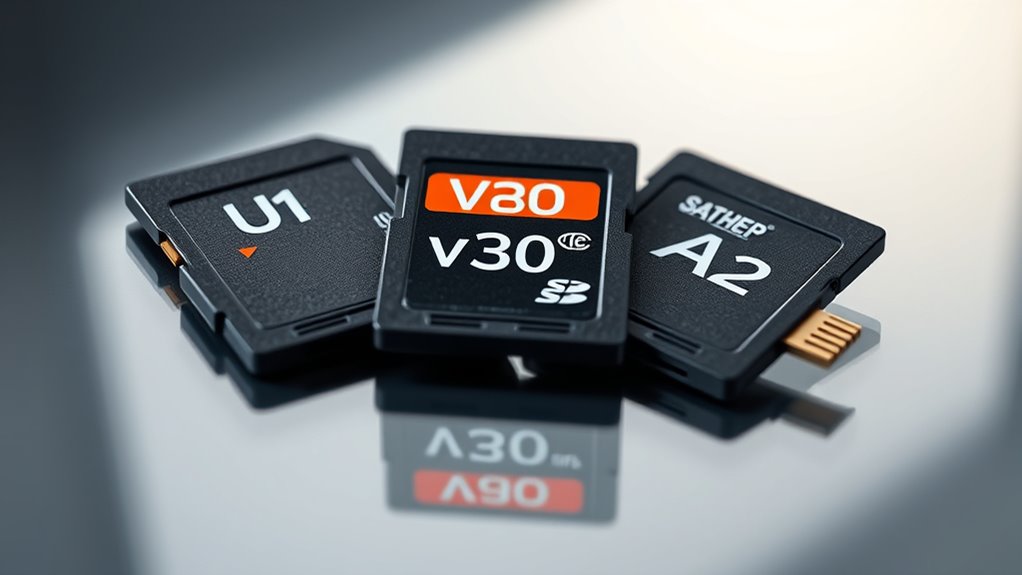
When choosing an SD card, consider your needs first. U1 cards offer at least 10MB/s, suitable for Full HD videos and everyday storage, while V30 cards guarantee a minimum of 30MB/s, ideal for 4K recording. If you want faster app performance, A2-rated cards improve app launching and multitasking. Picking the right class ensures smooth recording and quick transfers. If you keep exploring, you’ll discover how to select the perfect card for your specific activities.
Key Takeaways
- U1 offers at least 10MB/s, suitable for Full HD recording and general storage needs.
- V30 guarantees a minimum of 30MB/s, ideal for 4K video recording and high-quality content.
- A2-rated cards enhance app performance with faster app launch times and smoother multitasking.
- Higher speed classes like V30 and A2 ensure reliable data transfer for demanding tasks and high-resolution videos.
- Choose the card based on your device’s requirements and intended use, balancing speed and compatibility.
When choosing an SD card, understanding its speed class is vital to make certain it meets your device’s performance needs. This is especially true if you plan to use the card for activities like video recording or to enhance your smartphone performance. The right speed class ensures smooth video capture without glitches and quick app or data transfers, saving you time and frustration.
Speed classes are designations that indicate the minimum write speed of an SD card, making it easier for you to select one suited for your specific tasks. For instance, if you’re into recording 4K videos or capturing high-resolution footage, you need an SD card with a higher speed class, like V30 or above, to avoid dropped frames or corrupted recordings. These classes help you identify cards that can reliably handle the demanding data throughput required for high-quality video recording, especially on smartphones that support high-definition content creation.
For everyday smartphone use—such as browsing, app usage, and storing photos—a standard class like U1 may suffice. U1 cards offer a minimum write speed of 10MB/s, which is enough for Full HD video recording and general storage needs. However, if you’re a content creator or someone who frequently records videos on your phone, upgrading to a V30 card makes a noticeable difference. V30 cards guarantee a minimum write speed of 30MB/s, enabling seamless 4K video recording and faster data transfer speeds, which in turn improves your smartphone’s overall performance during intensive tasks.
Additionally, the A2 rating is significant if you’re looking to boost your Android device’s app performance. An A2-rated SD card is optimized for app storage, providing faster app launch times and smoother multitasking. These cards are designed to handle random read and write operations efficiently, which means your smartphone will perform more responsively during heavy app usage. Incorporating AI-driven features in some SD cards can further enhance data management and transfer speeds, especially in smart home devices and other AI-enabled gadgets.
Top picks for "card class"
Open Amazon search results for this keyword.
As an affiliate, we earn on qualifying purchases.
Frequently Asked Questions
Do Higher Speed Classes Guarantee Better Performance in All Devices?
Higher speed classes don’t guarantee better performance in all devices because device compatibility varies. While a U3 or V30 card offers faster data rates, your device might not support those speeds or fully utilize them in real-world performance. It’s essential to check your device’s specifications to confirm compatibility. Investing in a card with the right speed class for your device assures peak performance and prevents bottlenecks.
Can I Upgrade My SD Card to a Faster Class Later?
Yes, you can upgrade your SD card to a faster class later, but you should consider storage upgrade options carefully. Check compatibility considerations first—ensure your device supports higher speed classes like V30 or A2. Upgrading can improve performance, especially for data-heavy tasks. Just make sure your device’s slot and firmware can handle the new card’s speed to avoid potential issues.
Are U1, V30, and A2 Classes Compatible With All SD Card Readers?
Using U1, V30, and A2 speed classes is like fitting puzzle pieces—they’re compatible with most SD card readers, but always check device compatibility first. Some older readers may not support the latest standards or maximum speeds, so there are speed class limitations. To guarantee your card works smoothly, verify your device’s specifications and read the manufacturer’s compatibility list before upgrading.
How Do I Identify Genuine SD Cards With These Speed Classes?
You identify genuine SD cards with these speed classes by checking for counterfeit labels and verifying the retailer’s reputation. Look closely at the packaging for official logos and serial numbers, then cross-check them on the manufacturer’s website. Avoid deals that seem too good to be true, and buy from reputable retailers known for authentic products. This helps guarantee you get a genuine SD card with the speed class you need.
Are There Any Drawbacks to Choosing the Fastest Class Available?
Choosing the fastest SD card is like chasing a sports car for daily errands—it offers speed but may cost more and isn’t always necessary. The main drawback is the cost vs. benefit; if your device isn’t compatible with high-speed classes, you won’t see improvements. Plus, higher speeds can lead to compatibility concerns, risking data loss. Consider your needs carefully before splurging on the fastest class—sometimes, a mid-range card suffices.
Conclusion
Remember, the right SD card can make or break your device’s performance. By understanding speed classes like U1, V30, and A2, you guarantee your data stays safe and transfers smoothly. Don’t just buy the fastest; buy what suits your needs. As the saying goes, “A chain is only as strong as its weakest link.” Choose wisely today, and enjoy seamless storage and speed tomorrow.