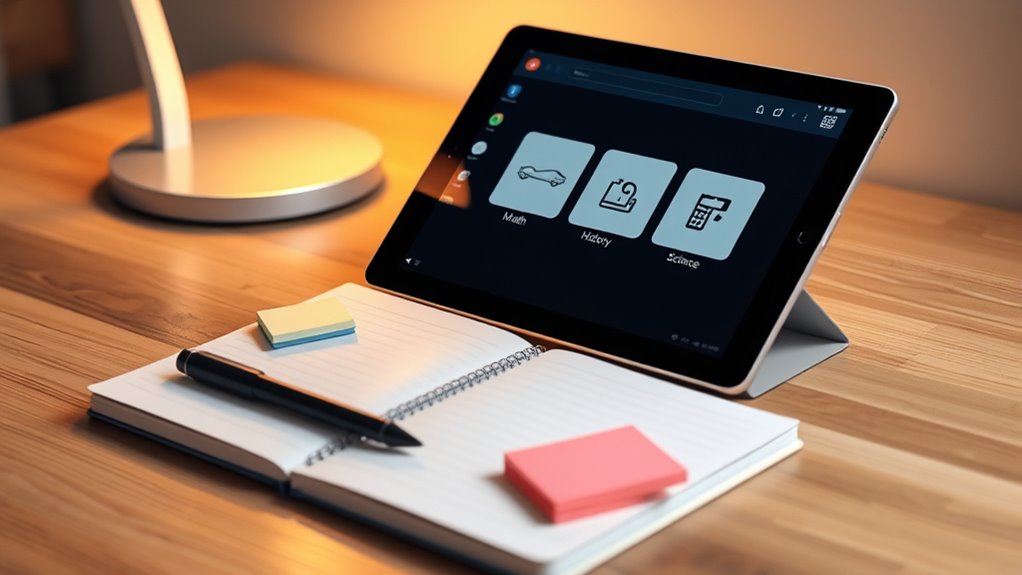

To organize your schoolwork on a tablet, create a simple system by using digital note-taking apps that support multimedia inputs like images and audio. Keep notes in subject-specific folders and add tags for quick access. Sync everything to cloud services such as Google Drive or Dropbox to guarantee your work is always accessible and safe. By implementing this streamlined approach, you’ll stay organized and efficient—continue exploring to discover even more effective strategies.
Key Takeaways
- Create subject-specific folders within your note app for easy categorization.
- Use tags or labels to prioritize and quickly locate important or urgent schoolwork.
- Integrate cloud storage services like Google Drive for seamless access and backup.
- Utilize multimedia features to enrich notes and support diverse learning styles.
- Set up calendar links and reminders to track deadlines and exam dates efficiently.
Managing your schoolwork on a tablet can boost your productivity and keep you organized. One of the key ways to do this is by mastering digital note taking. Instead of flipping through notebooks or loose papers, you can use apps designed for quick, efficient note capturing. These apps often allow you to jot down ideas, outline concepts, or take class notes in real-time. Digital note taking not only reduces paper clutter but also makes your notes easily searchable, editable, and shareable. When you’re in class or studying at home, you can quickly access your notes without rummaging through stacks of paper. Plus, many note-taking apps support multimedia input—so you can include images, audio recordings, or links, enriching your study material and catering to different learning styles. Incorporating free floating techniques can also help you organize your workspace and keep distractions at bay while studying on your tablet.
Digital note taking simplifies studying and keeps your notes organized and easily accessible.
App integration plays a crucial role in streamlining your schoolwork system. Many popular note-taking apps seamlessly integrate with cloud storage services like Google Drive, Dropbox, or OneDrive. This means your notes automatically save to the cloud, making them accessible across all your devices. You won’t have to worry about losing work or transferring files manually. Integration with calendar apps and task managers also helps you to stay on top of deadlines and upcoming exams. For example, you can link your notes to your calendar to set reminders or schedule study sessions. Some apps even connect with communication tools like email or messaging platforms, enabling you to share notes or collaborate with classmates effortlessly.
To maximize the benefits of digital note taking and app integration, choose a versatile app that suits your workflow. Look for features like handwriting recognition if you prefer writing by hand, or audio recording if you want to capture lectures. Make sure it syncs smoothly with your other tools so your notes are always current and accessible. Setting up your system once will pay off in the long run, saving you time and reducing stress during busy school periods.
Finally, establishing a consistent organization system within your chosen apps makes a world of difference. Create folders for each subject, and keep notes, assignments, and resources neatly categorized. Use tags or labels to highlight priority tasks or important topics. With digital note taking and app integration working together, managing your schoolwork on a tablet becomes straightforward, efficient, and customizable. This simple system helps you stay on top of your studies, reduces clutter, and gives you quick access to everything you need to succeed.
Top picks for "organize schoolwork tablet"
Open Amazon search results for this keyword.
As an affiliate, we earn on qualifying purchases.
Frequently Asked Questions
What Are the Best Apps for Organizing Schoolwork?
You should try apps like Notion, Evernote, or OneNote for organizing schoolwork, as they excel in digital note-taking and task prioritization. These apps let you create notebooks, checklists, and reminders to keep everything in order. Use them to track assignments, set deadlines, and organize study materials efficiently. They’re user-friendly and sync across devices, making your schoolwork management seamless and accessible anytime you need it.
How Can I Back up My Digital School Files?
To back up your digital school files, you should use cloud storage services like Google Drive or Dropbox. These platforms automatically save your files and offer file versioning, so you can restore previous versions if needed. Make sure to regularly upload your work and enable automatic sync features. This way, your files stay safe, accessible, and up-to-date across all your devices, reducing the risk of data loss.
How Do I Share Organized Schoolwork With Classmates?
You can share your organized schoolwork with classmates through collaborative note sharing apps like Google Drive or OneNote, which allow real-time editing and seamless collaboration. Use these platforms to organize group project files clearly, assign tasks, and keep everyone updated. By sharing links and folders, you guarantee your classmates have instant access to the latest versions, making group project organization efficient and teamwork more effective.
Can I Organize Schoolwork Across Multiple Devices?
Yes, you can organize schoolwork across multiple devices using cloud syncing and cross-platform tools. Some apps automatically sync your notes, assignments, and files, so you won’t lose progress or have to redo work. This way, whether you’re on a tablet, laptop, or phone, your organized schoolwork stays up-to-date and accessible. Embrace these tools to stay productive and manage your studies seamlessly across all your devices.
What Are Effective Ways to Set Reminders for Deadlines?
To set reminders for deadlines, you should use a digital calendar like Google Calendar or a task app that supports reminder alerts. Input your deadlines and enable notifications to get timely alerts. Customize reminder times so you’re not caught off guard. Make sure your device’s notifications are turned on, and check your calendar regularly to stay on top of all schoolwork deadlines.
Conclusion
Now that you know how to organize your schoolwork on a tablet, you’ll find studying becomes more manageable and less stressful. With a simple system in place, you can stay on top of assignments and deadlines effortlessly. Isn’t it worth making your life easier? By taking control of your digital schoolwork today, you’re setting yourself up for success tomorrow. So, why not start now and turn chaos into clarity?