Adding Medical ID to your watch and phone guarantees emergency responders can quickly access your essential health details, like allergies, conditions, and contacts. It helps save time, prevents medication errors, and keeps loved ones informed when it matters most. This quick access can make a big difference in emergencies, even if you’re unconscious or unable to communicate. Stay with us to discover how easy it is to set up and keep your info secure.
Key Takeaways
- Medical IDs provide quick access to essential health info during emergencies, saving critical response time.
- Adding Medical ID ensures emergency contacts and allergies are readily available to responders.
- It helps prevent adverse reactions by alerting responders to medications and medical conditions.
- Medical ID data is accessible on lock screens, even if the device is locked or the user is unconscious.
- Keeping your Medical ID updated across devices ensures vital information is reliable and easily accessible in emergencies.
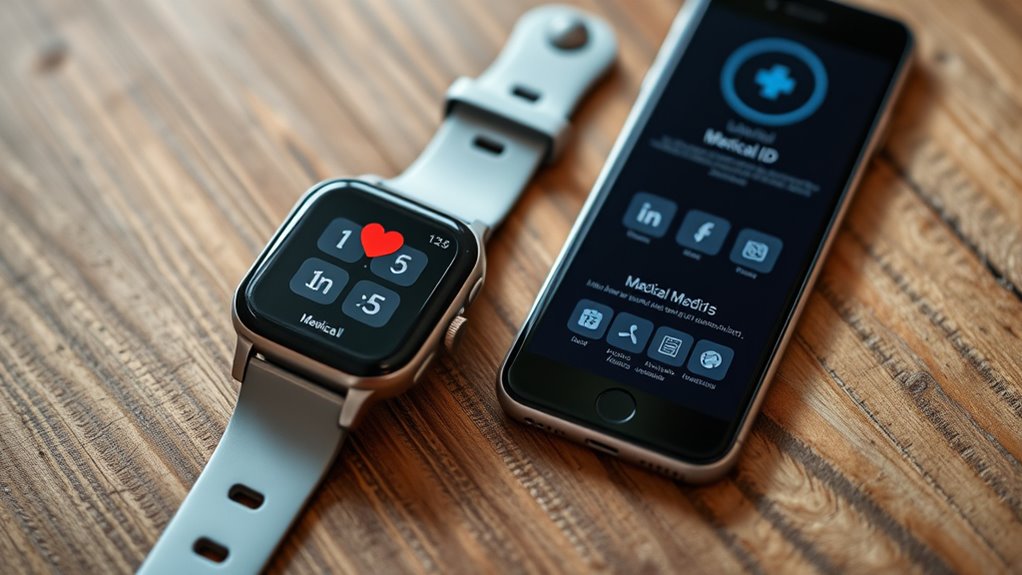
Having your Medical ID accessible on your devices can be a lifesaver in emergencies. When seconds matter, first responders need quick access to essential information about you. Adding your Medical ID to your phone and smartwatch ensures that important details, like emergency contact numbers and allergy alerts, are readily available even if you’re unconscious or unable to communicate. This simple step can make a significant difference in how efficiently help is provided.
Your Medical ID acts as a digital medical bracelet, providing emergency personnel with immediate access to your key health information. For example, if you’ve experienced an allergic reaction, your allergy alerts will be clearly visible, helping responders avoid administering medications that could worsen your condition. Similarly, your emergency contact information enables them to notify loved ones swiftly, reducing anxiety and delays during a stressful situation. You won’t have to rely solely on bystanders or guesswork; responders can see your medical details directly on your device, saving precious time.
In addition, understanding the thermal behavior of your devices can help you ensure that your Medical ID information remains accessible and secure under various conditions. Most smartphones and smartwatches make it easy to set up your Medical ID. On an iPhone, you can add details through the Health app, including allergies, medical conditions, medications, and emergency contacts. Once set up, this information can be accessed from the lock screen without unlocking the device, guaranteeing help can get the info even if you’re unable to interact with your phone. Android devices have similar features through their emergency information settings, allowing you to input allergy alerts, blood type, and emergency contacts. With smartwatches, the process is often integrated into your device’s health app, making it even more convenient to keep your vital information up to date.
Frequently Asked Questions
Can Medical ID Be Accessed Without Unlocking My Device?
Yes, Medical ID can be accessed without opening your device, which raises privacy concerns but guarantees emergency accessibility. When someone taps “Emergency” on your lock screen, they can view your Medical ID info, providing essential health details quickly. This feature balances privacy and safety, allowing emergency responders to access critical medical information without needing your passcode, but you should decide if you’re comfortable with this level of accessibility.
Is Medical ID Information Visible to Emergency Responders?
Yes, emergency responders can access your Medical ID without opening your device, but it’s designed with privacy concerns and data security in mind. They can view critical health information quickly, which can be lifesaving, while your other personal data remains protected. This feature balances privacy with safety, ensuring responders get essential info without compromising your device’s overall security. You control what details you include for maximum privacy and emergency assistance.
Can I Update My Medical ID Remotely?
Yes, you can update your Medical ID remotely through your connected device, like your phone or watch. Just make certain your device is compatible and connected to the internet. Be aware of potential device compatibility issues that might limit this feature. Remember, your medical data privacy remains a priority, so updates are secure and accessible only to authorized users. Regular remote updates help keep your medical information current and useful in emergencies.
What Happens if I Forget My Medical ID Password?
If you forget your Medical ID password, you’ll need to do a password recovery to regain access. Follow the prompts on your device or app to reset it, which helps uphold your account security. Make sure your recovery options are up to date. If you struggle, contact support for help. Keeping your account secure ensures your sensitive health information stays private and accessible only to you.
Is Medical ID Compatible With All Smartwatch Models?
Medical ID setup compatibility varies depending on your smartwatch model. Most newer devices from Apple, Samsung, and Fitbit support medical ID features, but not all older models do. To verify your device is compatible, check the manufacturer’s specifications or settings. If your smartwatch supports medical ID setup, you can easily add essential health info, helping emergency responders access your details quickly when needed.
Conclusion
By adding a Medical ID, you’re planting a safety net beneath your digital life, ready to catch you if the unexpected occurs. Think of it as a lighthouse guiding emergency responders through the fog, illuminating essential details when every second counts. Your watch and phone become more than gadgets; they transform into guardians, silently watching over you. So, take a moment now—equip your devices and turn them into your personal safety allies, shining bright when it matters most.