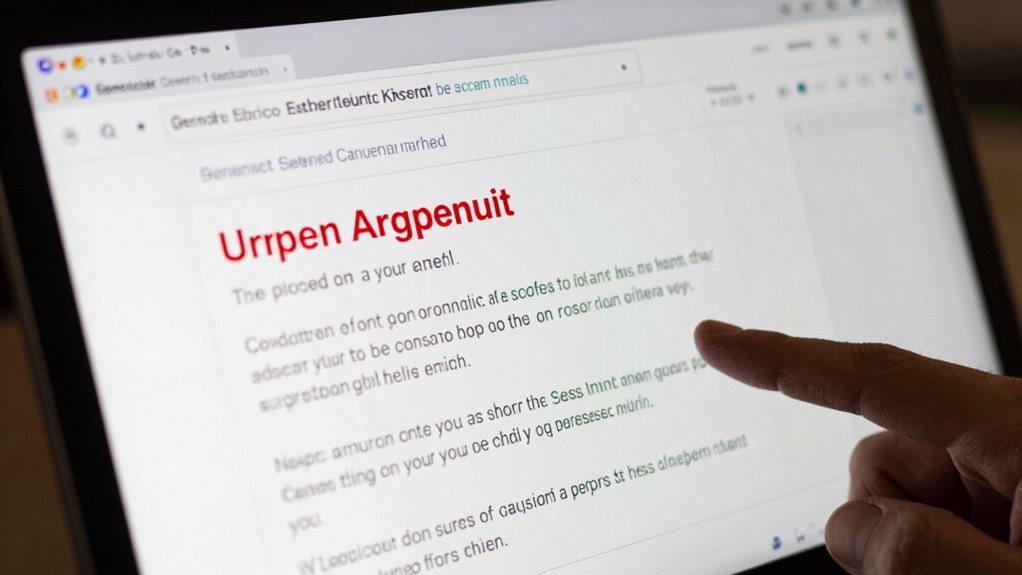

To spot a phishing email, first check the sender’s address for subtle typos or suspicious domain names. Look out for poor grammar, misspellings, or generic greetings like “Dear Customer” instead of your name. Be cautious of urgent threats or requests for sensitive info, and hover over links to verify genuine URLs. Be wary of unexpected attachments, and trust your instincts if something feels off. If you pay close attention, you’ll discover more ways to stay safe online.

Get the latest gadgets delivered free — and shop member deals
- Fast, free delivery on millions of items
- Access to Prime Big Deal Days deals on October 6–7
- Prime Video, Amazon Music and more included
Key Takeaways
- Verify sender’s email address and domain for subtle discrepancies or misspellings.
- Hover over links to check their true destination URLs before clicking.
- Look for generic greetings and lack of personalization; legitimate emails usually include your name.
- Be cautious of urgent or threatening language requesting sensitive information.
- Examine attachments and links carefully for suspicious file types or unexpected content.
As an affiliate, we earn on qualifying purchases.
Look Out for Unusual Sender Addresses
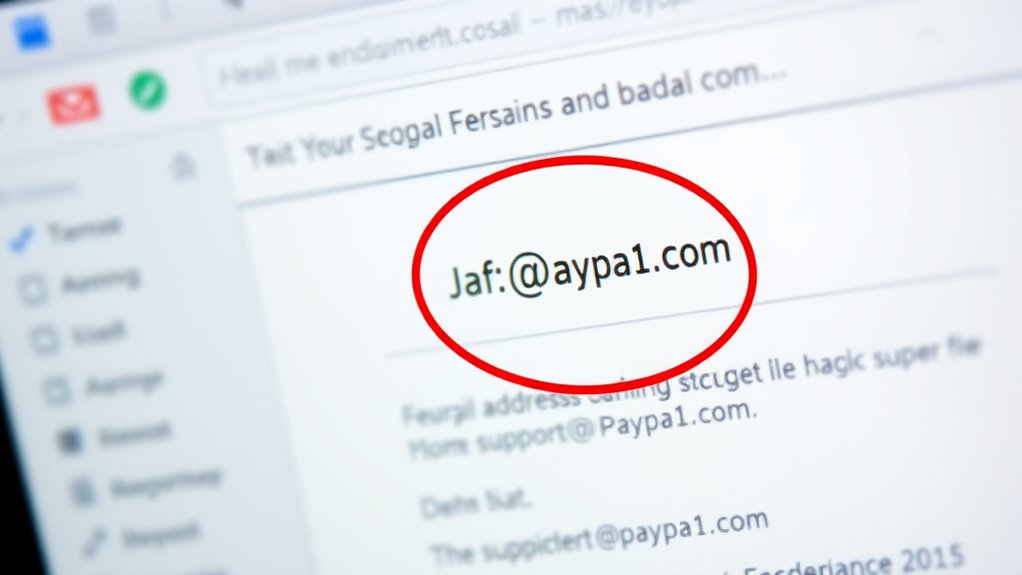
One of the easiest ways to spot a phishing email is by paying close attention to the sender’s address. Hackers often use email addresses that look similar to legitimate ones but have subtle differences. Check the email sender carefully for signs of domain authenticity. Look for misspelled company names or unusual domain extensions that don’t match the official website. For example, a legitimate company might use “@company.com,” but a scammer could send an email from “@companY.com” or “@company-security.com.” These small discrepancies can be clues that the email isn’t authentic. Remember, genuine organizations usually stick to their official domains, so if something looks off, it’s best to be cautious before clicking any links or sharing personal information. Additionally, user privacy is important when evaluating such emails, as scammers often attempt to collect personal data through deceptive messages. Being aware of common phishing tactics can help you better identify suspicious emails and protect yourself online. Recognizing email spoofing techniques can further enhance your ability to detect scams early, especially when combined with examining email headers for authenticity. Familiarizing yourself with email authentication protocols can also help verify whether an email is truly from a trusted source.
phishing email detection software
As an affiliate, we earn on qualifying purchases.
As an affiliate, we earn on qualifying purchases.
Check for Spelling and Grammar Errors
Even if an email looks like it’s from a trusted source, scammers often make spelling and grammar mistakes to appear more convincing. Look closely for subtle signs of errors, as these can reveal a scam. Poor grammar mistakes and spelling errors are common in phishing emails. They might include awkward phrasing or misspelled words that don’t match the legitimate company’s usual language. Use this table to help identify suspicious emails:
| Indicator | What to Watch For |
|---|---|
| Grammar mistakes | Awkward sentence structure, errors in tense |
| Spelling errors | Misspelled brand names or common words |
| Inconsistent language usage | Shifts in tone or wording inconsistencies |
Additionally, paying attention to language consistency can help you spot discrepancies that reveal fraudulent messages. Recognizing common scam tactics can further improve your ability to detect phishing attempts.
As an affiliate, we earn on qualifying purchases.
Be Wary of Urgent or Threatening Language
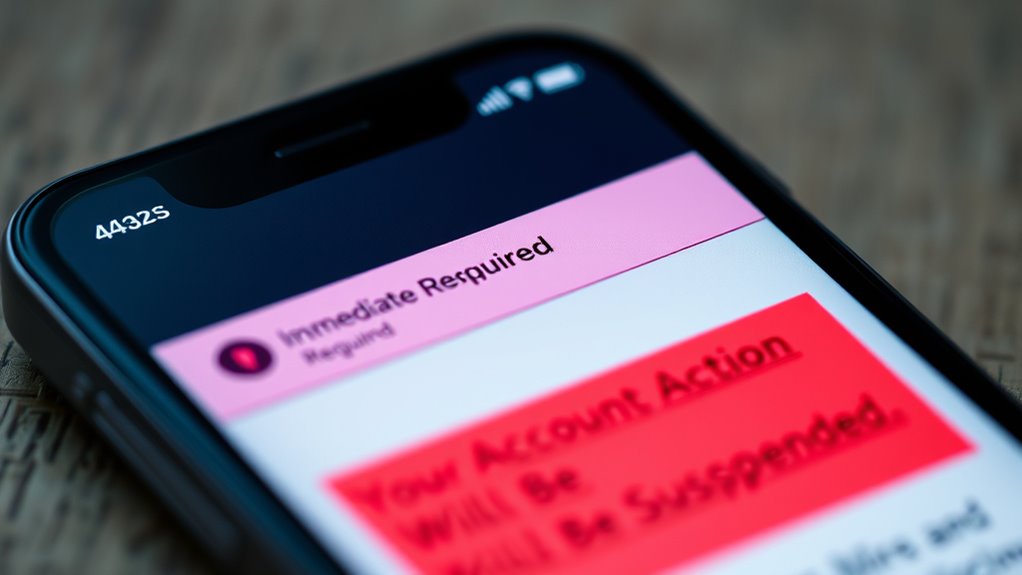
Phishing emails often try to create a sense of urgency or fear to prompt immediate action. They use urgent language or a threatening tone to pressure you into responding without thinking. You might see messages claiming your account will be shut down, or that you’ve won a prize that needs quick claiming. These tactics aim to make you panic or act impulsively. Be wary of emails that demand immediate replies or threaten serious consequences. Legitimate organizations rarely use threatening language or pressure you to act instantly. Take a moment to pause and evaluate the message carefully. Recognizing these emotional triggers helps you spot scams before you fall for them. Always verify the sender’s identity before responding to any urgent or threatening request. Additionally, remaining aware of phishing tactics can strengthen your ability to identify and avoid scams. Being familiar with common email scam strategies and scam indicators enables you to recognize warning signs more effectively. For example, some phishing emails may mimic security alerts from trusted sources to deceive recipients. Understanding email security best practices can provide an extra layer of protection against these threats.
As an affiliate, we earn on qualifying purchases.
Examine the Email’s Greeting and Personalization
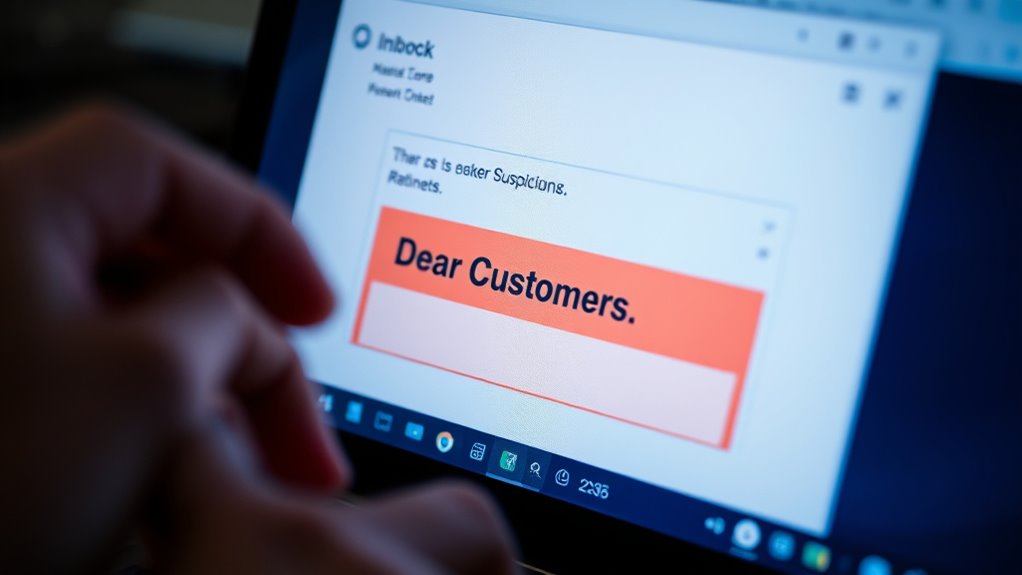
Pay attention to how the email greets you; a personalized salutation usually uses your name, while a generic greeting like “Dear Customer” can be a red flag. Hackers often skip personalization, so a lack of your specific details might indicate a scam. Always question emails that don’t address you directly or seem overly impersonal.
Personalized Salutation Clues
A suspicious email’s greeting can often reveal whether it’s genuine or a scam. Phishing emails frequently use generic or impersonal greetings like “Dear Customer” instead of your name. Look for customized greetings that include your actual name or other personalized clues, which are signs of legitimate communication. If the greeting feels off, overly formal, or doesn’t match how the sender usually addresses you, it’s a red flag. Scammers often lack access to your personal information, so they rely on generic salutation templates. Trust emails that use personalized clues, such as your name or account details, because legitimate organizations typically include these to confirm authenticity. Always scrutinize the salutation to spot potential phishing attempts early.
Generic Greeting Red Flags
One of the quickest ways to spot a suspicious email is by examining its greeting. Phishing emails often come from a fake sender, and their greetings tend to be generic greetings like “Dear Customer” or “Hello User.” These vague salutations show a lack of personalization, which is a red flag. Legitimate companies usually address you by name because they have your details. If the email doesn’t include your name or uses a broad, impersonal greeting, it’s likely a scam. Be cautious of fake sender emails that rely on generic greetings to hide their true identity. Always verify the sender’s email address and look for signs that the greeting isn’t personalized, as these are common phishing red flags.
Hover Over Links Before Clicking
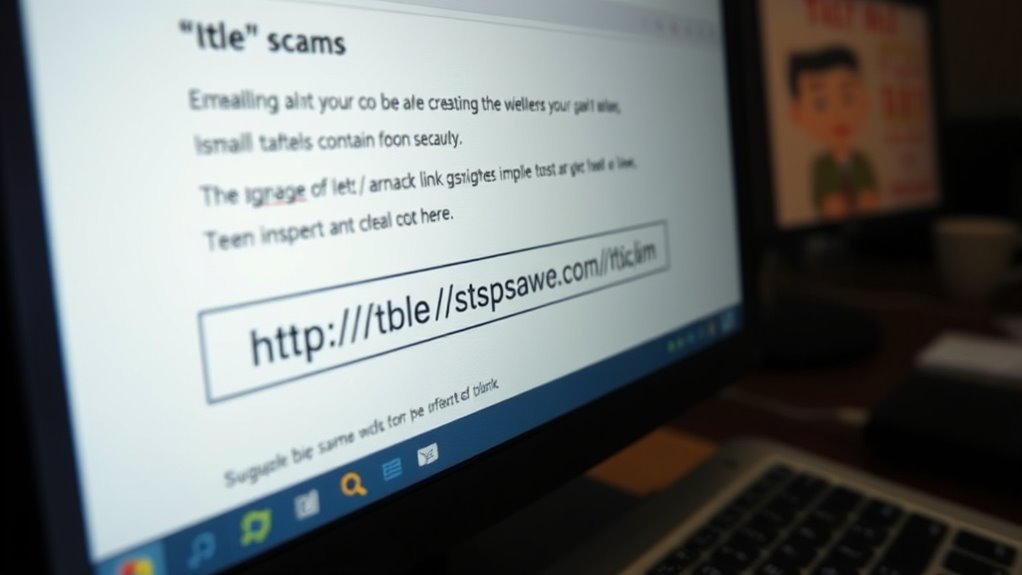
Before clicking any link, hover over it to see where it really leads. Check the URL destination for spelling mistakes or odd characters, and be cautious of shortened links that hide the true address. Confirm the domain’s authenticity to guarantee you’re not falling for a fake site. Remember, safe charging practices can help you avoid scams and protect your personal information online. Additionally, understanding network security can further shield you from potential threats. Being aware of suspicious links can help you identify malicious attempts before clicking. Recognizing email address patterns used by scammers can also help you spot phishing attempts more easily. Familiarizing yourself with common online scams can enhance your ability to detect and avoid malicious emails.
Check URL Destination
Have you ever wondered if a link is safe before clicking? One effective way is to check the URL destination by performing a quick hyperlink analysis. Hover over the link without clicking, and carefully look at the URL that appears in your browser’s status bar or tooltip. If the link’s destination looks suspicious or doesn’t match the context of the email, it’s a red flag. Phishers often use deceptive URLs that mimic legitimate sites, so pay close attention to the domain name and subdomains. Avoid clicking on links with misspelled words, strange characters, or unfamiliar domains. By verifying the URL destination before clicking, you can protect yourself from malicious sites and avoid falling victim to phishing scams. Additionally, connected devices and modern security features can help you stay calm and centered if you encounter suspicious links, ensuring you make cautious decisions. Being aware of dark psychology tactics used in scams can also help you recognize and resist manipulation attempts. Incorporating AI-driven security tools can further enhance your ability to detect and block malicious links before they reach you.
Beware Shortened Links
Ever wondered if a shortened link is safe to click? URL shortening is common, but it hides the true destination through link redirection. Scammers often use these shortcuts to disguise malicious websites. Before clicking, hover over the link to preview the full URL. This simple step reveals where the link actually leads, helping you spot suspicious redirects. Be cautious if the destination looks unfamiliar or doesn’t match the context of the email. Remember, shortened links are convenient but can be deceptive. Always verify the link’s true destination before clicking, especially if it seems out of place or urgent. Protect yourself from phishing by taking the extra moment to scrutinize shortened URLs and avoid falling victim to scams. Understanding safe browsing practices can further enhance your online security. Incorporating security awareness into your routine can also help you recognize other common signs of phishing attempts. Staying informed about phishing tactics is crucial to defend against evolving online threats. Additionally, being aware of link redirection techniques can help you identify more sophisticated scams.
Confirm Domain Authenticity
To confirm that a link is legitimate, hover over it with your mouse before clicking. This lets you see the actual URL, helping you verify its domain registration matches the official site. Check if the domain name looks authentic and isn’t a misspelled or slightly altered version. Legitimate websites often have an SSL certificate, indicated by “https://” and a padlock icon in the address bar, which secures data transfer. Avoid clicking links that lead to domains with strange characters or mismatched names. Phishing sites often use similar-looking domains to trick you. Confirming the domain’s authenticity before clicking helps prevent scams and ensures you’re connecting to the real site, not a malicious imitation. Always stay cautious with unfamiliar links. Understanding domain authenticity is essential to protect your online security.
Verify Requests for Sensitive Information
How can you tell if a request for sensitive information is legitimate or a scam? Phishing tactics often involve urgent or unexpected messages asking for your sensitive data, like passwords or bank details. Always be cautious of unsolicited requests, especially if they threaten account suspension or other negative consequences. Legitimate organizations rarely ask for sensitive data via email or message. Instead, verify the request by contacting the company directly through official channels. Avoid clicking links or providing information without confirming the sender’s identity. Scammers often impersonate trusted institutions to steal your data. By staying vigilant and questioning unusual requests, you can prevent falling victim to these scams and protect your personal information from malicious actors.
Watch for Unexpected Attachments
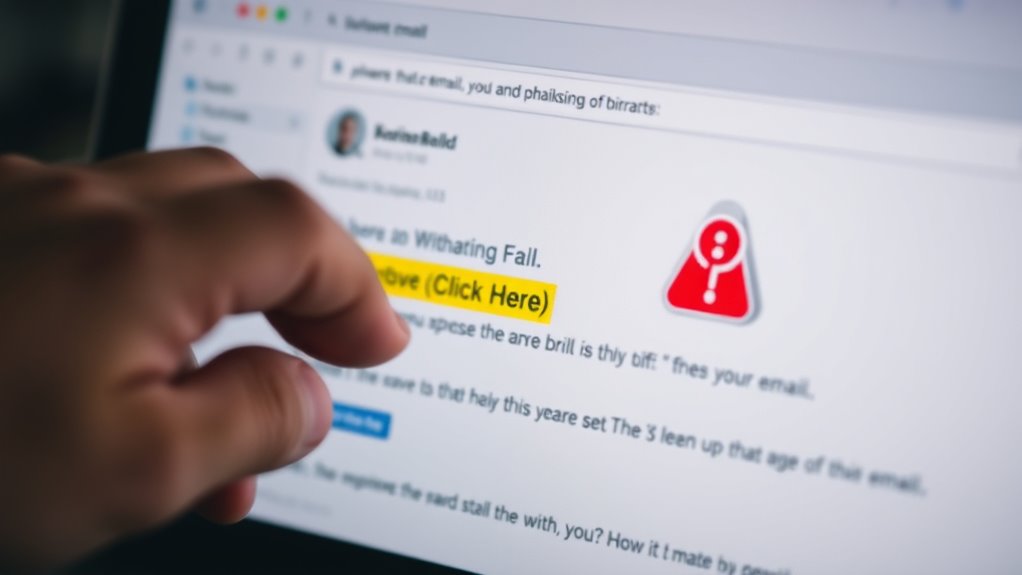
Do unexpected attachments in emails raise a red flag? Absolutely. Suspicious file attachments are common tools in phishing scams, often disguised as harmless documents or images. These unexpected email surprises can infect your device with malware or steal sensitive info. Always scrutinize attachments before opening them. Ask yourself who sent it and if it makes sense. Here’s a quick visual to help identify risky attachments:
| Sender | File Type | Context |
|---|---|---|
| Unknown or unexpected | Executables (.exe, .bat) | Unsolicited invoice or alert |
| Colleague or familiar | Unexpected zip files | Unusual request or content |
| Unrecognized email address | PDFs or Word docs | Urgent message from unknown |
| Suspicious phrasing | Unexpected email surprises | Files requesting personal info |
| Any attachment without context | Any file type | When in doubt, delete it |
Stay alert for suspicious file attachments—they’re often a phishing tactic.
Trust Your Instincts and When in Doubt
Even if an email looks legitimate, trusting your instincts can be your best defense against phishing attempts. Your intuition warning is often your first sign something’s off, even if all details seem authentic. If you feel a sense of instinct hesitation—something feels wrong but you can’t quite pinpoint it—pause before clicking any links or sharing personal info. Don’t ignore that gut feeling; it’s there to protect you. Take a moment to scrutinize the sender’s email address, look for spelling errors, or unusual language. When in doubt, contact the organization directly using verified contact details. Remember, your instincts are a powerful tool—trust them to help you avoid scams and stay safe online.
Frequently Asked Questions
Can Phishing Emails Bypass Spam Filters?
Yes, phishing emails can bypass spam filters, especially if they use sophisticated tactics like mimicking legitimate emails with proper email encryption and password protection. Attackers often craft messages that look authentic, making it harder for filters to catch them. To stay safe, always double-check sender details, avoid clicking suspicious links, and make sure your email encryption and password protection are up to date.
What Are Common Signs of a Fake Website Link?
Like a detective searching for clues, you can spot fake website links by checking for subtle signs of deception. Look out for misspelled URLs, unusual domain names, or mismatched website authenticity. Use link verification techniques such as hovering over links to see the actual URL or checking for HTTPS. These simple steps help you distinguish genuine sites from fake ones, keeping you safe from scams.
How Often Do Hackers Use Fake Logos or Branding?
Hackers frequently use fake logos and branding impersonation to trick you, often employing logo manipulation to make their emails look authentic. They do this regularly, especially during busy seasons or targeted scams. You should be cautious, as these tactics help them gain trust quickly. Always verify branding details and look for subtle signs of imitation, like mismatched colors or pixelated images, to protect yourself from falling for their tricks.
Are Phishing Scams Targeted or Random?
Phishing scams are often targeted, focusing on scam demographics that match specific interests or vulnerabilities. Hackers use email authentication tricks to make their messages appear legitimate, increasing the chances you’ll click malicious links. While some scams are random, most are carefully crafted, leveraging knowledge of their targets. Stay alert to signs of impersonation, and verify email authenticity to protect yourself from these targeted attacks.
How Can I Report a Suspicious Email Effectively?
To report a suspicious email effectively, follow the reporting procedures of your email provider or organization. Use their scam alert systems or reporting tools to flag the email. Forward the scam email to designated authorities like your IT department or phishing reporting services such as reportphishing@cybersecurity.gov. This helps prevent others from falling victim and helps authorities track and shut down scam campaigns promptly. Always act quickly when you spot a scam.
Conclusion
By paying close attention to these signs, you can spot phishing emails before falling victim. Some experts believe scammers have become so sophisticated that only a keen eye can protect you. While technology helps, your instincts and awareness are still your best defenses. Remember, if something feels off, trust your gut and verify. Staying vigilant isn’t just smart; it’s essential to outsmart even the most convincing scams online.
Halloween Picks
halloween
As an affiliate, we earn on qualifying purchases.