
In 2025, having antivirus protection remains essential as cyber threats grow more sophisticated. Windows Defender offers solid, integrated security with real-time updates and cloud features, making it suitable for basic protection. However, paid solutions provide advanced detection, multi-layered defenses, and extra tools for higher risk environments. Balancing system impact and budget is key—understanding your options helps you make the right choice. To find out which option fits your needs best, explore the details ahead.
Key Takeaways
- Windows Defender now offers robust, cloud-enhanced protection suitable for most users, reducing the need for paid antivirus solutions.
- Paid antivirus solutions provide advanced features like ransomware protection, behavioral analysis, and prioritized support for higher-risk users.
- For casual users with low online activity, Windows Defender may suffice; power users or businesses benefit from paid options.
- System impact and resource use vary; free Defender maintains lighter performance, while paid solutions may require more system resources.
- The decision depends on individual security needs, data sensitivity, and whether additional features justify the cost in 2025.
![Norton 360 Deluxe, Antivirus software for 3 Devices with Auto-Renewal – Includes Advanced AI Scam Protection, VPN, Dark Web Monitoring & PC Cloud Backup [Download]](https://m.media-amazon.com/images/I/51lgakZZwpL._SL500_.jpg)
Norton 360 Deluxe, Antivirus software for 3 Devices with Auto-Renewal – Includes Advanced AI Scam Protection, VPN, Dark Web Monitoring & PC Cloud Backup [Download]
ONGOING PROTECTION Download instantly & install protection for 3 PCs, Macs, iOS or Android devices in minutes!
As an affiliate, we earn on qualifying purchases.
As an affiliate, we earn on qualifying purchases.
The Evolution of Windows Defender: How It Stands Today
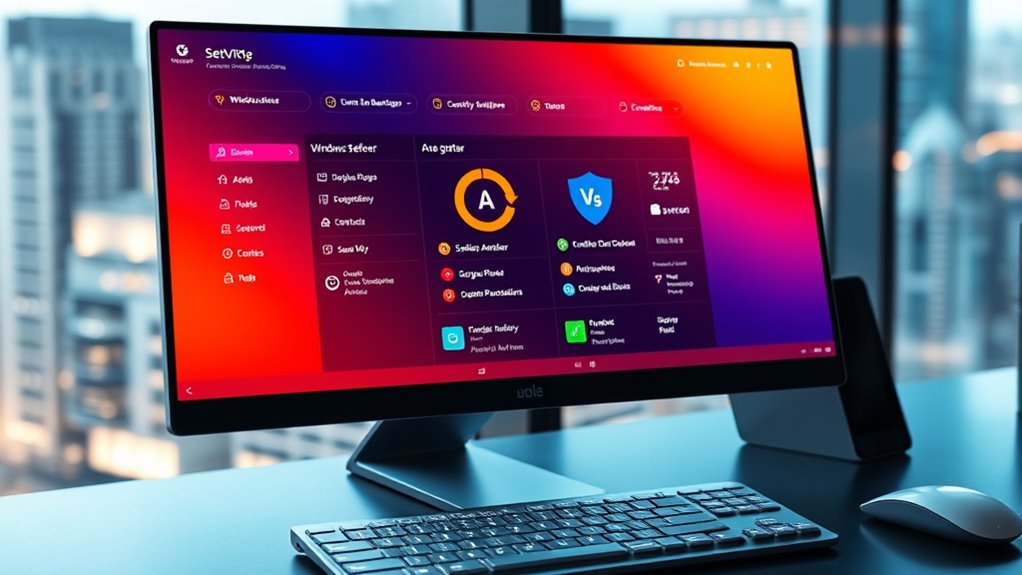
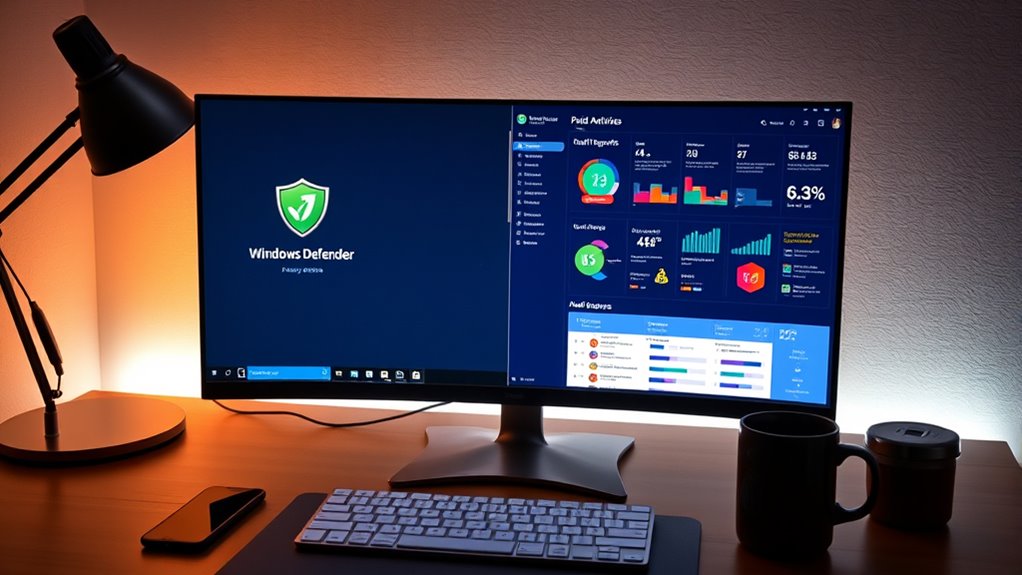
Since its debut, Windows Defender has transformed from a basic security tool into a robust, integrated antivirus solution. Today, it seamlessly incorporates cloud integration, allowing real-time threat updates and analytics to enhance your protection. The user interface has also improved considerably, offering a cleaner, more intuitive experience that makes managing security straightforward. You can easily access scans, settings, and threat reports without steering through complex menus. This integration of cloud features means Defender stays up-to-date without manual downloads, providing faster responses to emerging threats. Its evolving design focuses on simplicity and efficiency, ensuring you’re protected with minimal effort. Additionally, incorporating high refresh rates can improve your overall cybersecurity awareness by enabling faster threat detection. The continual security advancements in Windows Defender demonstrate its commitment to adapting to new cyber threats and user needs. Furthermore, its ability to leverage cloud-based intelligence enhances its proactive defense capabilities. The integration of machine learning allows Defender to better identify and respond to novel malware variants, keeping your system safer. Overall, Windows Defender now combines powerful cloud capabilities with a user-friendly interface, making it a compelling option in today’s cybersecurity landscape.

McAfee Total Protection 5-Device | AntiVirus Software 2026 for Windows PC & Mac, AI Scam Detection, VPN, Password Manager, Identity Monitoring | 1-Year Subscription with Auto-Renewal | Download
DEVICE SECURITY – Award-winning McAfee antivirus, real-time threat protection, protects your data, phones, laptops, and tablets
As an affiliate, we earn on qualifying purchases.
As an affiliate, we earn on qualifying purchases.
Features and Protections Offered by Paid Antivirus Solutions
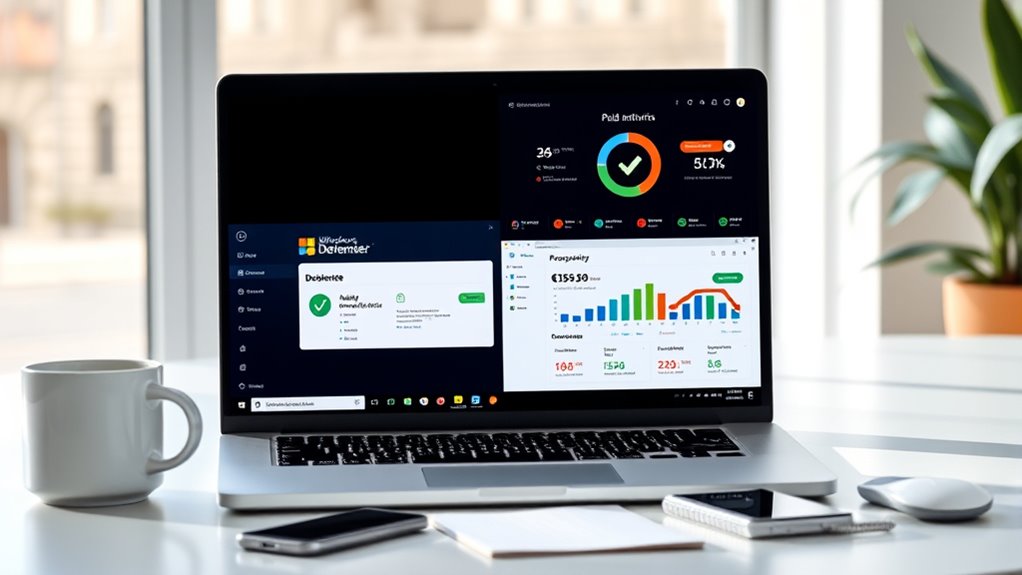
Paid antivirus solutions offer a thorough array of features designed to provide stronger and more specialized protection than free options. They often include cloud-based protection, which guarantees real-time updates and seamless threat intelligence sharing. Advanced threat detection capabilities allow you to identify and block sophisticated malware, ransomware, and zero-day attacks before they cause damage. You also get:
- Multi-layered malware scanning
- Web and email protection
- Automated threat response
- Regular security updates
These features work together to create a comprehensive shield around your devices. Paid solutions typically offer deeper insights into threats, faster response times, and more robust defenses, giving you peace of mind against evolving cyber threats in 2025. Additionally, wave and wind protection features can enhance your overall security posture by adapting to dynamic environmental conditions and threat landscapes. Moreover, these solutions often incorporate behavioral analysis to detect new and unknown threats based on their activities rather than signatures. Incorporating heuristic detection further strengthens this approach by identifying suspicious behaviors that do not match known malware patterns.

WD 6TB My Passport, Portable External Hard Drive, Black, Backup Software with Defense Against ransomware, and Password Protection, USB 3.1/USB 3.0 Compatible – WDBR9S0060BBK-WESN
World’s First 6TB 2.5” Portable Hard Drive
As an affiliate, we earn on qualifying purchases.
As an affiliate, we earn on qualifying purchases.
Performance and System Impact: Free Vs Paid Options

While free antivirus programs can run smoothly on most systems, they often consume fewer resources, which helps keep your device’s performance intact. Paid options, with their advanced features, tend to require more resource consumption, potentially impacting system stability. You might notice slower startup times or occasional lag during intensive tasks. To illustrate, here’s a comparison:
| Feature | Free Antivirus | Paid Antivirus |
|---|---|---|
| Resource Consumption | Low | Moderate to High |
| System Stability | Generally unaffected | Slight impact possible |
| Background Scanning | Light | Heavier, more thorough |
| Real-time Protection | Basic | Advanced, resource-heavy |
| System Impact | Minimal | Varies with features |
Additionally, system performance optimization can help mitigate some of the resource demands of paid solutions, ensuring your device remains responsive during security scans. Choosing depends on balancing protection with your system’s capacity to handle resource demands.

Ghidra for Digital Forensics and Malware Investigation: A Practical Guide to Reverse Engineering, Code Analysis, and Threat Detection (cybersecurity digital tools)
As an affiliate, we earn on qualifying purchases.
As an affiliate, we earn on qualifying purchases.
The Cost-Benefit Analysis: Is Paid Antivirus Worth It in 2025?
Deciding whether to invest in a paid antivirus in 2025 hinges on weighing the additional features against their cost and system impact. Paid options often promise enhanced security, priority support, and extra tools, but these come at a price. To determine if it’s worth it, consider:
Invest in paid antivirus in 2025 if extra security features and support justify the cost and system impact.
- Potential cost savings from avoided malware or data breaches
- Improved user experience with faster, smoother performance
- Access to advanced features not available in free solutions
- Long-term value versus one-time expenses
If your needs demand stronger protection and peace of mind, paid antivirus can be a smart investment. However, if you’re comfortable with basic security, Windows Defender or free options may suffice. Ultimately, it’s about balancing your budget with the level of protection you require.
Making the Right Choice for Your Cybersecurity Needs
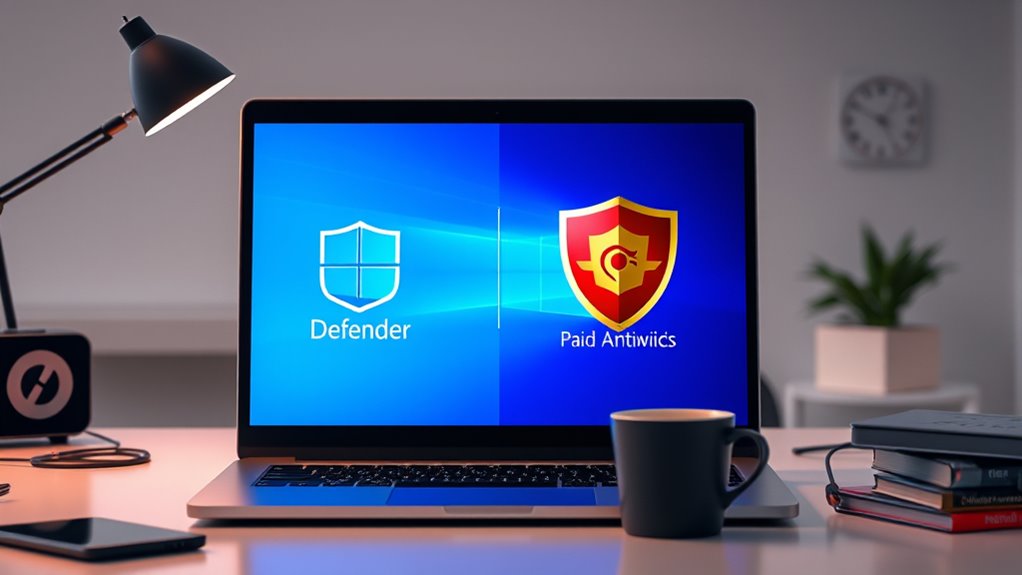
Choosing the right cybersecurity solution depends on understanding your specific needs and risk level. If you handle sensitive data or rely on cloud security, prioritize options that offer robust protection for your cloud environment and guarantee data encryption. Consider whether your activities require enhanced user privacy features, especially if you share personal or confidential information online. Paid antivirus solutions often include advanced tools for safeguarding user privacy and managing cloud security, giving you more control over your data. On the other hand, free options like Windows Defender might suffice for basic protection but may lack exhaustive cloud security features. Assess your online habits, the sensitivity of your information, and your risk tolerance to make an informed decision that best aligns with your cybersecurity needs.
Frequently Asked Questions
How Often Should I Update My Antivirus Software in 2025?
You should update your antivirus software at least once a week to guarantee ideal software compatibility and protection. Regular updates fix vulnerabilities and keep your system safe from new threats. Many programs automatically update, but it’s a good idea to manually check for updates periodically. Staying current with update frequency helps prevent malware and security breaches, so make it a routine part of your digital maintenance.
Can Free Antivirus Options Fully Protect Against Advanced Threats?
Free antivirus options can offer solid protection against common threats, but they might not fully defend you against advanced threats like zero-day attacks or sophisticated malware. While they’re good for basic security, paid options typically provide more extensive coverage, real-time updates, and advanced features. If you handle sensitive data or want stronger protection, investing in a premium antivirus is worth considering. Always keep your software updated for the best defense.
Are There Specific Industries That Benefit More From Paid Antivirus Solutions?
Certain industries, like finance, healthcare, and government, benefit more from paid antivirus solutions because they require industry-specific security and enterprise protection. You’ll find these tailored solutions offer advanced threat detection, compliance features, and dedicated support, which are vital for safeguarding sensitive data. If you handle confidential information or face higher cyber risks, investing in paid antivirus provides the extra layer of security needed to protect your organization effectively.
How Does User Experience Differ Between Windows Defender and Paid Options?
Imagine your antivirus as a trusted guard; with Windows Defender, the user interface feels simple and familiar, like a friendly neighborhood watch. Paid options, however, act like elite security, offering a sleek interface packed with advanced tools. You might notice a performance impact with paid solutions, especially during scans, while Defender tends to run smoothly in the background. Overall, paid options provide a more customized experience, but Defender keeps it straightforward.
What Are the Privacy Implications of Using Free Versus Paid Antivirus Software?
Using free antivirus software might raise privacy concerns because they often share your data to fund their free services. Paid options typically prioritize your privacy more, with clearer data sharing policies and fewer tracking practices. When choosing, consider how much you value your privacy and review each provider’s data policies. Paid solutions generally offer better control over your data, reducing privacy risks compared to free alternatives.
Conclusion
In 2025, whether you stick with Windows Defender or opt for paid antivirus solutions depends on your needs. While Defender offers solid basic protection, paid options provide extra features like advanced malware detection and identity theft protection. Think of it like choosing between a reliable car and a luxury model—you get what you pay for. Ultimately, your decision should balance your budget with how much peace of mind you want from your cybersecurity.