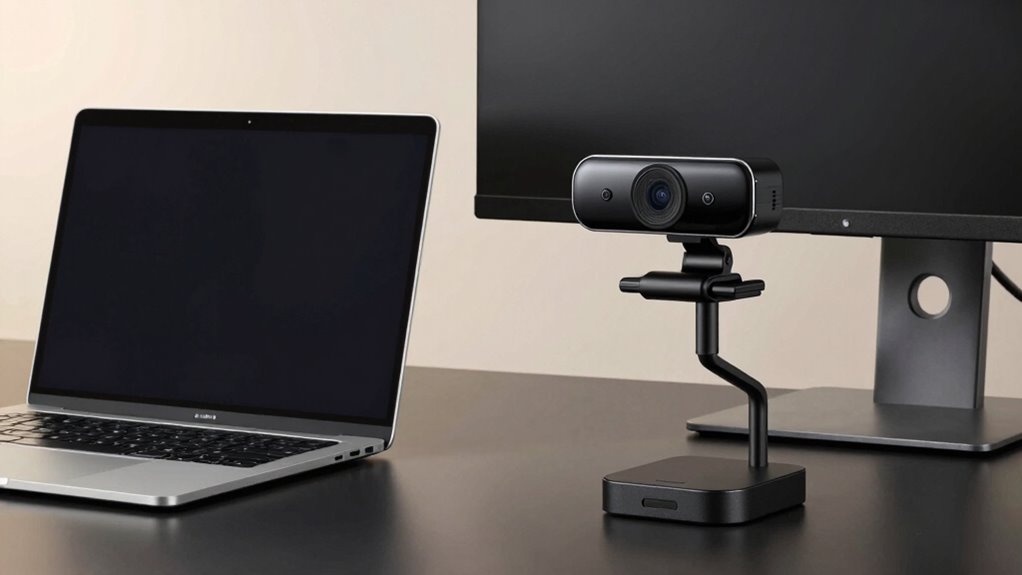

If you’re looking for sharper images, better low-light performance, and more features, an external webcam is worth considering. They offer higher resolution, faster autofocus, and versatile mounts, making your video calls or streamings look more professional. While they cost more upfront, their durability and advanced capabilities often justify the investment. To find out how each option compares and which fits your needs best, there’s plenty more to explore below.
Key Takeaways
- External webcams deliver higher resolution and better image clarity than built-in laptop cameras.
- They offer advanced features like autofocus, adjustable zoom, and superior microphone quality.
- Setup is quick and flexible with multiple mounting options, often requiring no driver installation.
- External webcams are more durable and provide long-term value despite higher initial costs.
- They are ideal for professional streaming, recording, and scenarios demanding superior video quality.

Logitech Brio 101 Full HD 1080p Webcam for Meetings, Streaming, Desktop, Laptop, PC – Built-in Mic, Shutter, Works with Zoom, Microsoft Teams, Nintendo Switch 2’s new GameChat Mode, USB-A,-Black
Compatible with Nintendo Switch 2’s new GameChat mode
As an affiliate, we earn on qualifying purchases.
As an affiliate, we earn on qualifying purchases.
Comparing Video Quality and Image Clarity
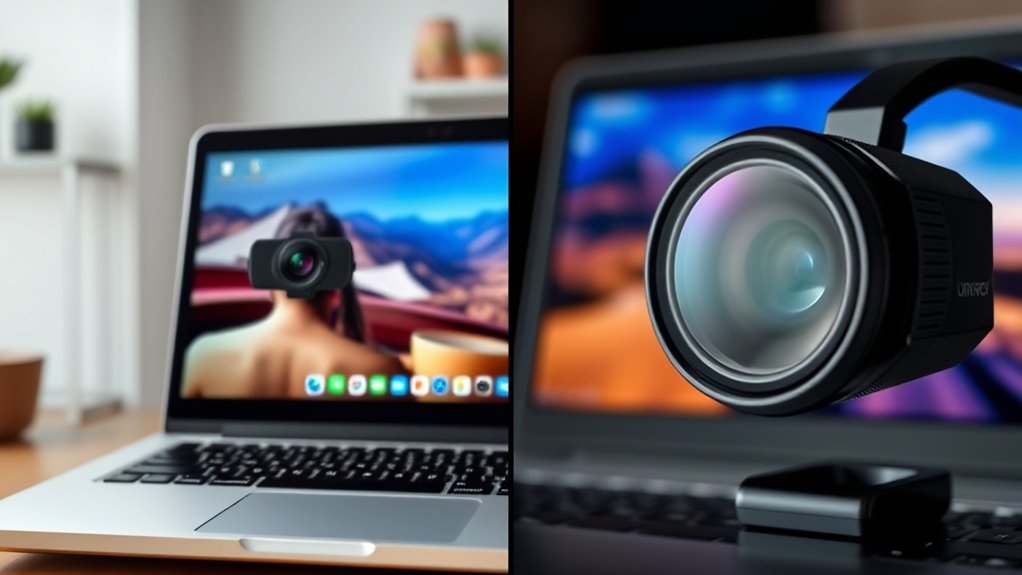
When comparing laptop webcams to external webcams, video quality and image clarity are often the most noticeable differences. External webcams generally deliver sharper images with better resolution, especially in varying lighting conditions. They tend to handle low-light environments more effectively, providing clearer visuals without graininess. Autofocus performance also plays a critical role; external cameras typically feature faster, more accurate autofocus, ensuring your image stays sharp as you move. Laptop webcams often struggle in poor lighting, resulting in dull or washed-out images. Their autofocus can be sluggish or inconsistent, leading to blurry shots. If you need consistently clear video quality regardless of lighting and movement, an external webcam is usually the better choice. It offers a noticeable improvement in overall image clarity and stability. Additionally, AI-driven image processing in external webcams can further enhance video quality by adjusting settings in real-time for optimal visuals. Furthermore, the build quality of external webcams often surpasses that of built-in laptop cameras, contributing to more durable and reliable performance. Investing in a higher-quality sensor technology can also significantly impact the sharpness and accuracy of your video feed. In addition, lighting adaptability features in external webcams help optimize image clarity across different environments, making them a valuable upgrade. Moreover, external webcams can often be equipped with adjustable field of view settings, providing greater flexibility for different use cases.

EMEET NOVA 4K Webcam for PC – Ultra 4K HD, PDAF Autofocus, Dual Omnidirectional Mics, 73° FOV, Auto Light Correction, USB-A, Privacy Cover, Ideal for High-End Business Meetings&Live Streaming
Unrivaled 4K Performance – Experience unparalleled clarity with our EMEET NOVA 4K webcam, featuring a 30FPS rate and…
As an affiliate, we earn on qualifying purchases.
As an affiliate, we earn on qualifying purchases.
Features and Functionality Differences
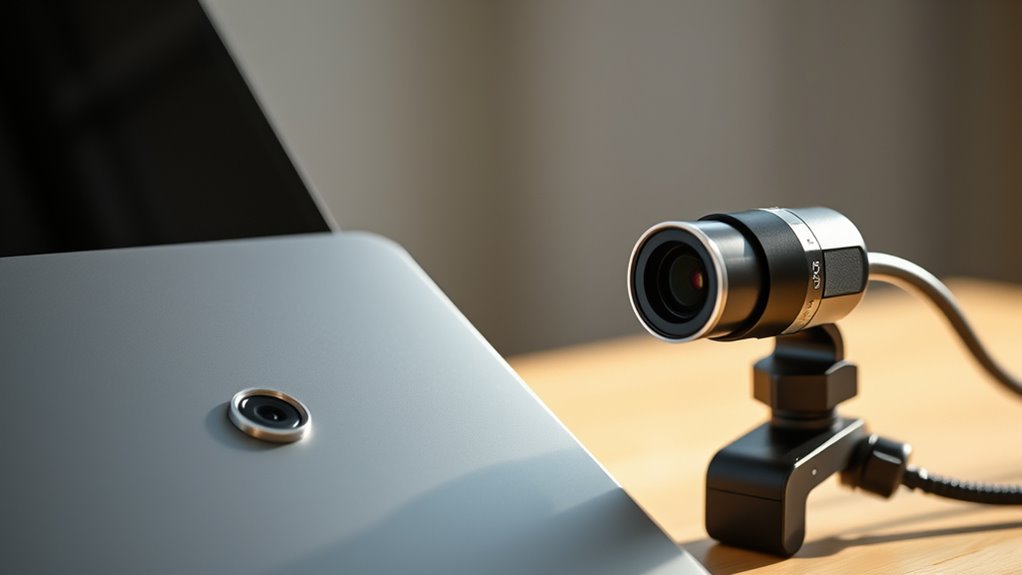
External webcams typically offer a wider range of features and more advanced functionalities compared to built-in laptop webcams. You can benefit from better software compatibility, allowing seamless integration with various conferencing tools and editing programs. They also provide versatile mounting options, giving you flexibility to position the camera exactly where you want for ideal framing. Additionally, external webcams often include features like autofocus, adjustable zoom, and enhanced microphone quality, improving overall video and audio performance. These capabilities make external webcams ideal for professional use or content creation. The combination of advanced features and flexible mounting options means you can customize your setup to suit your specific needs, making an external webcam a worthwhile upgrade over your laptop’s built-in camera. Proper setup and maintenance ensure your external webcam continues to perform optimally over time. Moreover, many external webcams support software updates, which can enhance their functionality and security features, extending their lifespan and usability.
Logitech Brio 101 Full HD 1080p Webcam for Meetings, Streaming, Desktop, Laptop, PC – Built-in Mic, Shutter, Works with Zoom, Microsoft Teams, Nintendo Switch 2’s new GameChat Mode, USB-A,-Black
Compatible with Nintendo Switch 2’s new GameChat mode
As an affiliate, we earn on qualifying purchases.
As an affiliate, we earn on qualifying purchases.
Ease of Use and Setup Considerations

While external webcams offer advanced features and flexible mounting options, setting them up and using them can sometimes be more straightforward than you might expect. Many external webcams are plug and play, meaning you can connect them via USB and start using them immediately without installing complicated drivers. Their mounting options, such as clips, tripods, or adjustable arms, make positioning quick and easy, giving you flexibility to find the perfect angle. In contrast, laptop webcams usually require no setup at all—just open your video app. External webcams may involve a little setup initially, but once connected, they often require minimal adjustments. Additionally, Free Floating design principles allow for versatile placement, making them suitable for various environments. Overall, ease of use depends on your preference for portability and customization, but most external webcams are designed for simple, hassle-free setup.

RUWBY Full HD 1080P Webcam with Built-in Dual Mics, Wide-Angle Lens, Privacy Cover, Tripod Stand, Autofocus Computer Camera, Plug and Play for Desktop PC or Laptop
FHD Video and Wide View Angle – The Ruwby High Definition 1080P Webcam features a wide angle lens…
As an affiliate, we earn on qualifying purchases.
As an affiliate, we earn on qualifying purchases.
Cost Analysis and Value for Money
Are you wondering whether investing in an external webcam is worth the extra cost compared to your built-in laptop camera? If budget constraints are tight, it’s essential to weigh the long-term value. External webcams generally require a higher upfront investment, but they can offer better video quality and durability, making them a worthwhile long-term investment. Consider these points:
- Initial cost vs. quality benefits
- Durability and longevity for frequent use
- Enhanced features like better resolution and lighting options
While a built-in webcam might save you money initially, an external camera can provide better value over time, especially if you use it regularly for work or streaming. Additionally, sustained self-sufficiency through reliable tech equipment can be crucial during unexpected situations. Investing in a high-quality camera can also improve your overall video conferencing experience, making your communications more professional. Furthermore, understanding the cultural beliefs surrounding technology and aesthetics can help you choose a device that aligns with your personal style. Ultimately, your choice depends on your budget and how much you prioritize quality and longevity. For those seeking a more professional setup, trusted gadget insights can help guide your decision. Moreover, understanding the artistic influences behind visual media can enhance your appreciation of video quality and presentation.
Suitability for Different Use Cases
Choosing the right webcam depends largely on your specific needs and how you’ll use it. For casual video calls, a built-in laptop webcam may suffice, especially if portability factors are important. For professional streaming or recording in various lighting conditions, an external webcam offers better image quality and adjustable features. Consider the table below to match your use case:
| Use Case | Lighting Conditions | Portability Factors |
|---|---|---|
| Remote Work | Moderate lighting, stable setup | Low, stays at desk |
| Live Streaming | Variable lighting, high quality needed | Moderate, portable but bulky |
| Travel Vlogging | Good lighting, on-the-go shoots | High, easy to carry |
| Gaming | Controlled lighting, focus on performance | Low, stationary setup |
| Video Conferencing | Common lighting, simple setup | High, easy to pack |
Additionally, sensor quality plays a crucial role in overall image clarity and color accuracy, making external webcams a more suitable choice for demanding scenarios. Improving sensor technology can significantly enhance your video quality, especially in challenging lighting. Furthermore, advancements in image processing algorithms contribute to better real-time video performance and clarity.
Frequently Asked Questions
How Does Lighting Affect Webcam Video Quality?
Lighting greatly impacts your webcam video quality by affecting lighting consistency and color accuracy. When you have good, even lighting, your image appears clearer, with accurate colors and fewer shadows. Poor or inconsistent lighting can cause grainy, washed-out, or distorted video. To improve your webcam quality, make sure your environment is well-lit with balanced light sources, reducing shadows and enhancing color fidelity for a more professional and engaging video.
Can External Webcams Be Used With Multiple Devices?
They say, “The more, the merrier,” and external webcams can indeed be used with multiple devices. You just need to guarantee device compatibility; most external webcams connect via USB, making them versatile across laptops, desktops, and even some tablets. With a simple plug-and-play setup, you can switch easily between devices, making external webcams a practical choice for multi-device use. Just check compatibility first to avoid any hiccups.
Do External Webcams Require Special Software or Drivers?
External webcams usually don’t need special software, but you might need to install specific drivers to guarantee compatibility with your device. Many models are plug-and-play, working seamlessly with your operating system’s default drivers. However, for peak performance and software compatibility, check for driver updates regularly. Keeping your drivers up-to-date helps prevent issues and ensures your external webcam functions smoothly across different apps and devices.
Are There Privacy Concerns With External Webcams?
Yes, there are privacy concerns with external webcams. You might face privacy risks and hacking concerns if you don’t secure your camera properly. Always cover the lens when not in use, use strong passwords, and keep your software updated. Be cautious about granting app permissions, and consider disconnecting the webcam when it’s not needed. Taking these steps helps protect your privacy and reduces vulnerability to cyber threats.
How Do External Webcams Perform in Low-Light Environments?
External webcams generally perform better in low-light environments because they often feature higher-quality video sensors and larger lens apertures. This means more light reaches the sensor, resulting in clearer and brighter images. You’ll notice improved detail and reduced graininess compared to laptop webcams. If you frequently video call in dim settings, investing in an external webcam with superior video sensor quality and a wider lens aperture is definitely worth it.
Conclusion
So, whether you’re battling pixelated video or craving Hollywood-level clarity, upgrading to an external webcam could transform your entire video game—turning your tiny, shaky camera into a cinematic masterpiece! It’s like hiring a personal videographer without the hefty price tag. If you’re serious about impressing colleagues or streaming like a pro, ditch the built-in webcam and go big—your face deserves a starring role in crystal-clear, jaw-dropping quality!