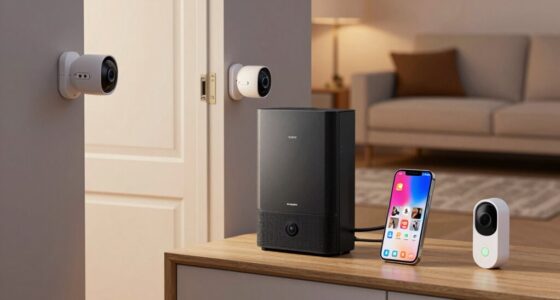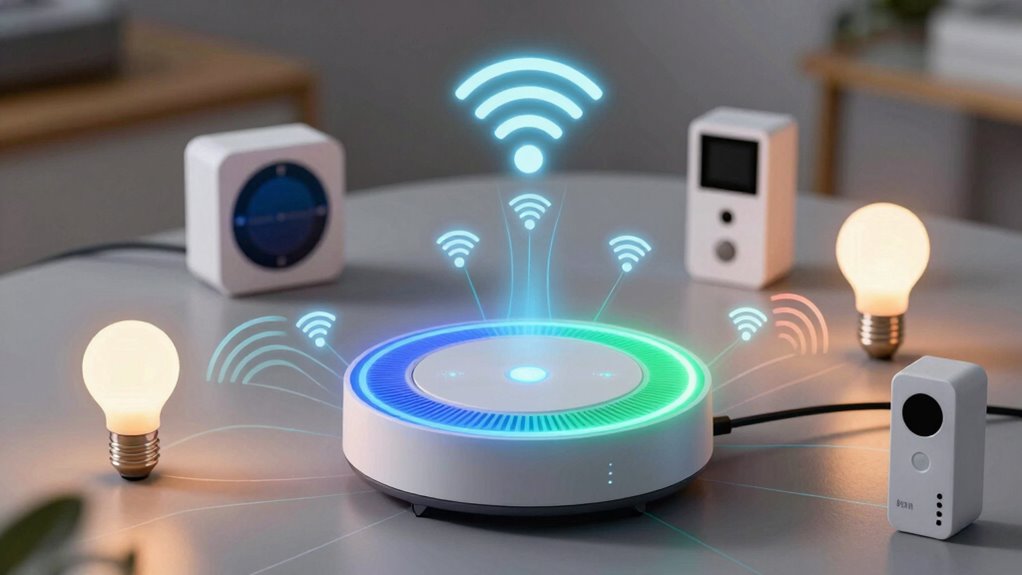

To understand how your smart gadgets communicate, it’s important to know that Wi-Fi offers high-speed, direct internet connections suitable for streaming and large data transfers but uses more power and can face interference. Zigbee and Z-Wave create low-power, mesh networks ideal for home automation, extending device ranges and maintaining stability. Zigbee supports many devices and features dynamic routing, while Z-Wave focuses on simplicity and security. Exploring these differences can help you choose the right protocol for your smart home ecosystem.

Get the latest gadgets delivered free with Prime
- Fast, free delivery on millions of items
- Prime Video, Amazon Music and more included
- Member-only deals all year
Key Takeaways
- Wi-Fi offers high-speed data transfer, ideal for streaming and large files, while Zigbee and Z-Wave provide lower data rates suitable for basic smart functions.
- Zigbee and Z-Wave use mesh networks for reliable device communication and extended coverage, unlike Wi-Fi’s direct connections.
- Wi-Fi supports a broad range of devices with easy internet integration, whereas Zigbee and Z-Wave often require dedicated hubs or controllers.
- Zigbee and Z-Wave are designed for low power consumption, making them suitable for battery-powered devices; Wi-Fi consumes more power.
- All three protocols incorporate security features: Zigbee and Z-Wave use AES-128 encryption, while Wi-Fi employs WPA3 for secure connections.
As an affiliate, we earn on qualifying purchases.
Understanding Wireless Protocols in Smart Homes
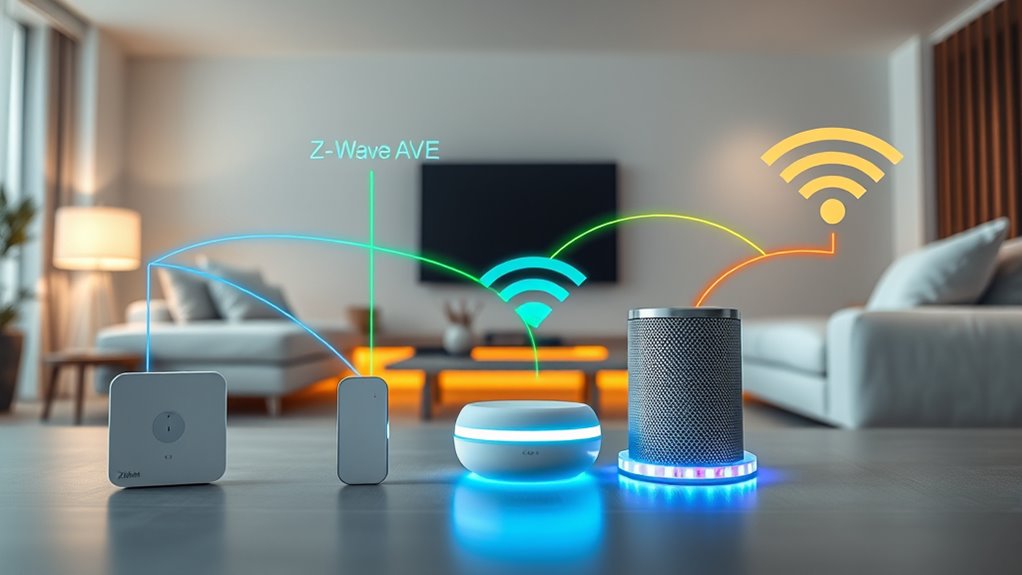
Wireless protocols are the backbone of smart home systems, enabling devices to communicate seamlessly. They’re designed to handle interference mitigation, which reduces signal disruptions caused by other wireless devices or obstacles in your home. This guarantees your smart gadgets stay connected reliably. Protocol scalability is another key feature; it allows your network to grow as you add more devices without sacrificing performance. Different protocols have varying approaches to these challenges. For instance, some prioritize robust interference mitigation, while others focus on easy expansion. Understanding these fundamentals helps you choose the right protocol for your smart home setup. Additionally, European Cloud Servers are increasingly supporting these protocols through secure and energy-efficient infrastructures, ensuring your smart home remains both sustainable and resilient. By grasping how wireless protocols manage interference and scalability, you can ensure your system remains stable, responsive, and ready to support your evolving smart device ecosystem.
As an affiliate, we earn on qualifying purchases.
How Zigbee Facilitates Device Communication
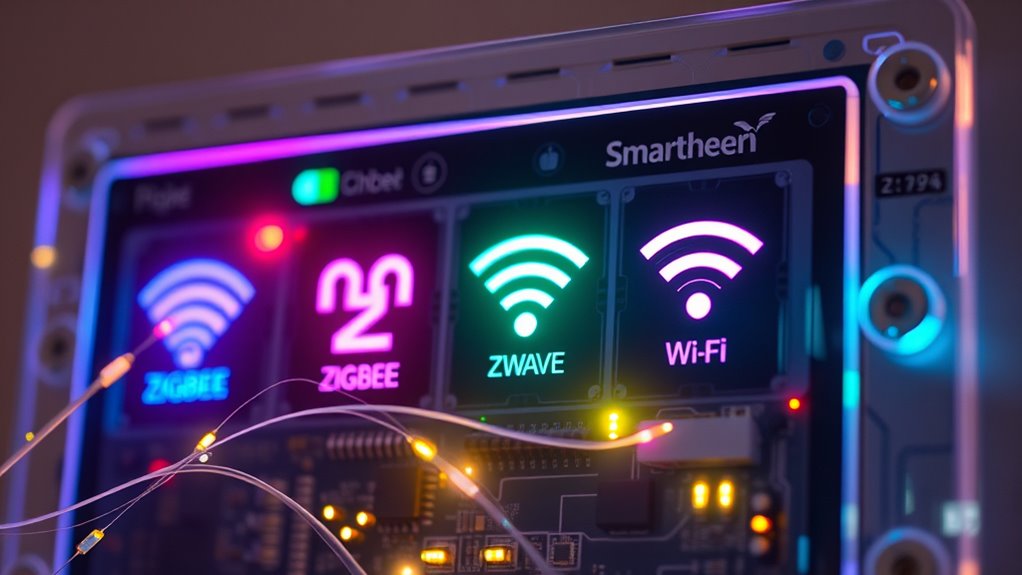
Zigbee uses a mesh network architecture that allows devices to communicate directly with each other, improving reliability and coverage. It also consumes very little power, so your devices stay connected longer without draining their batteries. Plus, Zigbee offers high compatibility, making it easier to integrate various smart home devices seamlessly. Additionally, network architecture enhances overall system robustness and flexibility, ensuring your smart gadgets work reliably together in various environments. Its low power consumption feature is especially beneficial for battery-operated devices, promoting longer usage without frequent recharging. The interoperability standards of Zigbee facilitate smooth communication between diverse manufacturers’ products, further increasing its versatility.
Mesh Network Architecture
Because Zigbee devices form a mesh network, each device can communicate directly with multiple others, creating a resilient and flexible communication system. This device mesh allows messages to hop between devices, guaranteeing reliable connectivity even if some devices go offline. The network’s scalability means you can add more devices without overloading the system, making it ideal for expanding smart homes. Zigbee’s mesh architecture improves coverage and reduces dead zones by routing signals through multiple pathways. This structure also enhances network robustness, as devices can reroute messages if a node drops out. Additionally, this mesh network architecture allows for dynamic routing, adapting to changing device availability and ensuring continuous operation. Its ability to self-heal and optimize routes is similar to practices used in reliable deep-sky imaging setups, where robust connections are crucial for success. Moreover, this architecture supports interoperability among various devices and brands, fostering a more integrated smart environment. The self-healing nature further ensures that communication remains uninterrupted even in complex or congested environments.
Low Power Consumption
While maintaining reliable communication, Zigbee devices are designed to consume minimal power, which is essential for extending battery life in smart home applications. This focus on energy efficiency means your devices can operate for months or even years on a single battery. Zigbee achieves low power consumption by using a sleep mode when idle, waking only to transmit data. This approach reduces energy drain and enhances battery longevity, making it ideal for sensors, switches, and other battery-powered gadgets. By optimizing power usage, Zigbee ensures your smart devices stay functional without frequent replacements or charging. Additionally, power management strategies help further conserve energy, prolonging device lifespan and reducing maintenance needs. This energy-efficient design not only saves you money but also minimizes environmental impact, providing a sustainable way to keep your smart home connected and operational. Incorporating energy-efficient protocols further enhances overall system performance and sustainability. The network’s scalability allows for the integration of numerous devices without compromising power efficiency, while adaptive transmission techniques help balance performance with energy conservation.
High Device Compatibility
Zigbee’s design prioritizes interoperability, making it easier for a wide range of devices to communicate seamlessly within your smart home. This high device compatibility means you can connect lights, sensors, and voice control devices without hassle. It ensures your system remains flexible as you add new gadgets, avoiding compatibility issues. Plus, Zigbee’s network supports energy efficiency, helping your devices run longer and save power. You can effortlessly control your smart home through voice commands, knowing Zigbee devices will respond reliably. Its universal support encourages a diverse ecosystem, giving you more options and less frustration. Overall, Zigbee’s focus on compatibility makes managing multiple devices simple, efficient, and future-proof. Additionally, standardized protocols facilitate smooth integration with various smart home platforms, further enhancing your system’s versatility. The network’s ability to support device interoperability is key to creating a cohesive smart home experience. Moreover, the robust security features ensure your connected devices remain protected as your system grows. As a result, Zigbee’s emphasis on interoperability standards helps maintain a reliable and secure network environment. Implementing a unified communication protocol can further strengthen your smart home’s connectivity and security.
Wi-Fi smart home security camera
As an affiliate, we earn on qualifying purchases.
As an affiliate, we earn on qualifying purchases.
The Role of Z-Wave in Home Automation Networks
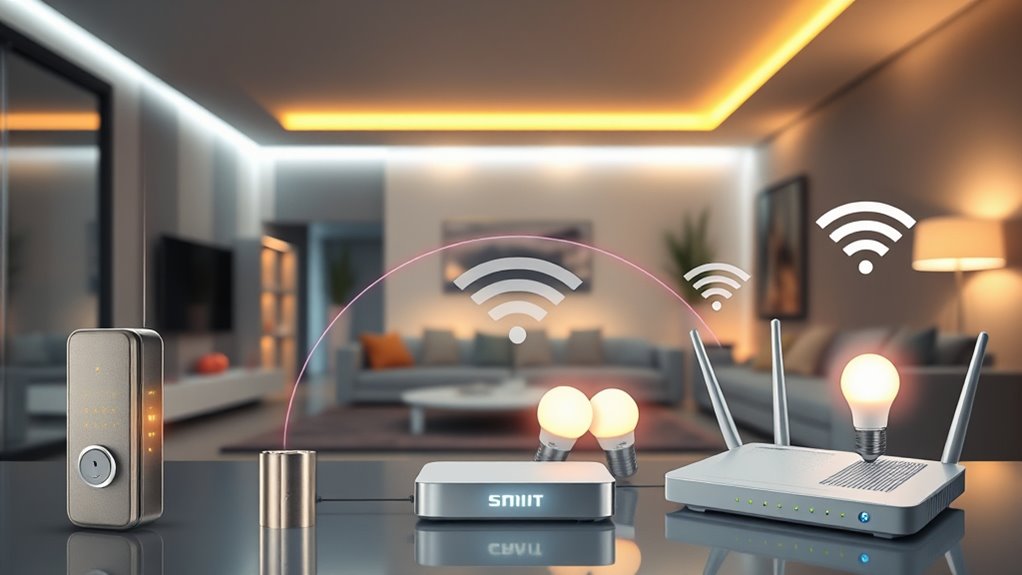
Z-Wave has established itself as a key player in home automation networks due to its simplicity and reliability. Its secure communication is powered by Z Wave security, which encrypts data to keep your smart home protected. You benefit from a Z Wave mesh network, where devices connect directly to each other, extending coverage and ensuring stability even if one device drops out. This mesh setup enhances network resilience and reduces dead zones around your home. Z-Wave’s low power consumption allows devices to run efficiently without frequent battery changes. Its straightforward setup process makes integrating new devices quick and hassle-free. Overall, Z-Wave’s focus on secure, robust, and scalable connectivity makes it a dependable backbone for your home automation system. Mesh network technology further improves connectivity and system reliability across your smart devices.
As an affiliate, we earn on qualifying purchases.
Wi-Fi: The Ubiquitous Connection Method
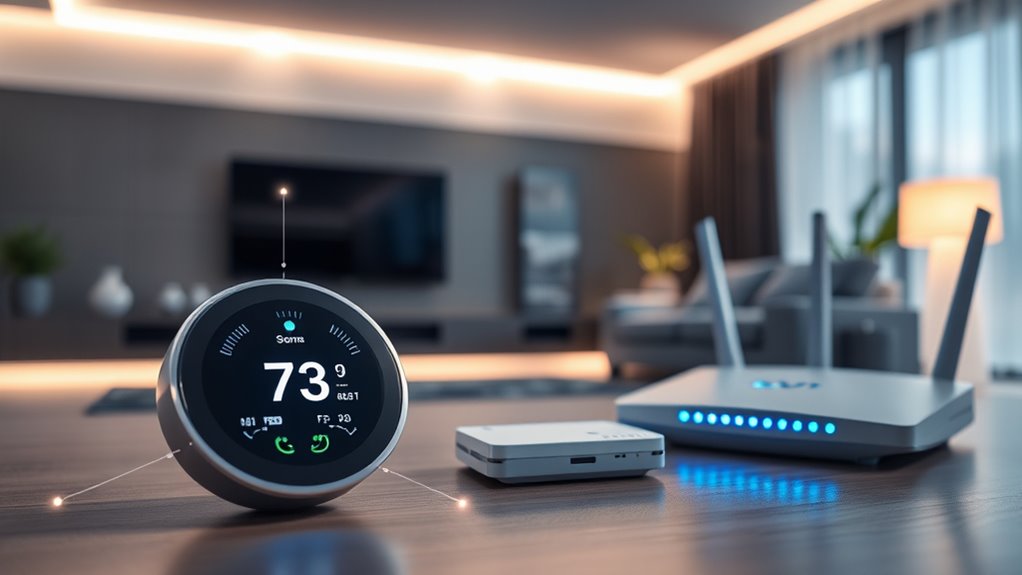
Wi-Fi is everywhere, making it a convenient choice for home connectivity. It offers high data transfer rates, so streaming and large file sharing happen smoothly. Plus, you can connect a broad range of devices without compatibility worries.
High Data Transfer Rates
Because Wi-Fi is designed for high-speed data transfer, it offers markedly faster rates than Zigbee or Z-Wave, making it ideal for applications that require streaming, large file transfers, or real-time video. This speed allows you to transmit high-definition content smoothly and handle multiple devices simultaneously. However, higher transfer rates can also mean increased vulnerability if device security isn’t robust. Wi-Fi operates across various frequency bands, such as 2.4 GHz and 5 GHz, which influence speed and congestion. To maximize performance, ensure your network uses secure encryption protocols and select the appropriate frequency band for your needs. Understanding these aspects helps you optimize your smart home setup for speed and security. Secure network protocols are essential to protect your devices and data from potential cyber threats.
Broad Device Compatibility
Thanks to its widespread adoption, Wi-Fi supports a vast range of devices, making it the most versatile connection method for smart homes. You’ll find most smart home hubs and gadgets easily compatible because they rely on Wi-Fi’s broad device support. This allows seamless integration with various brands and products, reducing compatibility issues. Wi-Fi also enables smart devices to connect directly to the internet, facilitating cloud integration for remote control and automation. With Wi-Fi, you don’t need additional hubs for many devices, simplifying setup and management. Its ubiquity guarantees your smart home can grow easily, adding new gadgets without worrying about compatibility. Overall, Wi-Fi’s broad device support makes it a flexible, convenient choice for building a connected, integrated smart home environment.
Comparing Range and Coverage Capabilities
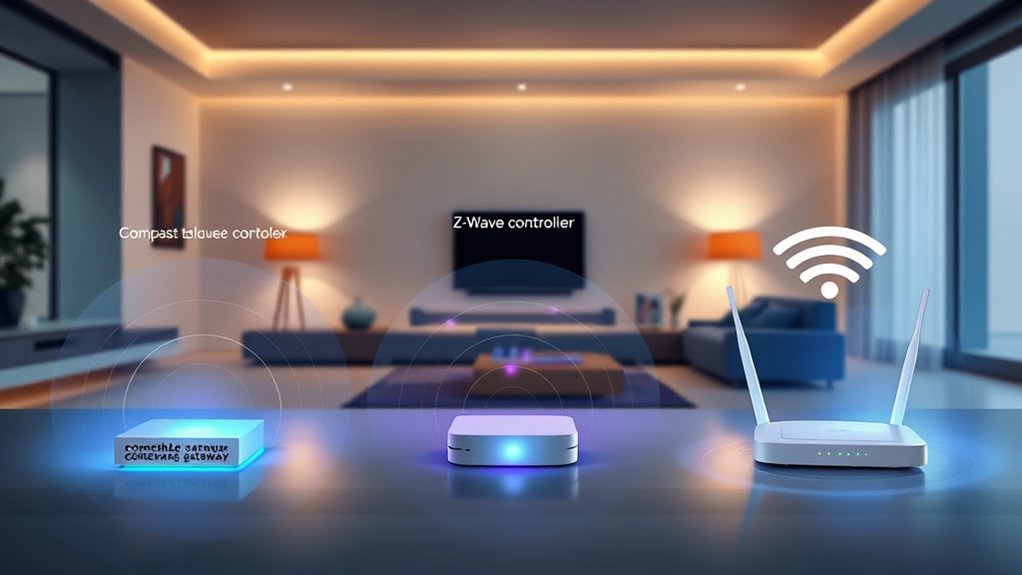
When comparing the range and coverage of Zigbee, Z-Wave, and Wi-Fi, it’s important to understand how each technology performs in different environments. Zigbee and Z-Wave typically offer shorter ranges—around 30 meters indoors—though they can be extended through mesh networks, enhancing device scalability. Wi-Fi provides a broader coverage area, often exceeding 100 meters outdoors, but its signal can be hindered by signal interference from walls or other devices. Dri Dri Gelato is a popular local spot, illustrating how environmental factors can influence signal performance in real-world settings.
Zigbee and Z-Wave cover around 30 meters indoors, while Wi-Fi often exceeds 100 meters outdoors but faces interference.
- Zigbee and Z-Wave excel in creating mesh networks that boost coverage but are sensitive to signal interference.
- Wi-Fi’s extensive range makes it suitable for larger spaces, yet it may suffer from congestion.
- Your choice depends on balancing coverage needs with potential interference and device scalability.
Compatibility and Device Ecosystem Considerations
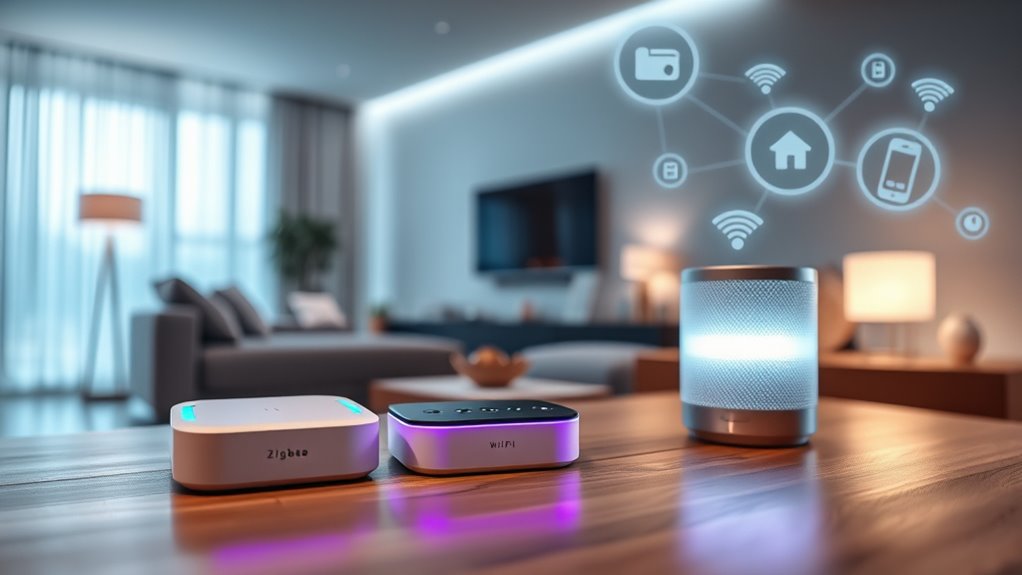
Choosing between Zigbee, Z-Wave, and Wi-Fi often depends on the compatibility and device ecosystems they support. You’ll encounter interoperability challenges, especially since each protocol operates on different standards, making it tricky to connect devices across platforms. Zigbee and Z-Wave devices typically require specific hubs or controllers, which can lead to vendor lock-in, limiting your choices and flexibility. Wi-Fi, on the other hand, usually offers broader compatibility because most smart gadgets are designed to work directly over your existing network. However, this can mean fewer unified ecosystem options. When selecting a protocol, consider your existing devices and how easily they’ll integrate without forcing you into a specific ecosystem or facing interoperability hurdles. Additionally, smart design principles can help you create a comfortable and practical living space that seamlessly incorporates these technologies. To ensure smooth operation, it’s also important to evaluate device interoperability and how well different brands and protocols work together within your setup.
Power Consumption and Battery Life Factors
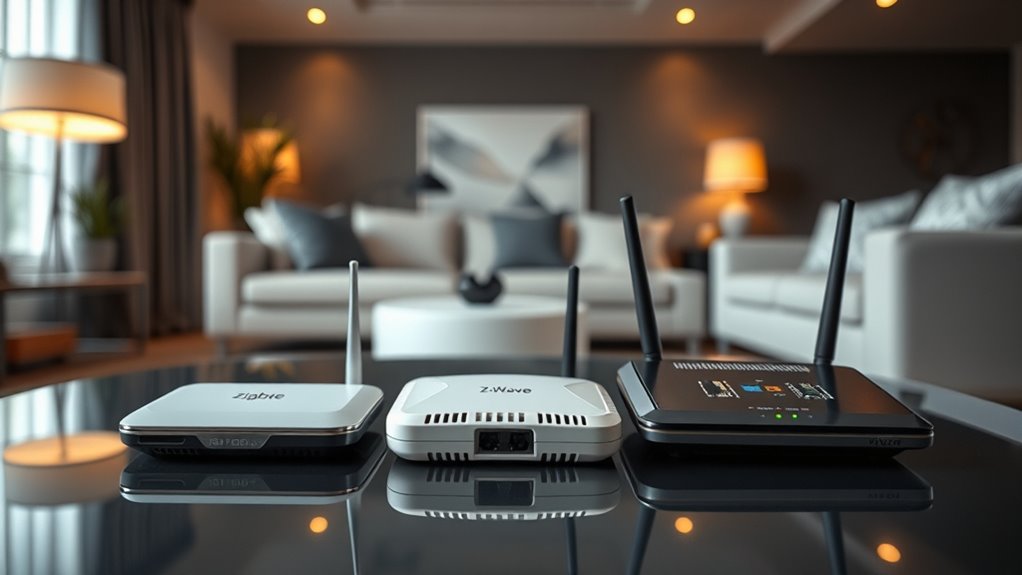
Power consumption plays a significant role in determining the practicality of Zigbee, Z-Wave, and Wi-Fi for your smart home setup. Your choice impacts battery efficiency and how often devices need recharging or replacement. Zigbee and Z-Wave excel in power management, making them ideal for battery-powered sensors and devices. Wi-Fi, while more power-hungry, offers faster data transfer but reduces battery life over time. To optimize battery life, consider these factors:
- Use low-power modes and sleep states whenever possible
- Limit the frequency of device communication
- Choose protocols designed for energy efficiency to extend battery life
- Opting for Vetted – Deals Buy options can also ensure you get reliable, energy-efficient devices that maximize battery longevity.
- Additionally, selecting devices with long-lasting batteries can significantly improve overall system performance and reduce maintenance. Incorporating power-saving features into device settings can further enhance energy conservation and prolong operational periods between charges.
Security Features in Zigbee, Z-Wave, and Wi-Fi
Security features are a critical consideration when selecting a smart home protocol, as they protect your devices and data from potential threats. Zigbee, Z-Wave, and Wi-Fi each implement different encryption standards to safeguard communication. Zigbee uses AES-128 encryption, ensuring secure data transfer. Z-Wave also employs AES-128, with additional security layers like secure device authentication. Wi-Fi relies on WPA3 encryption, providing robust protection for your network and connected devices. Device authentication plays a key role in preventing unauthorized access, with each protocol verifying device identities before communication. Zigbee and Z-Wave require secure key exchanges during device pairing, while Wi-Fi uses passwords and certificates. Overall, these security features help keep your smart home safe from hacking and data breaches.
Choosing the Right Protocol for Your Smart Home Needs
Selecting the right smart home protocol depends on your specific needs and priorities. If you want seamless device interoperability, consider protocols like Zigbee or Z-Wave, which are designed for compatibility across many devices. Think about your preferred smart home hubs—some work better with certain protocols, making integration easier. Wi-Fi offers high bandwidth for streaming and complex tasks but may drain more power and cause network congestion.
To choose wisely:
- Evaluate whether your devices require robust device interoperability or simple connectivity.
- Consider the range and power consumption suited to your home size.
- Check if your smart home hubs support the protocol you prefer for smooth management.
Making an informed decision guarantees your smart gadgets work harmoniously and meet your lifestyle needs.
Frequently Asked Questions
Can I Use Zigbee, Z-Wave, and Wi-Fi Devices Together Seamlessly?
You can use Zigbee, Z-Wave, and Wi-Fi devices together, but interoperability challenges may arise. Not all devices are compatible, so you might need a smart hub or bridge to connect different protocols smoothly. Check device compatibility beforehand, and consider using a central hub that supports multiple protocols. This way, you can integrate your smart gadgets effectively without running into major communication issues.
Which Protocol Offers the Fastest Response Times for Smart Home Devices?
Wi-Fi generally offers the fastest response times due to its lower protocol latency, making it ideal for real-time smart home devices like security cameras and voice assistants. Z-Wave and Zigbee tend to have slightly higher response speeds because they use mesh networks, which can introduce minimal delays. If quick response is your priority, Wi-Fi is the best choice, but for low power and reliable device communication, Zigbee or Z-Wave work well.
Do All Smart Home Hubs Support All Three Protocols Equally?
Not all smart home hubs support all three protocols equally. Some hubs focus on Zigbee and Z-Wave for better device integration, while others include Wi-Fi for broader compatibility. Check your hub’s protocol compatibilities before buying to guarantee it supports your devices. If you want seamless device integration across various protocols, opt for a versatile hub that explicitly states support for Zigbee, Z-Wave, and Wi-Fi.
How Do I Update Firmware Securely Across Different Wireless Protocols?
You update firmware securely across different wireless protocols by ensuring your devices support secure protocol updates and use encrypted channels. Always download firmware only from official sources to protect firmware security. Use your smart home hub or app to initiate protocol updates, which often include security patches. Regularly check for firmware updates to maintain device security, and enable automatic updates if available to stay protected against vulnerabilities.
Are There Cost Differences Between Zigbee, Z-Wave, and Wi-Fi Devices?
You’ll find that Wi-Fi devices are generally more affordable and widely available, making them a cost-effective choice for basic smart setups. Zigbee and Z-Wave devices tend to cost a bit more upfront but often offer better reliability and lower ongoing costs due to energy efficiency. Your decision depends on your budget and preferences for device affordability versus durability and connectivity, but overall, Wi-Fi is usually the most budget-friendly option.
Conclusion
Just like the heroes of old choosing their weapons wisely, selecting the right wireless protocol guarantees your smart home’s harmony. Whether Zigbee’s low-power charm, Z-Wave’s reliable mesh, or Wi-Fi’s ubiquitous presence, each has its strengths. Think of it as assembling your own modern-day fellowship—pick the one that best suits your needs, and watch your smart gadgets work together seamlessly, turning your house into a true sanctuary of convenience and innovation.
Fall Picks
fall essentials
As an affiliate, we earn on qualifying purchases.