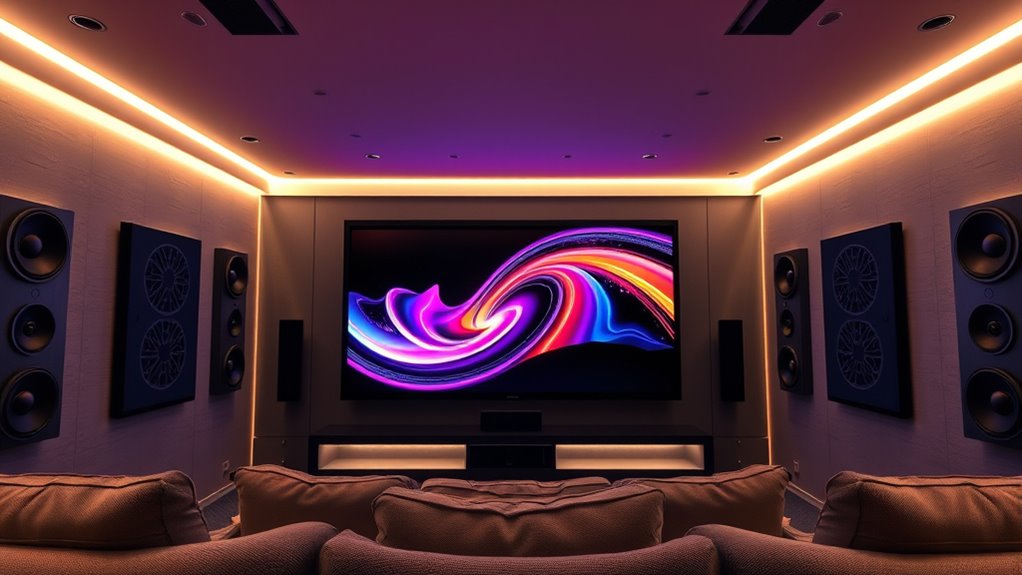

Dolby Atmos music surrounds you with a three-dimensional soundscape, so you’ll hear your favorite songs from all directions, including above and behind you. It uses advanced sound processing to precisely place individual sounds, making music more lifelike and immersive. To experience this, you need compatible headphones or speakers, and you must enable spatial audio in your device or streaming service. Keep exploring to discover how you can easily enjoy Dolby Atmos music and elevate your listening experience.
Key Takeaways
- Dolby Atmos Music creates a 3D soundscape with sounds coming from all directions, including above and behind you.
- It uses sound objects and precise placement for immersive, lifelike audio experiences.
- Compatible headphones or speakers with spatial audio support are needed to fully enjoy Atmos tracks.
- Activation involves enabling spatial audio settings on your device or streaming platform.
- Listening to Dolby Atmos Music offers a richer, more vivid, and immersive musical experience.

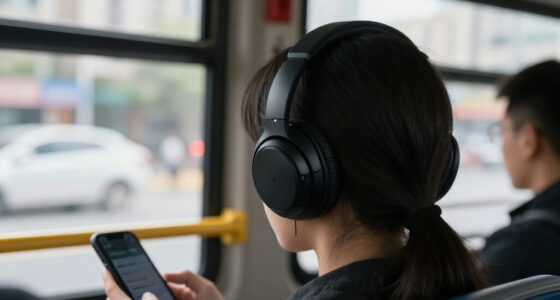
Have you ever wondered how music can feel so immersive and lifelike? It’s like the sound surrounds you completely, pulling you into a different world. That’s the magic of spatial audio, and Dolby Atmos Music takes it to a whole new level. Unlike traditional stereo, which sends sound through two channels, Dolby Atmos creates a three-dimensional soundscape. This technology adds height to the audio, allowing sounds to move freely in all directions. As a listener, you experience a truly immersive experience, where vocals, instruments, and effects aren’t just coming from the left or right but from above, behind, and all around you. It’s as if the music is happening right in your space, making the listening experience much more vivid and engaging.
Experience music that surrounds and moves around you in three dimensions with Dolby Atmos.
The key to this realism is how Dolby Atmos processes sound objects as individual entities that can be precisely placed and moved within a three-dimensional space. Instead of mixing everything into a single stereo track, producers assign specific sounds to different channels and positions. When you listen with compatible headphones or speakers, the system renders these positions accurately, giving you a sense of depth and movement. For example, a guitar solo might seem to drift from your left to your right or even appear to come from above. The result is a dynamic, lifelike soundfield that enhances your emotional connection to the music.
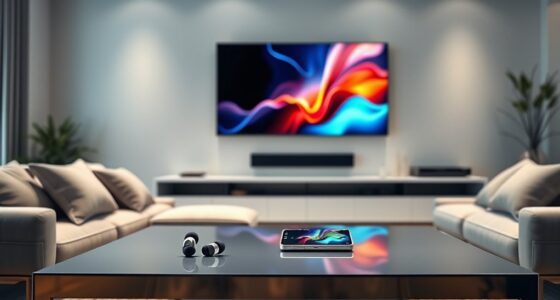
To enjoy Dolby Atmos Music, you need to have the right setup. Many headphones now support spatial audio features, either built-in or through apps that process the sound. If you prefer speakers, look for models explicitly designed for Dolby Atmos or surround sound setups that include height channels. Streaming platforms like Apple Music, Amazon Music, and Tidal have started offering Atmos tracks, but you’ll need a compatible device and subscription. Enabling Dolby Atmos on your device is usually straightforward—just check your audio settings, turn on spatial audio, and select Dolby Atmos as your preferred sound mode. Once activated, you’ll notice an immediate difference, with the music becoming more three-dimensional and immersive.
Additionally, understanding the underlying sound processing techniques can help you appreciate how this technology creates such realistic audio experiences. Ultimately, Dolby Atmos Music transforms how you experience your favorite songs. It’s no longer just about hearing the music but feeling it around you, as if you’re in the studio or at a concert. By embracing spatial audio technology, you access a new level of listening that’s richer, more vivid, and deeply engaging. Whether you’re relaxing at home or on the go, Dolby Atmos offers a powerful way to connect with music on a whole new sensory level.

Lenovo IdeaPad 15.6” FHD Touchscreen Laptop, 10-Cores Intel Core i5, Windows 11 Pro with Microsoft Office Included, PLUSERA Earphones (Abyss Blue, 24GB RAM | 1.5TB Storage)
【Processor】Intel Core i5 (10 Cores, 12 Threads, Max Boost Clock Up to 4.40Ghz, 12MB Cache). Intel Iris Xe...
As an affiliate, we earn on qualifying purchases.
Frequently Asked Questions
Can I Experience Dolby Atmos Music on My Smartphone?
Yes, you can experience Dolby Atmos music on your smartphone if it’s compatible. Check your device’s specifications for smartphone compatibility, as not all phones support Atmos playback. You’ll also need the right app, like Apple Music or Tidal, which require specific app requirements to enable Atmos features. Make sure your phone’s software is up to date, and use compatible headphones or speakers for the best immersive sound experience.
Does Dolby Atmos Require Special Headphones or Speakers?
You don’t need special headphones or speakers to enjoy Dolby Atmos Music, but it helps to have compatible equipment. Think of it as the cherry on top—your current headphones or speakers might still deliver immersive sound, but Atmos-capable gear enhances the experience. Check your headphone compatibility and speaker requirements to guarantee the best audio. Upgrading your gear isn’t always necessary, but it can truly elevate your listening to new heights.
How Much Does Upgrading to Dolby Atmos Music Cost?
Upgrading to Dolby Atmos music often costs around $10 to $20 extra per month, depending on your streaming service. You can find different pricing comparison options across platforms like Apple Music, Amazon Music, or Tidal, which offer Dolby Atmos as part of their premium subscriptions. Consider your subscription options carefully to guarantee you get the best deal, and check if your current plan supports Atmos without extra charges.
Is Dolby Atmos Compatible With All Streaming Platforms?
Not all streaming platforms support Dolby Atmos music, so platform compatibility varies. Major services like Apple Music, Tidal, Amazon Music HD, and Disney+ do offer Atmos content, but others may not. To enjoy Dolby Atmos, you need a compatible streaming service and device setup. Always check if your favorite streaming service supports Atmos, and verify your hardware is compatible for the best immersive listening experience.
Can I Create My Own Dolby Atmos Music at Home?
Creating your own Dolby Atmos music at home is like painting with sound—you can craft immersive audio with DIY recordings and creative mixing. While it’s complex, you can use software like Apple Logic Pro X or Dolby Atmos production tools to mix tracks in 3D space. Investing in compatible hardware, such as an Atmos-enabled sound system, helps bring your creative vision to life, making your home studio truly immersive.

Lenovo IdeaPad Laptop Computer, 15.6" Anti-Glare, Intel Core CPU, 8GB RAM
SMART DAILY COMPANION - The IdeaPad 1i is the ideal laptop for everyday use, combining functionality and convenience....
As an affiliate, we earn on qualifying purchases.
Conclusion
Once you experience Dolby Atmos Music, it’s like stepping into a concert hall where every note surrounds you. I remember trying it on my first day—suddenly, the music felt alive, almost as if the artists were performing right in my room. With over 250 streaming titles now available, you’re missing out if you don’t enable it. Immerse yourself, and let the immersive sound transform your listening experience into something truly extraordinary.

Lenovo IdeaPad Slim 3i 15.6" FHD Business Laptop Computer with 1-Year Office 365, AI Copilot, Intel Quad-Core Processor, Win 11 Home, 128GB SSD, 4GB RAM, PLUSERA 8-in-1 Hub Included, Artic Grey
【Outstanding 15.6" Display】1920×1080 high resolution LED screen (88% AAR, Narrow Bezel, TÜV Certified Low Blue Light) provides you...
As an affiliate, we earn on qualifying purchases.
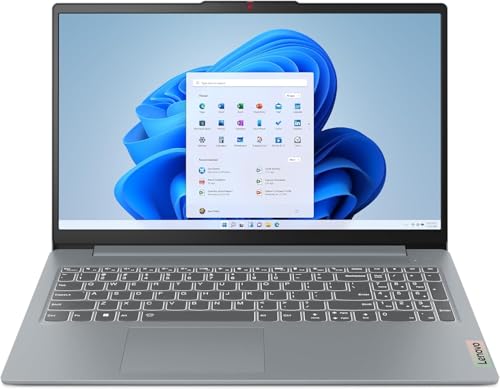
Lenovo IdeaPad Slim 3 Laptop 2025 15.6” FHD 1920 x 1080 Touchscreen, AMD Ryzen 7 5825U, 8-core, AMD Radeon Graphics, 16GB DDR4, 512GB SSD, Wi-Fi 6, Bluetooth 5.2, 720p HD Camera, Windows 11 Home
Web vision Including Word, Excel, OneNote, Outlook, PowerPoint, Publisher, Access
As an affiliate, we earn on qualifying purchases.