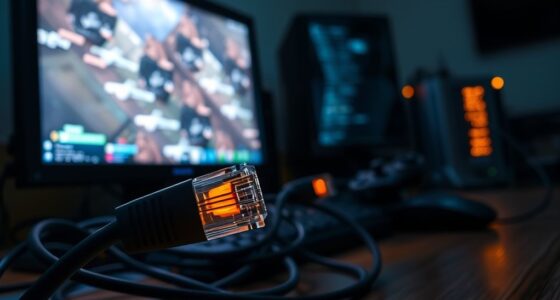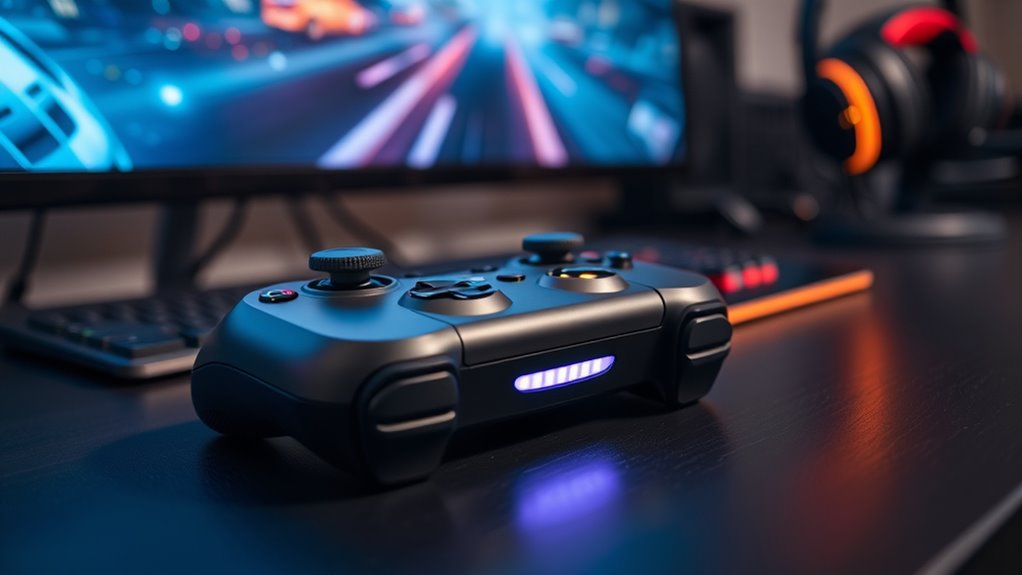

To reduce cloud gaming latency and make gameplay smoother, you should prioritize a wired Ethernet connection over Wi-Fi for stability. Choose servers closest to your location to minimize travel time, and verify your internet plan offers speeds over 25 Mbps for better data flow. Close background apps and minimize network interference to prevent lag. Adjust in-game settings for lower graphics quality if needed, but explore additional tips that can further enhance your experience as you continue.
Key Takeaways
- Choose servers closest to your location and enable server selection if available.
- Use a wired Ethernet connection over Wi-Fi for more stability and lower latency.
- Ensure your internet plan provides at least 25 Mbps upload and download speeds.
- Reduce network congestion by limiting other devices and bandwidth-heavy activities during gaming.
- Adjust in-game or streaming service settings to lower resolution and graphics quality for smoother performance.
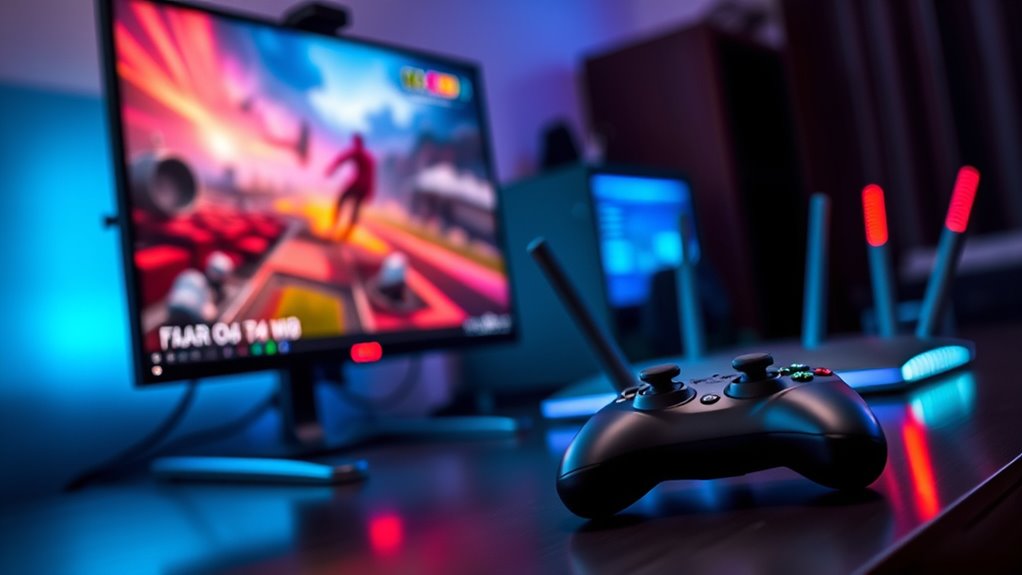
Cloud gaming has revolutionized how you play games by streaming them directly to your device, but latency remains an essential challenge. When your game responds slowly or feels laggy, it’s often due to a combination of factors, including your internet bandwidth and how close the servers are to your location. To get the best experience, you need to understand how these elements influence latency and what you can do about them.
Your internet bandwidth is vital because it determines how much data can travel between your device and the game server at any given moment. If your connection isn’t fast enough, you’ll experience buffering, input delays, or disconnections. Streaming high-quality game data requires a stable, high-speed internet connection—preferably wired Ethernet rather than Wi-Fi, which can be more prone to interference. A higher bandwidth allows for smoother data flow, reducing the time it takes for your commands to reach the server and for the game data to return to you. This leads to a more responsive gaming experience with less noticeable lag.
A stable, high-speed wired internet connection improves responsiveness and reduces lag in cloud gaming.
Server proximity plays an equally important role. The closer the server is to your location, the shorter the journey for your data packets, which markedly reduces latency. When servers are far away, your data must travel a longer distance, increasing the delay between your input and the game’s response. Many cloud gaming services automatically connect you to the nearest server, but you can sometimes choose a specific server location if options are available. Using services with multiple data centers ensures you’re connected to a server nearby, minimizing lag and creating a more seamless gameplay experience. Additionally, understanding the contrast ratio of your internet connection can help you troubleshoot issues related to visual clarity during gameplay.
Optimizing both your internet bandwidth and server proximity involves a few practical steps. First, ensure your internet plan offers sufficient upload and download speeds, ideally above 25 Mbps for most cloud gaming platforms. Second, use a wired connection whenever possible, as it provides a more stable and consistent signal compared to Wi-Fi. Third, check if your provider has local servers or a nearby data center, and select the server location that’s closest to you. Some platforms also allow you to test your connection to different servers, helping you identify which offers the lowest latency.

UGREEN Cat 8 Ethernet Cable 6FT, High Speed Braided 40Gbps 2000Mhz Network Cord Cat8 RJ45 Shielded Indoor Heavy Duty LAN Cables Compatible with Gaming PC PS5 PS4 PS3 Xbox Modem Router 6FT
40 Gbps 2000 Mhz High Speed: The Cat 8 ethernet cable support max. 40 Gbps data transfer and…
As an affiliate, we earn on qualifying purchases.
As an affiliate, we earn on qualifying purchases.
Frequently Asked Questions
How Does Internet Speed Affect Cloud Gaming Latency?
Your internet speed directly affects cloud gaming latency because higher speeds make sure you meet bandwidth requirements for smooth gameplay. Faster connections reduce lag and buffering, providing a seamless experience. Additionally, good internet speed helps with jitter management, minimizing variability in data packets that can cause delays. To optimize your gaming, aim for a stable, high-speed connection that maintains consistent bandwidth and minimizes jitter for the best possible latency.
Can Hardware Upgrades Reduce Latency in Cloud Gaming?
Think of hardware upgrades as sharpening a blade; they can indeed cut down latency in cloud gaming. By optimizing your hardware—like upgrading your GPU, CPU, or network components—you directly influence how swiftly data travels, leading to latency reduction. This enhancement makes your gaming experience smoother, as your system responds faster to commands. So, yes, investing in hardware optimization can markedly improve your gameplay, making the game feel more immediate and immersive.
What Role Does Server Location Play in Latency?
Server location directly impacts your latency because closer server proximity reduces the distance data must travel, resulting in faster response times. Efficient data routing minimizes delays, ensuring smoother gameplay. When you choose a server closer to your location, you experience less lag and better performance. So, always opt for servers nearer to you, as it optimizes data flow and markedly improves your cloud gaming experience.
Are There Specific Games More Tolerant to Latency?
Certain game genres, like turn-based strategy or puzzle games, are more tolerant to latency because they require less real-time input. Your player skill also matters; highly skilled players can adapt better to slight delays. If you enjoy fast-paced action or FPS games, you’ll find that latency impacts your gameplay more. To improve your experience, choose games that match your skill level and genre preference, especially if your connection isn’t ideal.
How Does Network Congestion Impact Cloud Gaming Performance?
Network congestion can seriously impact your cloud gaming experience by causing bandwidth limitations and packet loss. When the network is congested, your connection slows down, increasing latency and causing lag. Packet loss results in missing data, making gameplay choppy or unresponsive. To improve performance, guarantee you have a stable, high-speed internet connection, avoid peak usage times, and prioritize your gaming traffic to reduce these issues.

TP-Link AX1800 WiFi 6 Router (Archer AX21 V5) – Dual Band Wireless Internet, Gigabit, Easy Mesh, Works with Alexa – A Certified for Humans Device, Free Expert Support
DUAL-BAND WIFI 6 ROUTER: Wi-Fi 6(802.11ax) technology achieves faster speeds, greater capacity and reduced network congestion compared to…
As an affiliate, we earn on qualifying purchases.
As an affiliate, we earn on qualifying purchases.
Conclusion
To truly enjoy cloud gaming, reducing latency is essential. While some believe high-speed internet alone guarantees smooth gameplay, optimizing settings like server location and stream quality can make a real difference. You might find that a combination of these adjustments, rather than just faster internet, turns lag into seamless play. So, don’t just rely on one fix—experiment with your settings. With the right tweaks, cloud gaming can become almost as responsive as local play.

SEH dongleserver ProMAX Device Server
5 x USB 3.0 SuperSpeed Ports, 15 x USB 2.0 Hi-Speed Ports
As an affiliate, we earn on qualifying purchases.
As an affiliate, we earn on qualifying purchases.

8 Port Gigabit Switch, Easy Smart Managed Ethernet Switch, Network Hub, Ethernet Splitter, Plug & Play, Fanless Metal Design, VLAN, Qos, Support PoE Powered, Desktop or Wall Mount
8 Gigabit Ethernet Ports for Unlimited Connectivity: Expand your network with our 8 Gigabit Ethernet ports, providing unmatched…
As an affiliate, we earn on qualifying purchases.
As an affiliate, we earn on qualifying purchases.