To get amazing sound, start by placing your speakers at ear level when seated and form an equilateral triangle with your listening spot. Keep them away from walls and corners to prevent bass issues and optimize acoustics. Angle front speakers toward you, and position surround speakers slightly behind and above ear level for immersive sound. Proper calibration and adjusting tilt or volume can make a big difference. Keep exploring for more tips to perfect your setup.
Key Takeaways
- Place speakers at ear level in the main listening area for optimal sound clarity.
- Maintain equal distances between speakers to form an equilateral triangle with your ears.
- Avoid positioning speakers too close to walls or corners to prevent bass buildup and reflections.
- Angle front speakers toward the listening spot and align center speakers with the display for clarity.
- Use room acoustics and calibration tools to fine-tune speaker placement for balanced, natural sound.
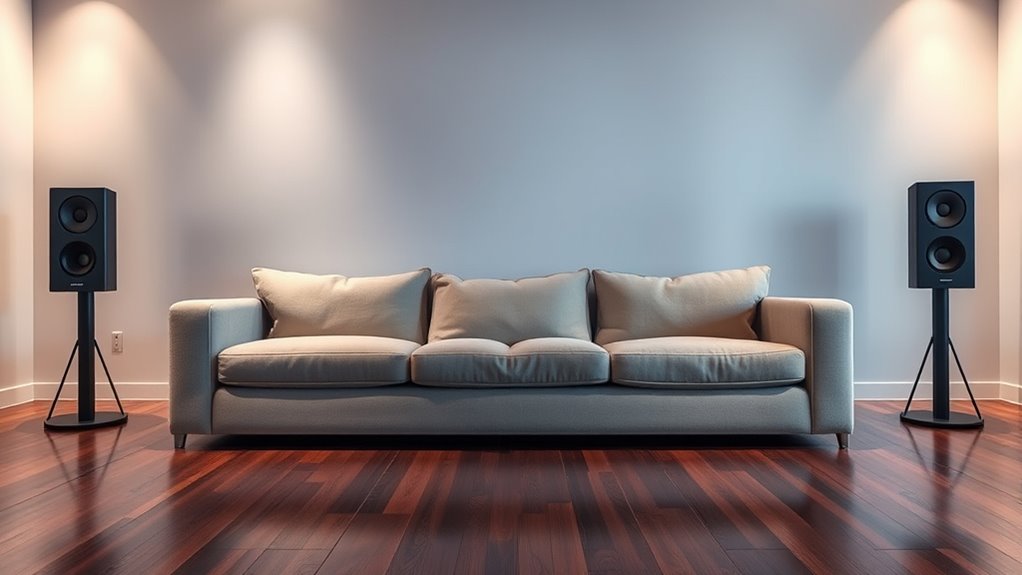
Are you unsure where to position your speakers for the best sound quality? It’s a common concern, and the key lies in understanding how room acoustics influence your listening experience. The shape, size, and furnishings of your space can affect sound reflections, echoes, and dead spots, making it essential to consider these factors when placing your speakers. Start by identifying the primary listening area and imagining how sound waves travel within the room. Avoid placing speakers too close to walls or corners, as this can cause bass buildup and muddiness. Instead, aim for a balanced placement that allows sound to disperse evenly, creating a natural and immersive experience.
Once you’ve found a good spot, speaker calibration becomes your next critical step. Calibration involves adjusting your speakers to work in harmony with your room’s acoustics, ensuring sound is clear, balanced, and true to the source. Many modern audio systems include calibration tools or auto-tuning features, which use microphones to analyze how sound interacts with your space. If you don’t have these tools, you can manually tweak speaker placement and settings—such as tilt, angle, and volume—to optimize sound quality. It’s worth spending time fine-tuning these details because even small adjustments can dramatically improve clarity and stereo imaging.
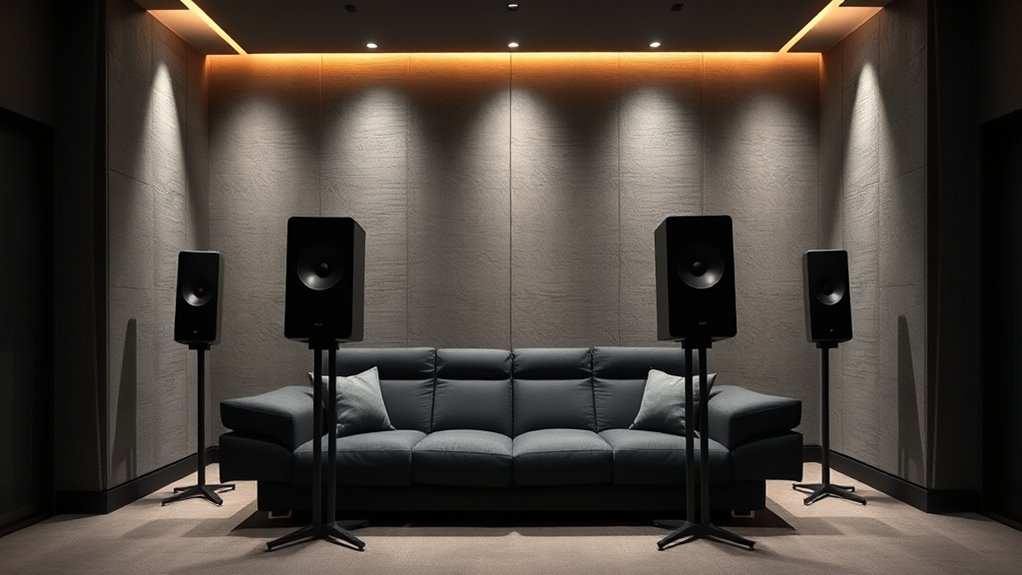
The positioning process also involves aligning your speakers at ear level when seated in your main listening spot. This helps minimize distortion and keeps sound direct and focused. For stereo setups, try to place speakers at equal distances from your listening position, forming an equilateral triangle with your ears. For home theater systems, the front speakers should be slightly angled toward the listening spot, with the center speaker directly aligned with your screen. Rear and surround speakers should be placed slightly behind and to the sides, at ear level or slightly above, to create an enveloping sound field.

New Sony Calibration Mic Measurement Microphone ECM-AC2 Part Number 154277421 1-542-670-21 154271011 1-542-710-11 154267021 1-542-774-21, Auxiliary
Genuine SONY ECM-AC2 Calibration Microphone for SONY Audio Video Receiver Home Theater systems. Pic 2 shows common Error…
As an affiliate, we earn on qualifying purchases.
As an affiliate, we earn on qualifying purchases.
Frequently Asked Questions
How Does Room Acoustics Affect Speaker Placement?
Room acoustics greatly influence your speaker placement because reflections from walls can muddy sound, while sound absorption materials reduce echo. You should position speakers away from reflective surfaces to minimize unwanted room reflection, and add sound-absorbing elements like carpets or panels to improve clarity. Adjusting speaker height and angle also helps optimize sound absorption and reflection, ensuring you get the best possible listening experience in your space.
What Are the Best Speaker Positions for Small Rooms?
Imagine you’re in a small living room, and your speakers sit too close to walls, causing muddled sound. To improve, position your speakers at ear level, angling them slightly toward your listening spot. Keep them about 1-2 feet from walls, and experiment with speaker orientation and angling to reduce reflections. This setup enhances clarity without overwhelming your space, making your sound experience richer and more immersive.
How Do I Optimize Sound for Different Listening Distances?
To optimize sound for different listening distances, start with proper speaker calibration to guarantee accurate audio. Adjust the speaker angles to improve sound dispersion, so distant and close listeners experience balanced audio. Use a digital equalizer if needed to fine-tune frequencies. Keep speakers at ear level and avoid obstructions. Regularly test and tweak settings, ensuring consistent sound quality whether you’re close or far from your speakers.
Does Speaker Height Impact Audio Quality?
It’s true that speaker height impacts audio quality—getting it right is key. You don’t want to be caught with your speakers out of alignment or too high or low. Proper speaker height helps guarantee ideal speaker alignment, creating a balanced soundstage. Aim for your speakers at ear level when seated, which improves clarity and imaging, so you get the best sound experience. It’s all about hitting the sweet spot!
How Can I Reduce Echo and Reverberation With Placement?
To reduce echo and reverberation, focus on sound absorption and echo control through placement. Position your speakers away from reflective surfaces like walls and windows, and add soft furnishings or acoustic panels to absorb excess sound. Angle your speakers slightly downward or inward to minimize sound bouncing. This strategic placement helps control echo, creates clearer sound, and enhances overall audio quality in your space.

Sony CS Speakers, SS-CS5M2 3-Way 3-Driver Hi-res Bookshelf Speakers (Pair), Black
Bookshelf speakers (pair), compact bookshelf design for small spaces
As an affiliate, we earn on qualifying purchases.
As an affiliate, we earn on qualifying purchases.
Conclusion
Now that you know the secrets to perfect speaker placement, your sound system will blow your mind like a sonic supernova. Remember, the right positioning isn’t just about clarity—it’s about transforming your space into a concert hall or movie theater. Don’t settle for mediocre audio; with these tips, you’ll uncover a world of immersive sound that makes every note and dialogue feel like it’s happening right in your living room. Get ready to experience audio greatness like never before!
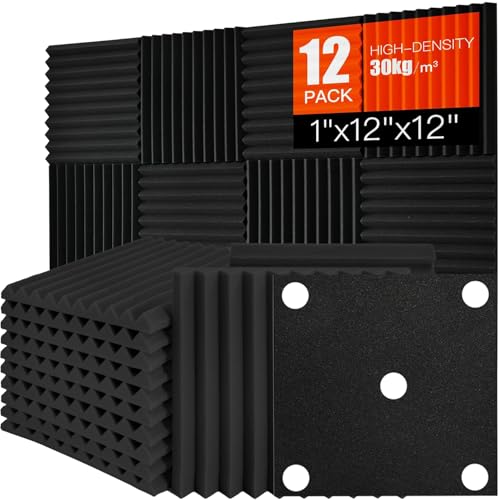
Saiqiang Acoustic Foam Panels Sound Absorbing 12 Pack – 1" X 12"X 12" Sound Proof Panels Noise Reducing for Walls, High Density Sound Deadening Panels Black Wedge for Studio Recording & Office & Home
Professional Sound Absorption for Studios and Podcast Spaces – High-density acoustic foam panels and sound absorbing panels are…
As an affiliate, we earn on qualifying purchases.
As an affiliate, we earn on qualifying purchases.

PERLESMITH Universal Speaker Stands for Surround Sound -Height Adjustable Extend 33.3”to 45.1”, Floor Speaker Stand for Satellite & Studio & Bookshelf Speakers up to 11LBS,1 Pair Black, PSSS2
Wide Compatibility: The PERLESMITH speaker stands feature an adjustable width of 4.5" to 9", making it compatible with…
As an affiliate, we earn on qualifying purchases.
As an affiliate, we earn on qualifying purchases.