VR motion sickness happens when your brain gets mixed signals from your eyes, inner ears, and body, leading to discomfort and disorientation. To avoid it, choose comfortable hardware, adjust settings like field of view, and start with short sessions, gradually increasing your time. Make certain your environment is well-lit, maintain good posture, and take regular breaks. If you want to learn more tips, keep exploring how to make your VR experience safer and more comfortable.
Key Takeaways
- VR motion sickness results from sensory conflicts, especially between visual cues and inner ear balance signals.
- Proper hardware fit, calibration, and environmental setup can significantly reduce discomfort during VR use.
- Techniques like adjusting in-game settings, using comfort features, and practicing gradual exposure help prevent sickness.
- Taking regular breaks and limiting session duration minimizes fatigue and sensory overload.
- Ensuring good lighting, ventilation, and a clutter-free space enhances safety and reduces dizziness risks.
![Outdoor-Projector-4K with WiFi and Bluetooth: [3000 Brightness/50W DoIby/Built-in APPs] Portable-Projector Smart OS 2.0&AI Auto Focus, ONOAYO Movie Proyector Compatible with Netflix/YouTube/PrimeVideo](https://m.media-amazon.com/images/I/41YCwa1cXcL._SL500_.jpg)
Outdoor-Projector-4K with WiFi and Bluetooth: [3000 Brightness/50W DoIby/Built-in APPs] Portable-Projector Smart OS 2.0&AI Auto Focus, ONOAYO Movie Proyector Compatible with Netflix/YouTube/PrimeVideo
[Stream Without Limits - Built-in APPs, Compatible with Netflix] The ONO3Pro 2.0 outdoor projector brings the world’s top...
As an affiliate, we earn on qualifying purchases.
Understanding the Causes of VR Motion Sickness
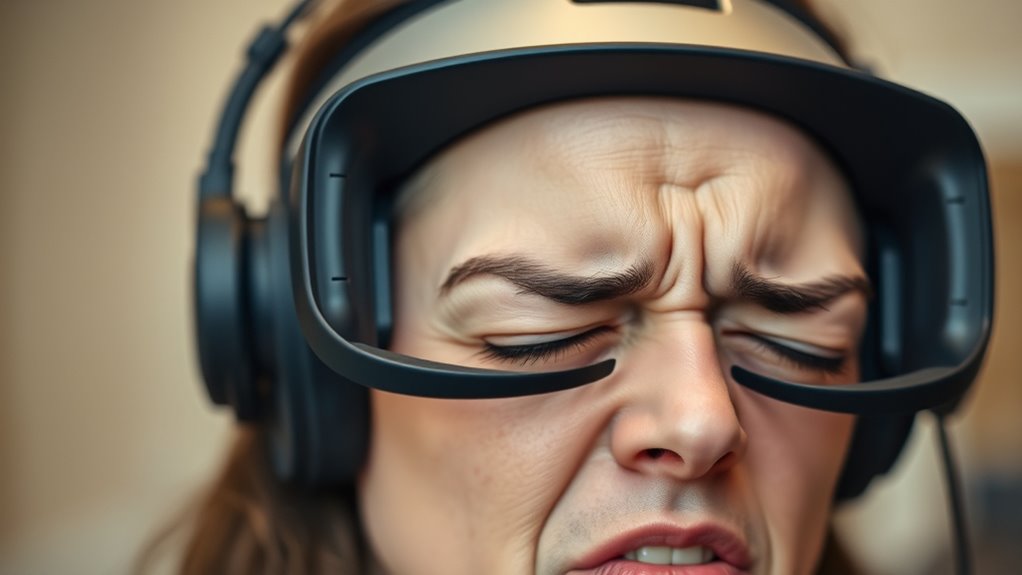
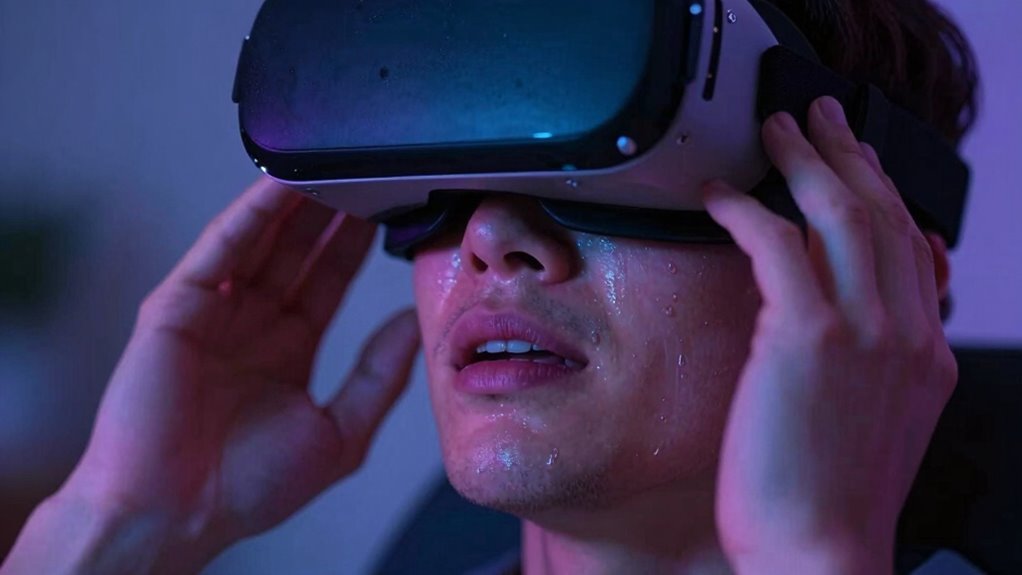
Understanding the causes of VR motion sickness requires examining how your brain processes conflicting signals. One key factor is visual vergence mismatch, which occurs when your eyes focus on virtual objects that don’t align with the depth cues your brain expects. This mismatch creates confusion, leading to discomfort and nausea. Additionally, indoor lighting plays a role; poor or inconsistent lighting can cause your eyes to strain, making it harder for your brain to interpret visual information accurately. When your eyes and inner ear send conflicting signals about motion and position, your brain struggles to reconcile them. This sensory discordance triggers motion sickness. Recognizing these factors helps you understand why VR can be overwhelming and points to ways to minimize discomfort during your experience. Moreover, understanding individual differences, such as sensory processing, can help tailor VR experiences to reduce susceptibility to motion sickness. Research indicates that visual-vestibular conflicts are a primary cause of VR-induced discomfort, emphasizing the importance of aligning sensory inputs. Furthermore, incorporating proper hardware calibration can significantly reduce the likelihood of experiencing motion sickness during VR use. Improving user comfort through ergonomic design and adjustable settings can also make a substantial difference in reducing symptoms. Being aware of individual susceptibility factors can also help users take personalized steps to improve comfort and reduce symptoms.
Amazon Product B0G4D9NJRX
As an affiliate, we earn on qualifying purchases.
Choosing the Right VR Hardware
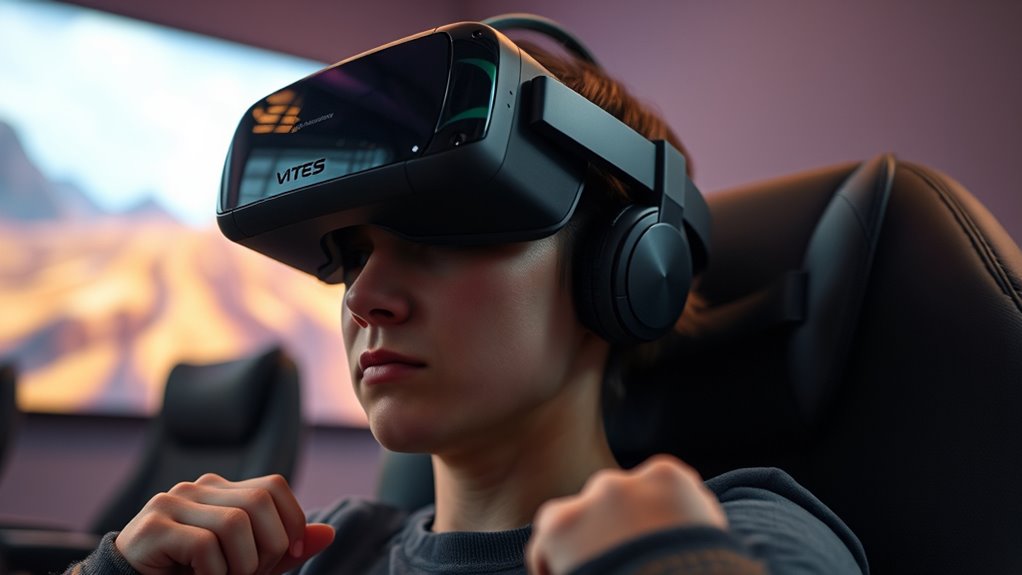
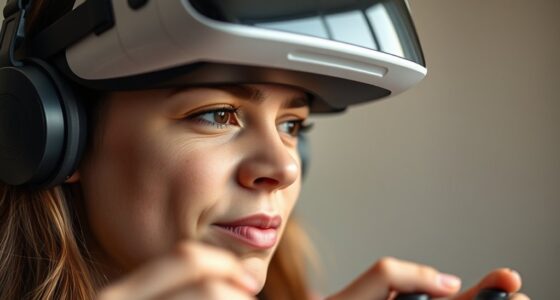
Choosing the right VR hardware is essential for a comfortable and immersive experience. Prioritize controllers with good comfort, as long sessions can cause hand fatigue or discomfort if they’re poorly designed. Look for controllers that fit naturally in your hands and have intuitive button placement. Equally important is the headset fit; a well-fitting headset ensures stability and prevents unnecessary movement that could cause motion sickness. Make sure the straps are adjustable and that the headset sits snugly without applying too much pressure. Light and balanced hardware reduce strain on your neck and head, enhancing comfort during extended use. Investing in high-quality, ergonomic equipment can markedly decrease the likelihood of motion sickness and make your VR experience more enjoyable. Additionally, selecting reliable networking hardware can improve overall system stability, reducing lag and potential discomfort during immersive sessions. Ensuring your VR setup includes proper ventilation can also help prevent overheating and sweating, which can contribute to discomfort over time. Furthermore, choosing hardware with adequate cooling systems can prevent overheating and prolong device lifespan, adding to overall comfort and safety. Incorporating regular maintenance and updates of your hardware can ensure optimal performance and reduce technical issues that may lead to frustration or discomfort.
![[Built-in Apps/4K Support] Smart Outdoor Projector with WiFi and Bluetooth, Movie Projector, DoIby Audio with Dual Speaker, Auto Focus w/ YouTube&PrimeVideo Proyector, Upgrad P62 Pro](https://m.media-amazon.com/images/I/51yAGv8VI7L._SL500_.jpg)
[Built-in Apps/4K Support] Smart Outdoor Projector with WiFi and Bluetooth, Movie Projector, DoIby Audio with Dual Speaker, Auto Focus w/ YouTube&PrimeVideo Proyector, Upgrad P62 Pro
[Upgraded Classic – P62 Pro Movie Projector] Building on the reliability and low return rate of the classic...
As an affiliate, we earn on qualifying purchases.
Adjusting Your VR Settings for Comfort
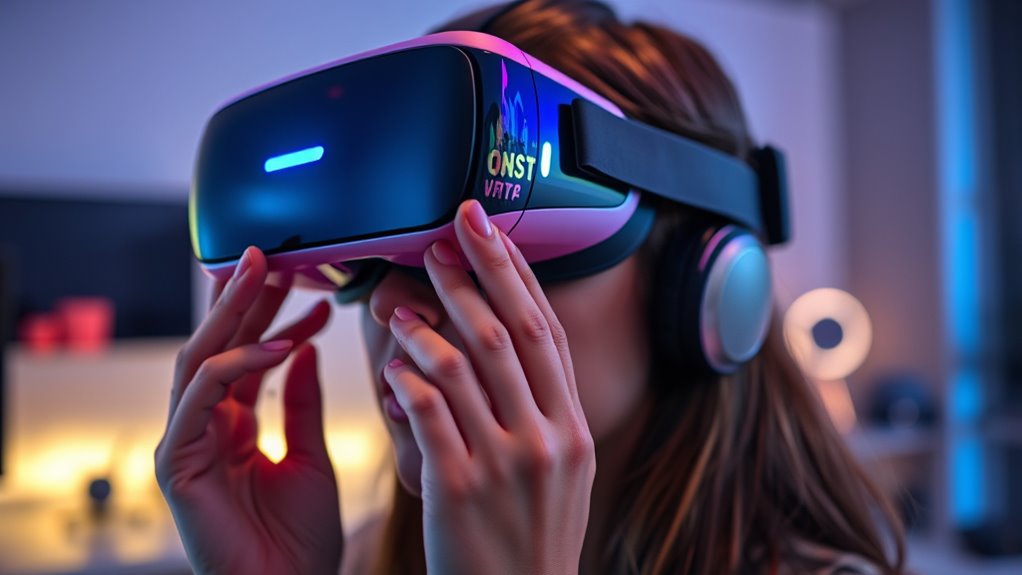
To minimize discomfort during your VR sessions, adjusting your headset and in-game settings is essential. First, ensure your headset fit is snug but comfortable, with the straps properly adjusted to prevent movement that can cause disorientation. Proper fit helps reduce visual mismatches that trigger motion sickness. Next, calibrate your controllers correctly; accurate controller calibration ensures your movements are reflected precisely in-game, preventing lag or mismatch that can lead to nausea. Adjust in-game settings like field of view, motion sensitivity, and comfort options such as vignette or teleportation. These tweaks can substantially reduce visual stimuli that contribute to discomfort. Additionally, exploring field-of-view adjustments and connected fitness technology options can help you tailor your VR experience for better comfort and longer sessions. Being mindful of environmental considerations such as lighting and space can further enhance comfort and safety during your VR activities. Paying attention to visual consistency in your setup process ensures a more comfortable and immersive experience.

WiMiUS G2 Official Google TV Projector, 4K Supported, Real 1100 ANSI, MEMC, HDR10, 30W Dolby Audio, Smart Auto Focus, WiFi 6 & Bluetooth Home Theater Projector
[Official Google TV 14.0 - All-in-One Projector for Movies, Sports & Live TV] Enjoy a seamlessly smart TV...
As an affiliate, we earn on qualifying purchases.
Starting Slow and Gradually Increasing Playtime
After fine-tuning your headset and in-game settings, it’s important to ease into VR use gradually. This approach allows your body to adapt through gradual exposure, reducing motion sickness risk. Start with short sessions, then slowly increase playtime as you build patience and comfort. Recognizing your limits helps prevent overwhelm and discomfort. Consider this progression:
| Time Spent (Minutes) | Experience Level |
|---|---|
| 5-10 | Beginner |
| 10-20 | Slightly more confident |
| 20-30 | Moderate exposure |
| 30-45 | Extended use |
| 45+ | Full sessions |
Patience building makes the transition smoother, helping your body adapt without discomfort. Remember, gradual exposure is key to enjoying VR comfortably and avoiding motion sickness. Incorporating smart monitoring devices can also help you track your comfort levels and prevent overexposure. Gradually increasing your playtime allows your body to adjust better to VR environments, reducing the likelihood of motion sickness. Prioritizing body awareness during your sessions further supports a comfortable experience and helps you recognize early signs of discomfort. Additionally, paying attention to sensory signals enhances your ability to respond promptly to any adverse feelings, and understanding sensory integration can improve how your brain processes virtual stimuli.
Maintaining Proper Physical Environment and Posture
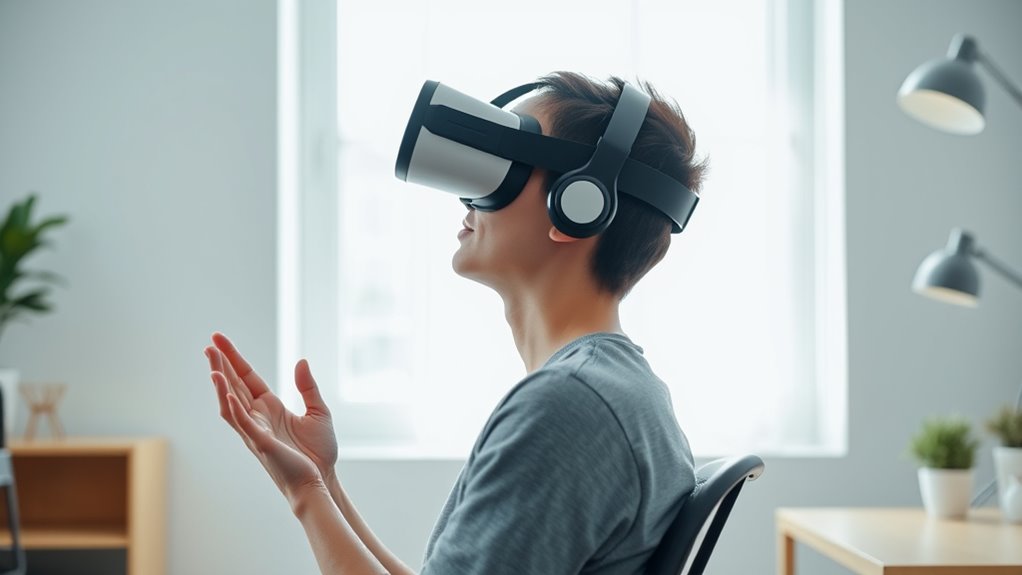
Setting up an ergonomic space guarantees you stay comfortable and stable during VR sessions. Make certain your play area is clear and well-lit to prevent accidents and distractions. Proper posture and an ideal play space can considerably decrease motion sickness symptoms. Additionally, ensuring your environment aligns with recommended investment options can help create a safer and more enjoyable VR experience. Using ergonomic furniture designed for extended use can further improve comfort and reduce physical strain during your sessions. Creating an environment with proper lighting and setup can also minimize visual discomfort and enhance your overall VR experience. Incorporating accessible safety features, such as non-slip mats and reachable controls, can further improve safety during your VR activities. Optimizing your physical environment to support ergonomic principles can significantly contribute to reducing discomfort and enhancing immersion.
Ergonomic Setup Matters
Maintaining an ergonomic setup is essential for reducing VR motion sickness, as an improper physical environment can strain your body and disrupt your experience. Start by ensuring your headset fits snugly but comfortably; a poor fit can cause discomfort and distract you during gameplay. Pay attention to controller ergonomics—choose controllers designed to fit comfortably in your hands, reducing fatigue and awkward movements. Keep your play area clear and at an appropriate height to prevent unnecessary stretching or bending. Sit or stand with good posture, keeping your spine aligned and shoulders relaxed. Adjust your headset and controllers so they feel natural, minimizing physical strain. An ergonomic setup helps your body stay relaxed and focused, making your VR experience smoother and more enjoyable. Additionally, reviewing ergonomic design principles can help optimize your setup for extended comfort and reduce strain during long VR sessions.
Optimal Play Space
A well-defined play space is essential for preventing VR motion sickness, as cluttered or poorly arranged areas can lead to accidental bumps and awkward movements. Before starting, verify your space calibration is accurate, allowing the system to track your movements precisely. Clear obstacles from your play area to prevent tripping or collisions, which can disrupt your sense of balance and increase discomfort. Maintain enough room to move freely without feeling confined, and regularly check the boundaries to avoid crossing into unsafe zones. Proper obstacle clearance helps you stay aware of your surroundings, reducing unexpected motions that can cause disorientation. Additionally, ensuring proper ventilation in your play area can help maintain comfort and reduce dizziness during extended VR sessions. Adequate airflow can also prevent the buildup of heat and humidity, which contribute to discomfort. By setting up a dedicated, clutter-free environment, you create a safer, more comfortable VR experience and minimize the risk of motion sickness.
Incorporating Breaks and Rest Periods
Taking regular breaks and rest periods is essential when using VR to prevent motion sickness. Short breaks help reduce user fatigue and give your eyes and brain a chance to recover. During these pauses, step away from the headset, stretch, and hydrate. This minimizes discomfort and maintains your comfort during long sessions. To help plan your VR time, consider this table:
| Duration in VR | Rest Break Recommendation | Purpose |
|---|---|---|
| 15-20 minutes | 5-minute break | Reduce fatigue |
| 30 minutes | 10-minute break | Prevent discomfort |
| 1 hour | 15-minute break | Reset sensory input |
| Longer sessions | 10-15 minute breaks every hour | Maintain focus and comfort |
Implementing these rest breaks ensures you stay refreshed and minimizes the risk of motion sickness.
Utilizing Additional Tips and Techniques
To further reduce the risk of motion sickness in VR, you can incorporate specific tips and techniques that enhance comfort and minimize discomfort. Using haptic feedback can improve immersion without overwhelming your senses, helping your brain better process virtual environments. Additionally, practicing sensory adaptation—gradually increasing your exposure to VR—can help your brain adjust more effectively, reducing nausea over time. Adjust the VR headset for a comfortable fit, ensuring clear visuals and minimal lag. Take advantage of built-in comfort settings, like vignette effects or motion smoothing, to lessen visual discomfort. Remember to stay relaxed, keep your body well-hydrated, and listen to your body’s signals. These strategies, combined with mindful use, can considerably improve your VR experience and reduce motion sickness symptoms.
Frequently Asked Questions
Can Age or Gender Affect Susceptibility to VR Motion Sickness?
Yes, your age and gender can influence how susceptible you are to VR motion sickness. Demographic differences, such as age, may affect your physiological factors like balance and sensory processing, making some more prone to discomfort. Women, in particular, often report higher sensitivity due to physiological differences. Understanding these factors helps you take better precautions, like adjusting settings or taking breaks, to minimize motion sickness and enjoy VR comfortably.
Are There Specific VR Applications More Likely to Cause Discomfort?
Did you know that immersive entertainment genres like first-person shooters and fast-paced action games have a 30% higher chance of causing discomfort? You’re more likely to feel uneasy with VR applications that involve rapid movement or intense visuals. Educational apps with static content or gentle interactions tend to be easier on your system. To avoid discomfort, start with calmer experiences and gradually explore more dynamic content as your tolerance builds.
How Does Prior Experience With VR Influence Motion Sickness Risk?
Your prior experience with VR can reduce your risk of motion sickness because familiarity effects help you adapt more quickly. As you become more accustomed through repeated use, your brain learns to anticipate movements, easing the learning curve. This increased familiarity makes motion less disorienting, so you’re less likely to experience discomfort. Keep practicing regularly, and you’ll notice your tolerance improves over time, making VR sessions more enjoyable.
Do Certain Medications Help Prevent VR Motion Sickness?
Think of medications like a shield you carry into battle; some preventative drugs, like antihistamines or meclizine, can help reduce VR motion sickness. Their effectiveness varies from person to person, but many find relief with them. You should consult a healthcare professional before trying these, as they may have side effects. While not foolproof, these medications can be a helpful tool to make your VR experiences more comfortable.
Is It Safe to Use VR if I Have Existing Health Conditions?
You should consult your doctor before using VR if you have existing health conditions. A health screening and medical consultation can help determine if VR is safe for you, especially if you have heart issues, vision problems, or neurological conditions. VR can be safe when approved by your healthcare provider, but it’s crucial to follow their advice to avoid potential health risks. Always prioritize your health and safety first.
Conclusion
To avoid VR motion sickness, it’s key to choose the right hardware, adjust settings, and take breaks. Did you know nearly 60% of new VR users experience discomfort initially? By starting slow and maintaining good posture, you can enjoy immersive experiences without the nausea. Remember, listening to your body and making gradual adjustments are your best tools for comfortable VR sessions. Stay patient and proactive—your future VR adventures will be much more enjoyable!