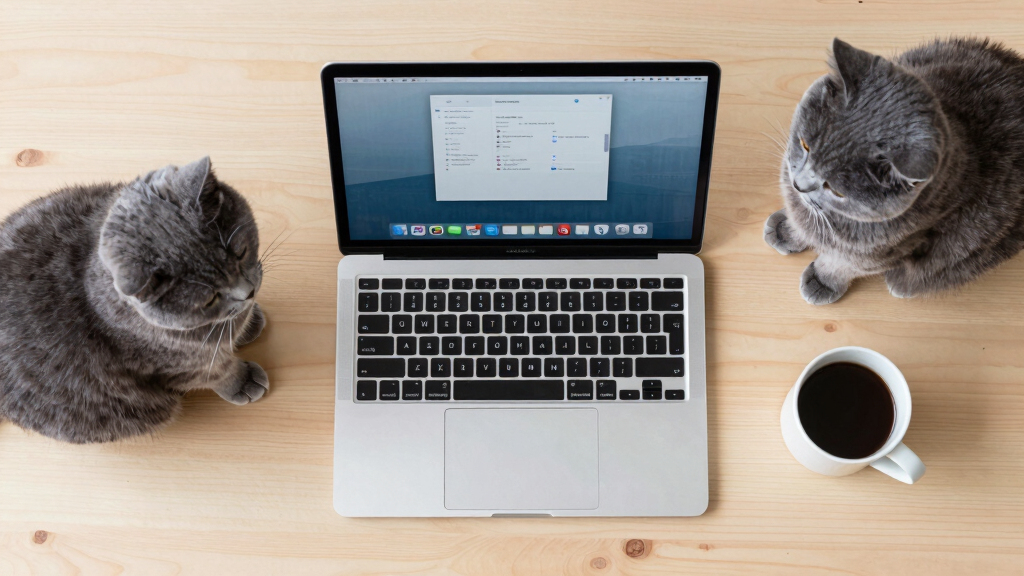

TL;DR
A new macOS app, Cats Lock, enables users to lock their keyboard instantly to prevent cats from causing accidental inputs. It offers quick toggle options, deterrent sounds, and operates silently in stealth mode. The app addresses a common issue for pet owners working from home or using their Macs in pet-friendly environments.
A new Mac app called Cats Lock, released this weekend, allows users to quickly lock their keyboard to prevent accidental inputs caused by cats trampling over their devices. Developed by Todd Alexander, the app addresses a common problem for pet owners working from home or using their Macs in pet-friendly environments.
Cats Lock is a $3 application available on the Mac App Store that enables users to instantly lock their keyboard via a menu bar icon or a customizable keyboard shortcut. The app also features deterrent sounds, including a warning tone when a cat steps onto the keyboard, with options to record personalized sounds. In Stealth Mode, the app runs without visual or audio cues, making it unobtrusive during meetings or media consumption. If the Mac’s screen sleeps, the app automatically unlocks the keyboard, ensuring seamless usability.
Created by indie developer Todd Alexander, Cats Lock is compatible with macOS 14.0 (Sonoma) and later. Its primary purpose is to prevent accidental key presses that could disrupt work, cause errors, or lead to unintended commands, especially when cats are present around the workspace.
Why It Matters
This app addresses a niche but widespread issue for pet owners who use their Macs in environments where cats frequently walk or sit on keyboards. By providing a simple, affordable solution, Cats Lock can reduce frustration and accidental disruptions, potentially improving productivity and device safety. The app’s stealth mode makes it suitable for professional settings, while deterrent sounds add an extra layer of prevention.
Mac keyboard lock app
As an affiliate, we earn on qualifying purchases.
As an affiliate, we earn on qualifying purchases.
Background
Many Mac users who work remotely or in pet-friendly spaces have experienced accidental inputs from cats, which can interrupt workflows or cause unintended commands. Prior to Cats Lock, solutions were limited to manual disconnects or physical barriers. The app’s release follows a trend of niche utility apps targeting specific user needs, especially in the context of increased remote work. The app’s development by Todd Alexander reflects ongoing innovation in small, focused productivity tools for macOS.
“Cats Lock is a fun, affordable way to prevent accidental keyboard inputs caused by cats, with features that make it easy to activate and unobtrusive during work or media consumption.”
— Todd Alexander
“Cats Lock offers a quick toggle, deterrent sounds, and stealth operation, making it a practical solution for pet owners working from home.”
— Engadget
keyboard lock software for Mac
As an affiliate, we earn on qualifying purchases.
As an affiliate, we earn on qualifying purchases.
What Remains Unclear
It is not yet clear how effective the deterrent sounds are in preventing cats from stepping onto keyboards, or how widely adopted the app will become among Mac users with pets.
pet deterrent sound device
As an affiliate, we earn on qualifying purchases.
As an affiliate, we earn on qualifying purchases.
What’s Next
Next steps include monitoring user feedback for effectiveness and potential updates to improve features. The developer may also consider expanding compatibility or adding new functionalities based on user demand. Further adoption metrics and reviews will clarify its impact on pet owners’ workflows.
MacBook keyboard cover
As an affiliate, we earn on qualifying purchases.
As an affiliate, we earn on qualifying purchases.
Key Questions
How does Cats Lock prevent cats from pressing keys?
Cats Lock instantly locks the keyboard with a toggle, preventing any key presses from registering. It also offers deterrent sounds to discourage cats from stepping onto the keyboard.
Can I customize the deterrent sounds?
Yes, the app allows users to choose from preset sounds or record their own to warn or deter their cats.
Does the app unlock automatically when my Mac sleeps?
Yes, Cats Lock automatically unlocks the keyboard when the screen goes to sleep, ensuring seamless use without manual intervention.
Is Cats Lock compatible with all macOS versions?
The app is compatible with macOS 14.0 (Sonoma) and later versions.
Is the app suitable for professional environments?
Yes, its stealth mode allows it to run without visual or audio cues, making it unobtrusive during meetings or media viewing.