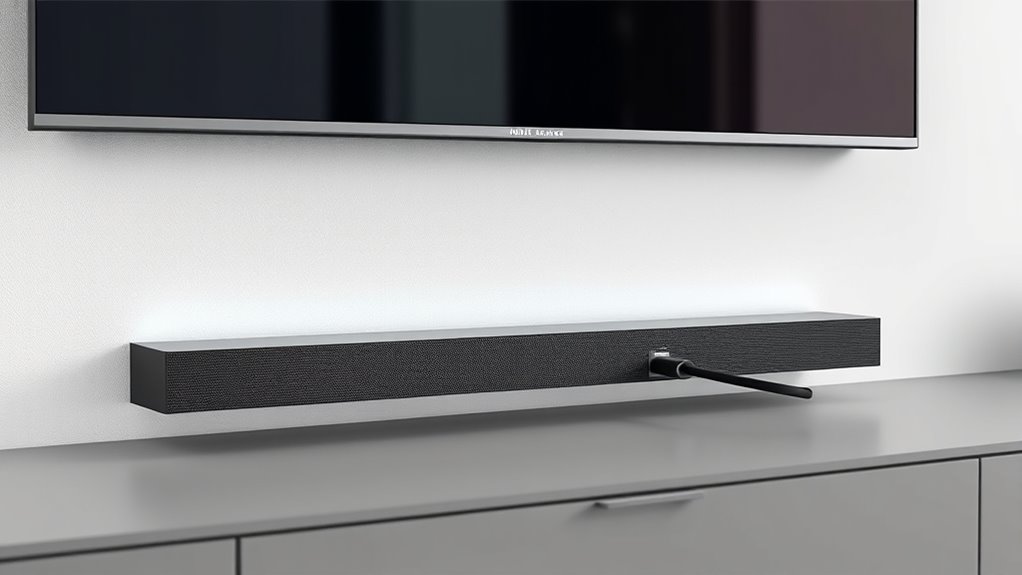

To get your soundbar working right, understand that HDMI eARC offers a higher capacity connection than traditional HDMI ARC, ensuring richer, uncompressed audio and better synchronization. If your system supports HDMI 2.1, switching to eARC can improve sound quality and eliminate issues like lip-sync delays. However, you’ll need compatible hardware. If you’re interested in optimizing your setup and exploring the full potential of these technologies, there’s more to learn below.
Key Takeaways
- Ensure your TV and soundbar support HDMI eARC for high-quality, uncompressed audio and better compatibility.
- Use a certified HDMI 2.1 cable for eARC connections to maximize bandwidth and audio performance.
- Set your TV’s audio output to HDMI eARC/ARC and enable CEC or similar control features for seamless operation.
- Update device firmware to the latest version to fix potential compatibility issues and improve eARC functionality.
- For optimal sound, connect your soundbar via the HDMI eARC port and select the correct input source on your TV.
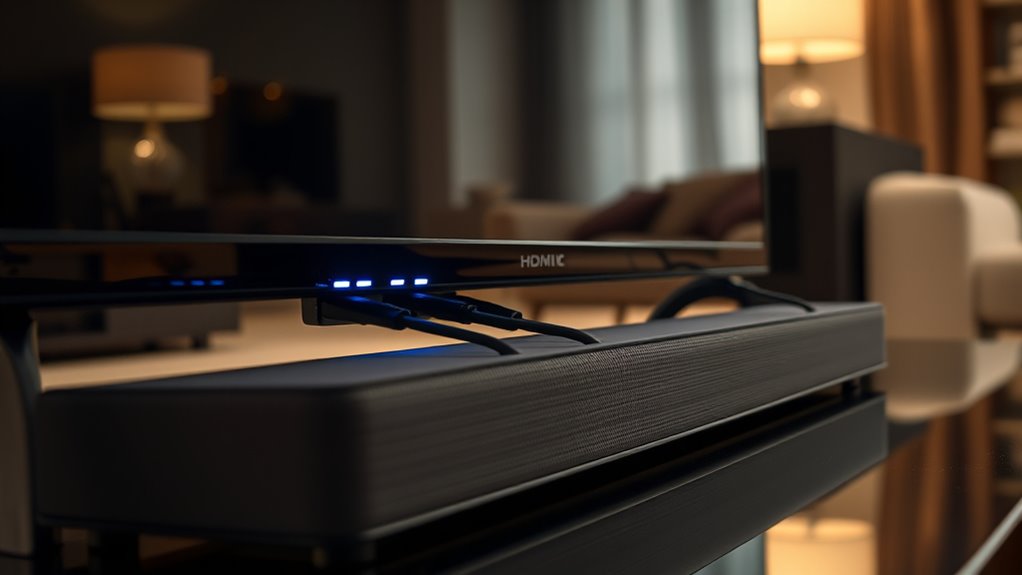
If you’re upgrading your home entertainment system, understanding the differences between HDMI ARC and eARC is crucial. Both technologies allow your TV to send audio back to your soundbar or AV receiver, simplifying connections and reducing clutter. However, they differ markedly in how they handle audio return and their bandwidth capacity, which impacts the quality and functionality of your setup.
Understanding HDMI ARC and eARC is key to optimizing your home entertainment setup.
HDMI ARC, or Audio Return Channel, was introduced with HDMI 1.4. It allows your TV to send audio signals upstream to your soundbar or receiver through a single HDMI cable. This means you don’t need a separate audio cable, streamlining your setup. But ARC has limitations—its bandwidth capacity is relatively modest, typically around 1 Mbps to 1.5 Gbps. This restricts it to supporting compressed audio formats like Dolby Digital and DTS, which are sufficient for standard TV broadcasts and streaming but fall short when you want higher quality audio, such as Dolby Atmos or uncompressed formats. Additionally, ARC’s audio return feature depends heavily on compatible hardware and proper configuration, which can sometimes lead to issues like lip-sync errors or inconsistent audio quality.
In contrast, eARC, or enhanced Audio Return Channel, came with HDMI 2.1. It greatly improves upon ARC by offering a much higher bandwidth capacity—up to 37 Mbps. This expanded bandwidth allows eARC to transmit uncompressed, high-bit-rate audio formats, including Dolby TrueHD, Dolby Atmos, and DTS:X, delivering richer, more immersive sound experiences. Because of its increased bandwidth, eARC can handle more complex audio signals without compression, ensuring that your high-end sound system gets the quality it deserves. Additionally, eARC features better synchronization and automatic setup, making it easier to get everything working smoothly and reliably. Furthermore, eARC’s compatibility with European Cloud Servers highlights its role in supporting advanced, future-proof digital infrastructure.
If you’re serious about getting the best sound quality from your soundbar or home theater system, eARC is the obvious choice. It guarantees compatibility with the latest audio formats and provides a more stable, future-proof connection. However, to take full advantage of eARC, both your TV and soundbar need to support HDMI 2.1 and eARC, which might mean upgrading some components. Meanwhile, HDMI ARC remains a practical option for simpler setups or older equipment, but it does impose limitations that could affect your audio experience as your system evolves.
Top picks for "hdmi earc soundbar"
Open Amazon search results for this keyword.
As an affiliate, we earn on qualifying purchases.
Frequently Asked Questions
Can I Connect Multiple Soundbars Using HDMI ARC or Earc?
You can’t connect multiple soundbars directly via HDMI ARC or eARC, as these ports typically support only one device at a time. To use multiple soundbars, you might consider HDMI switching devices or audio splitters, but they can introduce audio delays or compatibility issues. Alternatively, connecting soundbars through a compatible AV receiver or using wireless connections can help you manage multiple audio outputs effectively.
Do All TVS Support HDMI ARC and Earc Simultaneously?
Not all TVs support HDMI ARC and eARC simultaneously, as TV compatibility varies. You should check your TV’s specifications to see if it offers both features. Firmware updates can sometimes improve compatibility or add support for eARC if it’s not available out of the box. Make sure your TV is running the latest firmware to ensure you get the most out of your soundbar connections.
Is There a Difference in Audio Quality Between ARC and Earc?
You might think there’s no difference in audio quality, but Earc actually provides superior audio clarity due to its higher bandwidth capacity. This means it can transmit high-resolution audio formats like Dolby Atmos and DTS:X more effectively than ARC. While both deliver good sound, Earc’s enhanced bandwidth ensures richer, more immersive audio experiences, making it the better choice if you want the best possible sound quality from your soundbar.
How Do I Know if My Device Supports Earc?
You can check if your device supports eARC by examining its specifications or user manual for HDMI eARC compatibility. Confirm your device has the necessary device compatibility for eARC, as not all models do. Additionally, verify if your device’s firmware updates include eARC support, since manufacturers often enable features through updates. If unsure, contact the manufacturer or visit their website for detailed compatibility information.
Can I Upgrade My Existing HDMI ARC to Earc Easily?
Upgrading your existing HDMI ARC to eARC isn’t too complicated, but it does depend on your device’s HDMI compatibility. First, check if your TV or soundbar supports eARC—if not, an easy upgrade might involve replacing or adding compatible hardware. This upgrade considerably enhances your audio experience, allowing for higher quality sound. With the right components, you’ll enjoy a seamless audio upgrade and better connectivity without much hassle.
Conclusion
Understanding the difference between HDMI ARC and eARC is key to optimizing your sound system. Did you know that over 60% of home entertainment setups still struggle with proper audio connection? By choosing eARC, you’ll enjoy higher bandwidth and better support for advanced audio formats like Dolby Atmos. So, upgrade your connection, and you’ll experience richer, more immersive sound. Don’t let outdated tech hold back your home theater—make the switch and hear the difference.