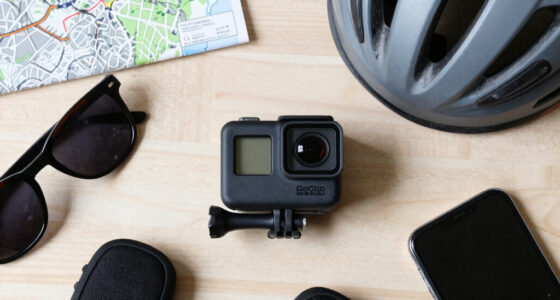
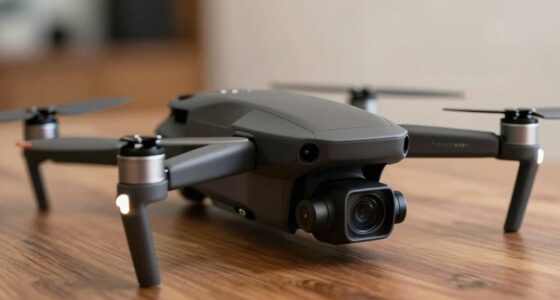
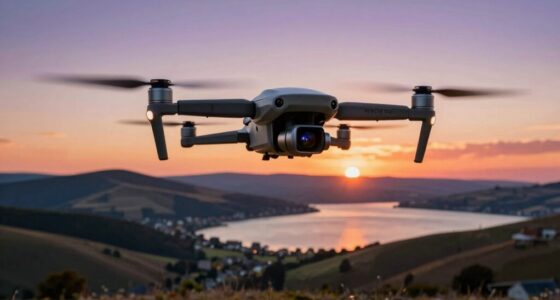
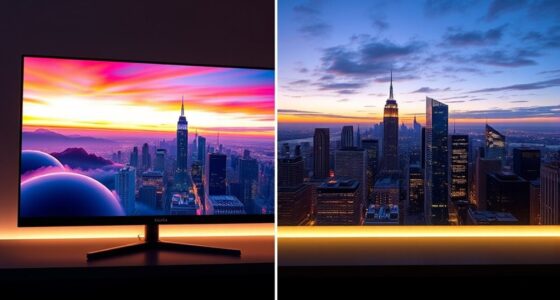
Choosing between time-lapse and hyperlapse depends on your story’s needs. If you want a stable view of slow-changing scenes like a sunrise or blooming flowers, go with a time-lapse. If you want to add movement and energy, a hyperlapse offers dynamic shots that combine motion with time compression. Both require stability, but hyperlapses need extra planning and stabilization. Keep exploring to discover which technique best brings your vision to life.

Get the latest gadgets delivered free with Prime
- Fast, free delivery on millions of items
- Prime Video, Amazon Music and more included
- Member-only deals all year
Key Takeaways
- Use time-lapse for stable, slow-changing scenes like sunrises or blooming flowers, emphasizing progress over time.
- Choose hyperlapse when you want to add dynamic movement, such as walking through a city or driving scenes.
- Time-lapse is simpler to shoot and stabilize, ideal for straightforward storytelling of long-term changes.
- Hyperlapse requires more planning and stabilization due to camera movement, suitable for immersive, energetic visuals.
- Select based on your narrative: use time-lapse for calm, steady scenes; opt for hyperlapse for energetic, motion-filled sequences.
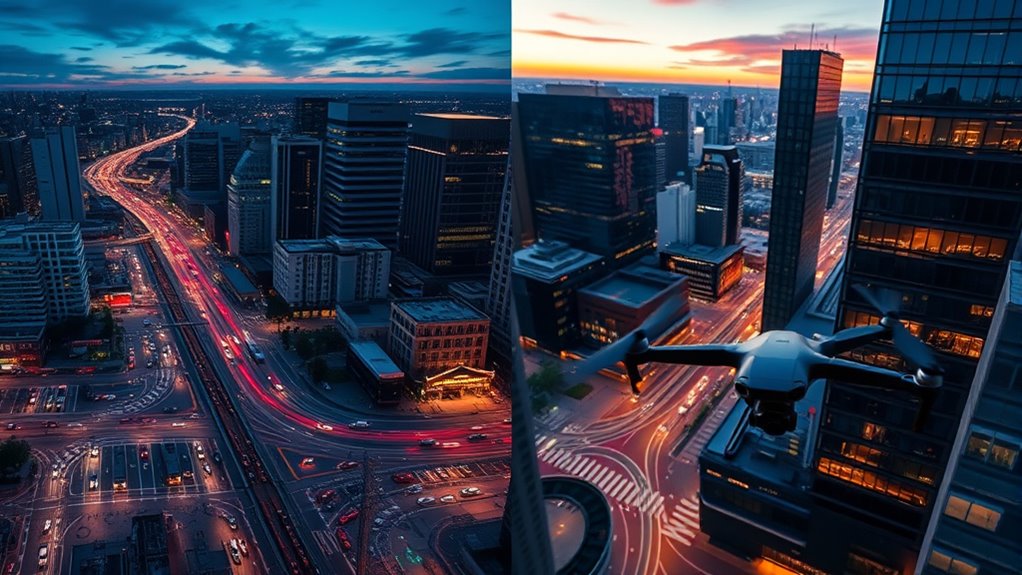
Time-lapse photography involves capturing a series of images at set intervals over an extended period. When you compile these images, you get a sped-up version of reality—perfect for showing changes that happen slowly, such as sunrise, blooming flowers, or traffic flow. The key to a successful time-lapse is camera stability. Using a tripod or stable mount ensures that the camera remains perfectly still during the entire shoot. Any movement can cause jitter, distracting from the smoothness and clarity of the final video. This stability is vital for narrative storytelling because it emphasizes the passage of time without unnecessary visual disruptions. For instance, a steady time-lapse of a construction site can effectively show progress over days or weeks, reinforcing a story of growth or transformation. Proper camera stabilization techniques are essential to achieving professional results. Hyperlapse, on the other hand, takes time-lapse to the next level by incorporating camera movement into the shot. Instead of keeping the camera fixed, you move it through space—walking, driving, or even mounting it on a drone. This technique creates a dynamic, cinematic effect that immerses viewers in the scene, making them feel like they’re traveling through the environment. To achieve this, camera stability remains important, but it’s more challenging because it involves controlled movement. You need stabilization gear or post-production techniques to smooth out shakes. Hyperlapse excels at narrative storytelling because it combines time compression with immersive movement, allowing you to guide viewers through a landscape or cityscape seamlessly. For example, a hyperlapse of a bustling city street can convey energy and scale, helping tell a story of urban life or journey. In essence, choosing between time-lapse and hyperlapse depends on the story you want to tell and how much movement you want to include. Time-lapse offers a stable, straightforward view of change over time, while hyperlapse adds a sense of motion and exploration. Both rely heavily on camera stability to produce professional-looking footage, but hyperlapse demands more careful planning and stabilization techniques to keep the movement smooth. By understanding these differences, you can select the right technique to enhance your storytelling and captivate your audience effectively.
camera stabilizer for time-lapse
As an affiliate, we earn on qualifying purchases.
As an affiliate, we earn on qualifying purchases.
Frequently Asked Questions
How Do I Choose Between Time-Lapse and Hyperlapse for My Project?
You should choose between time-lapse and hyperlapse based on your desired motion speed and storytelling technique. If you want a smooth, gradual change over a long period, go with a time-lapse. For dynamic shots with more movement, a hyperlapse adds energy and context by incorporating camera motion. Consider your narrative goals and the level of motion you need to convey, then pick the shot that enhances your story best.
What Equipment Is Best for Capturing Hyperlapse Shots?
You should opt for a sturdy rig stabilization, like a gimbal or tripod, to keep your hyperlapse smooth and steady. Choose a wide-angle lens to capture more of the scene and facilitate easier movement. Using a camera with manual controls will give you better exposure consistency during long shoots. Combining these equipment essentials guarantees your hyperlapse shots are professional-looking, with seamless motion and clear visuals.
Can I Combine Time-Lapse and Hyperlapse in One Video?
Yes, you can combine time-lapse and hyperlapse in one video to enhance your storytelling techniques and create dynamic visuals. You might use creative shifts to smoothly shift between the two, emphasizing changing scenes or perspectives. By blending these shots, you add variety and depth, making your video more engaging. Experiment with pacing and transitions to tell a compelling story, keeping viewers captivated from start to finish.
How Does Camera Stabilization Differ Between the Two Techniques?
You’ll notice that camera stabilization differs between the two techniques. For hyperlapses, gimbal stability is vital because you’re capturing long, smooth shots while moving, so a gimbal helps keep your footage steady. In time-lapses, optical stabilization on your camera can minimize minor shakes, but since the camera remains mostly stationary, stabilization isn’t as demanding. Using both gimbal stability and optical stabilization ensures your shots stay crisp and professional.
What Editing Software Is Recommended for Post-Processing These Shots?
While sleek stabilization plugins like Adobe Warp Stabilizer or Final Cut Pro’s built-in tools excel, you should also consider versatile video editing tools like DaVinci Resolve or Adobe Premiere Pro. These programs offer thorough editing features and advanced stabilization options, making your hyperlapse or time-lapse footage smooth and professional. Combining powerful editing software with stabilization plugins ensures your shots look polished, regardless of the technique used.
As an affiliate, we earn on qualifying purchases.
Conclusion
Choosing between a time-lapse and a hyperlapse depends on your story’s pace; one captures stillness, the other motion. While time-lapses emphasize serenity and patience, hyperlapses inject energy and dynamism into your footage. Both techniques transform ordinary scenes into extraordinary visuals, but it’s the contrast—calm versus chaos—that makes your project compelling. So, consider your narrative’s rhythm and decide: do you want stillness or movement to tell your story best?
As an affiliate, we earn on qualifying purchases.
camera slider for smooth hyperlapse
As an affiliate, we earn on qualifying purchases.
As an affiliate, we earn on qualifying purchases.
Fall Picks
fall essentials
As an affiliate, we earn on qualifying purchases.