
Dash cam parking mode helps you keep an eye on your vehicle even when you’re away by automatically recording any motion or impact it detects. To use it, you need a compatible dash cam, a stable power source, and proper setup through the menu options. It detects and saves footage of suspicious activity, impacts, or vandalism, giving you peace of mind. If you want to learn more about optimizing this feature, keep exploring the details below.
Key Takeaways
- Parking mode monitors your vehicle when parked, activating upon motion or impact detection to record suspicious activity.
- It requires a dash cam compatible with parking mode and a stable power source, such as a hardwire kit or external battery pack.
- The system automatically records incidents, timestamps footage, and can protect critical videos from overwriting.
- Alerts can be sent to your smartphone if suspicious activity is detected during parking mode.
- Regularly review and back up footage, update firmware, and ensure proper installation for optimal security.
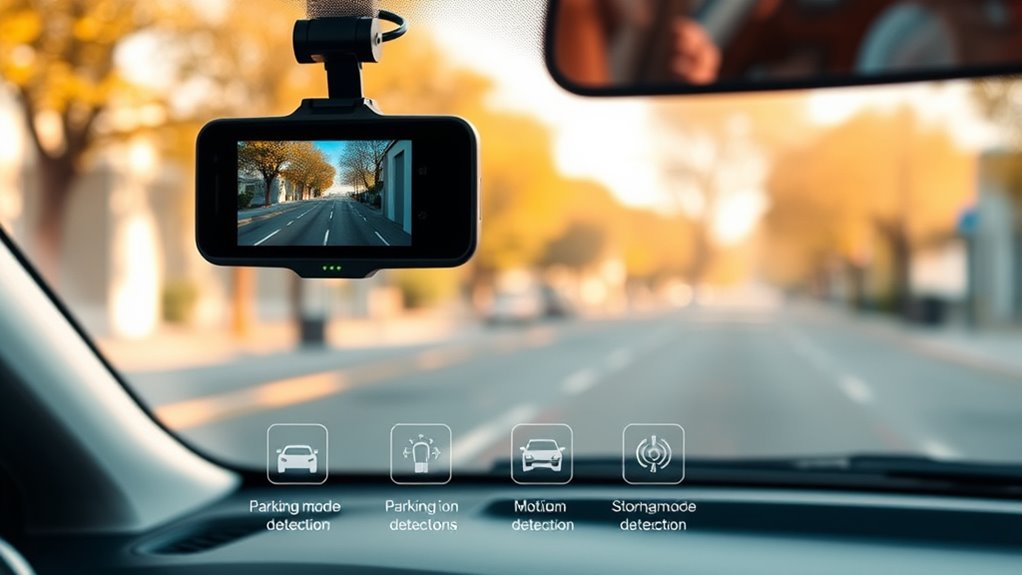
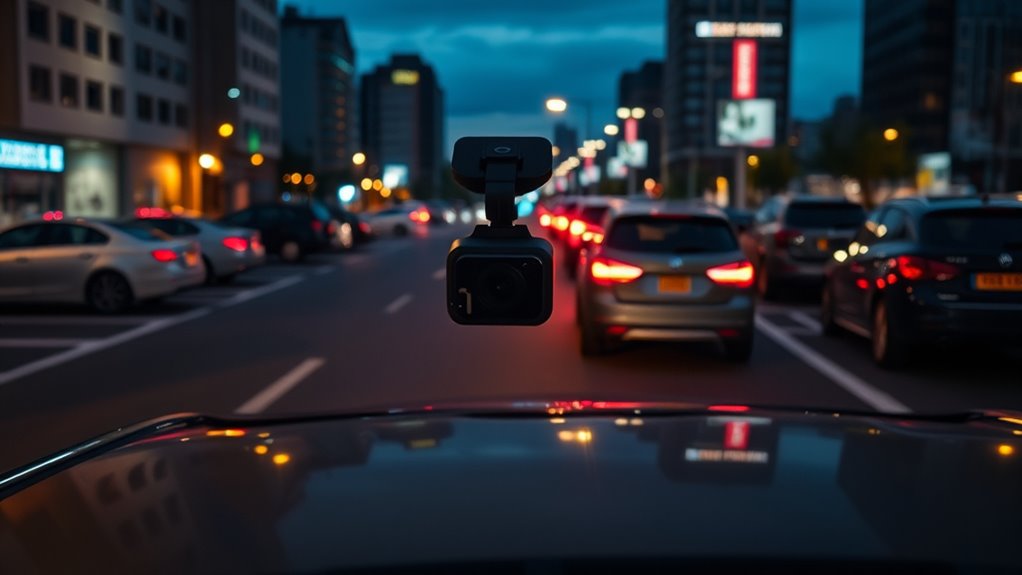
Parking mode on a dash cam is a valuable feature that helps protect your vehicle when you’re away. It acts as a safeguard, guaranteeing your car remains monitored even when you’re not around. This mode activates when the vehicle is parked and the camera detects motion or impact, providing essential security features that can help prevent theft, vandalism, or hit-and-run incidents. With parking surveillance enabled, your dash cam continuously watches over your vehicle, recording any suspicious activity or accidents that occur nearby. This constant vigilance can give you peace of mind, knowing that your investment is protected around the clock.
Parking mode on a dash cam keeps your vehicle monitored and protected even when you’re away.
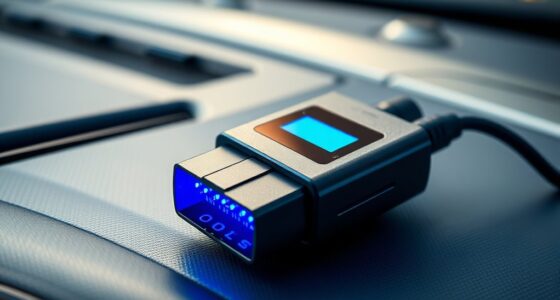
To use parking mode effectively, you’ll need to guarantee your dash cam supports this feature and that it’s properly set up. Most models require a steady power source, often supplied by a hardwire kit connected directly to your car’s electrical system, or a high-capacity external battery pack. Once installed, you typically activate parking mode through the dash cam’s settings menu, where you can customize sensitivity levels for motion detection or impact detection. This customization helps prevent false alarms triggered by passing shadows, leaves, or other minor movements. When the camera detects an impact or motion, it automatically switches into recording mode, capturing footage that can be crucial for insurance claims or police investigations. Regular maintenance and updates can also ensure that the security features function optimally.
The security features of parking surveillance extend beyond just recording. Many dash cams offer features like time-stamped footage, automatic incident detection, and even alerts sent directly to your phone if suspicious activity is detected. Some models include built-in G-sensors that trigger recordings immediately upon impact, ensuring you don’t miss capturing critical moments. Additionally, parking mode often includes features like automatic overwriting of old footage, so your dash cam always has space for recent events, or protected files that can’t be overwritten. These functions make your dash cam a reliable security device, constantly working to safeguard your vehicle without requiring manual intervention.
Using parking mode effectively also involves regularly reviewing and backing up footage, especially after an incident. Many dash cams allow you to save important videos to external storage or upload them to a cloud service for safekeeping. By doing so, you guarantee vital evidence is preserved even if the dash cam itself is damaged or stolen. Overall, parking mode transforms your dash cam into an active security tool, providing continuous parking surveillance that deters potential threats and helps you respond swiftly to any incidents. The durability of components in your dash cam can also influence how well it withstands harsh weather conditions and daily use. With the right setup and features, you’ll find your dash cam becomes an invaluable part of your vehicle’s security system.
Frequently Asked Questions
Does Parking Mode Drain My Car Battery Quickly?
Yes, parking mode can drain your car battery faster because it increases power consumption as the dash cam stays on to monitor surroundings. However, the extent of battery drain depends on your dash cam’s features and settings. To minimize power drain, you can choose a dash cam with low power consumption, enable motion detection, or use a parking mode that only activates when motion is detected.
Can Parking Mode Record in Low-Light or Night Conditions?
Yes, parking mode can record in low-light or night conditions if your dash cam has night vision or low light recording capabilities. These features use infrared or enhanced sensors to capture clearer footage in darkness, ensuring your vehicle’s surroundings are monitored even at night. Make sure your dash cam supports these features and that your camera’s settings are properly configured for ideal night vision performance.
Is Parking Mode Compatible With All Dash Cam Models?
Parking mode practically varies, so you’ll find compatibility issues with some dash cam models. Many models support parking mode, but certain limitations exist, especially with older or budget-friendly devices. You should verify your dash cam’s specifications and manufacturer’s guidelines to confirm compatibility. Keep in mind, model limitations can restrict features like low-light recording or battery management, so understanding your specific device ensures you’re prepared for a smooth parking mode experience.
How Long Can Parking Mode Record Before Storage Fills Up?
Parking mode can typically record for several hours before storage capacity fills up, depending on your dash cam’s storage size and recording settings. If you use a high-resolution mode or have a smaller SD card, the recording duration will be shorter. To maximize recording duration, consider adjusting the resolution or upgrading your storage capacity. Regularly reviewing and deleting old footage helps guarantee continuous surveillance without running out of storage.
What Is the Best Way to Set up Parking Mode Securely?
Imagine your car turning into an impenetrable fortress. To set up parking mode securely, guarantee your dash cam’s sensor calibration is precise, so it detects even the faintest bumps. Keep firmware updates current; they fix vulnerabilities and improve security. Use strong passwords and enable encryption if available. This setup transforms your dash cam into a vigilant guardian, safeguarding your vehicle against every threat, no matter how tiny or sneaky.
Conclusion
Once you activate parking mode, your dash cam becomes a vigilant guardian, silently watching over your vehicle like a steadfast sentinel. It’s the unseen eye that weaves a safety net, ready to capture every movement and mystery lurking in the shadows. With this feature, your car transforms into a fortress of security, standing guard in the quiet night. Embrace parking mode, and let your dash cam be the watchful guardian that never sleeps, turning your peace of mind into an unbreakable shield.