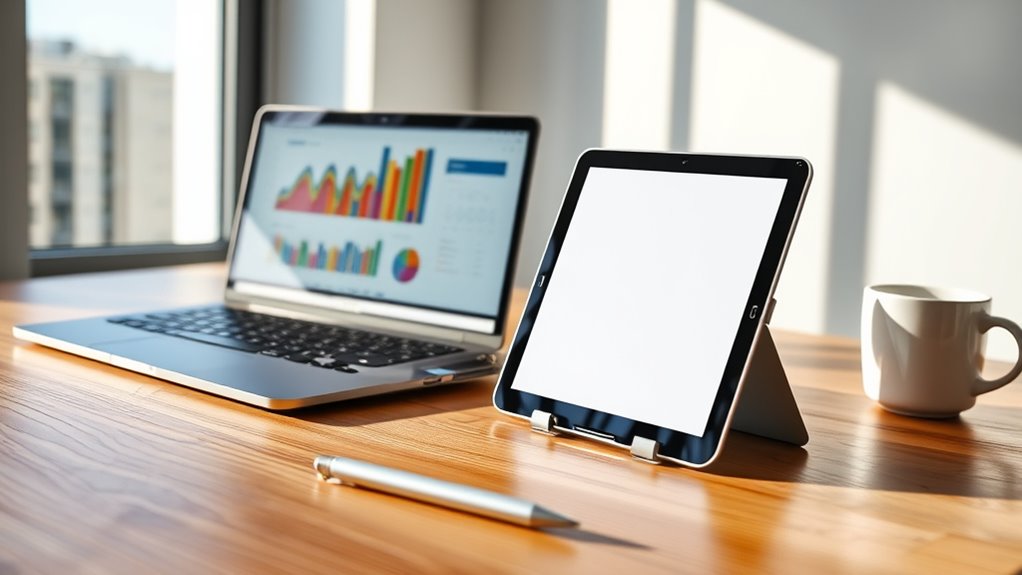

A tablet or iPad can handle many everyday tasks like browsing, streaming, and taking notes, making it a great portable option. However, for demanding work, complex software, or gaming, a laptop’s power and multitasking capabilities are hard to beat. Tablets excel in simplicity and portability but fall short in high-performance tasks. If you want to see how these devices compare for various needs, keep exploring to find what’s best for you.
Key Takeaways
- Tablets are portable and ideal for casual tasks but lack the processing power for demanding software.
- Laptops support multitasking, professional applications, and high-end gaming, making them more suitable for complex workflows.
- Tablets excel in reading, note-taking, and sketching with touch interfaces, whereas laptops offer larger screens and external display options.
- Software compatibility is limited on tablets, restricting their ability to replace a full computer for professional or specialized use.
- The choice depends on whether portability and quick access or power and versatility are your priorities.
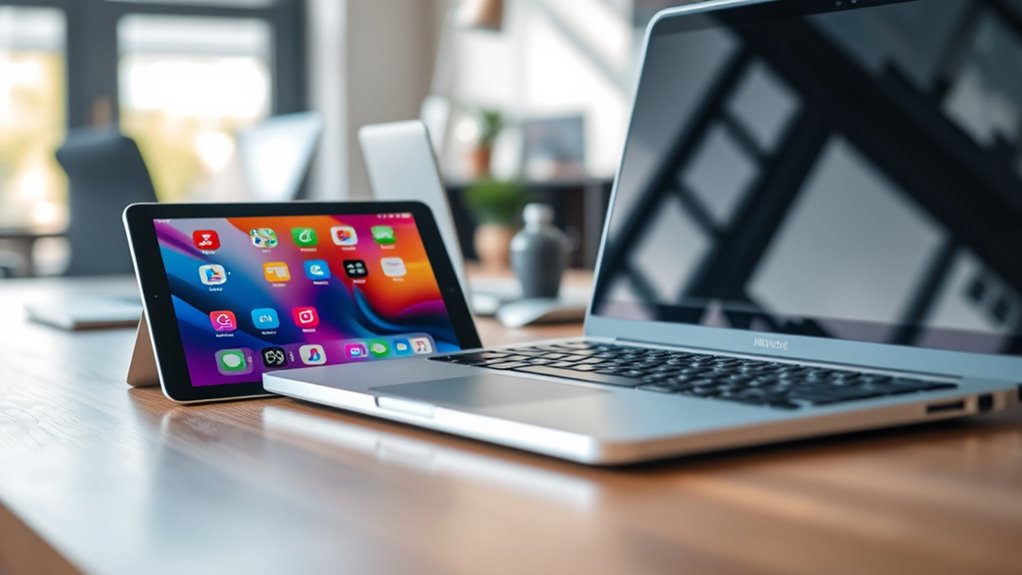
When choosing between a tablet and a laptop, it’s important to think about how you’ll use the device daily. If you’re someone who values portability and simplicity, a tablet might seem appealing. But if you need a machine that can handle more demanding tasks, you’ll want to consider how each option stacks up, especially when it comes to gaming performance and software compatibility. Tablets, including iPads, excel in ease of use and quick access, but they often fall short when it comes to running high-end games or specialized software. Many games are designed primarily for Windows or macOS, and while some are available on iOS or Android, they might not deliver the same level of performance or graphics quality. If gaming is a priority, a laptop typically offers better gaming performance, thanks to more powerful processors and dedicated graphics cards. Laptops also support a wider range of gaming peripherals, like controllers and external displays, enhancing your gaming experience.
Software compatibility is another critical factor. Most professional or specialized software, such as Adobe Premiere, AutoCAD, or programming IDEs, are built for desktop operating systems. While some apps are available across devices, they might be limited in features or performance on tablets. If you rely on specific programs for work or creative projects, a laptop’s operating system provides broader compatibility and stability. Tablets often run mobile versions of apps, which can be more simplified, and some software just isn’t available on iOS or Android at all. This limitation can hinder productivity if you’re used to desktop workflows. Additionally, the contrast ratio of a device’s display can significantly affect how well images and videos appear, especially in multimedia tasks or gaming scenarios.
However, tablets do have their advantages. They’re incredibly portable, with long battery life, and are perfect for quick tasks like browsing, streaming, or casual gaming. Their touchscreens and intuitive interfaces make them ideal for reading, note-taking, or sketching. But if your daily activities involve multitasking, complex software, or high-performance gaming, a laptop’s versatility and power make it a more reliable choice.
Frequently Asked Questions
Can Tablets Handle Professional Software Like Photoshop or Autocad?
Tablets can handle some professional software like Photoshop or AutoCAD, but device limitations may affect performance. You’ll find mobile versions or apps optimized for tablets, but they often lack the full functionality of desktop versions. If your work requires intensive editing or complex CAD designs, a tablet might not be sufficient. For lighter tasks and portability, tablets are a good option, but for demanding professional software, a laptop or desktop is usually better.
How Does Battery Life Compare Between Tablets and Laptops?
Think of battery life as a race—tablets often sprint ahead, offering longer battery longevity than laptops. They consume less power, making them ideal for all-day use without needing a recharge. Laptops, with their bigger screens and more powerful hardware, usually drain batteries faster due to higher power consumption. So, if you want longevity, tablets generally give you more running time, keeping you unplugged longer.
Are Tablets Suitable for Gaming Compared to Laptops?
Yes, tablets are suitable for casual gaming and touchscreen gaming, offering portable entertainment on the go. While they excel in lightweight games and streaming, they might struggle with high-end, graphics-intensive titles compared to laptops. If you prefer easy access to games and enjoy gaming during commutes or relaxing sessions, tablets provide a convenient, compact option. However, for serious gaming, a laptop with better graphics and processing power remains the top choice.
Can Tablets Support External Peripherals Like Keyboards and Mice Effectively?
Think of your tablet as a flexible friend—yes, it can support external peripherals like keyboards and mice. Most tablets now offer external keyboard compatibility, turning your device into a portable workstation. Mouse support functionality varies, but many tablets, especially iPads with iPadOS, enable seamless connection through Bluetooth or adapters. So, you can boost your productivity without sacrificing portability, making your tablet more like a laptop than you might expect.
What Are the Security Differences Between Tablets and Laptops?
You should know that laptops generally offer stronger security features than tablets. Laptops support advanced data encryption methods and have more robust malware protections, making your data less vulnerable. Tablets often have more limited encryption options and can be more susceptible to malware vulnerabilities, especially if you download apps from untrusted sources. To stay safe, use strong passwords, keep software updated, and consider additional security tools regardless of your device.
Conclusion
Ultimately, whether you choose a tablet or a laptop depends on what you need—portability or power, simplicity or multitasking. A tablet can be your lightweight companion, ready at a moment’s notice, while a laptop offers the strength to handle complex tasks. Think of your device as an extension of yourself—flexible, reliable, and tailored to your lifestyle. Whichever you pick, make sure it reflects your daily rhythm, your goals, and your way of staying connected.