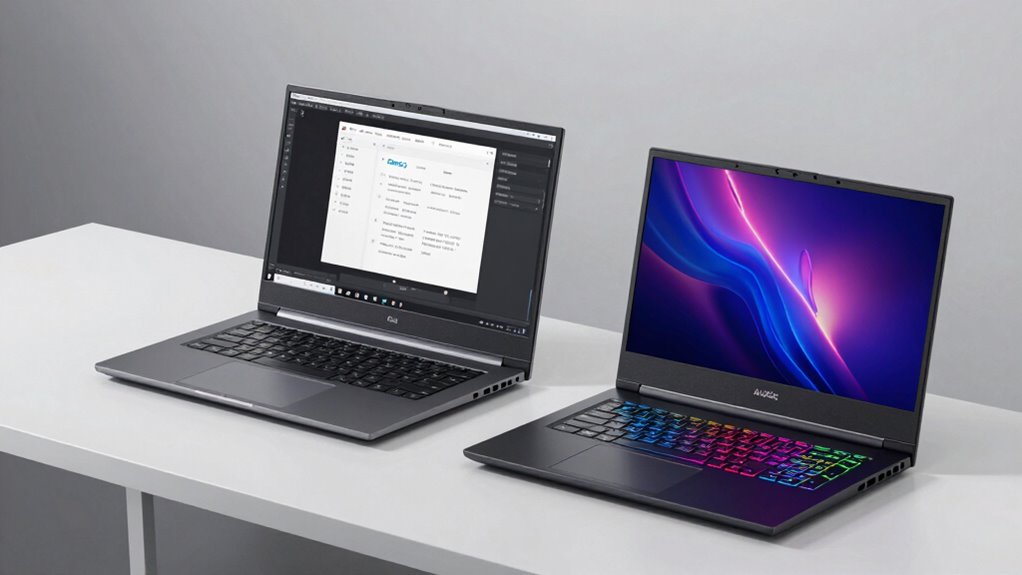
Workstation laptops are built for professional tasks like graphic design, 3D modeling, and VR development. They focus on stability, color accuracy, and long-term performance, often with certified hardware and calibrated displays. Gaming models aim for maximum speed, high-refresh-rate screens, and powerful GPUs for smooth gameplay. While workstations prioritize precision and reliability, gaming laptops emphasize speed and style. If you want to know more about their key differences, keep exploring the details.
Key Takeaways
- Workstation laptops prioritize stability, color accuracy, and long-term performance, while gaming models focus on raw gaming power and high refresh rates.
- Workstations feature certified hardware, ECC memory, and professional-grade GPUs, unlike gaming laptops designed for maximum entertainment performance.
- Displays in workstations offer higher color accuracy and wider gamuts, whereas gaming screens emphasize fast response times and high refresh rates.
- Workstations are optimized for demanding creative and professional tasks, ensuring stability and precision; gaming models excel in fast-paced gaming.
- Workstations suit professional visual tasks and VR development, while gaming laptops are ideal for entertainment and casual use.
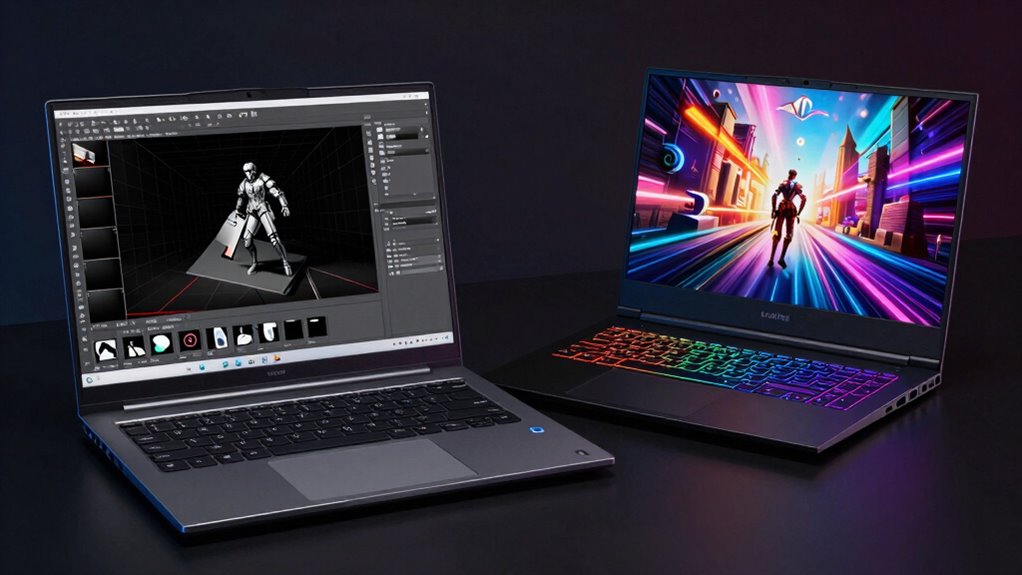
When choosing between workstation laptops and gaming models, understanding their intended purposes can help you make an informed decision. Workstation laptops are built for professional tasks that demand high precision and dependability, such as graphic design, 3D modeling, and virtual reality development. These machines prioritize stability, color accuracy, and long-term performance over raw gaming power. If your work involves creating detailed visuals or running complex simulations, a workstation laptop offers features like high-end dedicated graphics cards, ECC memory, and certified hardware that guarantee your projects stay consistent and accurate.
Gaming models, on the other hand, focus on delivering maximum performance for entertainment. They excel in rendering fast frame rates, handling intensive graphics, and providing immersive experiences. While they do come equipped with powerful GPUs and fast processors, their hardware is optimized for gaming rather than professional software. If you’re a casual user or a gamer, these models often come with sleek designs and high-refresh-rate screens that make gameplay smooth and visually stunning. However, they might lack the color accuracy and stability required for professional creative work, which can be a drawback if you’re involved in graphic design or virtual reality projects where detail and fidelity matter.
One key difference lies in the display technology. Workstation laptops typically feature displays with higher color accuracy, wider color gamuts, and better calibration options. This ensures that what you see on-screen closely matches the final output, which is crucial when working on projects that require precision, such as photo editing or digital art. Additionally, workstations are often equipped with hardware designed for demanding tasks, making them more suitable for professional use. It’s also worth noting that color fidelity is a critical aspect for professionals, and workstations are tailored to meet these needs by providing more accurate visual representations. Furthermore, professional-grade displays in workstations are often factory-calibrated to maintain accuracy over time, a feature less common in gaming laptops. Gaming laptops, meanwhile, emphasize refresh rates and response times, which enhance gameplay but may not deliver the color fidelity that professionals need. If you’re involved in virtual reality development, a workstation’s ability to produce accurate visuals and handle demanding software with stability becomes even more important, as VR applications require consistent performance and precise rendering.

Lenovo 2025 ThinkPad P16s Gen 4 Mobile Workstation with AMD Ryzen AI 9 HX PRO 370 Processor, 16" WUXGA 100%sRGB 500 nits Non-Touch Display, 64GB DDR5 Memory, 1TB SSD, Wi-Fi 7, Win 11 Pro – Copilot+ PC
UNOPENED RETAIL PACKAGING, sold as configured by Lenovo. One Year Courier or Carry-in Lenovo Warranty Included. Add up…
As an affiliate, we earn on qualifying purchases.
As an affiliate, we earn on qualifying purchases.
Frequently Asked Questions
Are Workstation Laptops More Durable Than Gaming Laptops?
Yes, workstation laptops are generally more durable than gaming laptops. They feature superior build quality, with sturdy materials designed to withstand heavy use and transport. Additionally, their thermal management systems are optimized to handle prolonged workloads without overheating, which extends their lifespan. You’ll find that these laptops are built tough for professional environments, making them more reliable and durable over time compared to gaming models, which prioritize performance over durability.
Which Type Has Better Display Quality for Creative Work?
If you’re choosing a laptop for creative work, a workstation model often offers better display quality. For example, many professional-grade workstations feature displays with superior display calibration and color accuracy, essential for photo editing or graphic design. Gaming laptops tend to prioritize high refresh rates over color precision. So, for accurate color work, a workstation’s display provides more reliable, true-to-life visuals, helping you achieve professional-quality results.
Do Gaming Laptops Have Longer Battery Life Than Workstations?
Gaming laptops generally don’t have longer battery life than workstations because they prioritize power and performance over battery longevity. Their high-performance components, like powerful GPUs, consume more power, reducing overall battery efficiency. If you need better battery life, look for models with optimized power efficiency features or integrated graphics. However, gaming laptops tend to drain batteries faster, so they’re less suitable for long unplugged use compared to workstations.
Are Workstation Laptops More Expensive Than Gaming Models?
Yes, workstation laptops are often more expensive than gaming models, sometimes costing as much as a small house! This cost comparison is driven by their high-end specs, specialized hardware, and durability. With a wider brand variety, you might find cheaper gaming laptops, but workstations deliver top-tier performance for demanding tasks. Think of it as paying for a luxury car versus a sporty one — both fast, but one built for the long haul.
Can Gaming Laptops Handle Professional 3D Rendering Tasks?
Gaming laptops can handle professional 3D rendering tasks, but their graphics performance varies. High-end models with powerful GPUs can manage intensive rendering well, yet thermal management becomes essential to prevent overheating during prolonged use. While they offer strong graphics, they might lack the stability and precision of dedicated workstation laptops. If you plan on doing serious 3D work regularly, a workstation might be a better investment for consistent performance.
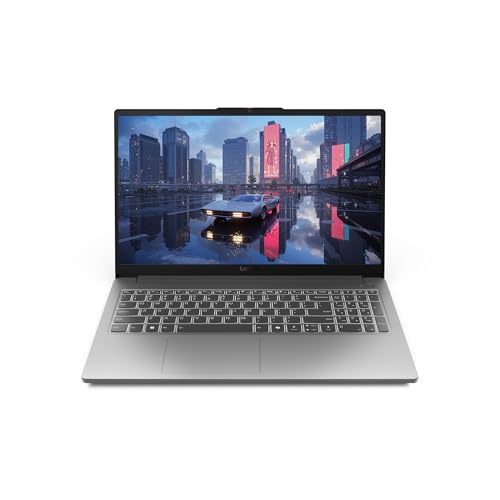
Lenovo LOQ Essential – AI-Powered Student Gaming Laptop – Intel® Core™i5-12450HX – 15.6" FHD IPS Display – 144Hz Refresh Rate – NVIDIA® GeForce RTX™ 4050 – 8GB Memory – 512GB SSD Storage – Luna Grey
JOIN THE GAME – The Lenovo LOQ Essential will never let you down on the battlefield or in…
As an affiliate, we earn on qualifying purchases.
As an affiliate, we earn on qualifying purchases.
Conclusion
In the end, choosing between a workstation and a gaming laptop is like picking between a precision tool and a thrill ride. One offers steady, professional performance, like a reliable compass guiding your work through complex tasks. The other promises adrenaline-fueled adventures, igniting your passion for gaming. Each serves a different purpose—one rooted in efficiency, the other in excitement. Decide which journey you prefer, and let your laptop be your trusted companion on that path.

Lenovo ThinkStation P3 30HA001GUS Workstation – Intel Core i5 Tetradeca-core (14 Core) i5-13600 13th Gen 2.70 GHz – 16 GB DDR5 SDRAM RAM – 512 GB SSD – Mini-Tower
Intel Core i5 2.70 GHz processor provides you with a solid performance to watch videos, play games, and…
As an affiliate, we earn on qualifying purchases.
As an affiliate, we earn on qualifying purchases.

acer Nitro V Gaming Laptop | Intel Core i7-13620H Processor | NVIDIA GeForce RTX 4050 Laptop GPU | 15.6" FHD IPS 165Hz Display | 16GB DDR5 | 1TB Gen 4 SSD | Wi-Fi 6 | Backlit KB | ANV15-52-76NK
Beyond Performance: The Intel Core i7-13620H processor goes beyond performance to let your PC do even more at…
As an affiliate, we earn on qualifying purchases.
As an affiliate, we earn on qualifying purchases.