Just knowing the common signs of phishing emails can help you stay safe online and avoid falling victim to scams.
Browsing Category
Computers & Tablets
50 posts
What to Do If Your Computer Has a Virus (Step-by-Step Rescue Guide)
Protect your device from further damage by following this step-by-step guide to remove viruses effectively and restore security.
How to Clean Your Laptop Safely (Inside and Out)
Keeping your laptop spotless and functional requires careful cleaning techniques that protect its delicate components; discover how to do it safely inside and out.
15 Keyboard Shortcuts That Will Make Your Life Easier
Great shortcuts like Ctrl + S and Alt + Tab can boost your productivity—discover how these 15 tricks can transform your workflow today.
Standing Desk Vs Traditional Desk: Is It Worth the Hype for Tech Workers?
Standing desks may seem like a game-changer for tech workers, but is the hype justified—discover the benefits and drawbacks below.
Chromebook Vs Ipad: Which Is Better for Students?
Will choosing between a Chromebook and an iPad for students depend on durability, apps, or performance? Discover which device best suits your needs.
Why Your Laptop Battery Drains So Fast (And How to Extend It)
Find out why your laptop battery drains quickly and learn practical tips to extend its lifespan effectively.
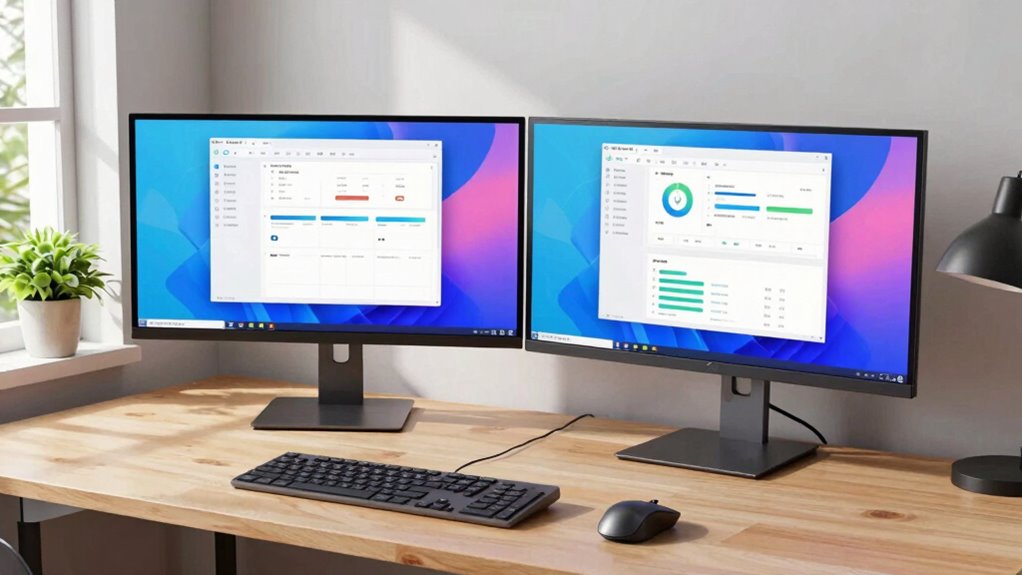
How to Set Up Dual Monitors for a Productivity Boost
Set up dual monitors seamlessly to boost productivity, but understanding the essential steps can make all the difference in optimizing your workspace.
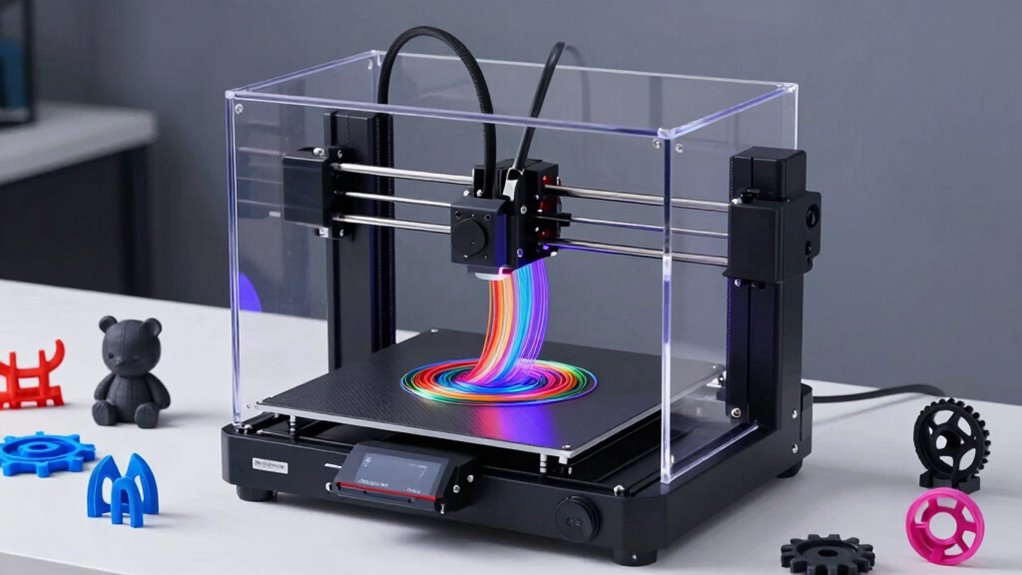
3D Printing 101: How Do 3D Printers Work and What Can You Make?
An introduction to 3D printing reveals how these machines create intricate objects, inspiring you to explore endless possibilities—discover how it all works and what you can make.

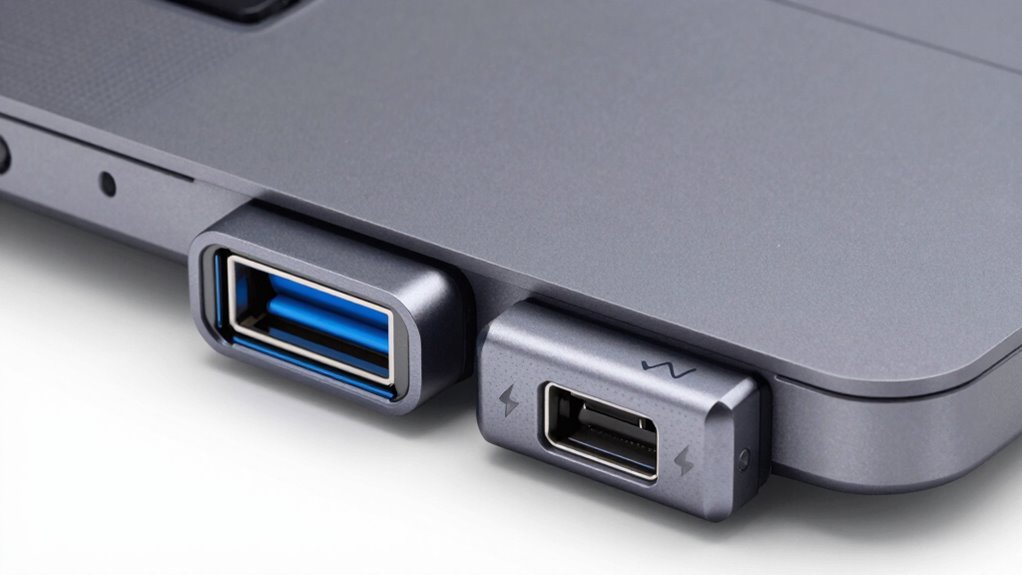
USB4 Vs Thunderbolt 4: What’s the Difference and Why It Matters
Knowledge of USB4 and Thunderbolt 4 reveals key differences that could impact your device choices—discover which standard truly meets your needs.