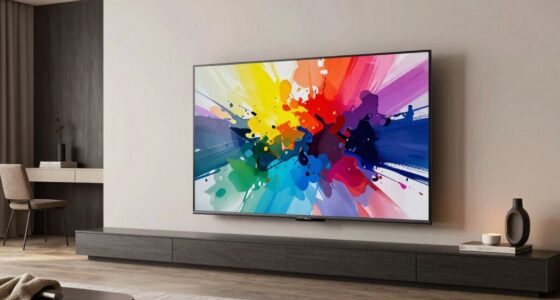
TVs look better in stores because of controlled lighting and optimized display settings that highlight colors, contrast, and sharpness. Store environments minimize glare, reflections, and ambient light, making the picture pop. At home, natural and room lighting often wash out colors and reduce contrast, making your TV appear dull. Different panel technologies and viewing angles also affect image quality. Want to find out how to get the best home viewing experience? Keep exploring for more tips.

Get the latest gadgets delivered free with Prime
- Fast, free delivery on millions of items
- Prime Video, Amazon Music and more included
- Member-only deals all year
Key Takeaways
- Store environments use controlled, bright lighting to enhance TV contrast and color, unlike home rooms with natural and ambient light.
- TVs in stores are calibrated for optimal display, but home settings often lack proper calibration and lighting conditions.
- Store displays often feature advanced panel technology with better contrast and color, which may be less effective in less ideal home lighting.
- Reflections and glare from windows and room lights at home reduce picture clarity and vibrancy.
- Proper placement, room lighting adjustments, and anti-reflective screens can improve home viewing closer to store quality.
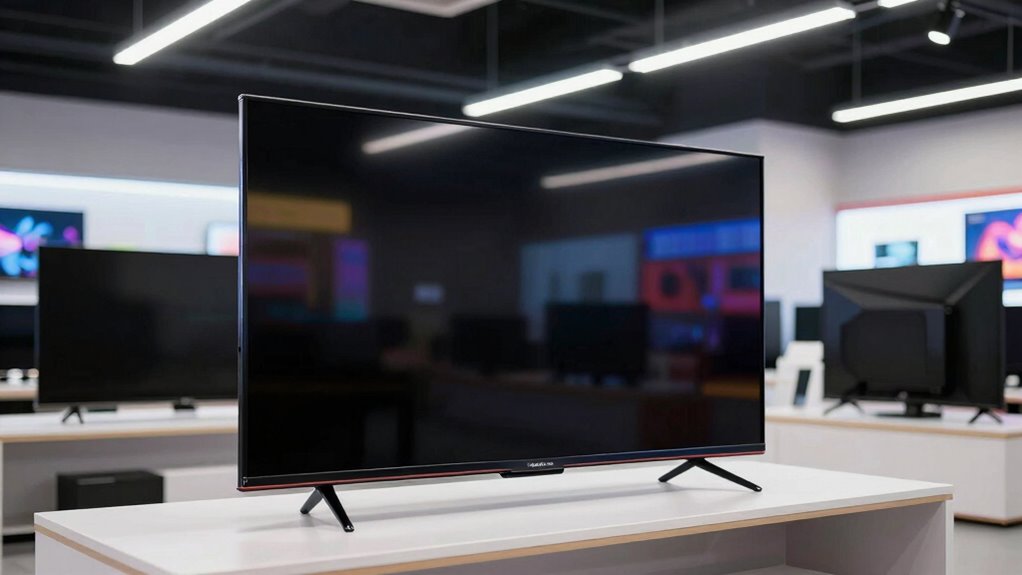
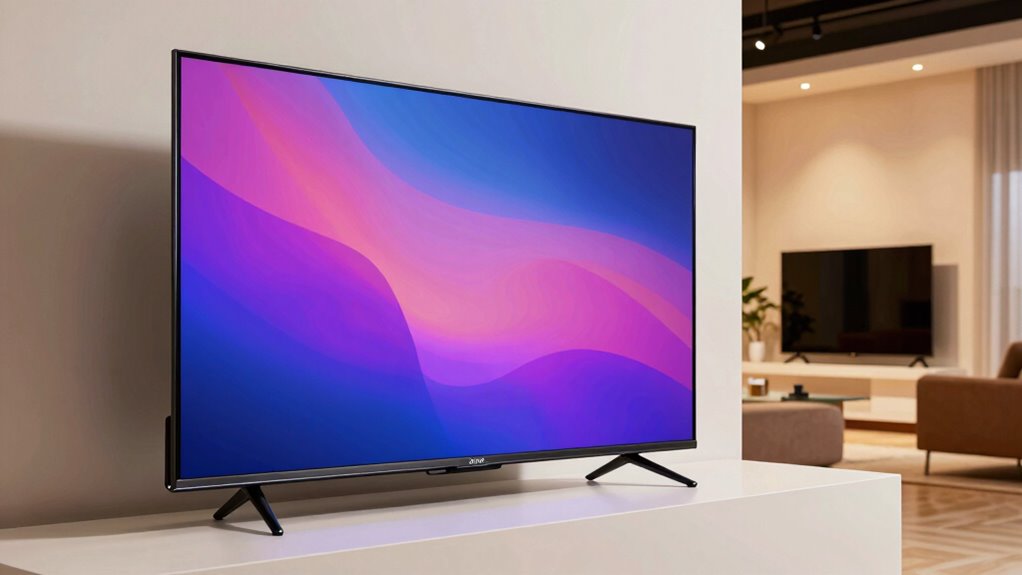
You’ve probably noticed that some TVs look incredibly vibrant and sharp in stores but don’t quite match that quality once you set them up at home. This discrepancy often comes down to several factors, with panel technology and ambient lighting playing vital roles. When you’re in a store, the lighting conditions are carefully controlled to showcase the TV at its best. Bright, evenly distributed lighting minimizes reflections and highlights the TV’s contrast and color accuracy, making the display pop. But once you bring the TV home, the environment changes — natural light from windows or room lights can diminish the picture quality, especially if your TV isn’t equipped with the right technology.
Panel technology directly affects how well a TV renders images. Stores tend to feature models with advanced panel tech, like OLED or QLED, which deliver deeper blacks, richer colors, and better contrast. These panels are designed to perform at their highest capacity under bright conditions, so they look stunning in a showroom. However, at home, if your TV uses an older LCD panel or lacks local dimming features, the picture can appear dull or washed out, especially in darker scenes. You might also notice that some panels have limited viewing angles, meaning the picture quality drops if you’re not sitting directly in front of the screen. This can make your TV seem less impressive when viewed from different parts of your room. Understanding panel technology can help you choose a model that performs better in your home environment. Additionally, some models include advanced display features that enhance performance under various lighting conditions, making them more adaptable for everyday use. Recognizing regulatory considerations can also make a difference in selecting a compliant and optimal TV model for your space.
Advanced panel tech like OLED and QLED enhances contrast and color, but older LCDs may look dull in your home.
Ambient lighting is another big factor. In stores, the lighting is usually dimmed or balanced to avoid glare and reflections, ensuring the display remains vibrant and clear. At home, however, sunlight streaming through windows or overhead lights can create glare and reflections that wash out the picture. If your room isn’t optimized for TV viewing, the contrast and color vibrancy you admired in the store can fade away. To improve this, you may need to adjust your lighting setup or choose a TV with anti-reflective screens and better anti-glare coatings. Additionally, understanding the display technology used in your TV can help you select models better suited for your environment.
In essence, the combination of panel technology and ambient lighting determines how well your TV performs outside the store environment. While store displays are carefully curated to highlight the best features, your home setup might not match those conditions. To get closer to that showroom quality, consider upgrading to a TV with superior panel tech, and pay attention to your room’s lighting. Proper placement and lighting adjustments can make a huge difference, helping you enjoy the full potential of your TV’s display technology.
Products Worth Considering

Samsung 27-Inch Odyssey QD-OLED G8 4K 240Hz Gaming Monitor

LG 34GX90SA-W 34-inch Ultragear WQHD OLED Curved Gaming Monitor

Samsung 32-Inch Odyssey OLED G8 (G80SH) 4K Gaming Monitor
As an affiliate, we earn on qualifying purchases.
Frequently Asked Questions
How Does Room Lighting Affect TV Picture Quality at Home?
Room lighting greatly impacts your TV picture quality. Ambient illumination from bright lights or windows can wash out colors and reduce contrast, making images look dull. Reflective surfaces like windows or shiny furniture can cause glare, further diminishing picture clarity. To improve your viewing experience, control ambient lighting with curtains or dimmers and minimize reflective surfaces near your TV. This creates an ideal environment for vibrant, clear images at home.
Can TV Placement Impact Color Accuracy and Contrast?
Did you know that improper TV placement can reduce contrast by up to 50%? Your display environment directly impacts color accuracy and contrast, with placement playing a key role. If your TV isn’t calibrated correctly or positioned in a glare-prone spot, colors may look dull, and contrast suffers. To optimize picture quality, make sure your TV is placed at eye level, away from direct light, and consider professional color calibration.
Do Different Viewing Angles Influence Perceived Picture Quality?
Yes, your viewing angle considerably influences perceived picture quality. When you watch from an angle, panel uniformity can diminish, causing colors to fade or distort, and contrast to weaken. The best picture quality occurs when you view the TV straight-on, ensuring consistent color and brightness. To optimize your experience, position your TV where you can sit directly in front, minimizing the impact of unfavorable viewing angles on image quality.
Are Store Demo Settings Different From Home Settings?
Yes, store demo settings are often different from your home settings. Stores typically use demo mode, which enhances brightness, contrast, and color for a more striking display. They may also perform store calibration to showcase the TV’s best features. When you bring the TV home, these settings usually revert to default or are less optimized for everyday viewing, making the picture look less impressive compared to the store display.
How Does Screen Size Influence Perceived Picture Quality?
A picture’s worth a thousand words, and screen size plays a big role in perceived quality. Larger screens amplify differences in screen calibration, making visual perception more sensitive to color accuracy and contrast. When you pick a bigger TV, it’s essential to calibrate it properly for your space. Otherwise, the size can highlight flaws, causing images to appear less sharp or vibrant at home than they do in-store.
Conclusion
So, next time your TV doesn’t look as stunning at home as it did in the store, remember that lighting, room size, and display settings play big roles. Curiously, a study found that 60% of people tweak their TV’s picture settings after installation to get the best picture. Don’t be afraid to experiment—adjust your brightness, contrast, and viewing angle to truly enjoy your TV’s potential. Your perfect picture is just a few tweaks away!