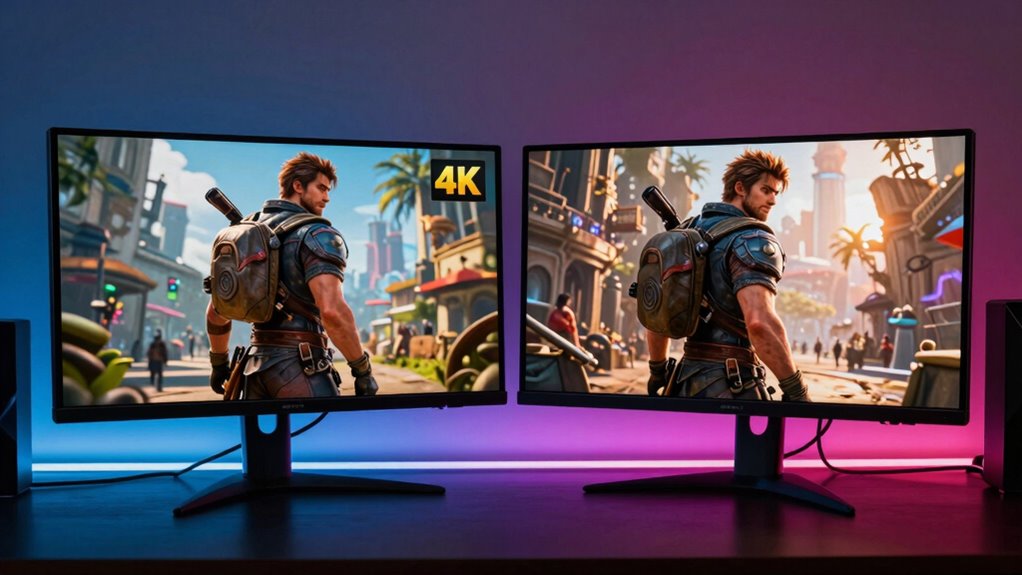

Whether you can tell the difference between 4K and 8K gaming depends on your viewing distance and hardware. While 8K offers sharper images with more detail, most gamers won’t notice much change unless you sit very close or use a large screen. High-end equipment is needed to truly experience the difference without sacrificing performance. Curious about how this impacts your gaming experience? Keep exploring to discover what factors really make a difference.
Key Takeaways
- Human visual acuity often limits the ability to distinguish 8K from 4K at typical viewing distances.
- Higher resolution benefits are more noticeable on larger screens and with closer viewing angles.
- Gaming performance at 8K requires significantly more powerful hardware, affecting frame rates and visual quality.
- Many gamers may not perceive a substantial difference unless using ultra-large displays or high-end equipment.
- Technological advancements and personal preferences influence whether players can reliably tell the difference between 4K and 8K.

ASUS ROG Strix 27” 4K HDR400 USB-C Gaming Monitor(XG27UCS)–UHD (3840 x 2160), 160Hz, 1ms, Fast IPS,130% sRGB,Extreme Low Motion Blur Sync, G-Sync Compatible, DisplayWidget, Tripod socket, 3yr warranty
27-inch 3840 x 2160 4K HDR gaming monitor with ultrafast 160Hz refresh rate designed for professional gamers and…
As an affiliate, we earn on qualifying purchases.
As an affiliate, we earn on qualifying purchases.
Understanding Resolution: What Sets 4K and 8K Apart
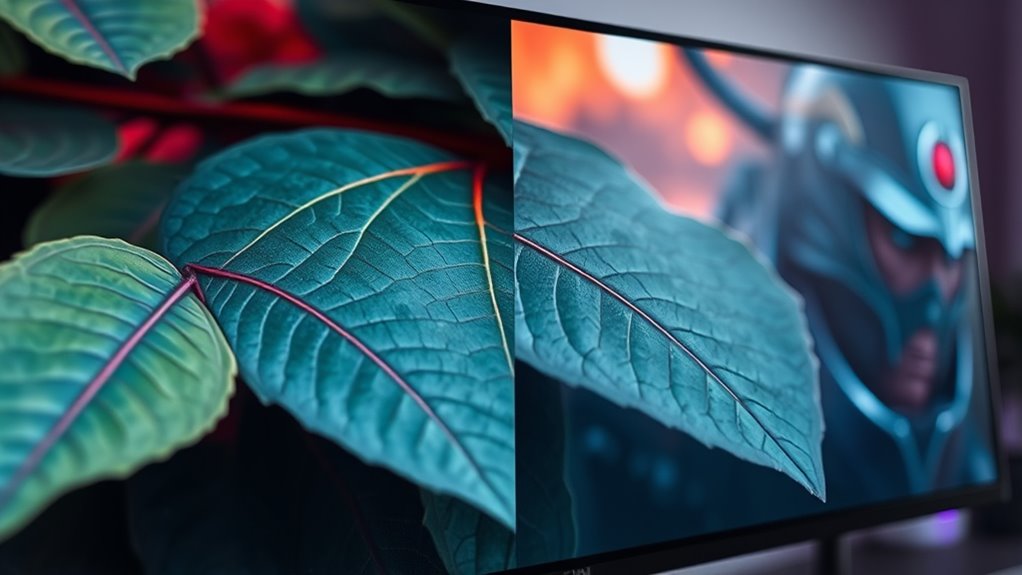
What exactly distinguishes 4K from 8K concerning resolution? It all comes down to resolution standards and display technology. 4K, also known as UHD, offers a resolution of 3840 x 2160 pixels, providing four times the pixel count of Full HD. In contrast, 8K doubles that, with a resolution of 7680 x 4320 pixels, delivering sixteen times the pixel density of Full HD. This increase in pixels enhances image detail and clarity, especially on larger screens. display technology plays a *fundamental* role in how well these resolutions translate to picture quality. While 8K promises sharper images, your ability to notice the difference depends on the display’s size and technology. Additionally, factors like color accuracy and contrast ratio influence the visual impact of higher resolutions. Ultimately, understanding these resolution standards helps you grasp what sets 4K and 8K apart visually, especially as cloud-based display solutions continue to evolve and support higher resolutions.

Amazon Fire TV 75" Omni Mini-LED Series, QLED 4K UHD smart TV, Dolby Vision IQ, 144hz gaming mode, Ambient Experience, hands-free with Alexa, 2024 release
Amazon's best picture quality. Plus, innovative smart features, stunning artwork, seamless gaming and Dolby Atmos audio.
As an affiliate, we earn on qualifying purchases.
As an affiliate, we earn on qualifying purchases.
Visual Clarity and Perception: Can the Human Eye Detect the Difference?
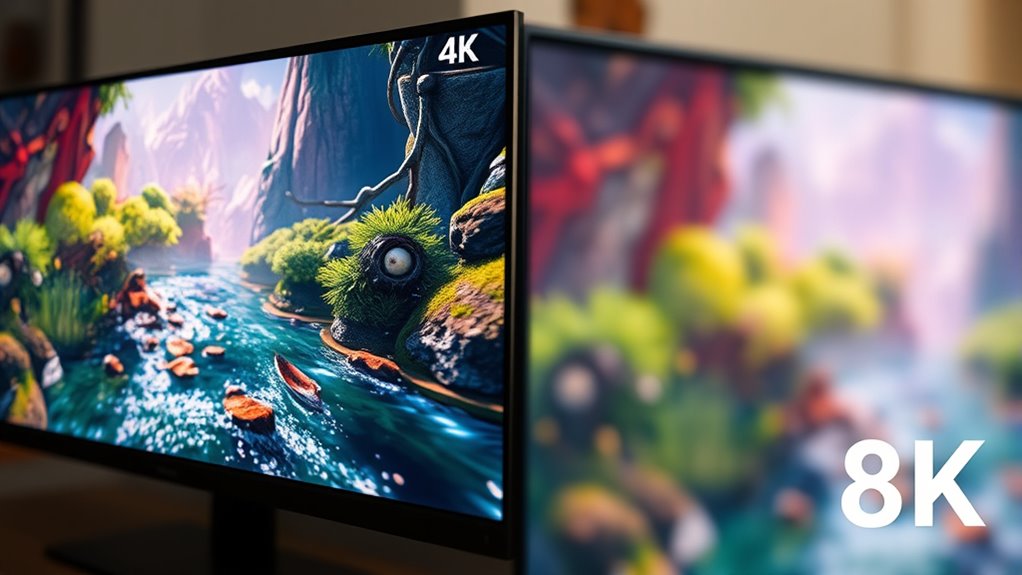
Have you ever wondered if your eyes can truly distinguish the difference between 4K and 8K resolutions? Your visual perception and eye acuity determine how well you notice detail. Generally, the human eye can perceive differences up to a certain point, especially at normal viewing distances. Additionally, factors like Free Floating can influence how we interpret visual clarity and detail, as Vetted – Serat Nest emphasizes the importance of accurate visual aids for clarity.
high-end GPU for 8K gaming
As an affiliate, we earn on qualifying purchases.
As an affiliate, we earn on qualifying purchases.
Hardware Requirements for 4K and 8K Gaming
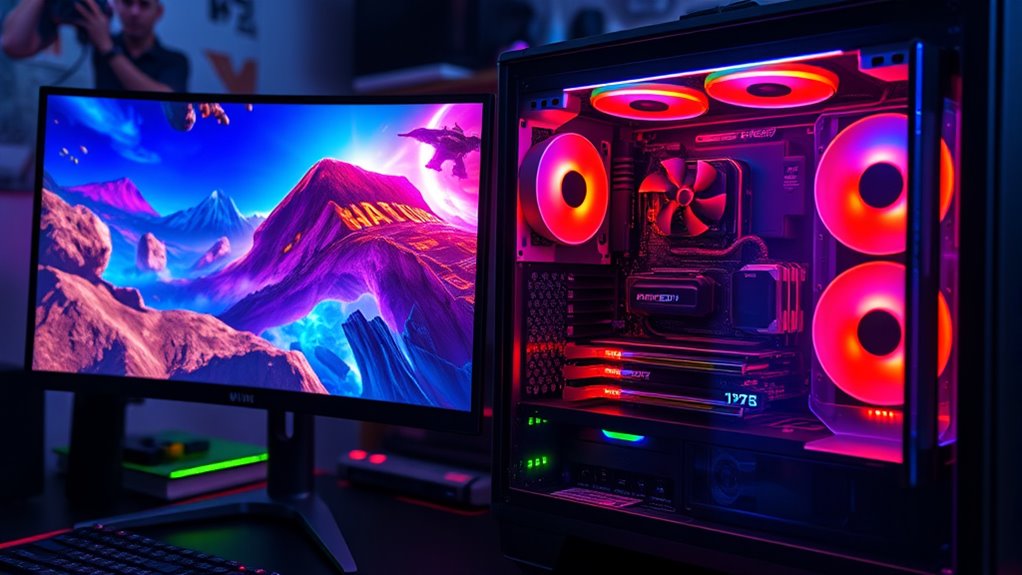
Running games at 4K or 8K resolution demands increasingly powerful hardware components to handle the intense processing load. To achieve smooth gameplay, you need a high-end GPU capable of rendering massive pixel counts while maintaining color accuracy, so visuals stay vibrant and true to life. A fast CPU is essential for managing complex game logic without bottlenecks. Also, consider sufficient RAM to support large textures and background processes. For superior experience, invest in a monitor or TV with low input lag, ensuring your commands translate quickly on screen. Power supplies and cooling solutions must also be robust enough to sustain prolonged gaming sessions at these resolutions. Without these components, you risk compromised visual fidelity and increased input lag, negatively impacting your gaming experience.
gaming monitor with low input lag
As an affiliate, we earn on qualifying purchases.
As an affiliate, we earn on qualifying purchases.
Performance Impact: Frame Rates and System Demands
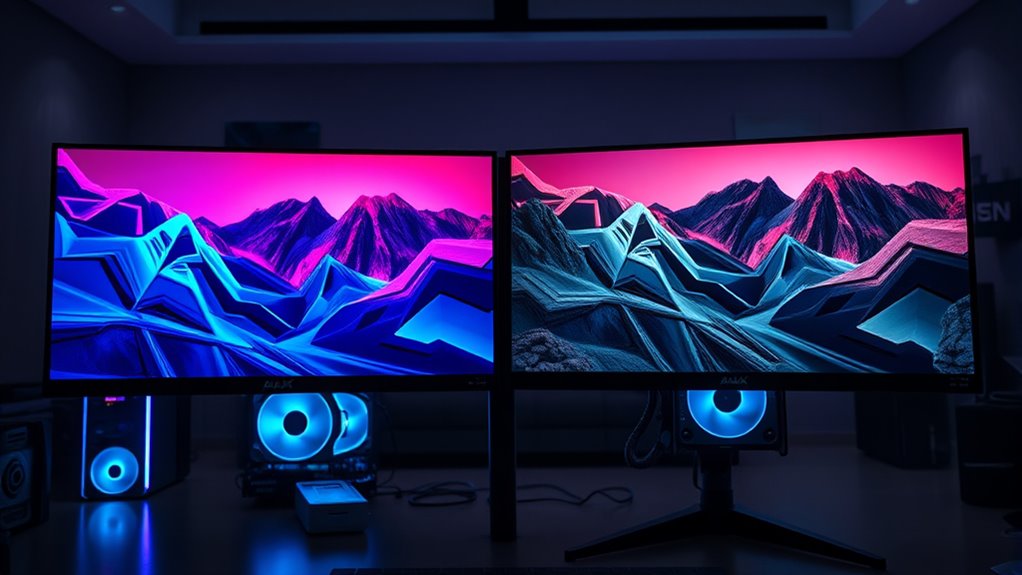
Rendering games at 4K and 8K resolutions considerably increases the system’s workload, directly impacting frame rates and overall performance. As you push higher resolutions, you often face frame rate trade-offs—sacrificing smoothness for visual fidelity. Your system may encounter bottlenecks, where GPU or CPU limitations reduce performance. To illustrate, consider this table:
| Resolution | Frame Rate Impact | System Demands |
|---|---|---|
| 4K | Moderate drop | High GPU, fast CPU |
| 8K | Significant drop | Very high GPU, demanding CPU |
| 4K+Ray Tracing | More performance hit | Even more system strain |
| 8K+Ray Tracing | Severe bottlenecks | Major system upgrades needed |
| Ultra Settings | Reduced frame rates | Increased hardware load |
Choosing between 4K and 8K involves balancing visual detail against system performance and stability.
Is Upgrading Worth It? Factors to Consider Before Making the Switch

Deciding whether to upgrade to 8K gaming hardware depends on several key factors. First, consider the cost comparison; 8K setups are expensive and may not deliver immediate benefits if your current system performs well. Second, think about future proofing—will this upgrade keep you gaming smoothly for years, or will technology advance beyond 8K quickly? Third, assess your gaming habits—if you rarely notice visual details, the upgrade might not be worth it. Fourth, factor in your system’s capability to handle 8K without sacrificing performance. While the enhanced visuals are impressive, the investment should align with your gaming goals and budget. Weigh these factors carefully to determine if upgrading is truly worth it for you.
Frequently Asked Questions
How Affordable Are 8K Gaming Setups Compared to 4K?
8K gaming setups are considerably less affordable than 4K options due to higher costs for displays, powerful GPUs, and accessories. You’ll find the cost comparison favors 4K, which offers a more practical entry point for gamers on a budget. Affordability factors include hardware prices and availability, making 4K setups a smarter choice unless you’re willing to invest heavily in cutting-edge technology.
Do All Games Support 8K Resolution Natively?
Think of gaming at 8K like a grand symphony—beautiful but not all instruments play the same tune. Not all games support native 8K resolution due to game engine limitations and hardware scalability issues. Many titles rely on upscaling or lower resolutions, so you won’t always get true 8K. Your hardware and the game’s design determine whether you experience genuine 8K gameplay or just a scaled-up version.
How Does Screen Size Affect Perceived Resolution Differences?
Screen size substantially impacts perceived resolution differences. When your screen is larger, the higher resolution enhances visual clarity, making details sharper and more immersive. Conversely, on smaller screens, differences between 4K and 8K become less noticeable because pixels are less spread out. So, if you have a big display, investing in higher resolution offers a clearer, more detailed gaming experience, whereas smaller screens may not justify the extra cost.
Will Future Game Titles Fully Utilize 8K Capabilities?
Future game titles may not fully utilize 8K capabilities right away due to hardware limitations and content availability. As a gamer, you’ll find that developers need powerful hardware and optimized content to push 8K experiences. While some titles might offer enhanced visuals, widespread 8K support will depend on advancements in hardware and the availability of high-quality content. Expect gradual improvements rather than immediate full-scale 8K integration.
Are There Any Health Concerns Related to Ultra-High-Resolution Displays?
You might wonder if ultra-high-resolution displays pose health risks, and they can cause eye strain and visual fatigue in some users. Studies show prolonged exposure to bright screens increases discomfort, especially if you don’t take breaks. To minimize risks, adjust brightness, maintain proper distance, and follow the 20-20-20 rule. Being mindful of these habits helps you enjoy your gaming experience without compromising your eye health.
Conclusion
Choosing between 4K and 8K is like selecting a paintbrush—more detail sounds tempting, but only if your canvas and tools can handle it. If your eyes and system can’t truly appreciate the extra strokes, you might just be chasing illusions. Think about your setup and what truly matters in your gaming world. Sometimes, the best masterpiece is enjoying smooth gameplay, not chasing the brightest colors on a distant horizon.