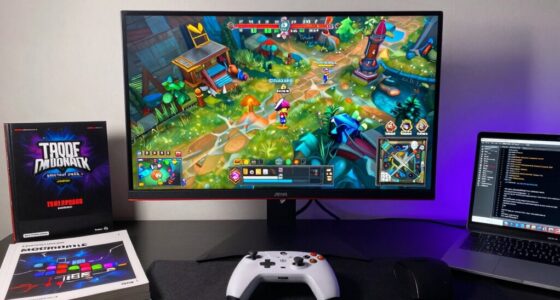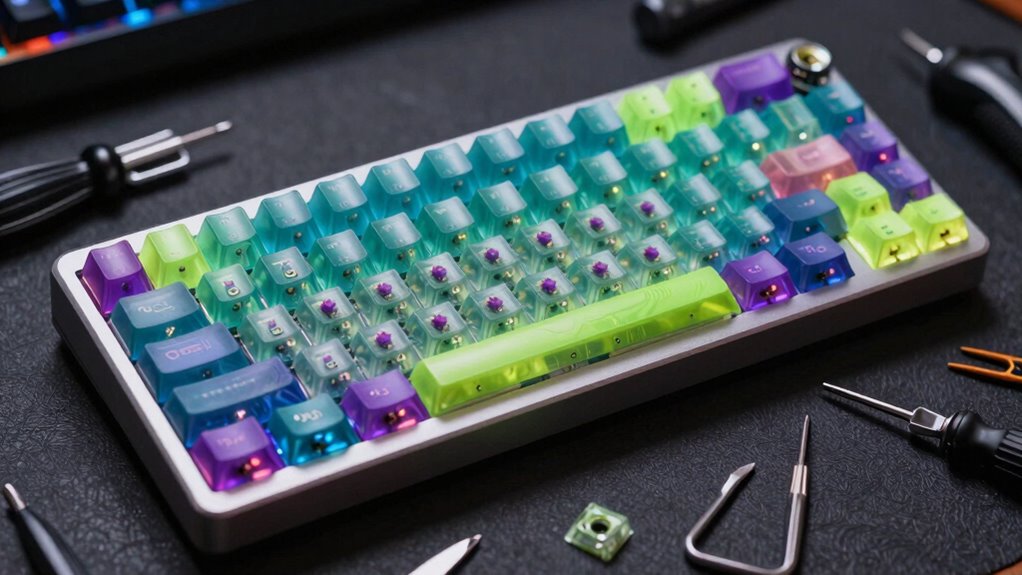

Many gamers build their own custom mechanical keyboards to create a personalized look that reflects their style and interests. They also optimize comfort and performance, choosing switches, layouts, and keycaps that suit their gaming needs. Additionally, building one allows you to access high-quality components and join a supportive community. If you’re curious about what makes custom keyboards so popular, you’ll find there’s plenty more to explore behind this growing trend.
Key Takeaways
- Gamers customize keyboards for improved ergonomics, comfort, and performance tailored to their gaming needs.
- Building custom keyboards allows for unique aesthetics and personalized style expression.
- They enhance responsiveness, key rollover, and switch selection for competitive gaming advantages.
- Customization provides durability and quality control over components, ensuring longer-lasting setups.
- The DIY process offers satisfaction, skill development, and community engagement among gaming enthusiasts.
Personalization and Aesthetic Appeal

Personalization and aesthetic appeal are key reasons why many enthusiasts choose custom mechanical keyboards. You can select themed keycaps that reflect your personality, favorite colors, or gaming interests, making your keyboard uniquely yours. Themed keycaps come in various designs, from minimalist to elaborate, allowing you to craft a look that stands out. Additionally, LED lighting enhances visual appeal, offering customizable colors and effects that sync with your setup or mood. With LED lighting, you can create vibrant, dynamic displays or subtle glows, adding a layer of sophistication. These options give you full control over your keyboard’s appearance, transforming it from a mere input device into a personalized statement piece that aligns with your style and preferences.
Enhanced Typing Experience and Comfort
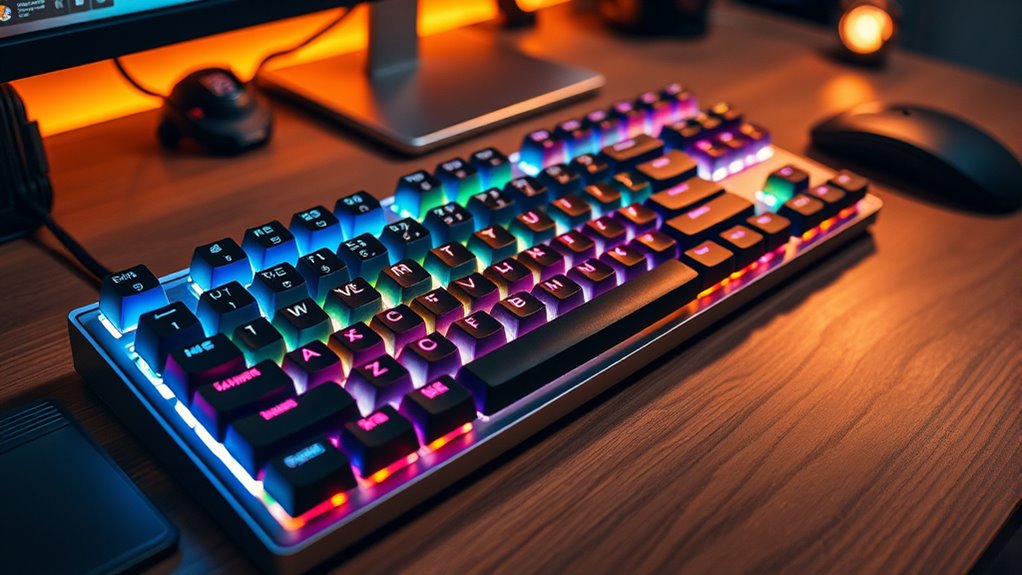
Custom mechanical keyboards not only stand out visually but also markedly enhance your typing comfort. With an ergonomic design tailored to your preferences, you can reduce strain and improve typing ergonomics. You have the flexibility to choose key switch types, layouts, and keycap profiles that suit your hand position and rhythm. This customization allows for a more natural and comfortable typing experience, especially during long sessions. By optimizing factors like key travel distance and actuation force, you can minimize fatigue and increase efficiency. Building your own keyboard means you’re investing in a device that adapts perfectly to your needs, making every keystroke more comfortable and reducing discomfort over time. Additionally, incorporating Free Floating designs can improve switch stability and enhance the overall feel of your keyboard. Leveraging customization options can further tailor your keyboard to your specific ergonomic and aesthetic preferences. Understanding total‑cost clarity and maintenance requirements ensures your custom setup remains optimal and cost-effective over the long term. Exploring modular design principles can also facilitate easier upgrades and repairs, extending the lifespan of your keyboard. Moreover, understanding safe electrical wiring practices ensures that your custom keyboard setup remains safe and reliable. Ultimately, your customized setup turns typing into a seamless and enjoyable activity.
Performance Optimization for Gaming
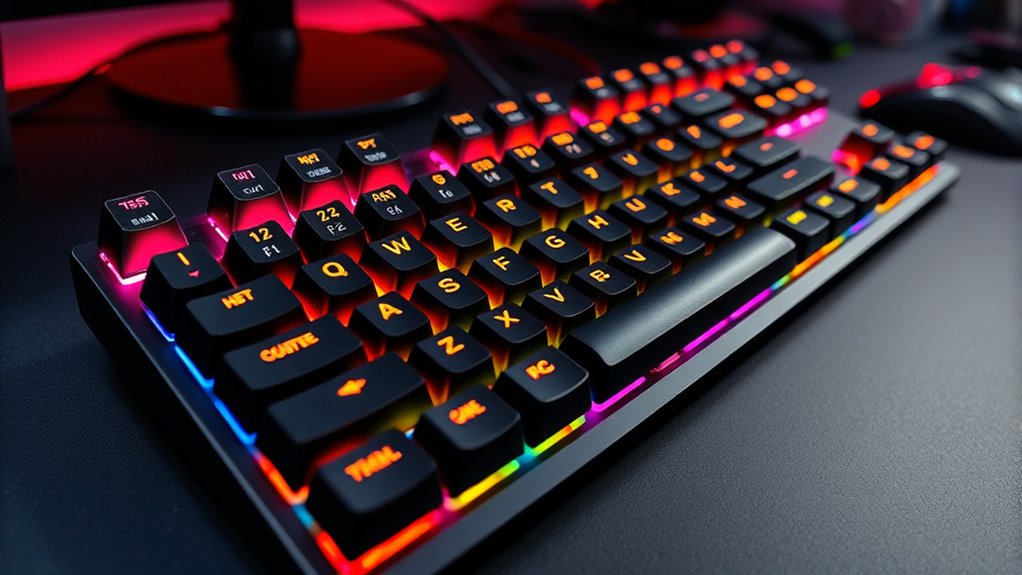
To boost your gaming performance, choosing the right custom switches is vital for faster response times. You also want to guarantee your keyboard has key rollover capabilities so multiple commands register instantly. Additionally, optimizing key layouts can give you quicker access to important controls, giving you an edge in competitive play. Incorporating simple, practical solutions can help you maintain your setup easily and keep your focus on your game. Ensuring your keyboard features high contrast ratios can improve visibility in various lighting conditions, further enhancing your gaming experience.
Custom Switch Selection
Ever wondered how switch choice impacts your gaming performance? Selecting the right switches is vital for responsiveness and comfort. Custom switches allow you to fine-tune your experience through sound tuning and switch lubing. Lubing reduces friction, resulting in smoother keystrokes and less noise, giving you a competitive edge with quicker, quieter responses. Different switches have distinct actuation forces and travel distances, so choose ones that match your gaming style—linear for fast reactions or tactile for feedback. Sound tuning, through switch lubing or adding damping materials, minimizes distracting noise, helping you stay focused during intense matches. By customizing your switches, you optimize both feel and sound, enhancing your overall gaming performance and making your setup uniquely suited to your needs.
Key Rollover Capabilities
Key rollover capabilities determine how many keys you can press simultaneously and still have each input registered correctly. This is vital for gaming, where rapid, complex key presses are common. Without proper key rollover, some inputs might be ignored, leading to missed commands. Many custom keyboards feature anti ghosting technology, which prevents false key signals when multiple keys are pressed at once. Higher key rollover, such as N-key rollover, ensures every key press is detected regardless of how many keys you press simultaneously. This performance optimization allows for smoother gameplay, especially in fast-paced genres like FPS or MOBA games. When building your custom mechanical keyboard, choosing a switch and controller that support excellent key rollover is essential for a responsive, reliable gaming experience.
Optimal Key Layouts
Choosing an ideal key layout can considerably enhance your gaming performance by reducing unnecessary movement and improving access to essential controls. An ergonomic design guarantees your hands stay comfortable during long sessions, minimizing fatigue and maximizing precision. Custom layouts like split or compact designs can streamline your key presses, making quick reactions more natural. Pay attention to keycap materials—pudding PBT or POM, for example—since they influence grip and durability, affecting your responsiveness. Optimizing your layout involves placing frequently used keys within easy reach and eliminating redundant keys that slow you down. By tailoring the setup to your gaming style, you’ll experience faster response times and less strain. Ultimately, an ergonomic, well-thought-out key layout can give you a significant edge in competitive gameplay.
Access to Unique and High-Quality Components

Access to unique and high-quality components is one of the main advantages of building a custom mechanical keyboard. You can select switches, keycaps, and frames crafted from premium materials that guarantee material durability and long-lasting performance. Unlike mass-produced models, custom builds allow you to choose components made through specialized manufacturing processes, resulting in higher precision and better feel. These processes often include meticulous quality control, ensuring each part meets strict standards. This means your keyboard isn’t just functional but also durable and aesthetically unique. By sourcing high-quality components, you get a personalized device that stands out and withstands intense gaming sessions. Additionally, many custom components are inspired by ONE2CRYPTO parts, which often emphasize durability and innovative design. Ultimately, access to these premium parts empowers you to craft a keyboard tailored exactly to your needs and preferences. Incorporating quality assurance practices ensures your custom keyboard maintains optimal performance over time.
Community Support and Customization Resources

Building a custom mechanical keyboard is not just about selecting high-quality parts; it’s also about connecting with a community that shares your passion. You’ll find valuable build guides online that walk you through every step, from choosing switches to wiring. Community forums are great places to ask questions, share progress, and get feedback from experienced builders. These platforms foster collaboration, inspire new ideas, and help troubleshoot issues quickly. By engaging with others, you gain access to tips and tricks that save you time and improve your build. The support you receive from the community makes the process more enjoyable and less intimidating, especially for beginners. Additionally, fuel injection cleaning resources can provide insights into optimizing your build process and maintaining your keyboard’s performance over time. Engaging with community support not only enhances your skills but also keeps you motivated throughout your customization journey. Understanding cybersecurity vulnerabilities can also help you safeguard your custom setup from potential threats as you share your builds online. Moreover, learning about component compatibility ensures that your parts work harmoniously, reducing the risk of issues during assembly. Overall, community resources empower you to craft a keyboard that’s perfectly tailored to your needs, making quality assessment an essential step in selecting your components.
Learning and Creative Satisfaction
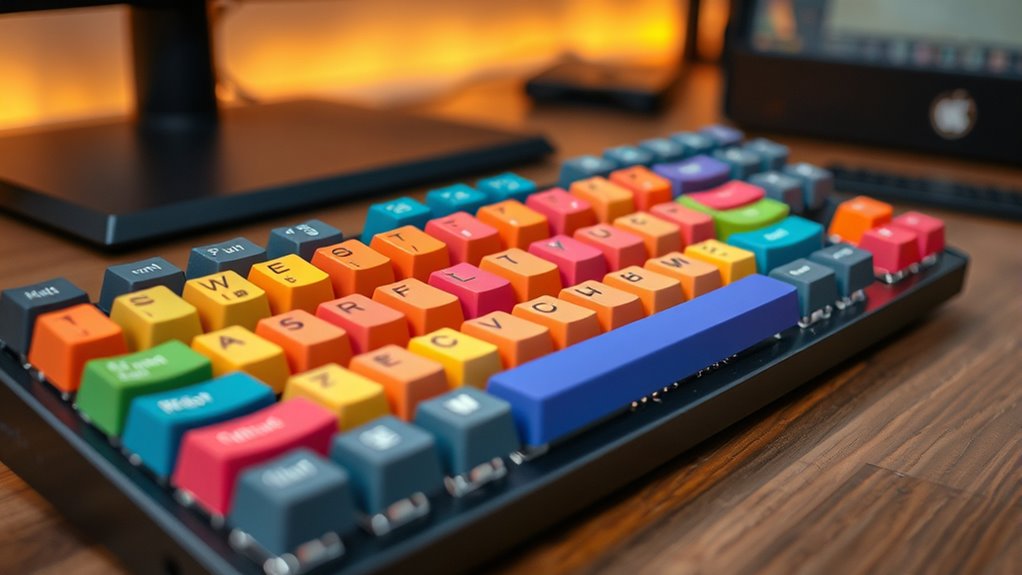
Engaging in the process of customizing a mechanical keyboard offers a deep sense of learning and personal achievement. You experience a clear learning progression as you understand switches, keycaps, and layouts. This journey fuels your creative exploration, allowing you to experiment with designs, colors, and functionalities. Each step challenges you to acquire new skills and problem-solving techniques, boosting confidence and satisfaction. The table below highlights key aspects of this process:
| Step | Focus Area | Outcome |
|---|---|---|
| Selecting components | Creative exploration | Unique, personalized design |
| Assembling the keyboard | Learning progression | Practical skills gained |
| Customizing firmware | Creative exploration | Tailored performance |
This combination of learning and creativity makes building your own keyboard a rewarding experience. Understanding hardware components can enhance your ability to troubleshoot and optimize your custom build.
Cost-Effectiveness and Upgrade Flexibility
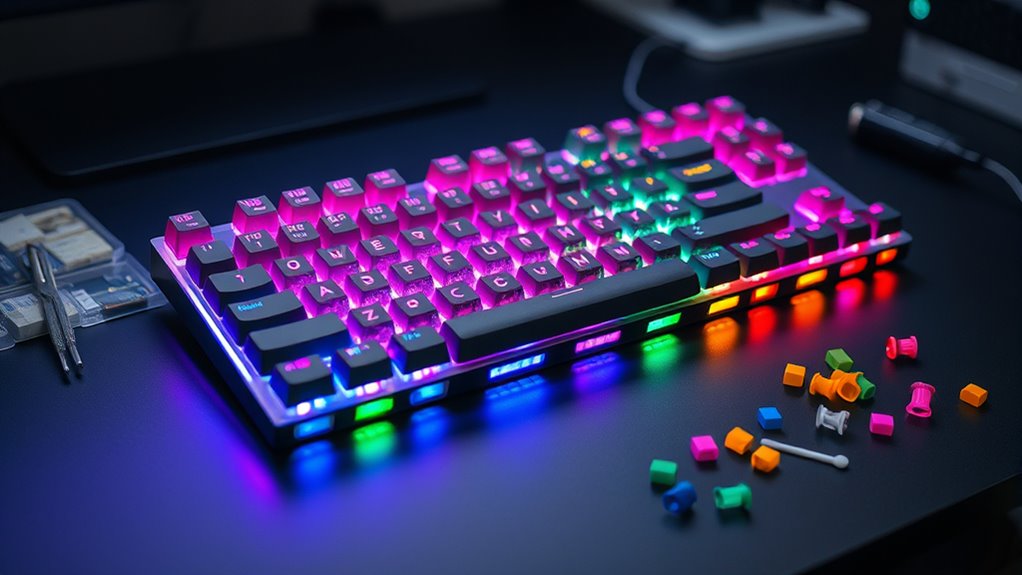
Building a custom mechanical keyboard can save you money over time with lower total expenses. You have a wide range of customizable components, allowing you to choose what fits your needs and budget. Plus, upgrading parts later is straightforward, giving your setup lasting value and flexibility. Incorporating visual and auditory cues can also enhance your experience and understanding during assembly and customization. Additionally, understanding component compatibility ensures seamless upgrades and prevents potential issues down the line. Familiarity with essential oils for focus can even help improve concentration during the building process.
Lower Total Expenses
Custom mechanical keyboards can save you money in the long run because they offer greater cost-effectiveness and upgrade flexibility. If you’re working within budget constraints, building your own keyboard is a smart choice since DIY affordability keeps initial costs low. Instead of buying expensive pre-made models, you select only the components you need, avoiding unnecessary features that inflate prices. Plus, when parts wear out or become outdated, you can upgrade individual elements instead of replacing the entire keyboard. This approach minimizes expenses over time while maintaining ideal performance. Additionally, product customization options allow gamers to tailor their keyboards precisely to their preferences, further enhancing value. By investing in a custom build, you control costs upfront and avoid recurring expenses, making it a financially efficient option for gamers who want quality without overspending.
Customizable Components Options
One of the main advantages of creating a custom mechanical keyboard is the wide range of component options available, which enhances both cost-effectiveness and upgrade flexibility. You can select switches with different durability levels to match your typing style and preferences, ensuring your keyboard lasts longer and performs reliably. Additionally, choosing compatible keycaps means you can easily swap out and personalize your setup without compatibility issues. This flexibility allows you to upgrade parts over time without replacing the entire keyboard, saving money. Custom components also let you experiment with different switch types, keycap materials, and layouts, tailoring your build to your needs and style.
- Switch options with varying durability for longevity
- Keycap compatibility for easy customization
- Modular design for straightforward upgrades
- Diverse switch types for different feels
- Cost-effective parts to fit your budget
Easy Future Upgrades
Thanks to the modular design of custom mechanical keyboards, upgrading your setup in the future is straightforward and budget-friendly. You can easily swap out keycaps for ones with better durability or customize switches through lubrication, enhancing feel and sound. This flexibility means you won’t need to buy a new keyboard each time you want an upgrade. Instead, you can focus on improving specific parts, saving money and time. Upgrading is simple: just replace worn keycaps or lubricate switches for smoother operation. This adaptability makes your keyboard more cost-effective long-term. Here’s a quick overview:
| Component | Upgrade Option | Benefit |
|---|---|---|
| Keycaps | Higher durability sets | Longer-lasting, better feel |
| Switches | Lubrication or replacement | Smoother, quieter typing |
| PCB | Firmware updates | New features, performance |
| Stabilizers | Tuning and replacement | Reduced rattle, improved feel |
Modular design also allows for future customization options, keeping your keyboard aligned with the latest technological advancements. Additionally, the interchangeability of components makes it easier to adapt your keyboard to evolving gaming and typing preferences.
Showcasing Individual Style and Expertise

Showcasing individual style and expertise through custom mechanical keyboards allows you to create a truly personalized setup that reflects your personality and skills. You can demonstrate your appreciation for artisan craftsmanship by choosing handcrafted keycaps or unique switches. Incorporate industrial design elements that emphasize sleek lines or minimalist aesthetics, making your keyboard a statement piece. Building your own setup lets you experiment with color schemes, materials, and layouts, showcasing your creativity. This process also highlights your technical skills, as you assemble and fine-tune each component. Your custom keyboard becomes a reflection of your taste, expertise, and dedication to luxurious craftsmanship, setting you apart from mass-produced options. It’s a perfect way to express yourself while honing your skills in the world of mechanical keyboards. Custom designing allows for further personalization and innovation in your keyboard build, enabling you to explore manufacturing techniques and expand your knowledge, including the importance of precision engineering in achieving optimal performance.
Frequently Asked Questions
What Are the Common Challenges Faced When Building a Custom Mechanical Keyboard?
When building a custom mechanical keyboard, you’ll often face challenges with switch compatibility, ensuring the switches fit your chosen PCB and case. Keyboard ergonomics is also essential, so you need to select key layouts and switch types that suit your comfort. Additionally, managing wiring and soldering can be tricky. Staying patient and researching components thoroughly helps you overcome these hurdles and create a personalized, comfortable gaming keyboard.
How Long Does It Typically Take to Assemble a Custom Keyboard?
Like planting a seed in a garden, your assembly time depends on your experience and desired customization. Usually, it takes 1 to 3 hours, but intricate setups may extend this. During the customization process, you carefully select each component, shaping your keyboard’s personality. Patience and precision turn this task into a rewarding journey, transforming raw parts into a personalized tool that elevates your gaming experience.
Are There Beginner-Friendly Kits Available for First-Time Builders?
Yes, beginner kits are widely available and perfect for first-time builders. These kits include detailed instructions and all necessary components, making assembly easier. To get started, follow simple assembly tips like organizing your parts, taking your time, and double-checking connections. Choosing beginner kits helps you learn the basics, avoid frustration, and build a custom mechanical keyboard that fits your gaming style perfectly.
How Does Custom Firmware Impact Keyboard Performance and Customization?
Think firmware flexibility is just a fancy term? Think again. Custom firmware turbocharges your keyboard’s performance and unleashes endless customization potential, making every keystroke uniquely yours. You get to decide how your keys behave, from macros to lighting effects, all tailored to your gaming style. So, ditch the stock setup and embrace the power of custom firmware—it’s like giving your keyboard a secret superpower!
What Maintenance Is Required to Keep a Custom Keyboard in Optimal Condition?
To keep your custom keyboard in top shape, you should regularly perform keycap cleaning to remove dust and grime, which keeps it looking and feeling fresh. Additionally, switch lubricating helps maintain smooth keystrokes and prevents sticking or noise. Check for any loose parts and replace worn switches or keycaps as needed. Regular maintenance ensures ideal performance and prolongs your keyboard’s lifespan, keeping your gaming experience seamless.
Conclusion
Building your own custom mechanical keyboard lets you express your style, enhance comfort, and boost gaming performance. You gain control over every detail, making your setup uniquely yours. Isn’t it more satisfying to craft something that truly fits your needs and personality? Whether for gaming or typing, the journey of customization brings a sense of achievement and connection. So, why settle for ordinary when you can create something extraordinary that reflects who you are?