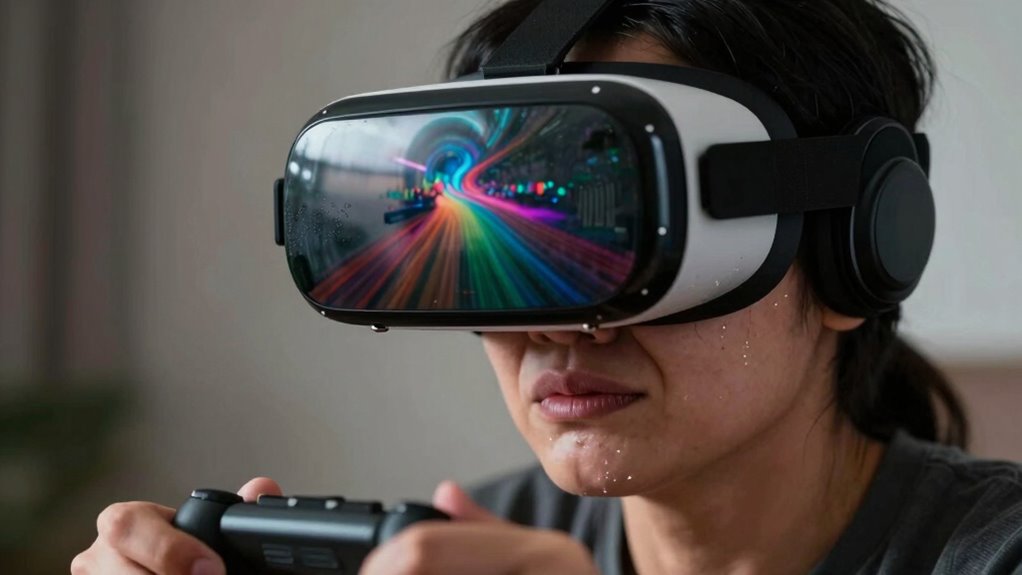

VR motion sickness happens when your brain receives conflicting signals from your eyes and inner ear, causing confusion and discomfort. Rapid movements, low-quality visuals, and poor hardware calibration can make symptoms worse. To prevent this, make sure your headset fits comfortably, take regular breaks, and customize settings for smoother experiences. Want to know more about reducing symptoms and choosing the right equipment? Keep exploring to improve your VR comfort.
Key Takeaways
- VR motion sickness results from conflicting visual signals and inner ear sensations disrupting balance and spatial orientation.
- Sensory mismatches, such as visual-vestibular conflicts during virtual movement, cause nausea and dizziness.
- Rapid movements, low frame rates, and poor tracking increase the risk of discomfort in VR.
- Proper headset fit, calibration, and optimized visual settings help reduce sensory conflicts and symptoms.
- Regular breaks, a calm environment, and adjusting display brightness can minimize VR motion sickness.
Top picks for "motion sicknes happen"
Open Amazon search results for this keyword.
As an affiliate, we earn on qualifying purchases.
Understanding the Causes of VR Motion Sickness
VR motion sickness occurs when your brain receives conflicting signals about movement, often because what you see in the virtual environment doesn’t match what your inner ear and body feel. This mismatch creates sensory conflicts, confusing your brain about your actual position and motion. Visual cues play a significant role here; if the visuals suggest movement that your body isn’t experiencing, your brain struggles to interpret these signals correctly. For example, walking in place while seeing yourself run can trigger discomfort because your eyes see motion, but your inner ear senses stillness. These conflicting signals disrupt your sense of balance and spatial orientation, leading to nausea, dizziness, or disorientation. Understanding how sensory conflicts and visual cues contribute to VR motion sickness is key to finding ways to prevent it. Additionally, incorporating high refresh rates in VR headsets can help reduce latency and improve visual fluidity, minimizing sensory conflicts and enhancing user comfort. Recognizing that sensory conflicts play a crucial role can guide developers to optimize VR experiences for comfort and safety. Moreover, advances in visual fidelity can help create more consistent cues between what the eyes see and what the body perceives.
How Your Brain and Eyes Contribute to Discomfort
Your brain and eyes work together to interpret your movements and surroundings, but when their signals conflict, discomfort arises. This is often due to a visual vergence conflict, where your eyes focus differently than what your brain perceives, creating a sensory mismatch. This mismatch confuses your brain, leading to feelings of nausea or dizziness. Imagine:
When your eyes and brain send conflicting signals, discomfort and motion sickness can occur.
- Your eyes trying to focus on a virtual object, but your head moves differently
- Your brain receiving conflicting signals about your position in space
- Your eyes adjusting to different depths while your motion cues suggest otherwise
- The presence of sensory conflicts that can intensify motion sickness symptoms
- The visual-vestibular mismatch that occurs when visual input does not align with your inner sense of balance and movement
These discrepancies make it hard for your brain to reconcile what your eyes see with your inner sense of movement, fueling motion sickness in VR. Additionally, visual processing differences can contribute to this mismatch, especially when the visual cues are overly artificial or inconsistent. Understanding this interaction is key to addressing discomfort effectively. Developing attention to detail in VR design can help minimize these conflicts and improve user comfort.
Factors That Increase the Risk of Motion Sickness
Certain factors can substantially increase your likelihood of experiencing motion sickness in virtual environments. Cybersickness triggers, such as rapid movements, low frame rates, or inconsistent visual cues, can overwhelm your senses and cause discomfort. Additionally, hardware compatibility plays a vital role—if your VR headset isn’t properly calibrated or isn’t compatible with your system, it can lead to latency or mismatched visuals that heighten the risk. Poor tracking accuracy or outdated equipment may also contribute to symptoms. These issues disrupt the seamless integration of visual and vestibular signals, making you more prone to nausea and dizziness. Ensuring hardware compatibility is crucial for a smooth and comfortable VR experience. To further minimize symptoms, optimizing VR setup and keeping your software up to date can significantly improve your overall comfort and reduce motion sickness risks. Improving visual coherence through proper calibration and high-quality equipment can also help minimize sensory conflicts that lead to discomfort. Regular maintenance and updates of your hardware can prevent many issues related to system performance that contribute to motion sickness. Moreover, paying attention to hardware specifications and ensuring they meet recommended standards can further reduce the likelihood of experiencing cybersickness.
Practical Strategies to Minimize Symptoms
To reduce motion sickness symptoms, adopting simple yet effective strategies can make a significant difference during virtual experiences. First, verify your controller is properly calibrated to prevent discrepancies between your movements and the VR environment, which can cause discomfort. Second, optimize ambient lighting in your play area—soft, consistent lighting reduces eye strain and helps your brain process visual cues more smoothly. Additionally, consider taking regular breaks to allow your eyes and brain to rest. You might also experiment with adjusting the brightness and contrast settings on your headset to lessen visual fatigue. Keep your play space free of clutter and distractions, creating a calm environment that supports your sensory stability. These small changes can help you enjoy VR with fewer symptoms of motion sickness.
Choosing the Right Equipment and Settings
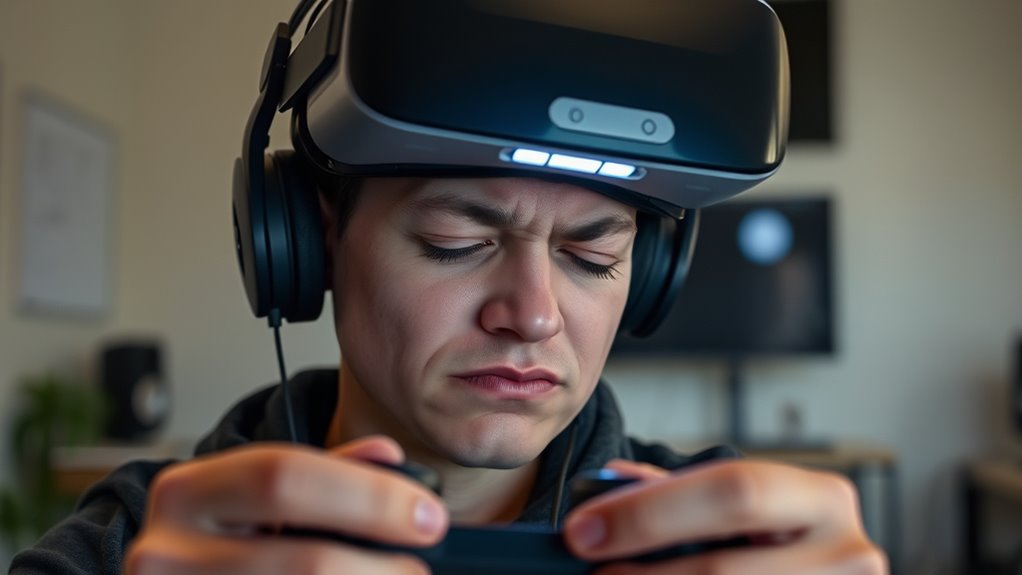
Choosing the right equipment and settings is essential for minimizing motion sickness during VR sessions. Start by ensuring your headset fit is snug but comfortable, reducing unnecessary movement that can cause disorientation. Proper headset fit helps keep the display steady and aligned with your eyes, preventing eye strain and nausea. Additionally, check controller calibration regularly; accurately calibrated controllers ensure smooth, precise movements that match your actions, reducing visual-vestibular mismatches. Adjust your VR settings, such as field of view and motion sensitivity, to suit your comfort level. Using high-quality equipment designed for comfort and accuracy can make a significant difference. Incorporating cost-of-ownership math into your equipment choices can help you select reliable gear that maintains performance over time. Ensuring your system has durability and weather resistance can also prevent performance issues that might contribute to discomfort. Taking these steps helps create a more stable, immersive experience and reduces the likelihood of motion sickness.
Frequently Asked Questions
Can Age Influence Susceptibility to VR Motion Sickness?
Yes, age can influence your susceptibility to VR motion sickness. Age-related factors and developmental differences affect how your brain and sensory systems process virtual environments. Younger children and older adults may experience it more often because their sensory integration is still developing or declining. To reduce discomfort, tailor VR experiences to your age group, take regular breaks, and gradually increase your exposure. This approach helps your brain adapt better and minimizes motion sickness symptoms.
Do Certain Medical Conditions Make VR Motion Sickness More Likely?
If you have certain medical conditions or pre-existing illnesses, you’re more likely to experience VR motion sickness. Conditions like migraines, inner ear issues, or neurological disorders can make your body more sensitive to virtual environments. You might feel dizziness, nausea, or disorientation more intensely. To protect yourself, consult your doctor before using VR, start with short sessions, and listen to your body’s signals, easing into experiences gradually.
How Does VR Content Type Affect Motion Sickness Risk?
You’re more likely to experience VR motion sickness depending on the content type. Fast-paced, intense, or poorly optimized experiences can increase your risk. To reduce this, opt for content with proper content customization that minimizes sudden movements, and guarantee your hardware compatibility is ideal. When the visuals match your hardware capabilities, motion sickness risk drops, making your VR sessions more comfortable and enjoyable.
Are There Specific Activities That Trigger More Severe Symptoms?
Certain activities, like fast-paced games or rapid movements, can trigger more severe symptoms of VR motion sickness. You might experience heightened discomfort due to sensory conflicts, especially when visual triggers don’t match your inner sense of motion. Activities that involve sudden turns, jumps, or intense visual stimuli can exacerbate symptoms. To minimize this, take breaks and choose content with smoother, less jarring motions.
Does the Duration of VR Sessions Impact Long-Term Discomfort?
Longer VR sessions can increase your risk of long-term discomfort, especially if your session length exceeds your user endurance. As you push beyond comfortable limits, motion sickness symptoms may intensify or persist. To avoid this, pay attention to your body’s signals and take breaks when needed. Gradually increasing your session duration helps build endurance, reducing the chances of experiencing prolonged discomfort over time.
Conclusion
While VR offers exciting worlds to explore, motion sickness reminds you that your body and tech aren’t always perfectly in sync. By understanding its causes and adjusting your settings, you can enjoy immersive experiences without discomfort. Think of it as balancing two worlds: your desire for adventure and your body’s signals. With a few simple tweaks, you stay in control, turning a potential obstacle into an opportunity for seamless, exhilarating VR journeys.