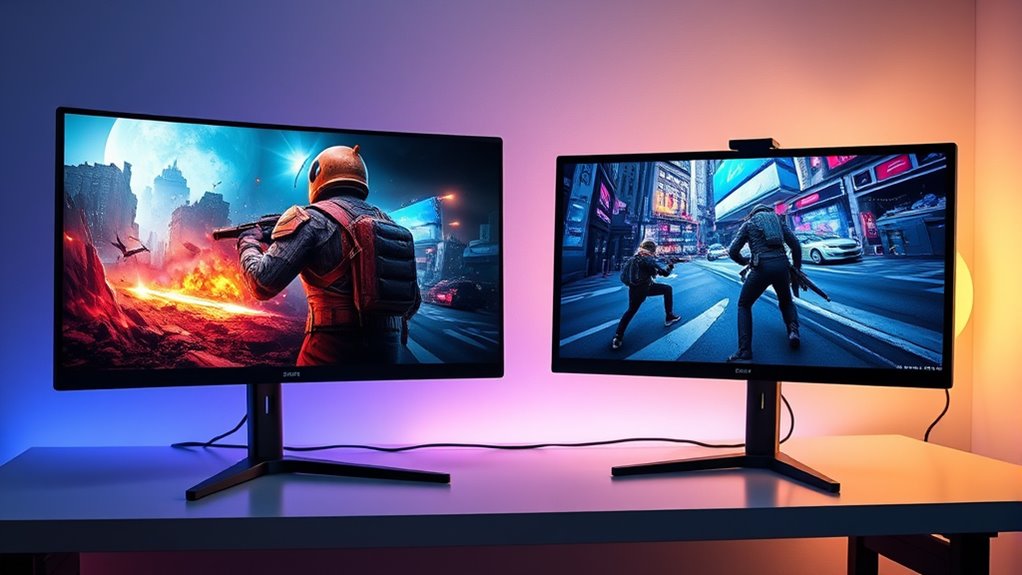

If you prioritize immersion and a seamless gaming experience, an ultrawide monitor is a great choice, offering a wide field of view and fewer visual interruptions. However, if you prefer multitasking or splitting your screen for different activities, dual monitors provide flexibility and easier management. Both setups have their advantages based on your gaming style and space. To discover which option suits you best, exploring more details can help you make an informed decision.

Get the latest gadgets delivered free with Prime
- Fast, free delivery on millions of items
- Prime Video, Amazon Music and more included
- Member-only deals all year
Key Takeaways
- Ultrawide monitors offer immersive, seamless panoramic views ideal for single-screen gaming experiences.
- Dual monitors provide flexibility for multitasking and split-screen gaming but may have visual interruptions from bezels.
- Ultrawide screens typically feature advanced display tech with high refresh rates, enhancing visual quality and responsiveness.
- Dual monitor setups allow customization and easy multitasking but can divide focus and reduce immersion.
- The choice depends on gaming style, space availability, and preference for immersion versus multitasking capabilities.
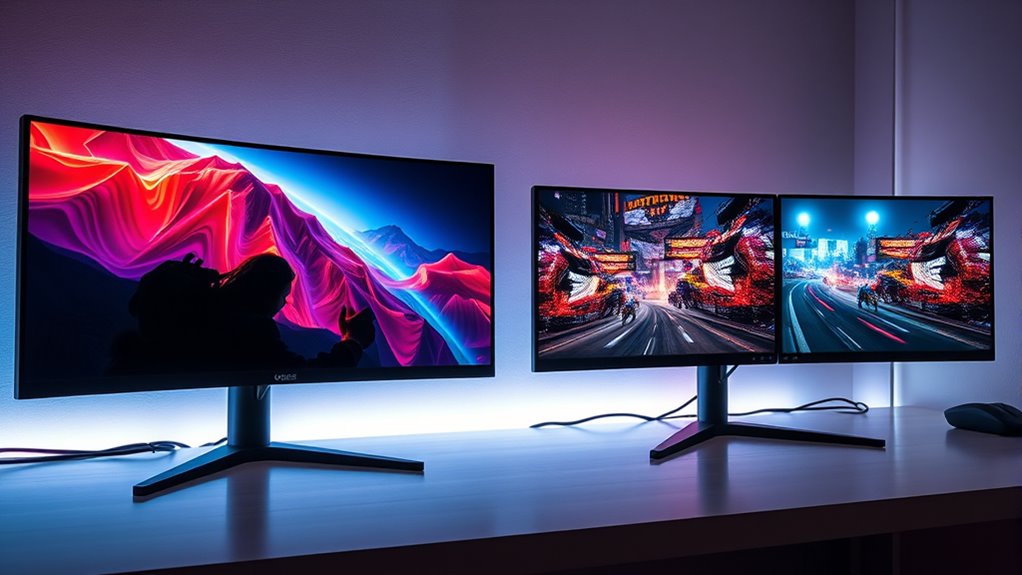
When it comes to gaming setups, choosing between an ultrawide monitor and dual monitors can substantially impact your experience. One of the first considerations is monitor size, which influences how immersive your gaming session feels. Ultrawide monitors typically range from 34 to 49 inches, offering a broad display that wraps around your peripheral vision. In contrast, dual monitors give you the flexibility to choose two separate screens, usually 24 to 32 inches each, which can be arranged horizontally or vertically. The size you pick depends on your gaming style and desk space, but larger screens generally enhance immersion, especially when combined with a wide aspect ratio.
Choosing an ultrawide or dual monitor setup depends on your gaming style and space for maximum immersion and flexibility.
Speaking of aspect ratio, this is a critical factor that differentiates ultrawide monitors from dual setups. Ultrawide monitors usually feature an aspect ratio of 21:9 or even 32:9, compared to the standard 16:9 ratio found in most traditional monitors. This wider aspect ratio provides a seamless, panoramic view, making it ideal for racing games, flight simulators, or open-world adventures where having a broad field of view enhances gameplay. On the other hand, dual monitors typically maintain a 16:9 aspect ratio on each screen, but because they are separate displays, you can position them for multitasking or split-screen gaming. This setup allows you to dedicate one monitor to the game and the other to streaming, chat, or guides, offering a different kind of versatility.
Choosing between the two also involves considering how the aspect ratio influences your field of view. Ultrawide monitors with their expansive aspect ratios eliminate the bezels that divide screens, creating a more immersive environment with fewer visual interruptions. You’ll find yourself feeling more engaged in the game world without having to turn your head or shift your view. Conversely, dual monitors provide a practical advantage for multitasking or running multiple applications simultaneously, which can be particularly useful if you like to have your game on one screen and related content on the other. However, the visual continuity isn’t as seamless as with an ultrawide because of the bezels and the separation between screens. Additionally, ultrawide monitors often incorporate advanced display technology that enhances color accuracy and refresh rates, further enriching the gaming experience.
Ultimately, your choice hinges on your gaming preferences and how you want to experience your games. If maximum immersion with a single, expansive view appeals to you, then an ultrawide monitor with its wide aspect ratio and large size might be the way to go. But if you prefer multitasking, flexibility, and the ability to customize your display setup, dual monitors could serve you better. Both options have their merits, but understanding how monitor size and aspect ratio shape your gameplay will help you make an informed decision tailored to your needs.
ultrawide gaming monitor 34 inch 21:9
As an affiliate, we earn on qualifying purchases.
As an affiliate, we earn on qualifying purchases.
Frequently Asked Questions
Which Setup Offers Better Multitasking for Gaming and Streaming?
A dual monitor setup generally offers better multitasking efficiency for gaming and streaming because you can dedicate one screen to gameplay and the other to chat, streaming tools, or browser windows. This setup improves workspace organization, making it easier to switch between tasks without clutter. An ultrawide monitor can also be good, but dual monitors give you more flexibility to manage multiple applications simultaneously, enhancing your overall experience.
How Do Input Lag and Refresh Rates Compare Between Ultrawide and Dual Monitors?
You’ll find that ultrawide monitors often have similar input lag to dual monitors, with some models boasting as low as 1ms. However, refresh rate differences can be notable; high-end ultrawides typically reach 144Hz or more, matching dual monitor setups. This means smoother gameplay overall. Keep in mind, the choice depends on the specific models, but generally, both setups can offer excellent responsiveness for gaming.
Are There Compatibility Issues With Specific Gaming Genres?
You might face compatibility issues with certain gaming genres, especially if resolution compatibility or aspect ratio issues arise. For example, some games don’t support ultrawide aspect ratios well, leading to stretched images or black bars. Dual monitors usually avoid this problem but can create a split view. Check your game’s compatibility with your setup before investing, and adjust settings to prevent display issues during gameplay.
What Is the Cost Difference Between Ultrawide and Dual Monitor Setups?
You might think ultrawide monitors are pricier, but often they cost less than dual monitor setups, especially when considering budget considerations. Ultrawides typically have a simpler installation process, reducing setup complexity and extra expenses. Dual monitors, however, can add up with multiple screens and mounts. So, if you’re looking for a cost-effective, straightforward solution, ultrawide monitors usually offer better value and easier installation for your gaming needs.
How Does Desk Space Requirement Differ for Each Configuration?
You’ll find that ultrawide monitors require less desk space overall, fitting neatly into a single monitor area and simplifying your ergonomic layout. In contrast, dual monitors need more desk space, as each screen demands its own room, and you may need additional accessories like stands or mounts. This setup can clutter your workspace, making it harder to maintain a clean, ergonomic layout.
As an affiliate, we earn on qualifying purchases.
Conclusion
Ultimately, whether you choose an ultrawide or dual monitors, your gaming experience will flourish with focus and fun. Ultrawides offer seamless spans that summon a sweeping sense of immersion, while duals deliver dynamic diversity for multitasking mastery. Decide based on your desires—dive into the deep, dazzling display or double your desktop dimensions. Whichever way you wander, make your gaming world bigger, bolder, and brilliantly yours. Let your monitor mirror your gaming dreams!
curved ultrawide monitor 49 inch
As an affiliate, we earn on qualifying purchases.
As an affiliate, we earn on qualifying purchases.
gaming monitor with high refresh rate
As an affiliate, we earn on qualifying purchases.
As an affiliate, we earn on qualifying purchases.
Halloween Picks
halloween
As an affiliate, we earn on qualifying purchases.