
To quickly reduce VR motion sickness, start by adjusting your headset’s hardware settings, such as IPD and refresh rate, for clearer visuals. Take regular breaks during your session to prevent eye strain and allow your body to adjust. Make sure your environment is comfortable, well-lit, and free of obstacles. Proper setup and frequent pauses can make a big difference, and if you keep exploring, you’ll find even more tips to stay comfortable longer.
Key Takeaways
- Take regular breaks and look at distant objects to reduce eye strain and motion discomfort.
- Adjust headset fit and calibration for optimal alignment and reduced visual discomfort.
- Improve lighting and environment to minimize flickering and enhance comfort during VR sessions.
- Choose higher refresh rate headsets to decrease motion blur and eye fatigue.
- Maintain good posture and ergonomic setup to prevent physical strain and nausea.
Adjust Your VR Hardware Settings
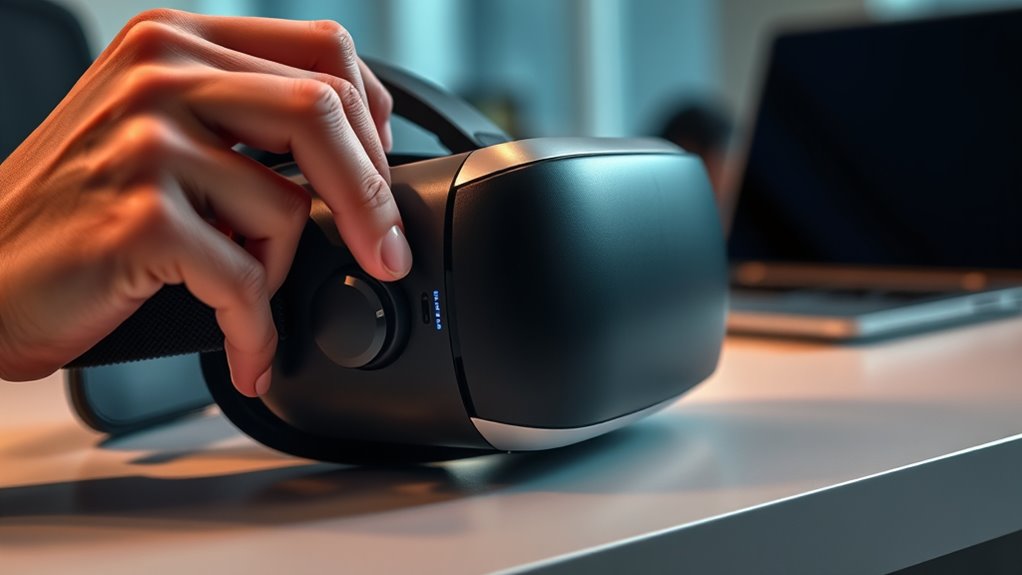
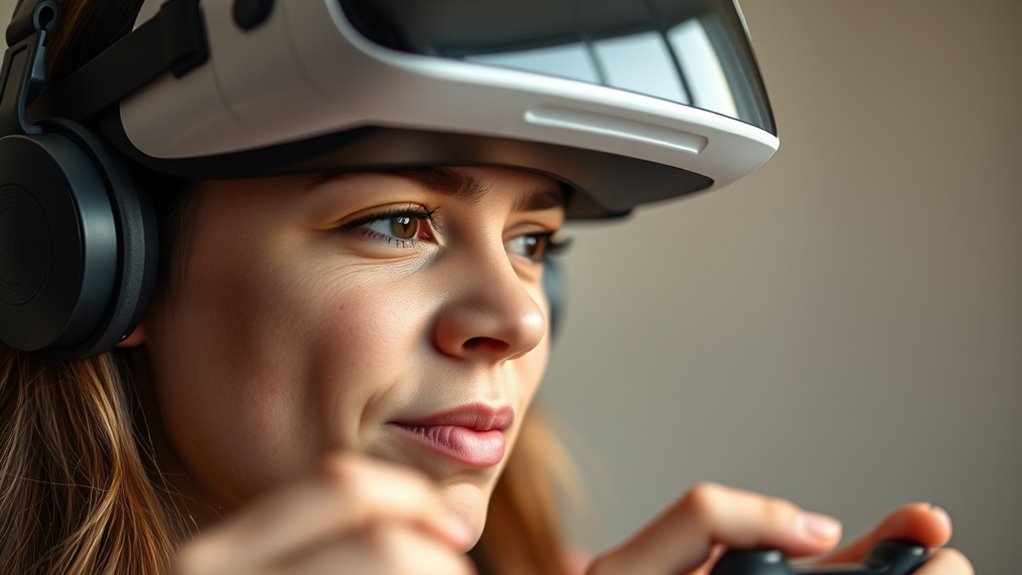
To reduce motion sickness in VR, start by adjusting your hardware settings. Proper hardware calibration is essential for a smooth experience; verify your headset is aligned correctly with your eyes and that the lenses are clean. Misaligned hardware can cause visual discomfort, increasing nausea. Additionally, consider using comfort accessories like face padding or adjustable straps to improve fit and stability. A well-fitted headset reduces unnecessary movement and prevents shifting that could cause disorientation. Many VR headsets also allow you to customize settings like interpupillary distance (IPD) and refresh rate—adjust these to match your preferences for clearer visuals and less eye strain. Taking the time to fine-tune your hardware setup creates a more comfortable environment, helping you enjoy VR without the unwanted side effects. Proper hardware calibration is also key to ensuring a seamless experience and minimizing discomfort. Additionally, selecting a headset with a higher refresh rate can significantly reduce motion blur and eye strain, enhancing overall comfort during extended use. To further improve comfort, consider adjusting visual settings like brightness and contrast to reduce eye fatigue and create a more natural viewing experience.
Take Regular Breaks During Sessions
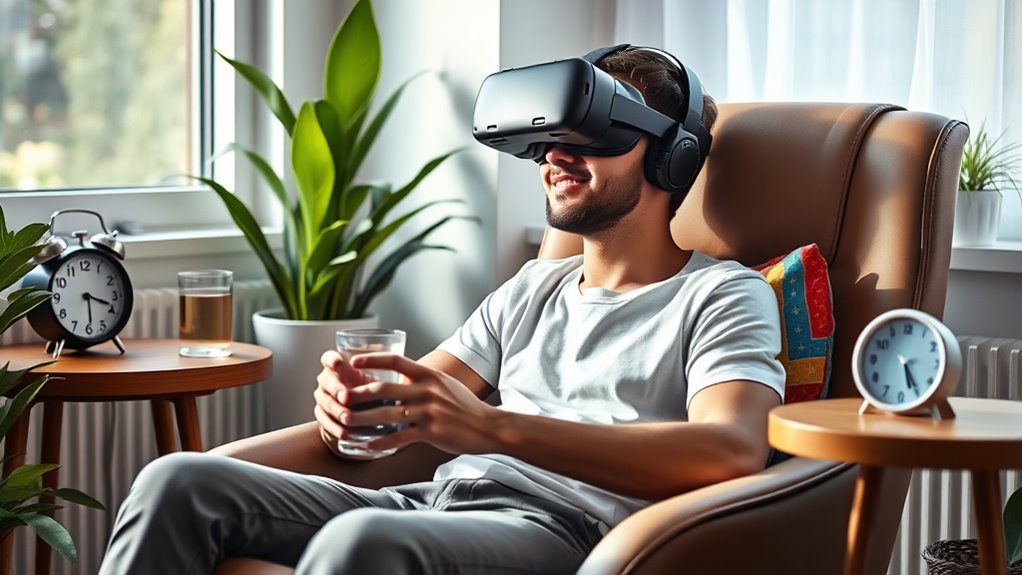
Taking regular breaks during your VR sessions is essential for preventing motion sickness and reducing eye strain. When you pause, it gives your eyes and brain a chance to reset, especially if you’ve been focusing intensely on the headset fit or controller placement. During breaks, adjust your headset to ensure a comfortable fit; a loose or tight fit can cause discomfort and worsen symptoms. Use this time to step back from the virtual environment and look at distant objects to relax your eyes. Also, check that your controller placement remains comfortable, avoiding awkward positions that could lead to strain. Short, frequent breaks help your body adapt better to VR, making your experience more enjoyable and less likely to trigger motion sickness. Incorporating natural visual cues can further enhance comfort during breaks. Additionally, paying attention to proper headset fit can significantly reduce discomfort and improve overall experience. Ensuring good ergonomic posture during VR sessions can also help prevent fatigue and discomfort. Regularly monitoring your comfort levels allows you to adjust your setup proactively and avoid overexertion. Remember, mindfulness techniques can also help manage any discomfort or nausea you might experience during VR sessions.
Optimize Your Physical Environment
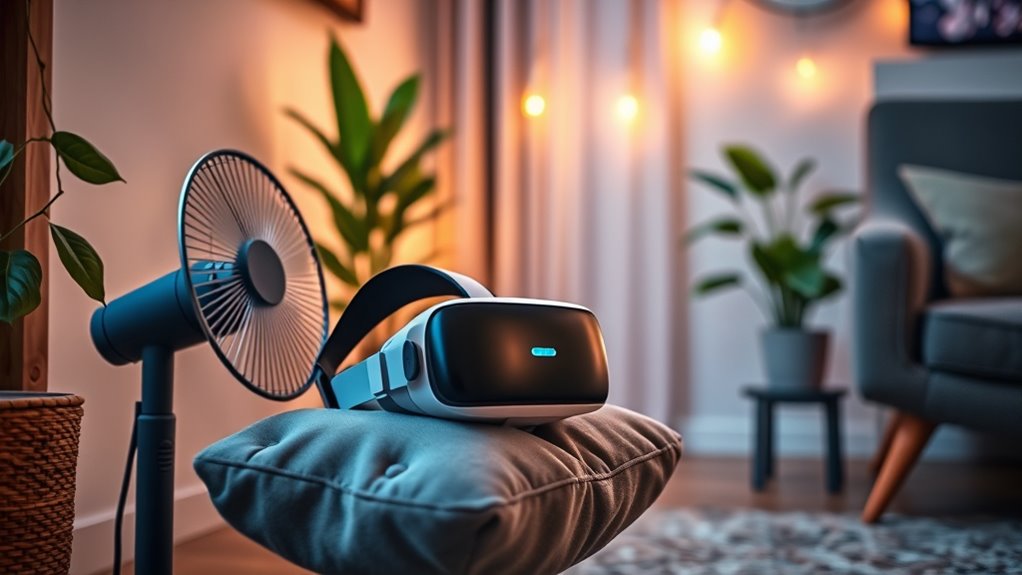
Adjusting your physical environment can considerably reduce the chances of motion sickness during VR sessions. Start by choosing a comfortable seating position that keeps you stable and supported. Sitting upright with your feet flat on the ground helps maintain balance and minimizes disorientation. Also, pay attention to lighting conditions; a well-lit room reduces eye strain and prevents your eyes from constantly adjusting between the virtual world and real surroundings. Avoid harsh or flickering lights, which can intensify discomfort. Clear your space of obstacles to prevent accidental bumps, and ensure your VR setup is stable. By optimizing these factors, you create a more comfortable environment that lessens the likelihood of motion sickness and enhances your overall VR experience. Additionally, lighting design can play a significant role in reducing visual fatigue and promoting a more immersive experience. Incorporating ergonomic setup principles can further improve comfort and help prevent physical strain during VR use. Paying attention to air circulation can also help maintain comfort and prevent overheating during extended VR sessions. Improving ambient airflow can help keep the environment comfortable and reduce fatigue. Moreover, optimizing ergonomic principles can support your posture and reduce physical discomfort over longer periods.
Frequently Asked Questions
Can Specific VR Games Increase Motion Sickness Risk?
Yes, certain VR games can increase your risk of motion sickness. Games with poor game design, such as abrupt movements or inconsistent user comfort features, tend to cause discomfort. Fast-paced or highly immersive games may also challenge your ability to stay comfortable. To reduce risks, choose games that prioritize user comfort, have smooth motion shifts, and avoid sudden visual changes, helping you enjoy VR sessions without feeling sick.
Do Certain VR Headsets Have Built-In Features to Reduce Sickness?
Your VR headset can make a huge difference in reducing motion sickness. Many models feature built-in anti-sickness tech, like enhanced display technology and adjustable headset comfort, which help your eyes and brain sync better. These features minimize disorienting sensations and keep you comfortable during extended play. Look for headsets with smooth refresh rates and ergonomic designs—these are your best allies against motion sickness, making your VR experience way more enjoyable.
How Does Age Influence Susceptibility to VR Motion Sickness?
Your age influences your susceptibility to VR motion sickness because of age-related sensory changes. Younger users typically have less developmental susceptibility, making them less prone to discomfort. As you age, sensory processing shifts can increase sensitivity to VR stimuli, heightening your chances of feeling sick. To minimize this, start with shorter sessions, take breaks, and choose VR experiences designed for comfort, regardless of your age.
Are There Certain Medications That Can Help Prevent VR Sickness?
Certain medications, like antihistamines and anti-nausea drugs, can help prevent VR sickness if you’ve experienced it before. You might consider preventive medications such as dimenhydrinate or promethazine, but always check with your doctor first. These medication options can reduce symptoms by calming your inner ear or nervous system, making your VR experience smoother. Remember, using medication alongside other tricks can offer the best protection.
Does the Type of VR Content Affect the Likelihood of Experiencing Sickness?
Yes, the type of VR content markedly affects your chances of experiencing sickness. When content matches your preferences and is tailored through content customization, your immersion feels more natural, reducing discomfort. Fast-paced or shaky visuals tend to increase nausea, while smooth, stable environments help. By selecting experiences aligned with your comfort level, you can minimize motion sickness and enjoy VR more comfortably.
Conclusion
By tweaking your VR settings, taking breaks, and optimizing your space, you’ll find it easier to enjoy your virtual adventures. Sometimes, a quick pause or a simple adjustment makes all the difference, almost like fate stepping in to save the day. With these tricks, you’ll notice your motion sickness easing just when you need it most. So, keep experimenting, stay mindful, and let the comfort happen naturally—because the perfect VR experience is just a small change away.