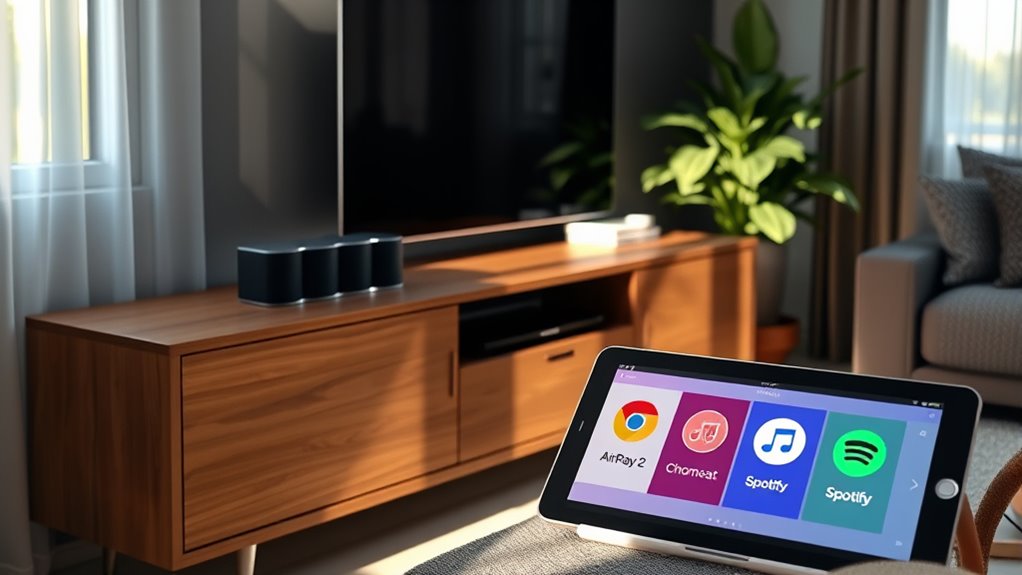

If you’re choosing between AirPlay 2, Chromecast, and Spotify Connect for multi-room audio, consider your device ecosystem and voice control needs. AirPlay 2 works best with Apple devices and offers seamless voice commands via Siri. Chromecast is ideal for Android users and Google Assistant integration, while Spotify Connect provides broad platform support but depends on compatible hardware. Each has its strengths, so exploring further helps find the best fit for your setup.

Get the latest gadgets delivered free with Prime
- Fast, free delivery on millions of items
- Prime Video, Amazon Music and more included
- Member-only deals all year
Key Takeaways
- AirPlay 2 offers seamless multi-room audio within the Apple ecosystem with robust voice control via Siri.
- Chromecast supports multi-room audio across Google devices, compatible with Android, Chrome, and Google Assistant.
- Spotify Connect provides platform-agnostic multi-room support but depends on hardware compatibility for smooth operation.
- Ecosystem compatibility influences voice control effectiveness and device integration for multi-room setups.
- Hardware support and firmware updates are crucial for optimal multi-room audio performance across all protocols.
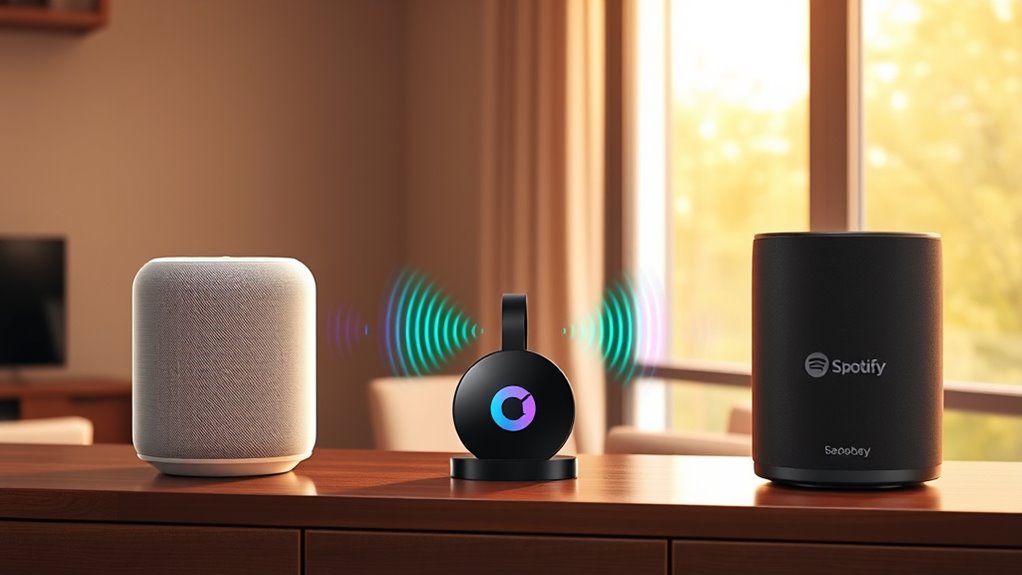
Voice control is a key feature for many users, allowing you to manage your music hands-free. AirPlay 2, integrated with Apple’s ecosystem, offers excellent voice control through Siri. If you use Apple devices, you’ll find that asking Siri to play, pause, or change tracks on compatible speakers works smoothly. However, if your smart home setup leans towards Amazon Alexa or Google Assistant, AirPlay 2’s voice control might feel limited, as it’s primarily optimized for Apple’s ecosystem. Chromecast, on the other hand, supports voice commands through Google Assistant. If you have Google Home devices, you can simply say, “Hey Google, play music in the living room,” and Chromecast-enabled speakers will respond. Spotify Connect, however, doesn’t directly handle voice commands; instead, it relies on the voice platforms integrated with your device or app. For example, if you use Spotify with Google Assistant or Alexa, you can control playback via voice, but it’s not as tightly integrated as AirPlay 2 or Chromecast. Additionally, the multi-room audio protocol you choose impacts how smoothly voice commands are processed across all speakers in your setup.
Voice control varies: Siri works well with AirPlay 2, Google Assistant supports Chromecast, and Spotify relies on your device’s voice platform.
Compatibility issues are another critical aspect. AirPlay 2 is compatible with a broad range of Apple devices, including iPhones, iPads, and Macs, and works with many newer smart speakers and AV receivers. But if you own older equipment, you might face limitations or need extra adapters. Chromecast works with Android devices and Chrome browsers seamlessly, making it a good choice if you’re heavily invested in Google’s ecosystem. It also supports a wide array of third-party speakers, but some older models might not be compatible without firmware updates. Spotify Connect is platform-agnostic but hinges on whether your speakers support it natively. Some devices only support Spotify Connect if they’re specifically designed for it, which can limit your options if you want a diverse multi-room setup.
Ultimately, your choice depends on your existing devices and how you like to control your music. If you’re deeply embedded in Apple’s ecosystem, AirPlay 2’s voice control and device compatibility make it appealing. If you prefer Google’s ecosystem and voice commands, Chromecast offers strong integration and flexibility. If Spotify’s music library and platform independence are priorities, Spotify Connect might be the best fit, provided your hardware supports it. Each protocol offers unique advantages, but understanding their voice control capabilities and compatibility issues ensures you pick the system that best fits your home and lifestyle.
Apple AirPlay 2 compatible speakers
As an affiliate, we earn on qualifying purchases.
As an affiliate, we earn on qualifying purchases.
Frequently Asked Questions
Can All Devices Support Multi-Room Audio Simultaneously?
Not all devices support multi-room audio simultaneously, as device compatibility varies. You might find that some speakers or smart devices can sync easily, but others lack this feature. Wireless stability also plays a big role—if your network isn’t strong, streaming to multiple devices can lag or drop out. To get the best experience, check your device compatibility and verify your Wi-Fi connection is reliable enough for multi-room audio.
Which Platform Offers the Best Sound Quality?
You’ll find that AirPlay 2 often delivers the clearest sound, thanks to minimal audio compression and high-quality streaming. Chromecast also offers excellent audio fidelity, but signal latency can sometimes affect sync, especially with complex setups. Spotify Connect provides good sound quality, though it may use more compression. Ultimately, your choice depends on balancing sound clarity with how well your devices handle signal latency and compression.
Are There Any Subscription Costs Involved?
You won’t face subscription fees for AirPlay 2 and Chromecast, as they work with your existing music services without extra costs. Spotify Connect, however, may require a Spotify Premium subscription for full functionality, which involves service costs. If you’re using free versions of music platforms, you might experience limitations. So, consider the subscription fees or service costs based on the platform and your preferred music service.
How Secure Is Each Streaming Protocol?
A stitch in time saves nine, so you should know that each streaming protocol offers different security levels. AirPlay 2 encrypts your data, reducing privacy concerns, but relies on Apple’s ecosystem for network compatibility. Chromecast uses secure protocols but can pose some privacy issues depending on your Google account settings. Spotify Connect has moderate security, yet your privacy depends on your account management. Overall, stay vigilant to protect your network and data.
Can I Use Multiple Platforms Together?
Yes, you can use multiple platforms together for cross-platform integration, but device compatibility varies. AirPlay 2 works seamlessly with Apple devices, Chromecast offers broad compatibility with Android and Google services, and Spotify Connect integrates well with various speakers and apps. To guarantee smooth operation, check each device’s compatibility and consider using a smart speaker or hub that supports multiple protocols, making multi-platform use more straightforward.
Google Chromecast multi-room speakers
As an affiliate, we earn on qualifying purchases.
As an affiliate, we earn on qualifying purchases.
Conclusion
Choosing between AirPlay 2, Chromecast, and Spotify Connect ultimately depends on what you value most in your multi-room setup. While each has its strengths, remember that you can’t have your cake and eat it too—so pick the one that best fits your ecosystem and needs. No matter which you choose, you’ll be able to enjoy seamless, synchronized music across your rooms. Sometimes, it’s all about finding the right fit and rolling with it.
Spotify Connect compatible smart speakers
As an affiliate, we earn on qualifying purchases.
As an affiliate, we earn on qualifying purchases.
multi-room audio system with voice control
As an affiliate, we earn on qualifying purchases.
As an affiliate, we earn on qualifying purchases.
Halloween Picks
halloween
As an affiliate, we earn on qualifying purchases.