If you prioritize privacy and control, a local NVR keeps all footage on-site, giving you full management without relying on internet access. Conversely, HomeKit Secure Video offers seamless remote access, encrypted cloud storage, and easy setup, ideal if convenience matters most. Your choice depends on whether you prefer keeping everything local or want the ease of cloud features. Keep exploring to find out which setup suits your security style best.
Key Takeaways
- HomeKit Secure Video encrypts footage in iCloud for remote access, prioritizing privacy and seamless integration with Apple devices.
- Local NVR stores footage on-site, offering full control, no ongoing costs, and independence from internet connectivity.
- Cloud storage via HomeKit reduces risks of physical theft but involves third-party trust and subscription fees.
- NVR allows manual management of storage and footage retention, ideal for users preferring complete local control.
- Choose HomeKit for convenience and privacy, or NVR for greater control, cost savings, and offline access.
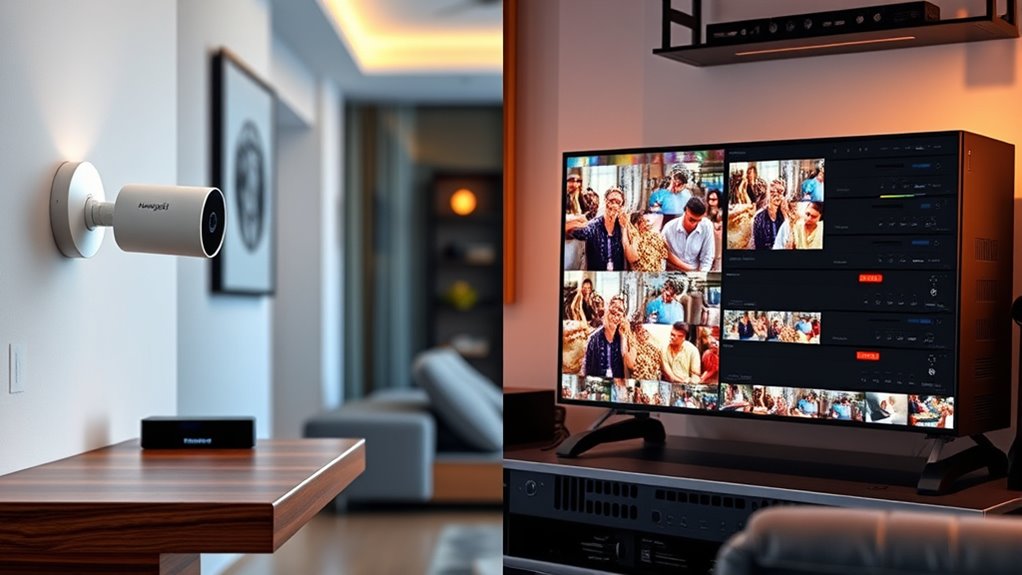
When choosing a security system for your home, understanding the differences between HomeKit Secure Video and a local NVR is essential. Both options aim to protect your space, but they do so in fundamentally different ways, especially when it comes to how they handle data like video footage. With HomeKit Secure Video, your video clips are stored securely in the cloud, specifically within iCloud. This means your footage isn’t saved locally on a device but is encrypted and stored remotely, giving you the convenience of accessing your videos from anywhere. Apple emphasizes user privacy in this setup, ensuring that your footage remains private and protected through end-to-end encryption. Only you and those you authorize can view your videos, and Apple doesn’t access the footage itself. This focus on user privacy can be a significant advantage if you’re concerned about data breaches or unauthorized access.
HomeKit Secure Video stores encrypted footage in iCloud, prioritizing privacy and remote access over local storage.
On the other hand, a local NVR (Network Video Recorder) stores all footage directly on a dedicated device located within your home. You don’t rely on cloud storage, which means your videos stay on-site, giving you full control over your data. This can be appealing if you prefer to keep your security footage away from the internet entirely, reducing risks of hacking or privacy leaks associated with cloud storage. Since the footage is stored locally, you’re not dependent on an internet connection for access, which can be a critical factor during internet outages. Plus, with a local NVR, you often have more flexibility in managing your storage capacity—adding drives or cleaning up footage as needed—without worrying about cloud subscription fees. Additionally, advances in AI and content creation technologies are enabling smarter video analysis directly on local devices, enhancing security without sacrificing privacy.
However, the trade-off involves convenience and privacy concerns. Cloud storage, as used by HomeKit Secure Video, offers automatic backups and seamless access across multiple devices, but it does mean trusting a third-party provider—Apple, in this case—with your footage. While Apple’s strong encryption helps protect your privacy, some users may still feel uneasy about storing sensitive footage off-site. Conversely, a local NVR keeps everything on your premises, so you control who accesses the footage, but it requires more manual management and doesn’t offer the same level of remote access flexibility.
Ultimately, your choice hinges on how much you value user privacy versus convenience. HomeKit Secure Video prioritizes ease of use with encrypted cloud storage, ensuring your footage remains private while accessible from anywhere. A local NVR offers full control over your data, with the added benefit of not relying on internet connectivity or third-party storage. Both options have their merits—your decision should align with your comfort level, privacy concerns, and how you want to manage your home security footage.
Frequently Asked Questions
Can I Upgrade My Existing Camera System to Homekit Secure Video?
Yes, you can upgrade your existing camera system to Homekit Secure Video if your cameras are compatible. Check your camera’s compatibility first, as not all models support this feature. If they do, you might need to replace some cameras or add new ones that are compatible. Consider your upgrade options carefully, ensuring your existing infrastructure can handle the new system for a smooth changeover.
How Does Data Encryption Differ Between Homekit Secure Video and NVR?
Imagine your camera feeds as a secure river, flowing with your precious moments. With HomeKit Secure Video, end-to-end encryption guarantees your data privacy remains locked tight from your device to Apple’s servers. In contrast, NVR systems typically encrypt data during transmission but may lack the same robust end-to-end protection, leaving your footage more vulnerable. You want peace of mind, knowing your surveillance data stays private and secure at every step.
What Are the Long-Term Costs Associated With Each System?
You’ll find that Homekit Secure Video generally involves ongoing subscription fees for iCloud storage, which can add up over time, while maintenance costs are minimal since Apple handles updates and security. With a local NVR, your initial investment is higher, but long-term costs are lower, mainly limited to occasional hardware upgrades and maintenance. Consider your budget and preference for ongoing fees versus upfront investment to make the best choice.
Is There a Latency Difference Between Live Viewing on Both Systems?
Imagine watching a squirrel do a backflip—your live stream latency is basically that squirrel’s leap. With HomeKit Secure Video, you might notice a slight viewing delay, like waiting for your tea to steep. In contrast, a local NVR often offers lower latency, so you see that squirrel’s stunt almost instantly. So, if quick reactions matter, expect some delay with HomeKit, while NVR keeps you in the moment.
Which System Offers Better Integration With Smart Home Devices?
Homekit Secure Video offers better smart home compatibility and device automation if you’re already within the Apple ecosystem. It seamlessly integrates with other Apple devices and apps, allowing you to control and automate your smart home effortlessly. Local NVR systems, on the other hand, may have limited integration options depending on their brand and setup. If smooth automation and compatibility matter most, Homekit Secure Video is the smarter choice for your smart home needs.
Conclusion
Ultimately, choosing between HomeKit Secure Video and a local NVR depends on your priorities. If privacy matters most, HomeKit keeps your footage encrypted and private. But if you want full control and storage flexibility, a local NVR is the way to go. Imagine a homeowner who lost irreplaceable footage from a break-in because their cloud service was compromised—this highlights why understanding your needs helps you pick the right solution for peace of mind.